ThrasherPrime
Members
-
Joined
-
Last visited
-
This is the same issue I have with mine and the developers told me that they don't have a fix for this issue. I could send it in for repairs or attempt the refresh forcing the update again. Since my box still works at this version I just deal with it always asking to update.
-
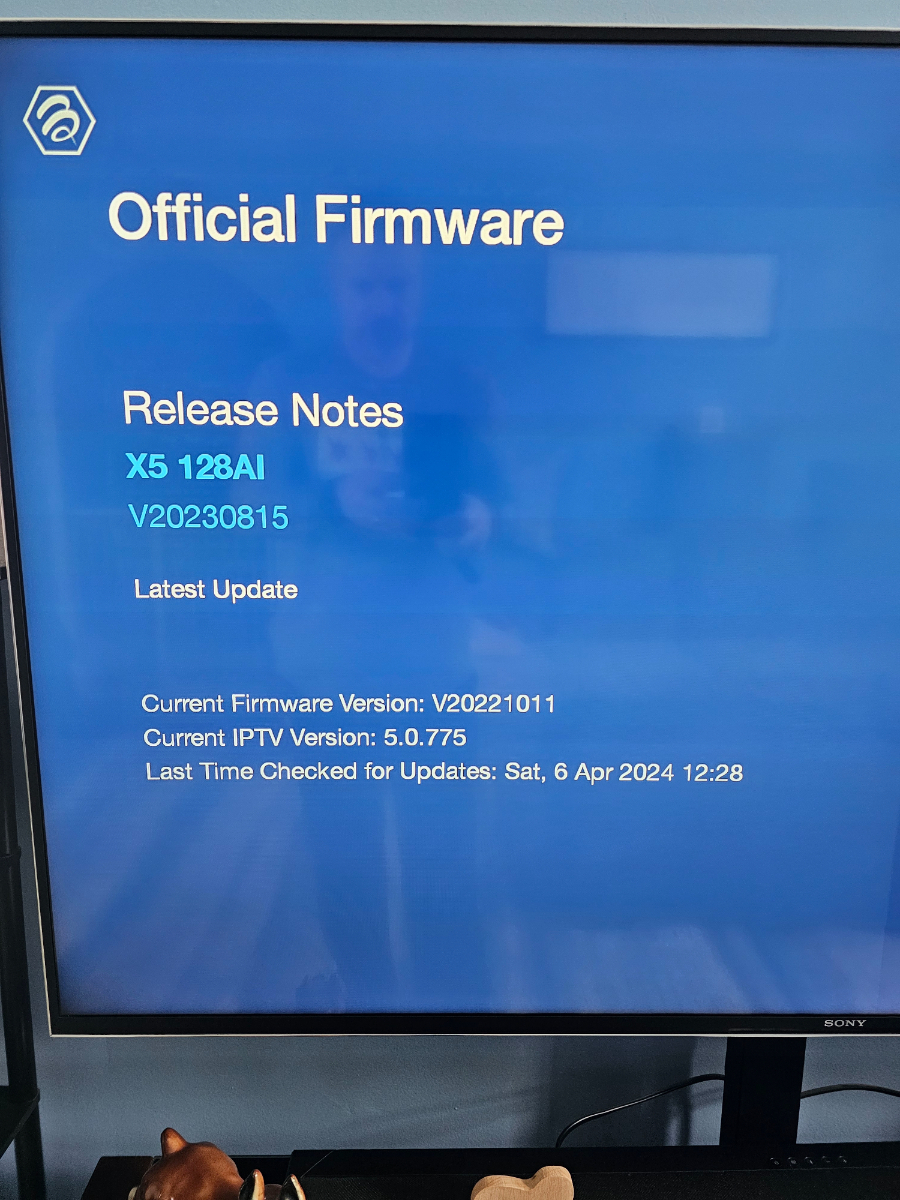
Mine is still stuck at the October 2022 update and their tech support has no solution. The box works fine I just can't update it further. I just select no when the update pop up comes up.
-
Yeah, I gave them that option of using 2 remotes and they would rather unplug it when they aren't using it. 🤷🏼♂️ And like I said the TV is older too so it might that. My Sony works perfectly and I have a sound bar too.
-
Yes I did that. I think it is the TV. When I unpair the TV it works. When I pair the TV it does not. I turned CEC off Na d rebooted. It's not a huge deal as they have been unplugging it when they are done. Not sure why my previous post has all that garbage from a previous issue unrelated to this.
-
Yes I did both of those things and it still doesn't power down. It's odd.
-
I set a new X5 up for my parents and it will not power off when they push the power button. Everything has the latest versions. I even tried turning cec off and no change. Any ideas? It affects their epg unless they do a refresh everyday, plus it should be powered down when not being used. Thanks in advance.
-
Tech support wants me to hold tight while they figure it out. Apparently I went from FW 6/22 to FW 1/22 when I did the pin method and they don't have a protocol to fix this and he's worried about bricking the machine. FWIW I plan on buying the new box they are revealing on April 15th if it isn't priced too high. That would solve all of my problems.
-
Well that will be for Mlnday when I work from home. Right now it is working at least and we can watch TV.
-
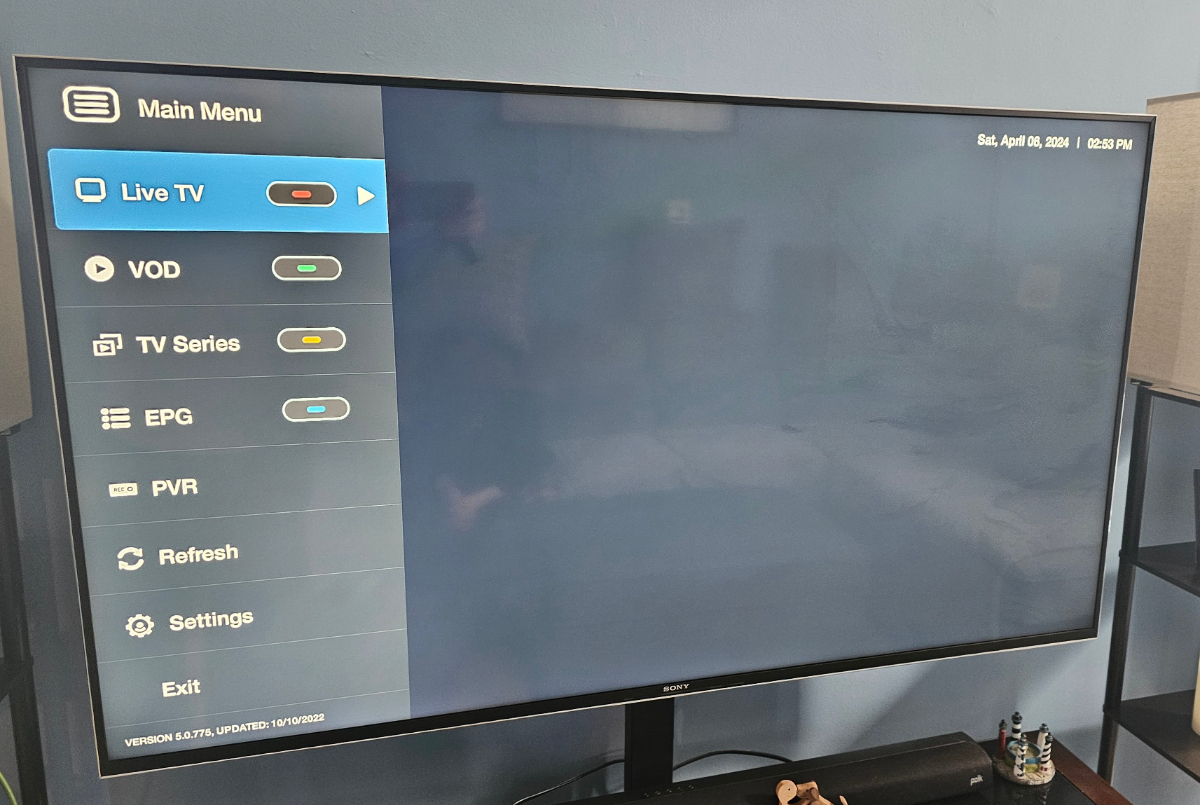
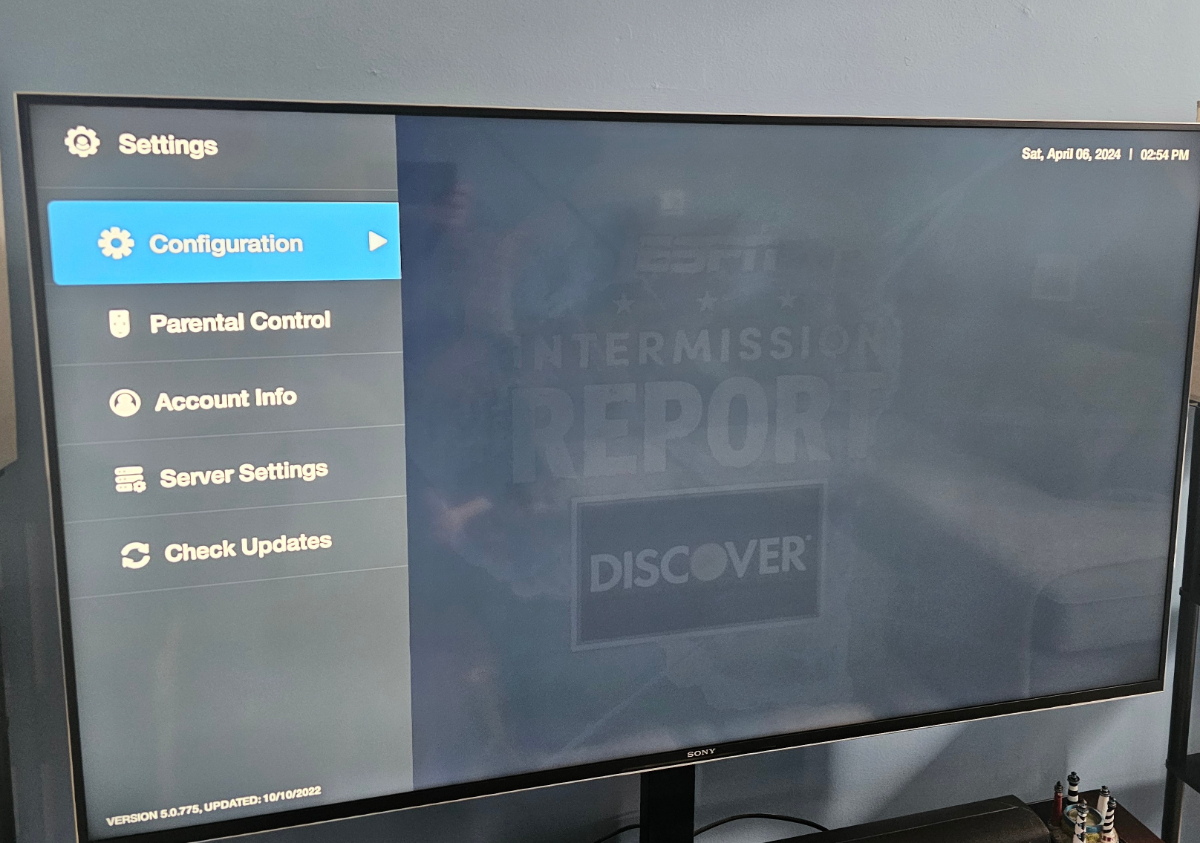
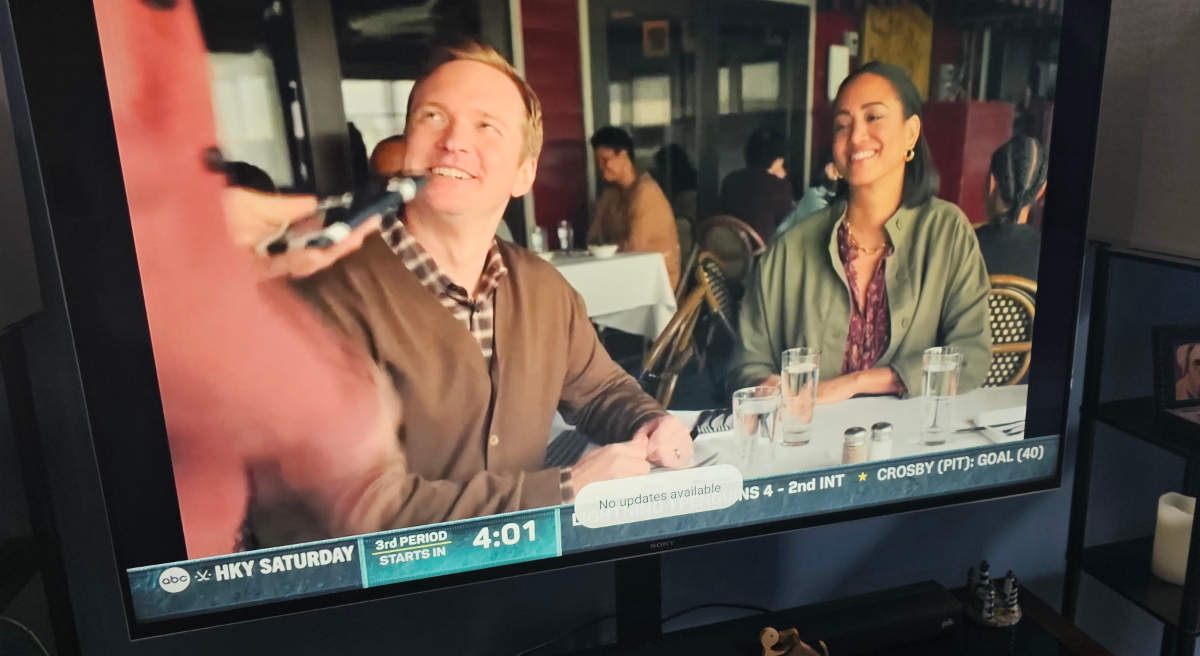
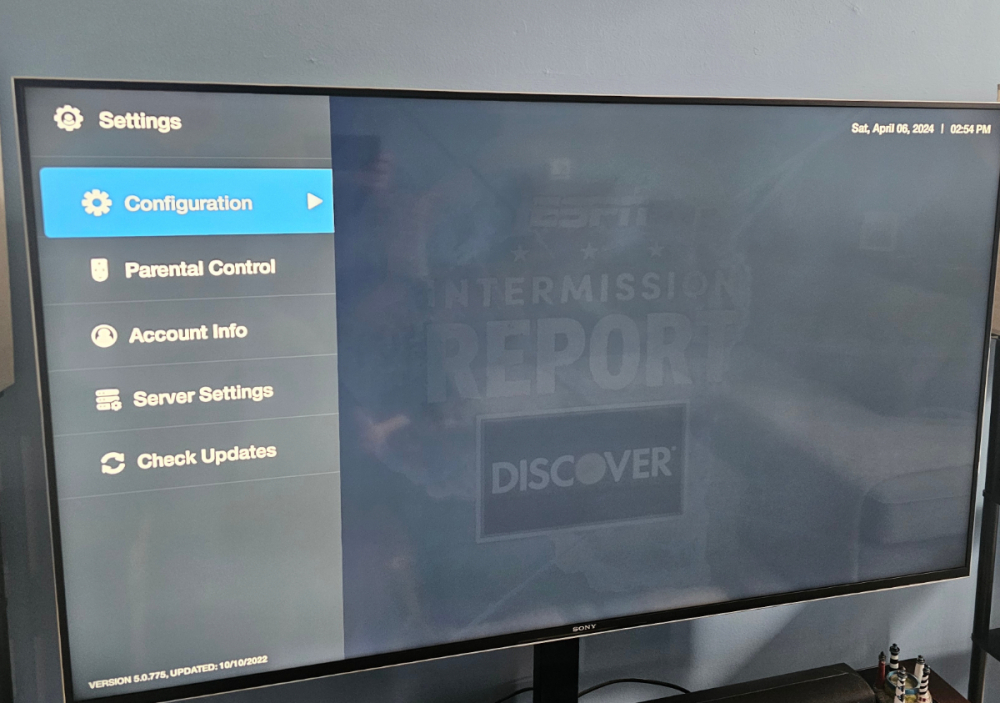
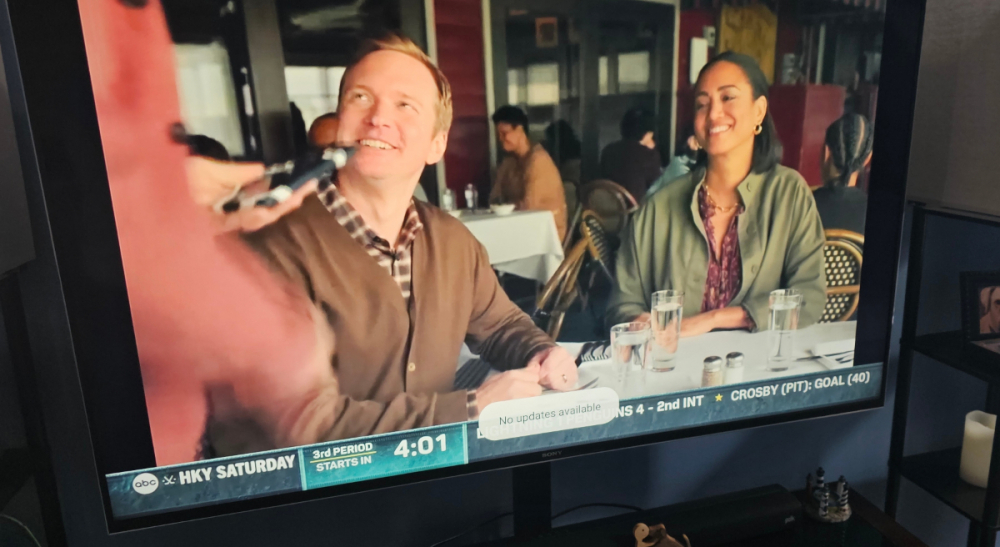
Menu, settings, check updates No updates available 😢

-
Menu, settings, updates is too fast to take a picture. I was just using that one to show the versions. I've done it multiple times.
-
So try the pin method again? Or not?
-
I asked them if they can force the software via OTA and I'm waiting on a reply. I also sent the screen shots (again) circling were it states current version. The OTA says there is an available update, of which I download, install and reboot and nothing changes. WTF.
-
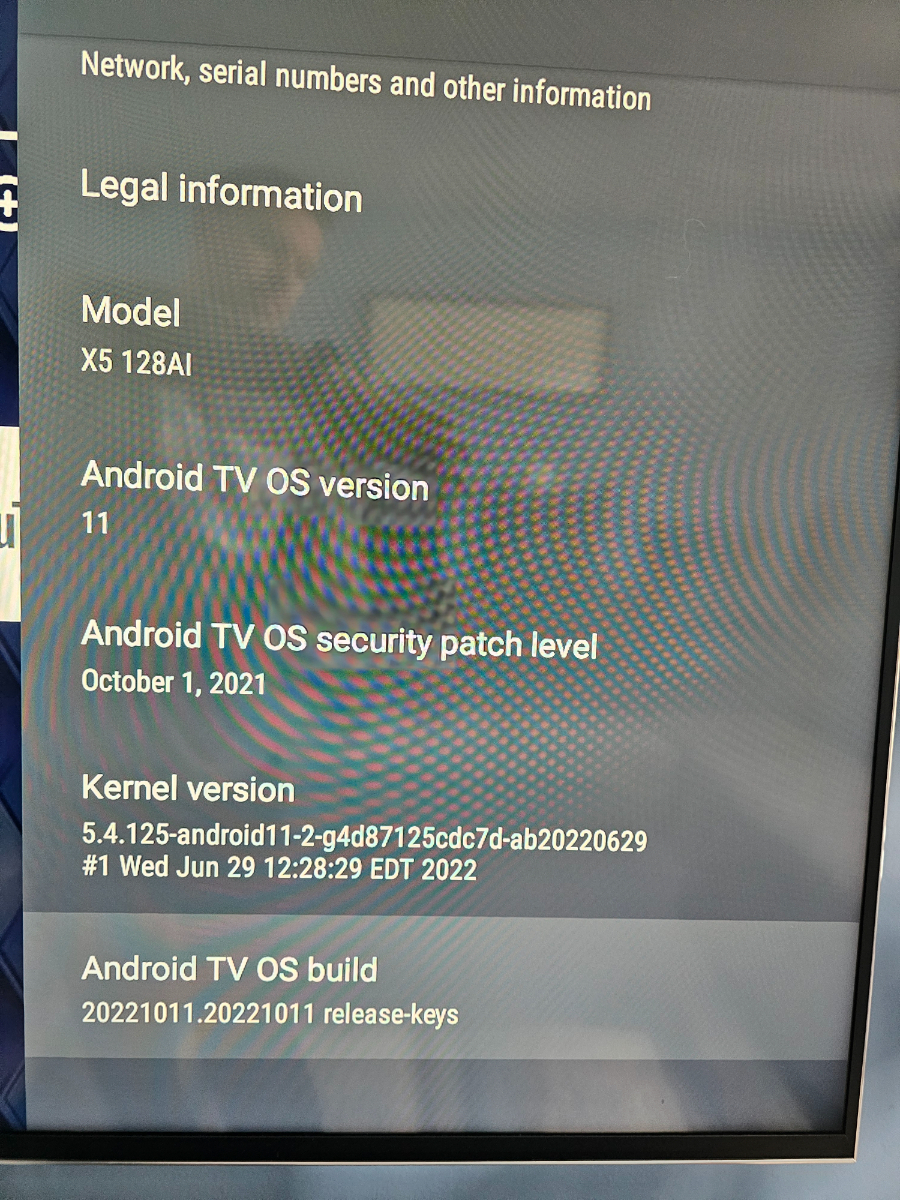
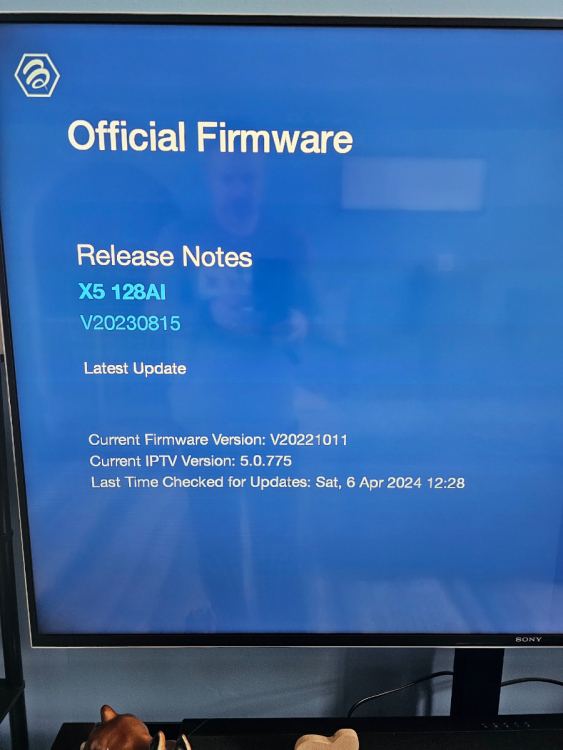
Here is what I have going on. The person from their help area that wanted me to send now says I'm good. But the software version is wrong. I still think the firmware is wrong. See attached photos.
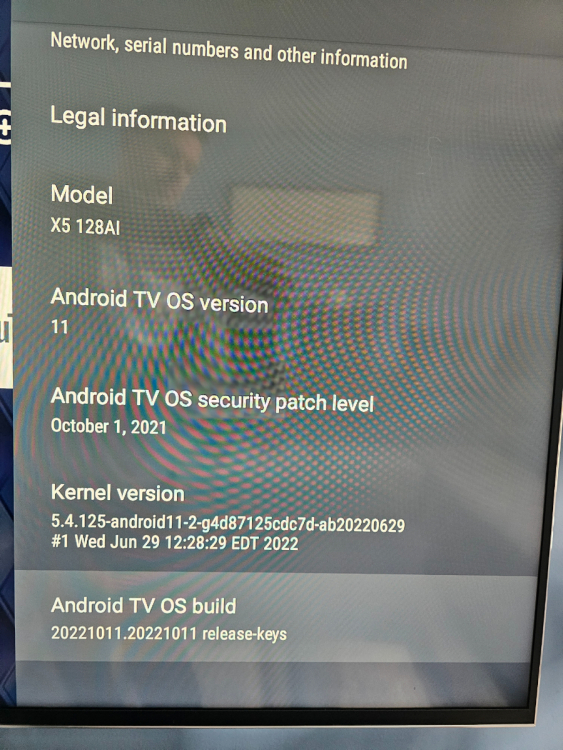
-
Yes.
-
Good deal. Appreciate it. I sent that info along. I'm leaving the box on all night too and maybe it will be updated in the morning.