dishuser
Members
-
Joined
-
Last visited
Everything posted by dishuser
-
they're open on saturday's 😆
-
I posted it a few days ago scroll up
-
blue button to organize like it shows at the bottom of the screen
-
did you email them?
-
mine is set to auto which shows up in panel as hls no issues
-
anything is possible but I would think if that happened it would show max connections:1
-
like I posted earlier the recording isn't even using a connection I'm watching other channels while recording and it shows only one connection being used in account info and on the panel it will shows 2 connections for about 5 seconds after changing channel
-
and the channel being recorded isn't using any of my connections
-
I'm 36 minutes into a 3 hour recording and have changed the channel 4 times recording is still going I have real time streaming off as well not sure if it makes a difference
-
I have mine off when it was on and I changed the channel the recording stopped now I can channel surf and recording continues
-
one button record on or off?
-
kokaleka,tivimate or iptv smarters
-
they said august 2023 they did fail to mention model my guess is x5 or u5
-
that's where they already went
-
you're looking in wrong spot menu/settings/check updates
-
read the rules just because someone else has it working means squat did you try your account on a 3rd party app?
-
like I said other day if it's 2 programs select both as separate recordings
-
as you can see the 1 hour program is done and removed from scheduled recordings
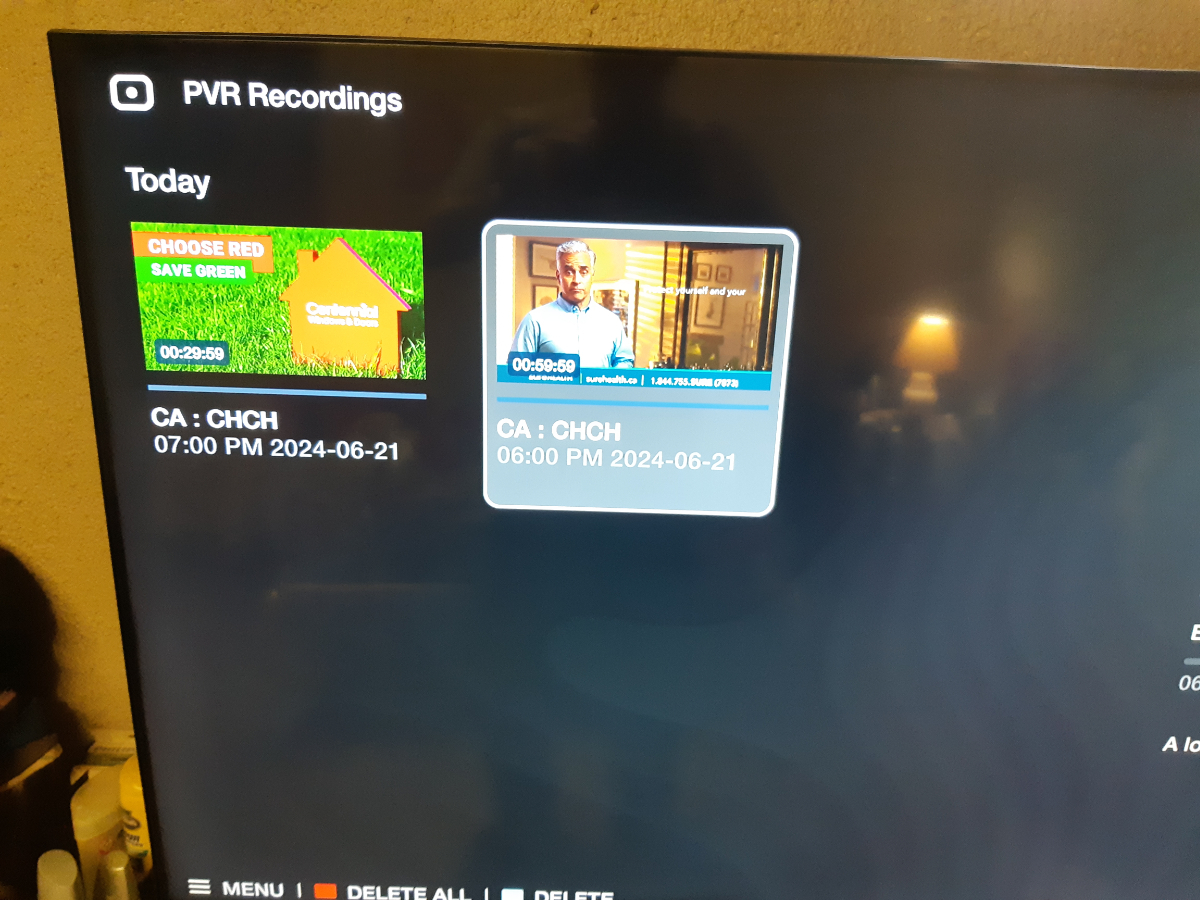
 I set up 2 programs back to back as seen in pic video shows first one recording and me going to another channel and then back to show it's still recording sorry for the quality but I was eating dinner and almost used remote for a fork 🤣 20240621_183042.mp4
 I scheduled 2 one hour programs on same channel and it recorded both for a total of 2 hoursemail cs@buzztv.com and explain what happenedpull the power cord push and hold reset button apply power and when red light comes on release button be patient and wait mine tooks about 20 minutesmake sure the hdmi cable is securely in and try againdid you extract the files from the zip file before loading them on the card?