

dishuser
Members
-
Joined
-
Last visited
Everything posted by dishuser
-
you never mentioned what buzztv 5 version you have
-
why would the monitor need to be active or not for a recording?
-
you try new batteries? is it paired for bt?
-
you can't turn it off your service is airing a DV channel
-
well I use buzztv 5 on my xrs 4500 and I was able to use remote and get into other screens as I posted earlier couldn't download and play a game though with no account
-
lol...there's actually another screen you should see if url is correct

-
you should see this or the one above if you enter correct url in your browser

-
-
that means exactly what it says it should've had a screen showing stb blocked
-
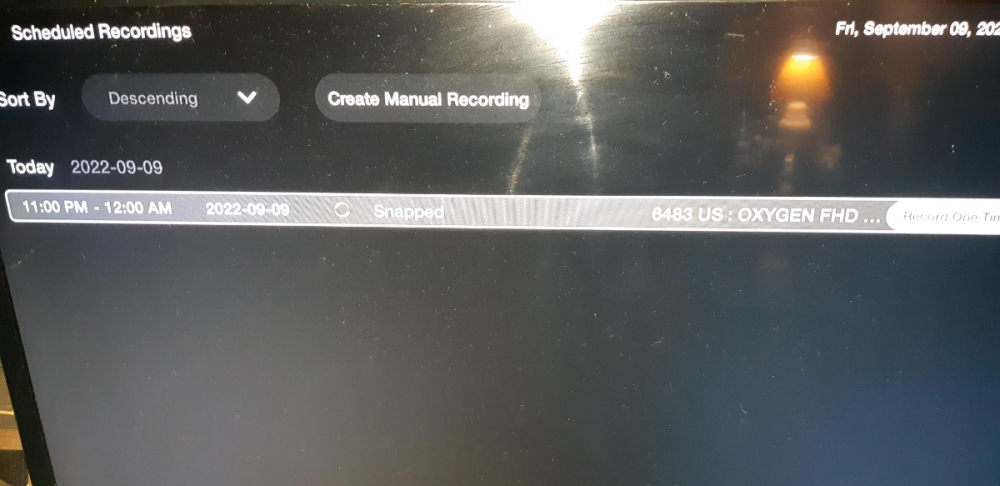
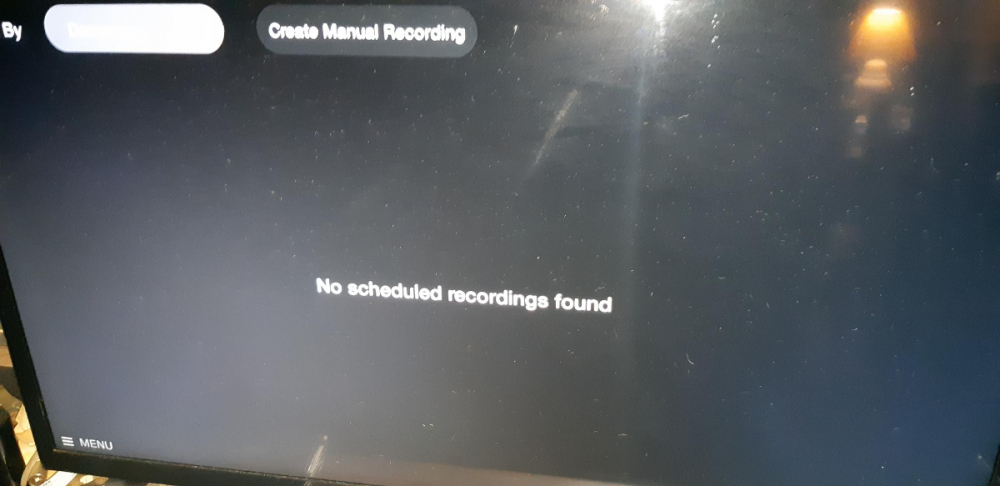
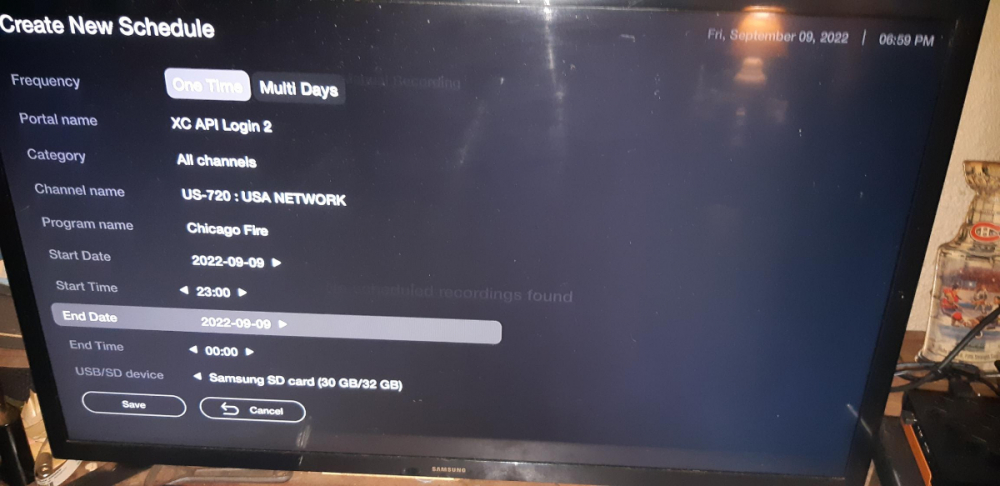
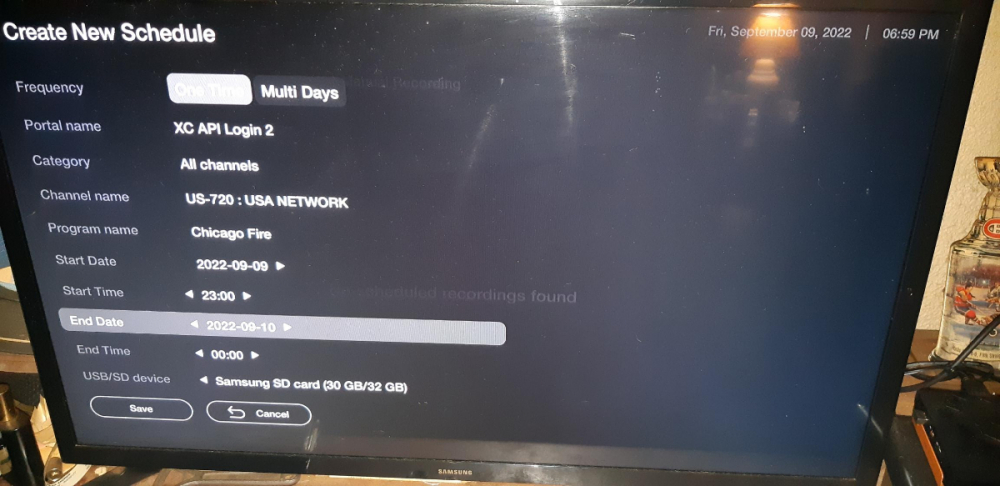
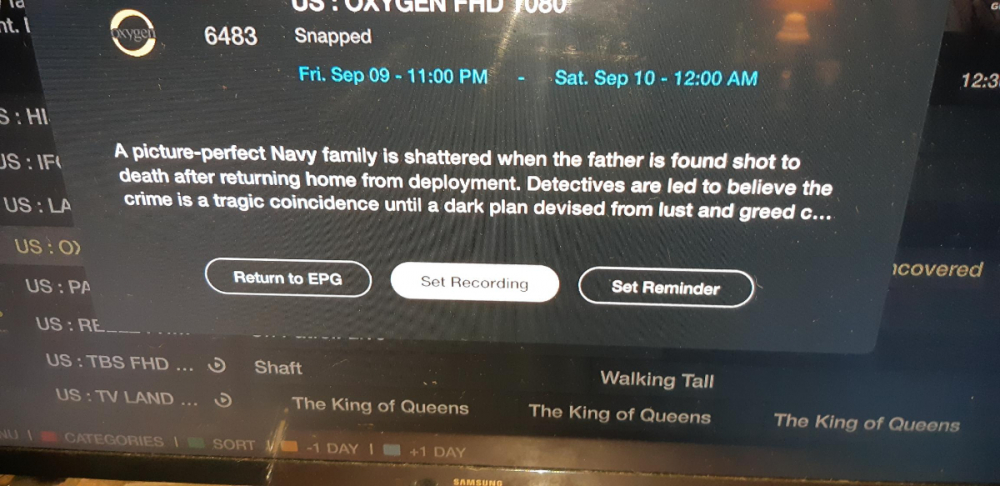
manual plus from epg notice the times/dates
-
it allows that time if you change the date like I said earlier if you do it from epg it shows 12:00 am and next day
-
ya after I place cursor where I want it I press ok button
-
so I can go to console or cloud but to install a game I need an account I used the mouse
-
how do you get to next screen without logging in?
-
if anyone had an xbox sub they would've posted 😉
-
you have to change end date to next day since 00:00 is the beginning of a new day
-
I'll ask my stepson if he still has an account
-
what happens if you select cloud?
-
they said there was only version plus one version of beta that's true for xbox but not xbox game pass
-
-
is thumbnail background green or white? there's 17 versions of green on aptoide
-
-
-
are you using xbox game pass?
-
so nothing happens when using mouse and ok button? the people you saw using it were they using a controller?



