ismael
Members
-
Joined
-
Last visited
-
Do you think it's possible to send me the informations soon. Because post office will close soon here and I would like to send it back today, if it's possible for you. Thank you in advance.
-
I understand your point of view and I believe what you tell me Do a test with the development team. With the different settings. I am convinced that your trained eyes will make the difference, particularly on 4K.
-
Thank you very much
-
Yes, it's normal, I will pay for it. I have no problem with this When you can, please send me an email with the instructions for the shipping Thank you
-
Sounds crazy for me what Amlogic did, people who are enthusiastic about video quality don't take this option lightly If you search YCbCr a lot of people speaking about this. I am not the only one who cares about this And sorry but it's not because it's a big company that they necessarily do things well and correctly but I understand that it is not Buzztv's decision to deactivate this option
-
so yes definitely I would like to return the box, I have all the packages and everything will be repackaged as original with great care
-
yes I made return request This support request was only for information (to try to learn something) Between also issue when I made factory reset of the box

-
they have mytv, mytv2, mytv3 (depend on the model), application integrated
-
-
A11 BLU A11 GOLD A9 GREEN A9 GREEN+ MIRA X-4200 MIRAX HIS-1100 MIRAX HIS-4100 VIPER S
-
👍
-
what you mean ? That Amiko A11 it's not an IPTV/OTT box ? sorry I don't understand
-
I think it's very important setting, especially for 4K Maybe you can read articles above this, and you will see that's an important feature. And I don't understand why Amlogic disabled this option. Because most of TV support all the settings https://www.rtings.com/tv/learn/chroma-subsampling
-
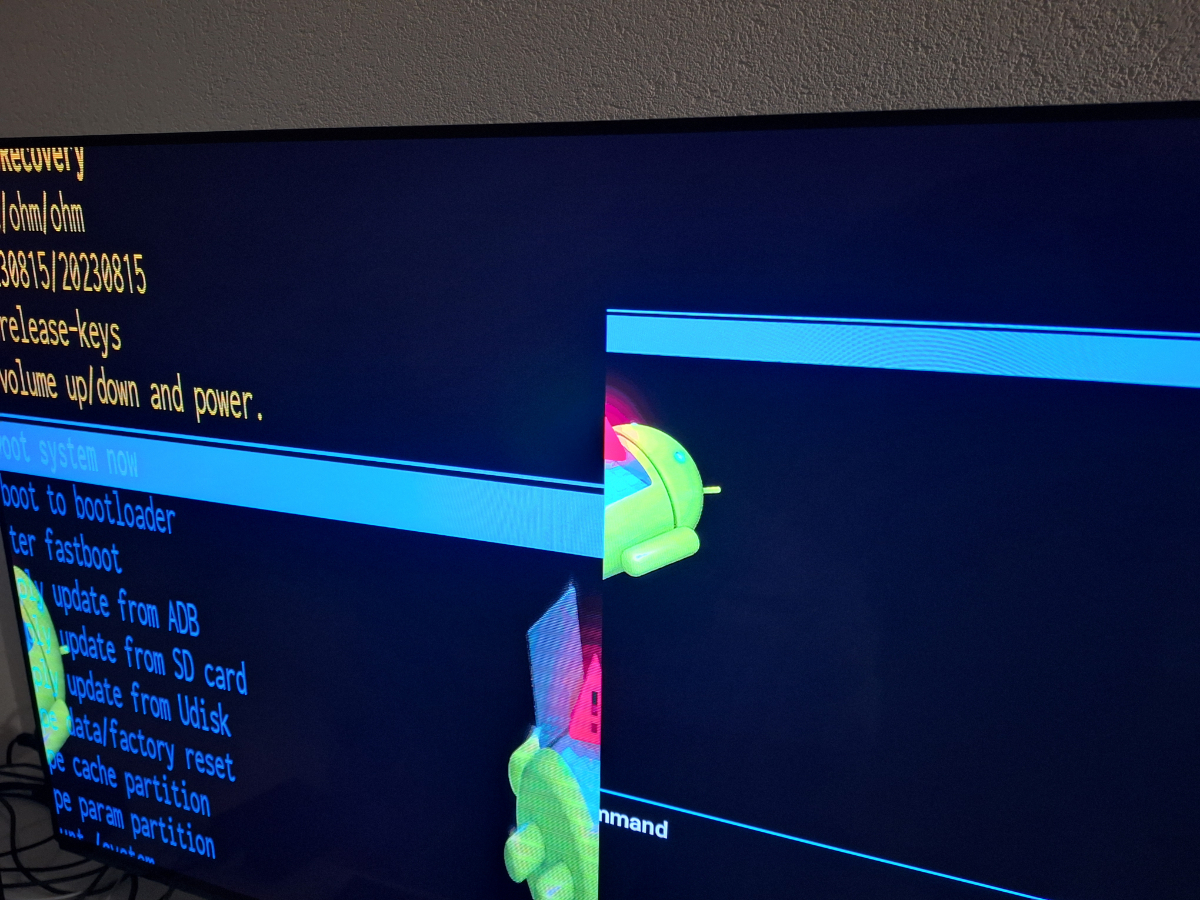
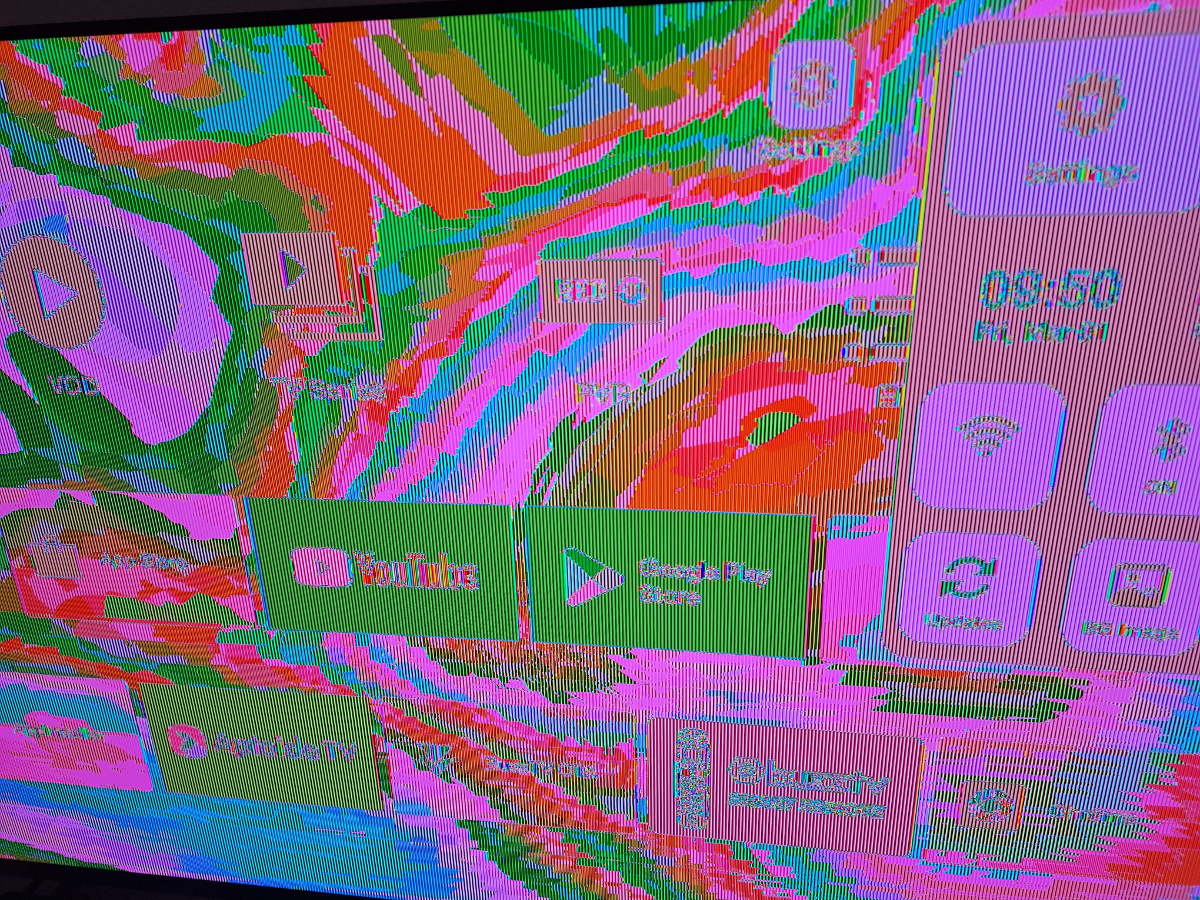
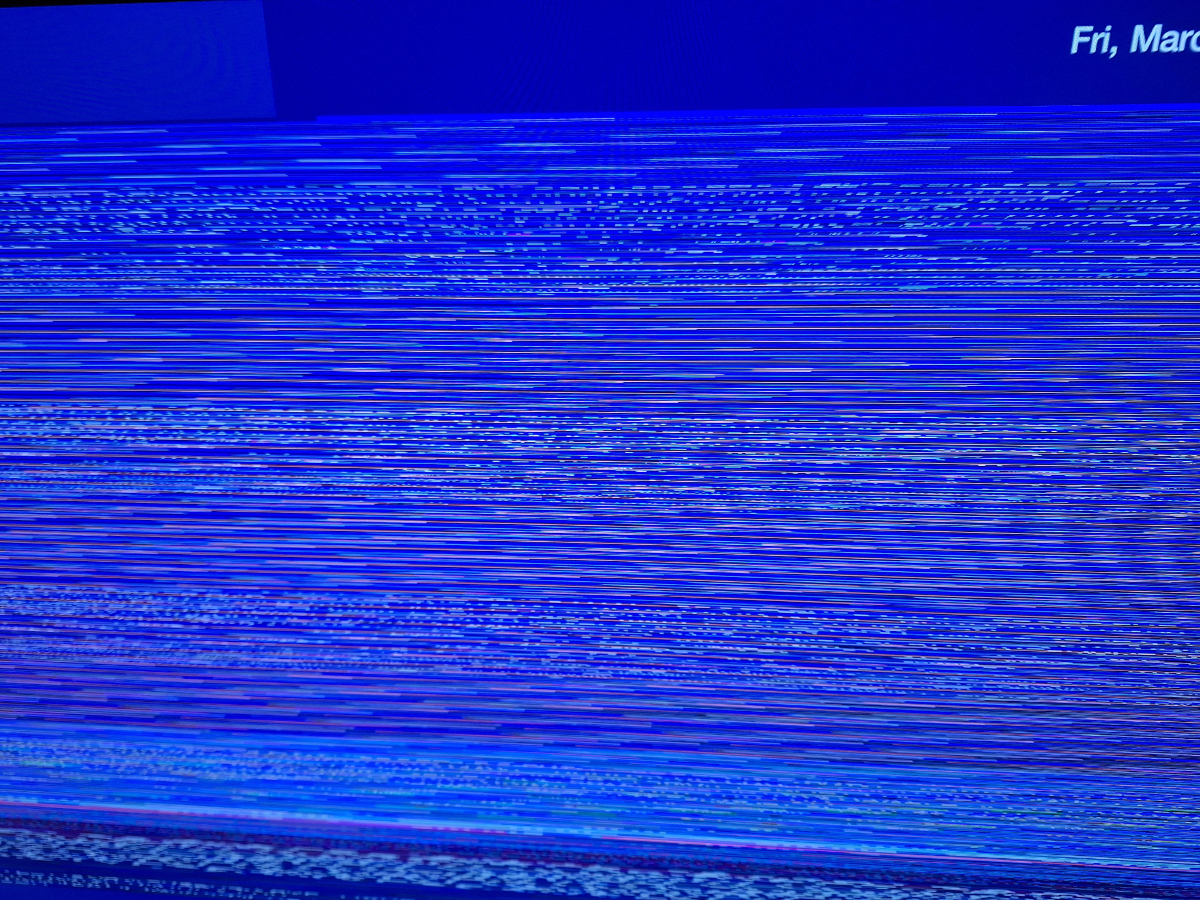
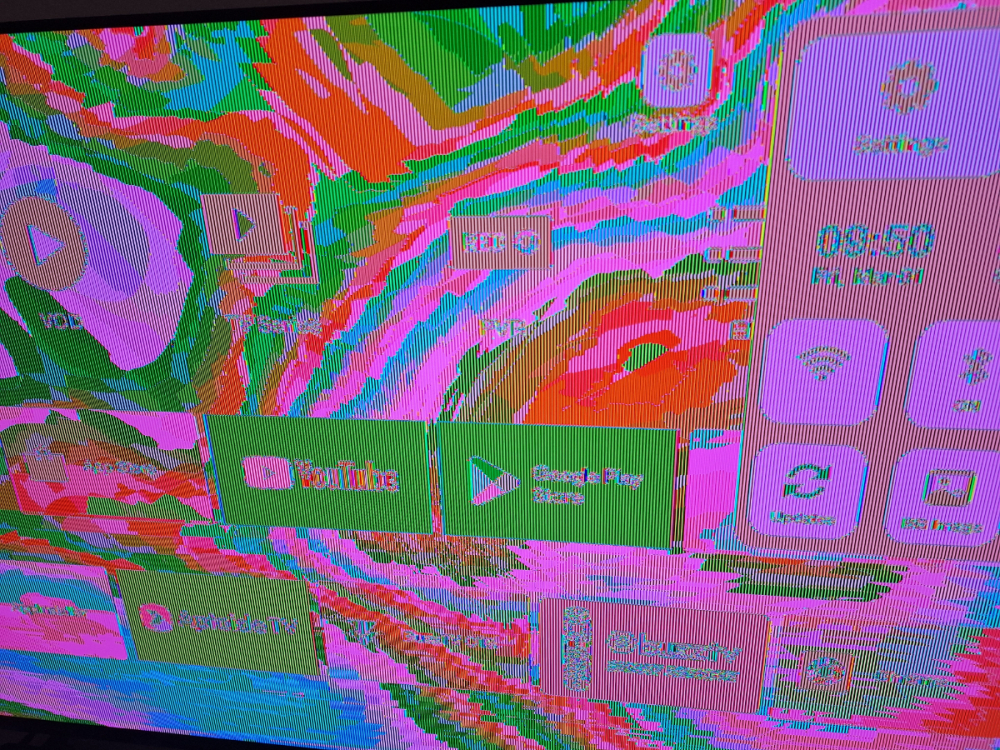
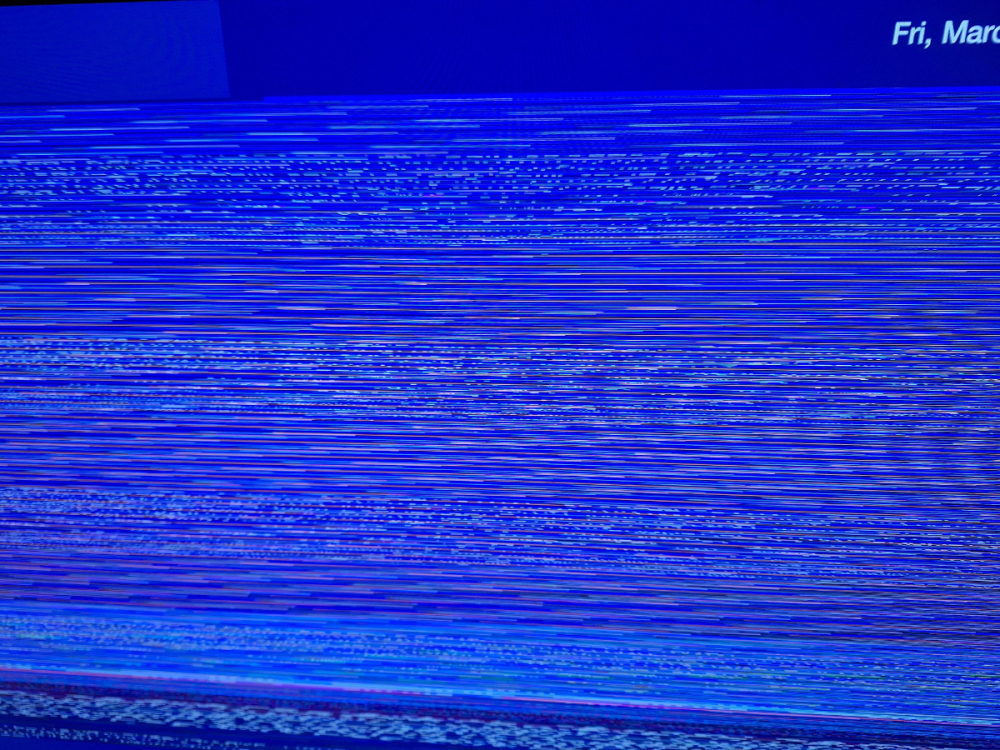
Someone could please explain me why I have these screens ? Thank you very much
-
yes it shows that you are a good developer who has been in IT for a long time. you react like a developer. but I'm not going to insist, it's useless, we have two literally different points of view.