Maloque
Members
-
Joined
-
Last visited
Everything posted by Maloque
-
Ohhhh ah, you're following me 🤣. Im going to answer there 😉
-
Oh ok, sorry, that was for an audio issue but not this time. Stream format error now. But I put backup or external and it plays. Backup player's better since I can use "recently watched" feature and resume. Thx for help.
-
Still never confirmed? Thats my first reply for this issue. I got this issue with 2 servers since june 5. Tried all stream format. And thx for the idea of external player, plays better, I didn't knew it. Thx
-
Is anyone has an "Media format not supported" on more movies on demand since the last update?
-
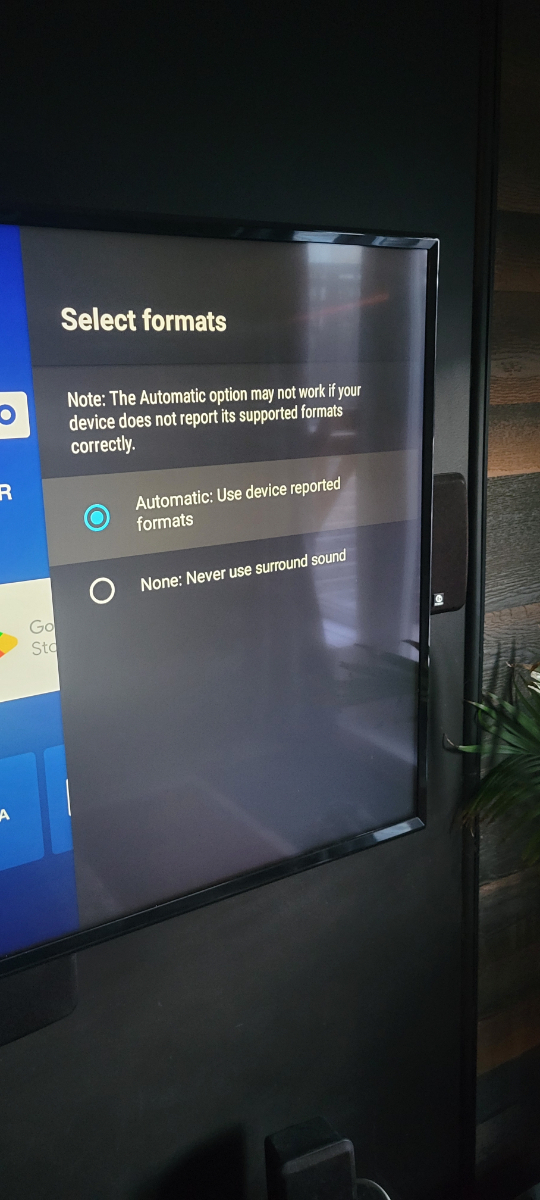
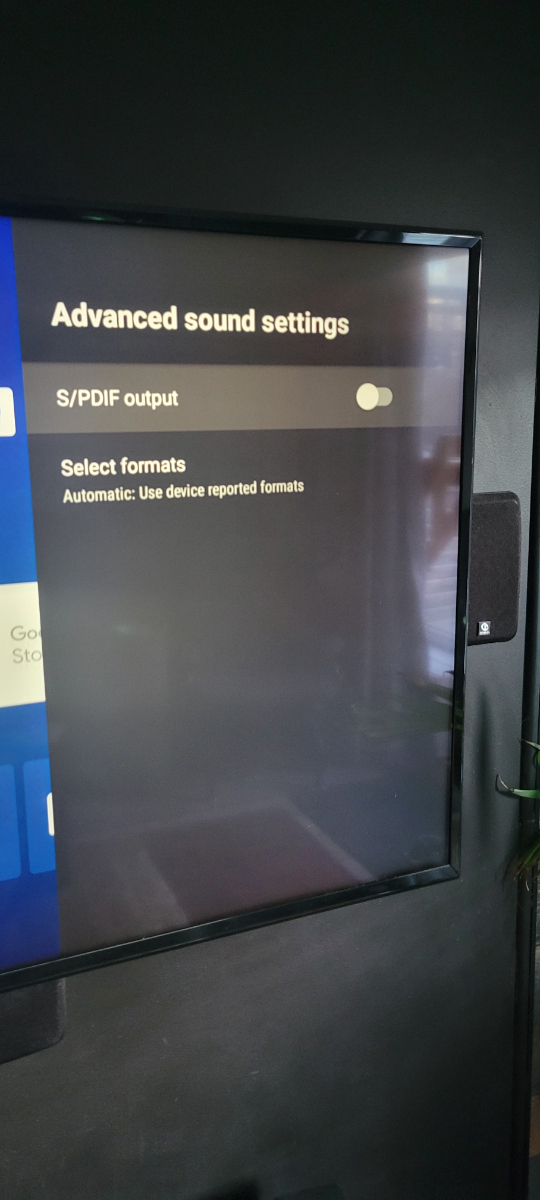
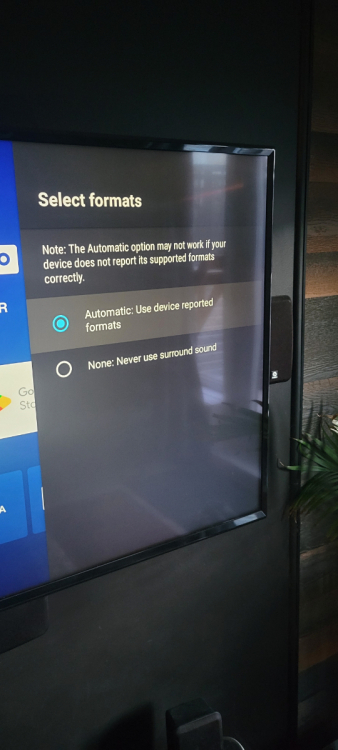
Finally, I resolved the issue. Had to unistall buzztv 5 updates, turn surround sound off. Then buzztv 5 reinstalled updates by itself and the sound bar is still working 👍🍾👏🎊
-
Not me 🤷♂️. Only in movies and series.
-
Anyway, the rest of the update is a lot better so no a big problem 😁
-
Maybe, Thats directly to the tv and tv sound is out to amplifier through fibre. Live tv is working well. And it worked before the update.
-
Put it to none, movies doesn't works and put it back to automatic, and does the same thing. I have the volume bar in vod and serie menu but not while watching a movie or serie
-
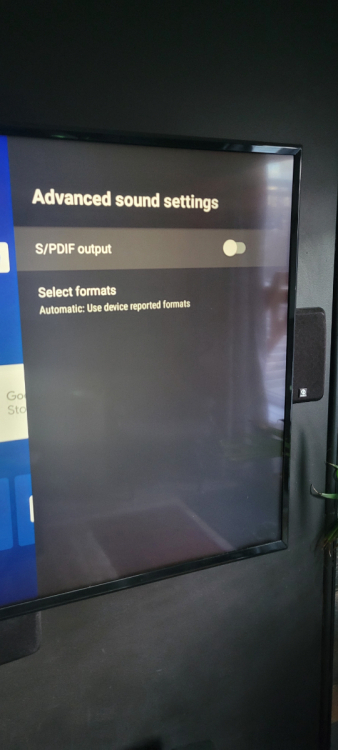
I don't have this option
-
Primary for both, but it does the same with backup too
-
Just when I watch a movie or a serie, in live tv thats fine
-
No same message instead of the volume bar. With the stb volume button, the one in the middle
-
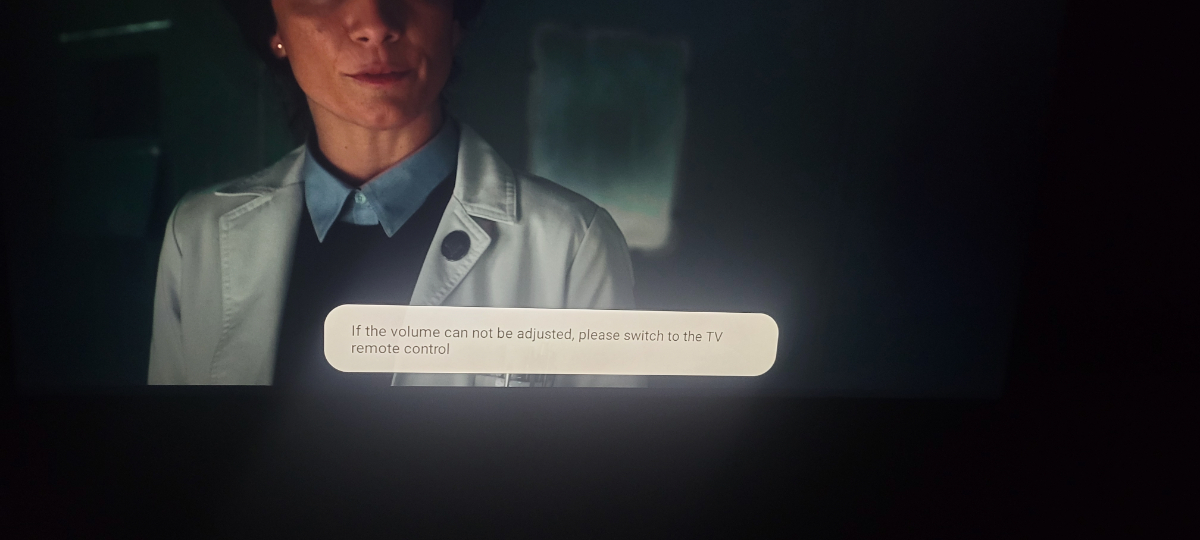
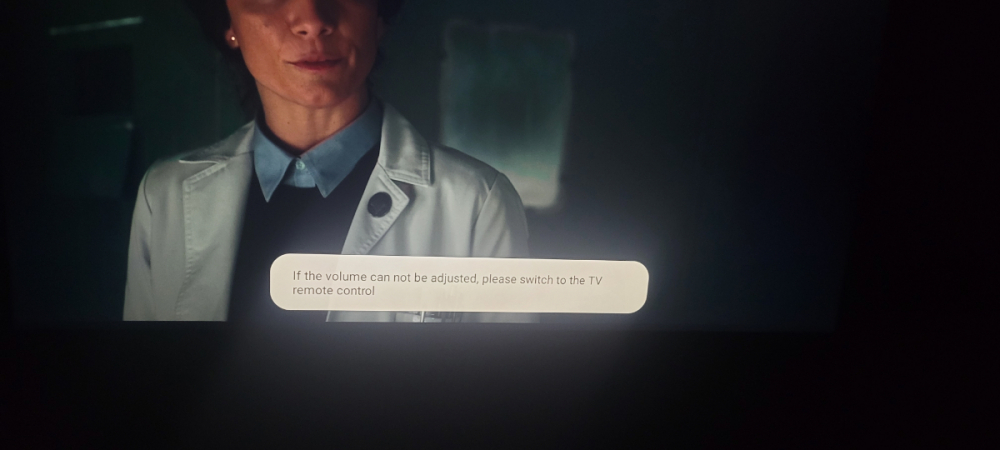
No when I turn it off, I got the message "if the volume can not be adjusted, please switch to the TV volume control" and when I turn it on, there's anything when I press the volume. Even the mute button does it.
-
Finally it didn't worked. Cec neither. Still have the same issue.
-
I tried the apps on the classic and on the same service. I'm wired. With live tv, that's flawless. But i'm just comparing the speed between tivimate and the box, in vod and series by example. But nothing to worry about. Thats fine, juat milliseconds 😉
-
-
Hi, I love the buzztv but the vod and tv series menus are really slow loading content. If I compare to tivimate or televizio, the thunbnails and menu loads really fast. The interface of the buzz 5 seems to heavy. What dyou think?
-
I had to turn it on, restart and turn it off. Volume bar came back. Seems to be a bug
-
Hi, with the new update, we can't adjust the volume in the vod or series. It says to switch to tv remote control. This was available before