Maloque
Members
-
Joined
-
Last visited
-
Ohhhh ah, you're following me 🤣. Im going to answer there 😉
-
Oh ok, sorry, that was for an audio issue but not this time. Stream format error now. But I put backup or external and it plays. Backup player's better since I can use "recently watched" feature and resume. Thx for help.
-
Still never confirmed? Thats my first reply for this issue. I got this issue with 2 servers since june 5. Tried all stream format. And thx for the idea of external player, plays better, I didn't knew it. Thx
-
Is anyone has an "Media format not supported" on more movies on demand since the last update?
-
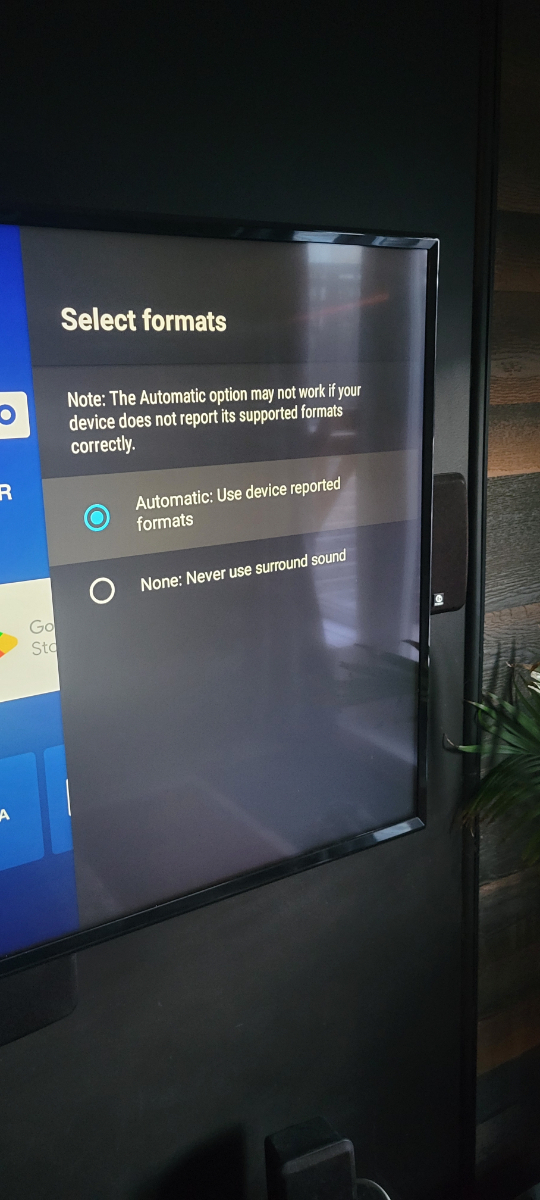
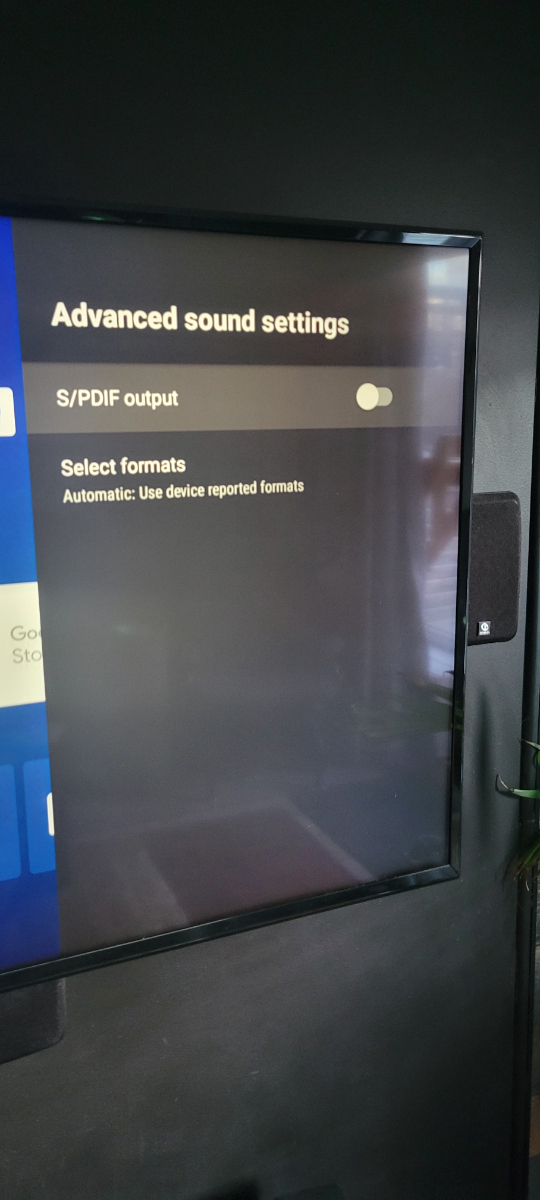
Finally, I resolved the issue. Had to unistall buzztv 5 updates, turn surround sound off. Then buzztv 5 reinstalled updates by itself and the sound bar is still working 👍🍾👏🎊
-
Not me 🤷♂️. Only in movies and series.
-
Anyway, the rest of the update is a lot better so no a big problem 😁
-
Maybe, Thats directly to the tv and tv sound is out to amplifier through fibre. Live tv is working well. And it worked before the update.
-
Put it to none, movies doesn't works and put it back to automatic, and does the same thing. I have the volume bar in vod and serie menu but not while watching a movie or serie
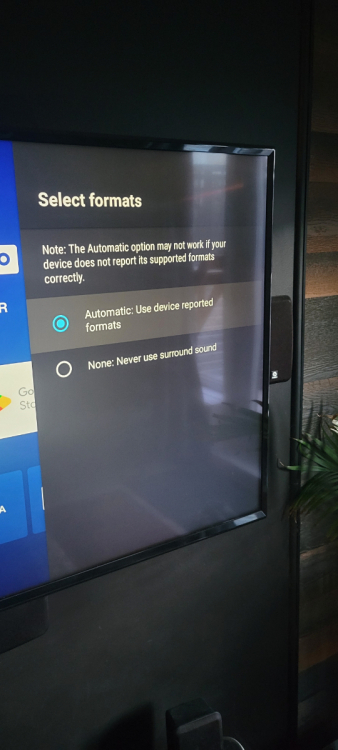
-
I don't have this option
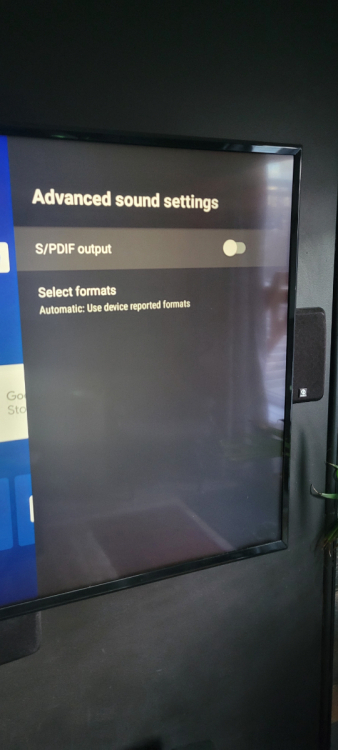
-
Primary for both, but it does the same with backup too
-
Just when I watch a movie or a serie, in live tv thats fine
-
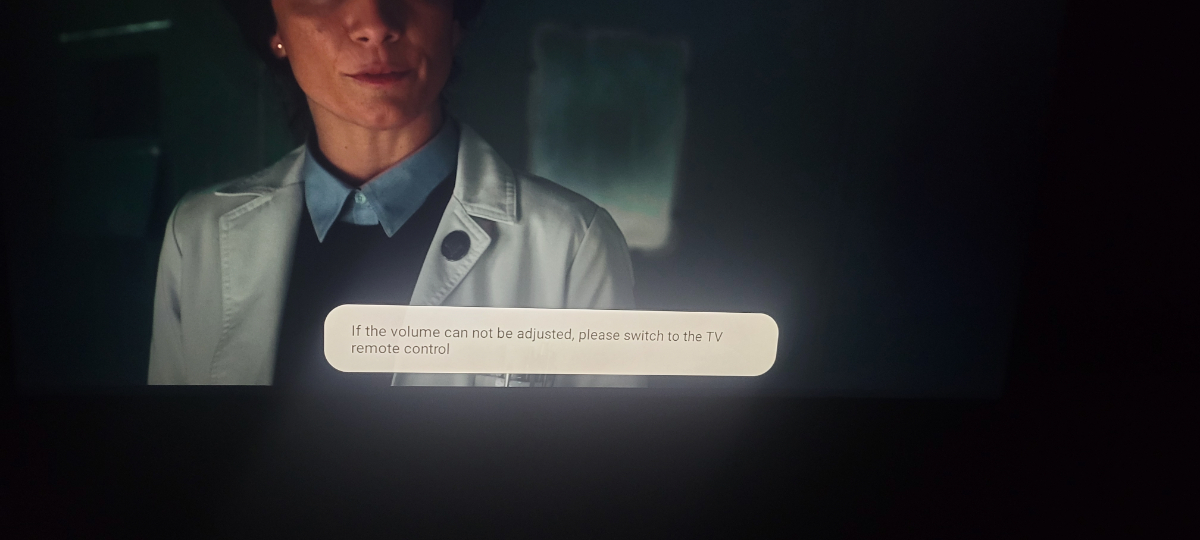
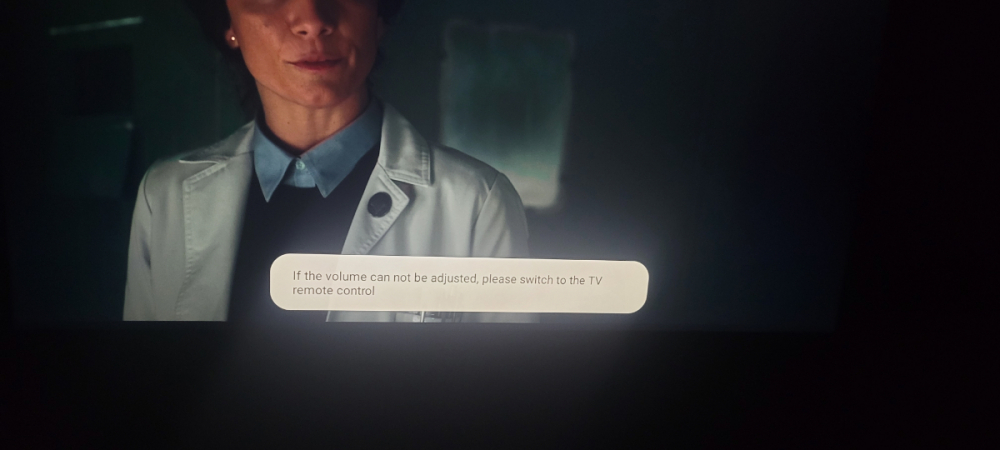
No same message instead of the volume bar. With the stb volume button, the one in the middle
-
No when I turn it off, I got the message "if the volume can not be adjusted, please switch to the TV volume control" and when I turn it on, there's anything when I press the volume. Even the mute button does it.
-
Finally it didn't worked. Cec neither. Still have the same issue.