DiRama
Members
-
Joined
-
Last visited
Everything posted by DiRama
-
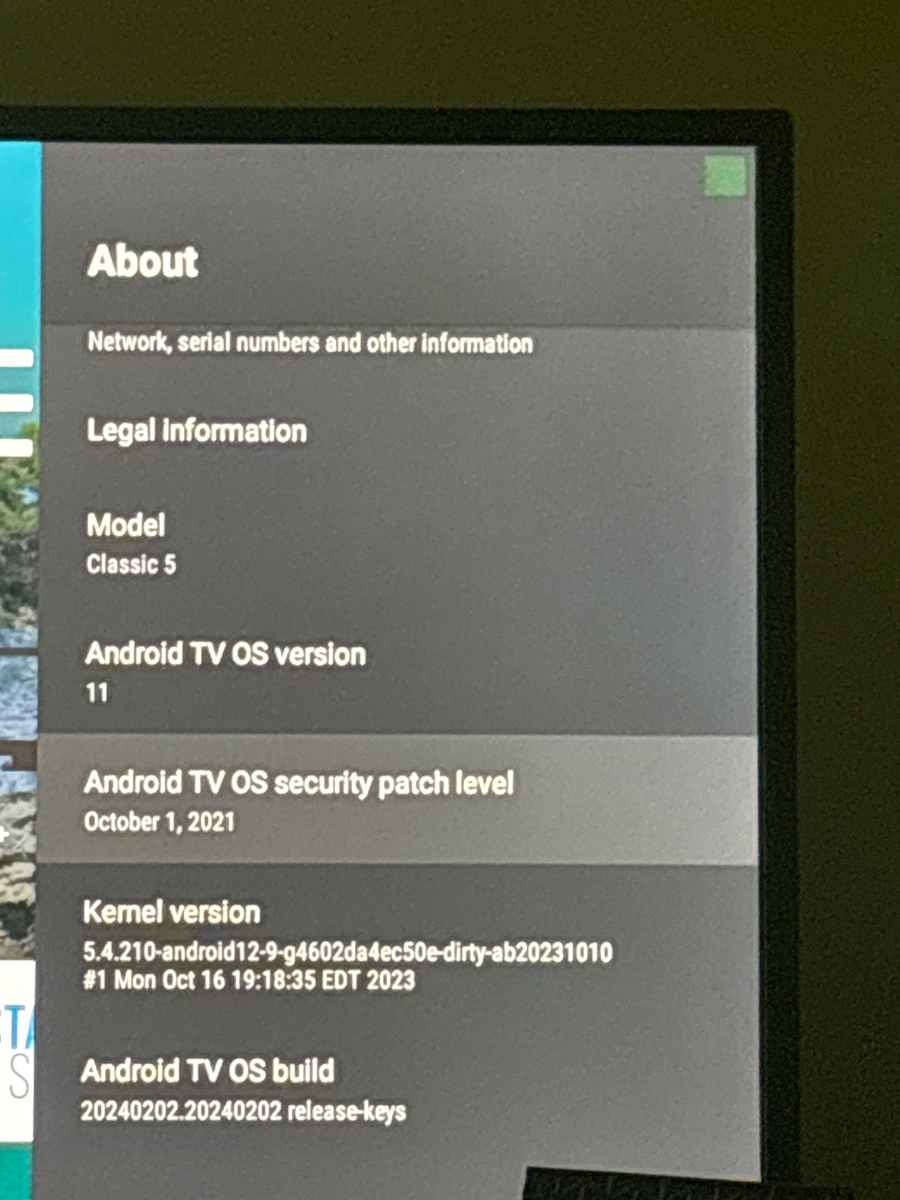
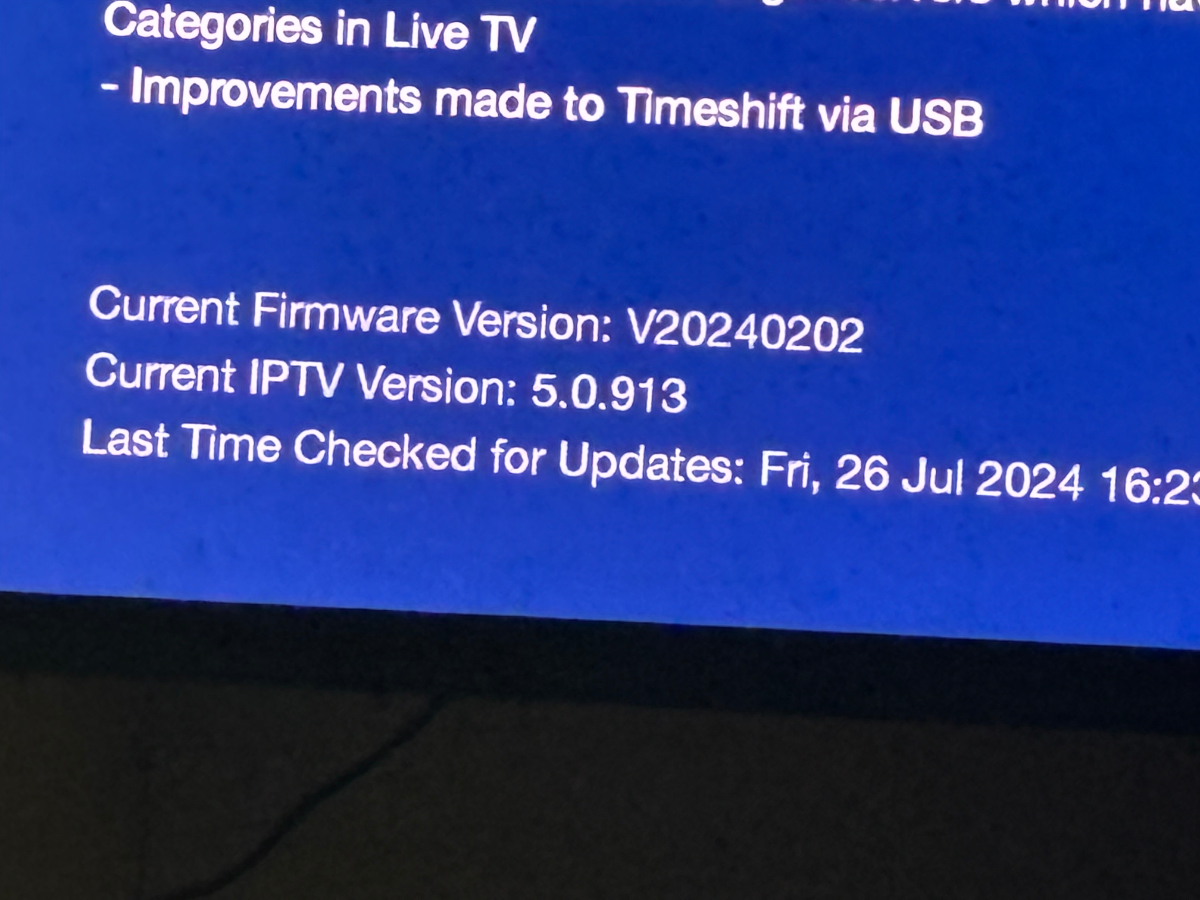
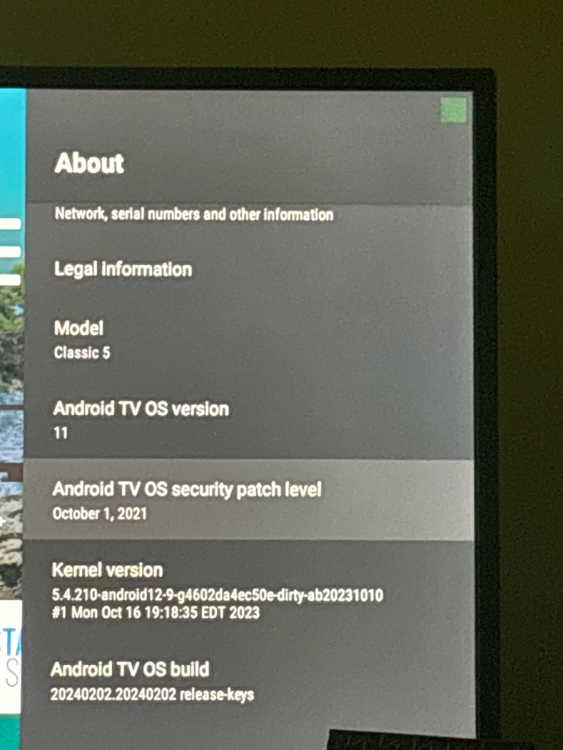
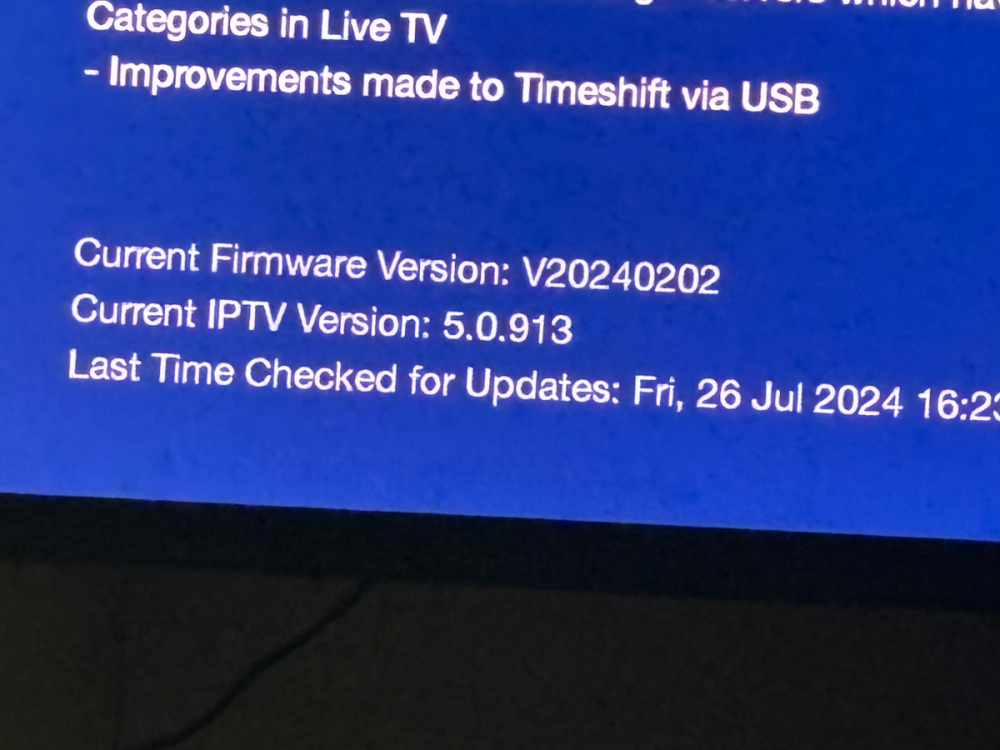
I have a Buzztv Classic 5. Last update was 2/24. It’s OS version 11. Firmware version V20240202. IPTV version 5.0.913. Why don’t I have a June update yet?
-
You Hi Badwine. I ended up putting a ticket in to support. They said I had some kind of Beta FW that somehow got downloaded as an update. I factory reset and still did not work. So I had to send it in support. They worked on it and sent it back in a few days. It’s been working fine with recording ever since. Hope this helps if not you should contact support.
-
I sideloaded the Sling app but can't open it. I have granted permission on apps permission. Any ideas?
-
Hi all, I am new to buzz tv so I have lots of questions. The main one is I used to be able to record fairly dependably with a few glitches. But now after update I cannot record at all. I have 5 connections, am wired thru Ethernet. I cannot do n the spot or scheduled recordings. On the recordings page I see the thumbnail with the time: 23:59:59 on every recording I tried. When I click on it it says stream is not available. I do not have catch up. Can anyone help me troubleshoot?
-
Where is this CEC setting? How do I get to it?