osh
Members
-
Joined
-
Last visited
-
It says loading and kicks me right out. Back to the server screen. I’ve experienced this same thing on other boxes. Usually it works a few day after but not the case with this box
-
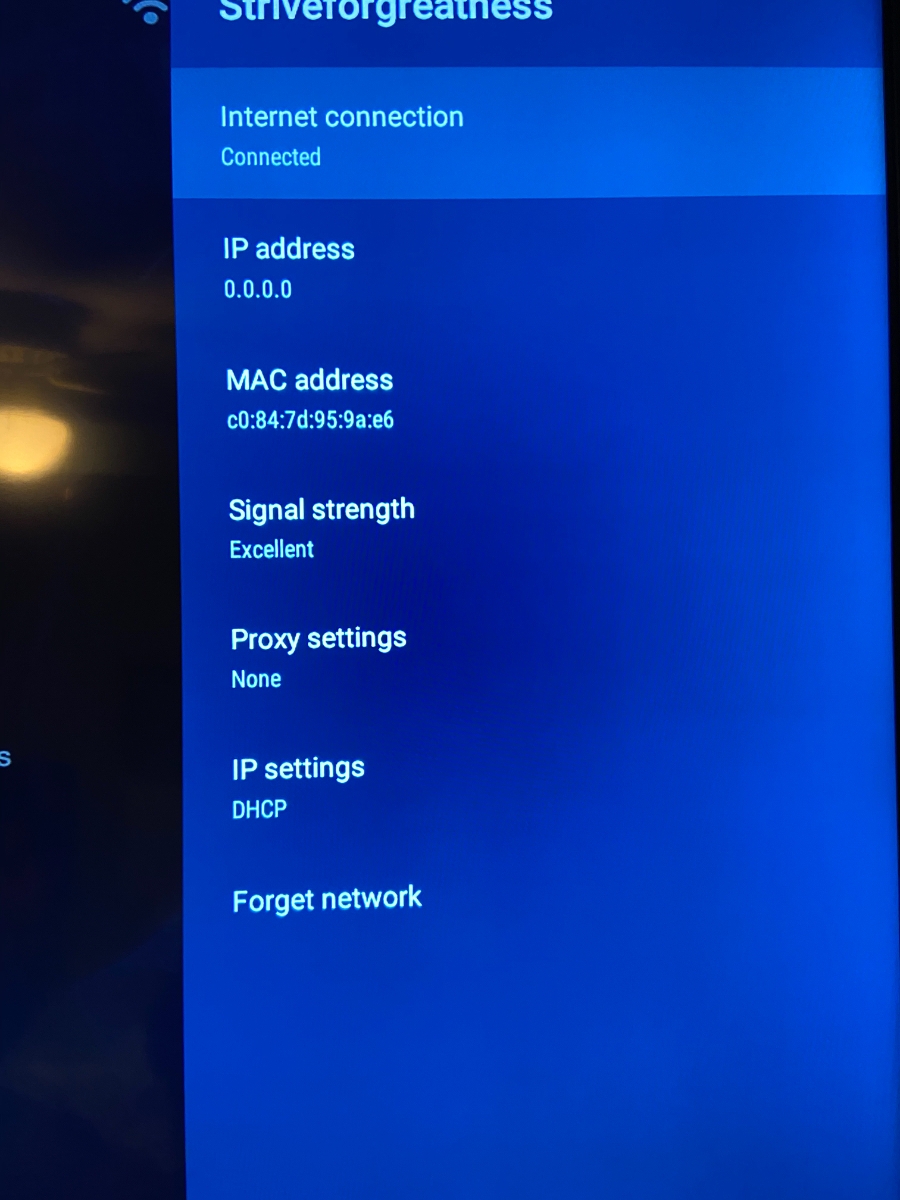
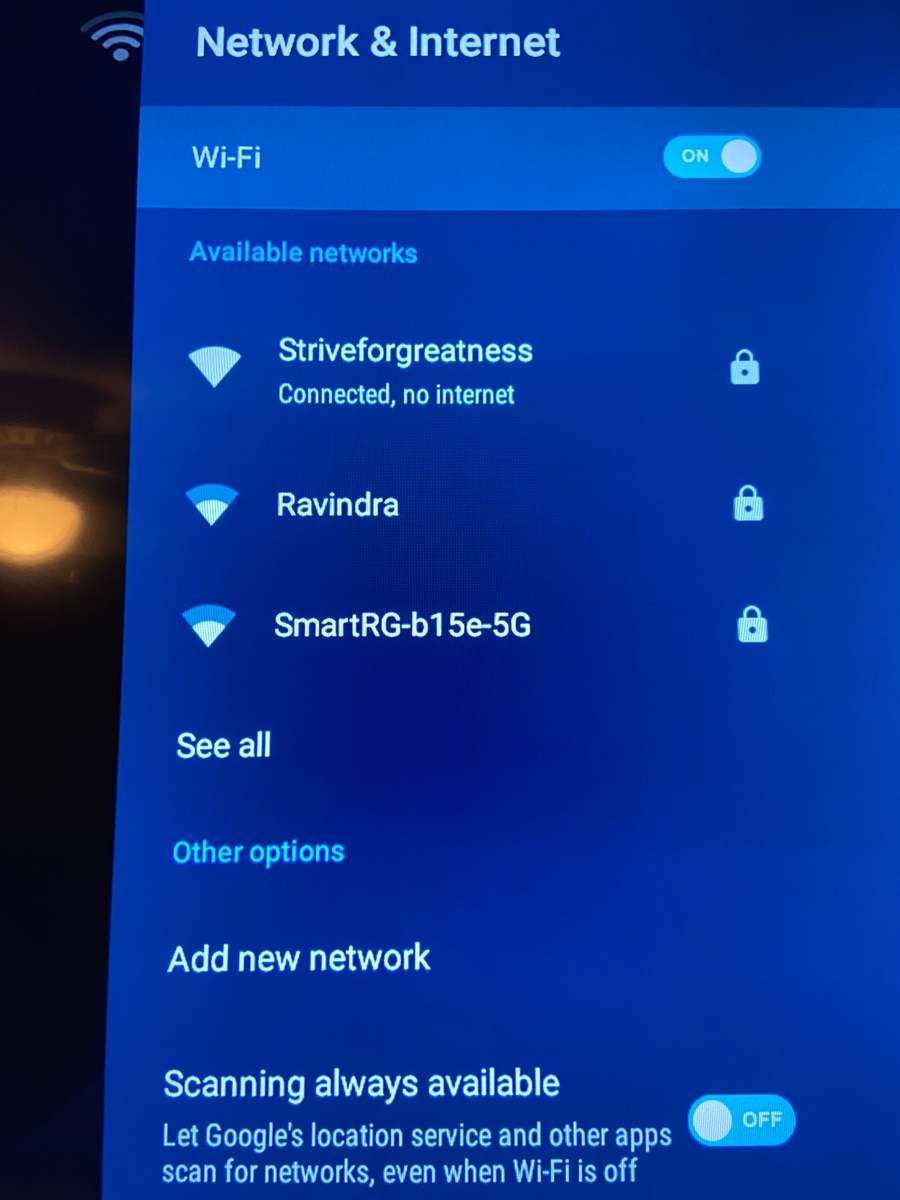
I’ve been noticing an issue with multiple boxes where I’m unable to connect to my server. If I use Netflix or search on google the internet works. But the message I get from the wifi or if the ethernet is its connected but not connected. How to I resolve this issue. I’ve restarted both the box and my
-
How do I get out of safe mode
-
Ok so what I have done and things seem to be better is switch from secondary video player to default
-
They are on the same server
-
Hi I was having an issue with some of my channels. So for example BBC has some green lines going through it and is showing CNN and BBC at the same time. I have restarted my box,I’ve plugged out the power supply, i’ve reset the server. This issue only seems to be happening on two of my E1 boxes. But the channels seem to be fine on my XR 4500 and my 3000 What are other options to troubleshoot this problem
-
Hi, i haven't tried to vpn method, the server and internet seem to be running.
-
Hi some of my friends have been experiencing some issues with there XR4500. Both are separate issues. Issue 1. Wont load portal and get stuck at loading. i have reset the server on my end, ask them to reset their modem but still says loading. 2. When connecting to Wifi, 2 of my friends were unable to connect. the done option was no popping up. This only seem to happen when switching to a new wifi connection
-
Ok thank you, is at the back of the box?
-
It takes me to live tv, that’s the only options.
-
Ok I’ll try that once I’m home however how do I get to settings? When I press the home button it doesn’t respond. It’s almost as if he main page doesn’t exist anymore. I can’t access wifi or anything
-
When the buzztv box starts up it does not go to the main menu anymore. It just allows me to go to server settings. How do I go about restoring that main page. When I press the home button on the remote nothing happens.
-
This didn’t work for me I tried a few times
-
The boxing is restarting, even before I get into the live the part.
-
I have an issue with 4500 constantly restarting, I will sometimes get to the main menu and when I do I will shut the wifi off and it stops the restarting. What’s the solution