
Leaderboard
-
allaboutbuzz
Moderators487Points1,696Posts -
Emporium
Members440Points2,291Posts -
dishuser
Members275Points4,638Posts -
nbs.
Members241Points3,652Posts




Popular Content
Showing content with the highest reputation since 10/30/2025 in Posts
-
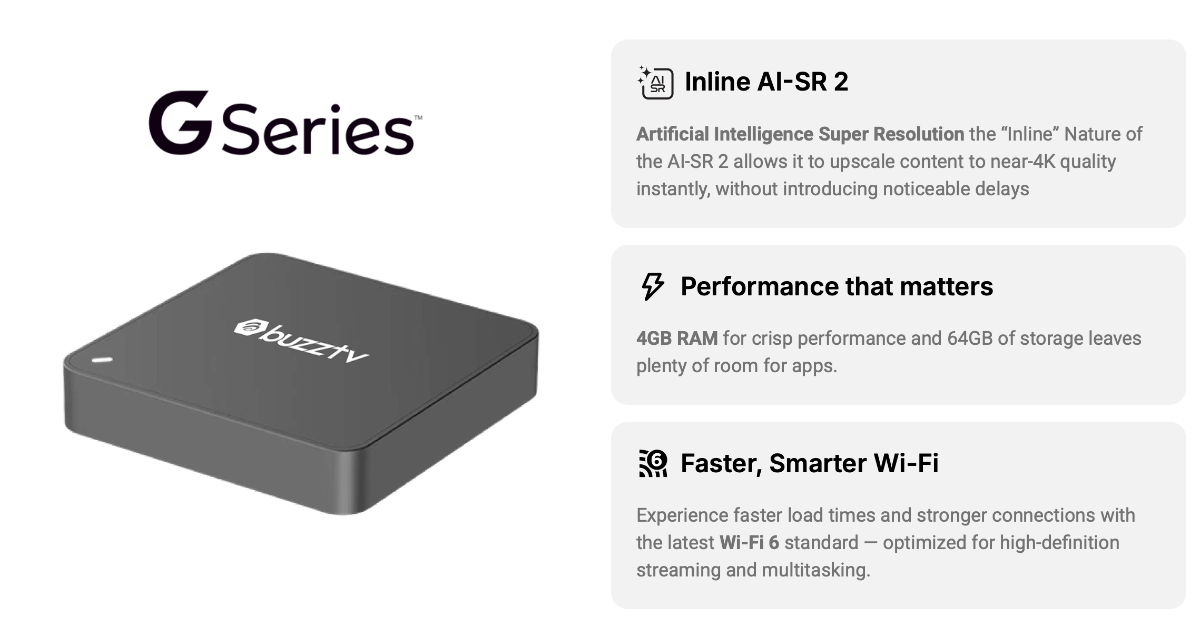
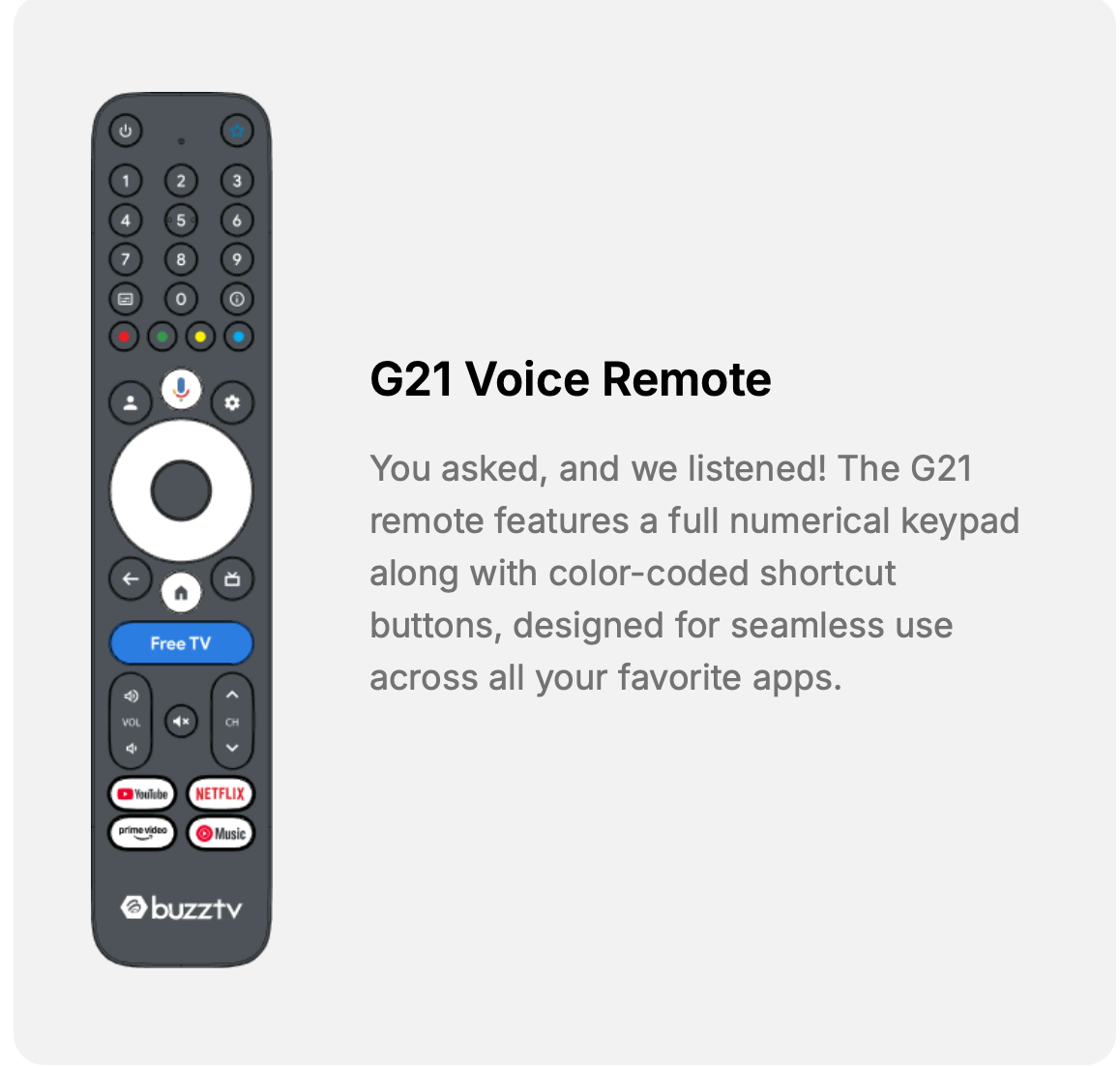
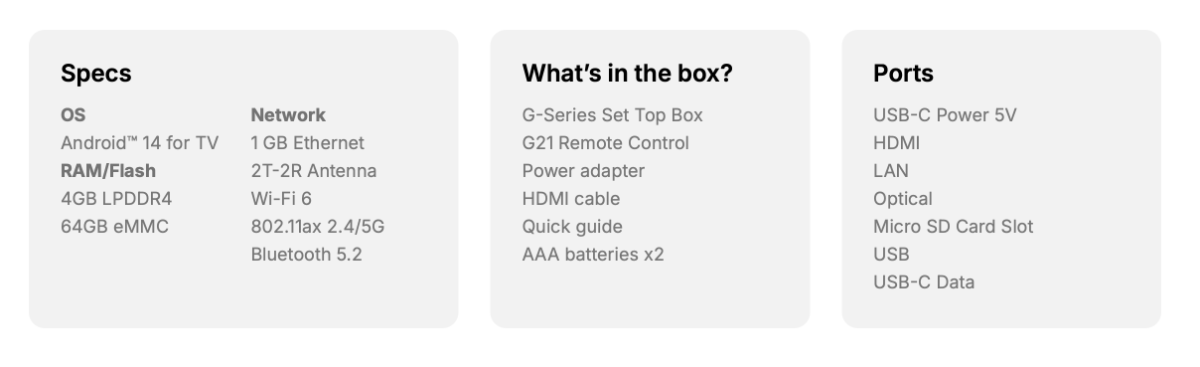
9 pointsJust to clear this up, BuzzTV G-Series is a certified Google TV device, so the platform and firmware update process is different from our regular Android boxes. There are multiple parties involved in this ecosystem, including the platform manufacturer and Google’s certification and approval process. Because of that, we cannot freely modify platform firmware the same way we can on our AOSP models. Platform-level changes must go through the proper approval, testing, and certification path. So this is not as simple as saying it is only “SEI firmware” or only “Google firmware.” That oversimplifies how a certified Google TV device works. From the customer side, the important point is simple: system updates follow the certified platform update path, while the BuzzTV 6 app is updated separately through the Google Play Store. From our side, we test, collect feedback, escalate issues through the proper channels, and work to get improvements delivered properly.9 points
-
V5.0.969 New Buzz 5 App Update June 17th, 2026 Changes: - Bug Fixes from 967 Sent to Android 9,11 and 13 Devices Please leave feedback below.8 points
-
7 points
-
V5.0.965 New Buzz 5 App Update April 27th, 2026 Sent to All Android 9+11 Buzz TV Boxes running Buzz 5 Changes: - **Bug Fixes from V961 - Fixed connection errors on MAC + XC Servers - Updated Weather Widget**957** - Bug Fixes Please Leave Feedback Below Thanks7 points
-
New Update sent to U532 and U5128 Boxes on Android 11 Dec 17th, 2025 Firmware V20251127 UPDATE TAKES UP TO 20 MINUTES TO DOWNLOAD + INSTALL YOU CANNOT REVERT BACK Firmware Changes: - Updated Youtube - Fixed Format Hard Drives Bugs7 points
-
7 pointsWhat you are describing is an oversimplification of how a certified Google TV device works. This is not a typical AOSP box where one party can freely control and modify the firmware and update path.7 points
-
New Update sent to All X5 Boxes on Android 11 Dec 3rd, 2026 Firmware V20251127 UPDATE TAKES UP TO 20 MINUTES TO DOWNLOAD + INSTALL YOU CANNOT REVERT BACK Firmware Changes: - Updated Youtube - Fixed Format Hard Drives Bugs Please Leave Feedback Below Thanks7 points
-
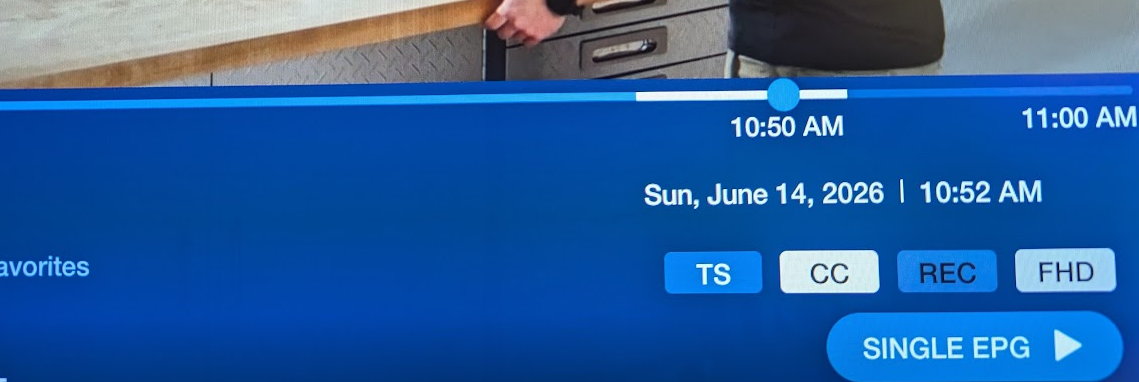
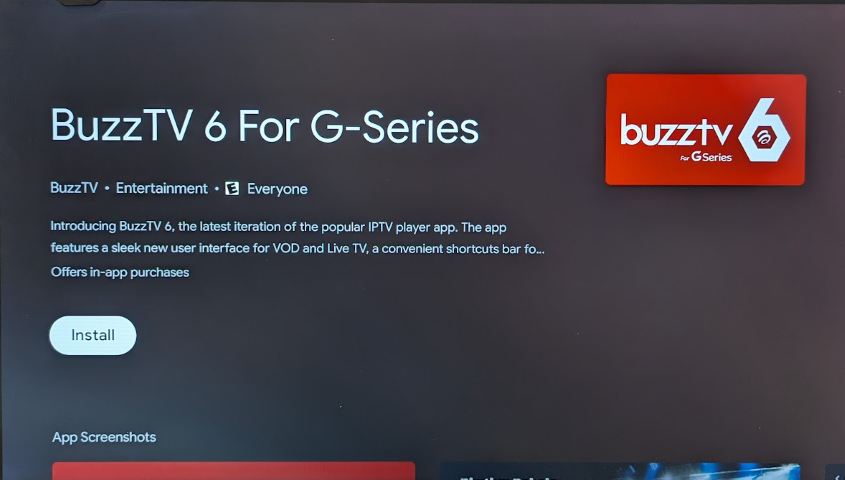
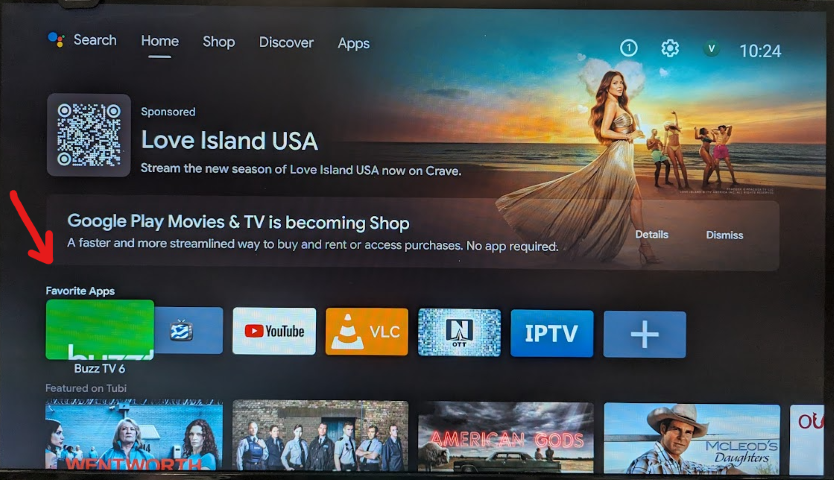
7 points7 pointsV5.0.956 New Buzz 5 App Update Dec 15th, 2025 Sent to All Android 9 + 11 Boxes Changes: -**Fixed Catch-Up on MAC Servers** - Added New QR/Web Server Feature to Server Settings to allow you to edit or add new servers remotely via Code or QR on a website - Fixed Subtitles Bugs - Updated Primary and Backup Players - Fixed Catch-Up Bugs7 pointsNEW UPDATE V973 Oct 15th, 2026 Changes: - Live TV Bug Fixes - PVR Bug Fixes - Server Bug Fixes - VOD Bug Fixes Sent to all Android 9, 11 and 13 Boxes running Buzz 5 Please leave feedback below Thanks6 points6 pointsThanks for pointing it out It was a mistake on the Play Console for apps after we published V330 We will fix it6 pointsV5.0.961 New Buzz 5 App Update March 10th, 2026 Sent to All Android 9+11+13 Buzz TV Boxes running Buzz 5 Changes: - Fixed connection errors on MAC + XC Servers - Updated Weather Widget**957** - Fixed EPG Loading bugs on some MAC Servers - Bug Fixes Please Leave Feedback Below Thanks6 pointsI'm reporting that my issue connecting to my XC provider is fixed. Thanks 🙏6 pointsNEW Buzz 6 Update for P6 V2.0.250 Dec 30th, 2025 Changes: - Added New QR/Web Server Feature to Server Settings to allow you to edit or add new servers remotely via Code or QR on a website - Fixed clearing Last Ch History - Fixed Navigational Glitches on Creating Groups and Servers - Fixed Channels from shared categories don't appear in the channel history - Fixed a VPN bug on Web Server Feature - Fixed a bug with pressing info on search for Movies - Fixed Edit Server and Connection Bugs on New QR/Web Server Feature - Fixed Main menu not selectable when you activate it from Channel list - Fixed Channel up / Last channel button bug - Fixed Next episode popup bug on TV Series - Fixed Colour button description name bug - Update the order of rows in Search - TV programs - Enable Info button when scrolling on VOD/Series - Fixed Fav Groups - First multi server group not populating - Allow the CH- button to function on popups - Fixed Last category item is not readable - Save closed categories state on detailed channel list - Update expired servers text to fit Update has been sent to All P6s as an App Update, not Firmware To Receive the Update, just Press the Home Button on the Remote and wait 60 seconds it should appear Or it will appear automatically for all users. Please Leave Feedback Below6 pointsNew Update sent to All Classic + Classic Anniversary Boxes on Android 11 Dec 17th, 2026 Firmware V20251127 UPDATE TAKES UP TO 20 MINUTES TO DOWNLOAD + INSTALL YOU CANNOT REVERT BACK Firmware Changes: - Updated Youtube - Fixed Format Hard Drives Bugs Please Leave Feedback Below Thanks6 points6 pointsBuzz 6 App Update for P6 and Classic AI V362 Official Update Aug 17th, 2026 YOU CANNOT REVERT BACK TO OLD VERSION AFTER TAKING UPDATE. Changes: Classic AI and P6 Update New Features D-Pad Navigation: Integrated D-Pad seeking functionality for Catchup and LiveTV Info Bar. Bug Fixes Audio Stability: Fixed missing audio issues reported on specific Live TV channels. UI/UX Improvements: Grid Guide Categories now update correctly during scrolling. Fixed Subtitles automatically enabled in Live TV. Corrected the display of Expiration Dates for Mac-based servers. Please leave feedback below5 points5 pointsJust wanted to update this post, I received the new Classic AI and using the backup from my Classic it transferred all my settings and favourites to the new box.5 pointsSchedule recordings from the mobile app on the box at home. Remote control app as well to control the box. We're looking into watching recordings outside the home as well.5 points5 pointsThey do silent updates in the background And they are by region. Users never see the updates. And you can just program the remote buttons for what you want to do in settings.5 points5 points5 points5 points5 points5 pointsWell, this triggered my curiosity. I dusted off my old MiiBox 3 device which is running AndroidTV 9. And low and behold I can see buzzyv6 it also in the playstore (red logo however, which is strange, I expected the typical Green one). I decide to go ahead and install it, even thought in the description is states it will only work on G-Series boxes. Well, it installed. Figured it would not launch or give some warning, but I launched it and it launched perfectly, and I did play one of the 4K channels on the preinstalled demo server and it worked fine. I don't think this was the intention of Buzz. I am pretty sure this was ONLY supposed to get filtered and show up for G-Series boxes. So far the only downside I saw was that the logo after install, seems to be cropped (see attached images below). But it launches and seems to work fine. Obviously google is not filtering it ONLY on G-Series boxes. @allaboutbuzz should now be aware of this, so if there is any action needed to be taken, they will do it. Not sure if Google permits it (I know their T&C are pretty restrictive), but maybe Buzz would also need to add some sort of check in the app to ensure it is running on a G-Series box. Or at least on a BuzzTV branded box.
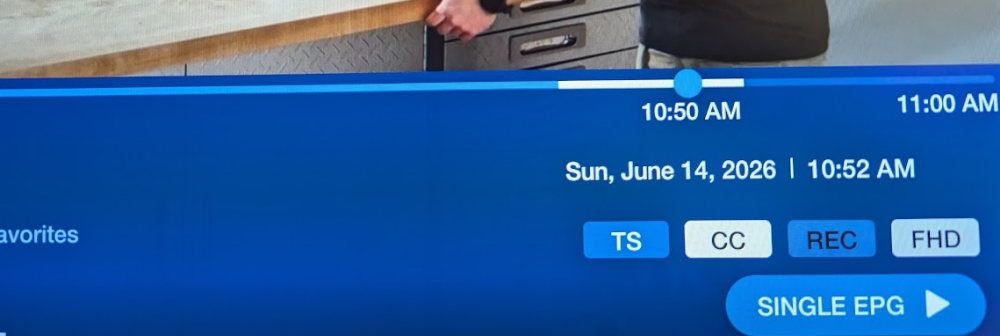
 5 points🚀 Buzz TV 6 App Update (v330) for ALL Classic AI + P6 Boxes **NEW UPDATE** Release Date: June 18, 2026 ✨ New Features & Enhancements Multi-Screen Support: Access the brand-new Multi-Screen feature directly from the Live TV Info Bar. Stream Format Selection: Added Stream Format options (Auto/TS/HLS) to the XC Login configuration menu. Subtitles Configuration: Added Open Subtitles support directly to the Configuration menu for TV Series and VOD. Enhanced Search: Added more detailed information to the Movie and TV Show search menus. Customizable Home Screen: Added an option to hide the "+ Add Content" rows. Resized the "+ Add Content" row icons for a cleaner look. Added a new Help Row that appears when no servers are loaded. Performance: The app now restarts significantly faster. Upgraded Video Player: Updated the core video player to the newest version for better stability. 🔒 Privacy & Parental Controls Adult Category Security: A password is now strictly required to open Adult categories in both Live TV and VOD. The category will automatically re-lock the moment you leave it. History Privacy: Adult channels will no longer appear in "Last Ch" or "Last Ch History." 🐛 Bug Fixes Live TV & EPG Fixed Live TV playback issues on certain XC Servers. Fixed EPG loading issues on MAC servers for specific providers. Fixed the Info button functionality on the Grid EPG for future programs. VOD & TV Series Fixed a bug where the recently watched TV episode history wasn't updating correctly. Fixed TMDB Metadata randomly disappearing on MAC servers. Fixed a playback bug for servers that sort episodes as 9-0 instead of 0-9. Fixed a URL path bug for servers using non-standard stream URLs for VOD/Series. Fixed an empty Adult category bug that occurred after unlocking. Navigation & UI Fixed 5 distinct navigation and menu bugs across the app. Fixed the Back button behavior when pressing it from the Main Menu. Fixed a bug that occurred when turning off the Auto-Rotate feature on the Home Screen. Fixed an issue with editing Content Rows. Subtitles & Audio Resolved Bluetooth audio sync issues with BT headsets and speakers. Fixed a bug where subtitle ON/OFF preferences were not being saved. Patched 12 separate Open Subtitles bugs. **PLEASE LEAVE FEEDBACK BELOW**5 pointsV5.0.967 New Buzz 5 App Update May 6th, 2026 Changes: - Bug Fixes from 965 on TV Series on some Mac Servers - Crash Fixes from 965 Sent to Android 9 and 11 Devices Please leave feedback below.5 points5 points5 pointsI can't comment on Classic AI since I have not tried TS on it yet. Not a feature I typically care for anyhow. However I do NOT have any rebooting issues with my unit, and there are 2 or 3 days a week that I have it turned on streaming in the background (when I work from home), for at least 10hrs a day. Using primarily 3 servers on it, 2 XC subs, and 1 is a custom M3U which I maintain with some public streams. However I just enabled TS and tested it on my X5 SS, using BuzzTV 5 and it seems to work as expected. Your B5 should work similarly, except that will be quite a bit slower in responding as it is the super basic/entry level device. Being a slower box, and only having USB2 ports (no USB3) it can be challenging. If the bitrate is too high, the USB2 port may not be fast enough to keep up if using USB storage. First of all, it only works if you have "Primary" player selected for LiveTV in Menu->Settings->Configuration. If using "backup" it is not enabled. I also found that it works better if you force the Stream type to "TS" instead of Automatic. If you are using USB for anything (Downloading, recording or TS) then you better be using a very high quality USB device. And don't forget to enable the "FORCE USB TS and set set the TS cache storage location). Also ensure to format the unit as portable storage, or if you have access to a PC, format it using exFAT on your PC, before inserting into your BOX. Also, I don't know what kind of sub you are using, but all my servers are XC type subs. I do not have any MAC based subs, and don't care to use any services that are only MAC based any more. Other that that, it works fine. Attached is a quick snapshot of it in work a few minutes ago. PS: When you also buy the latest device of ANY brand (not only buzz), you are being naive if you believe you will not be faced with a few bugs as it goes into use with a larger number of users. Even when you buy a flagship phone for thousands of dollars, it is often riddled with bugs and already piles of recorded bugs before it hits the shelves. There is always the early adopter advantages/disadvantages issues you need to deal with. If you are not ready to deal with that, then you should always stick with a long time proven older device. There is nothing stopping you from installing any other software on your box that works for you, with all the features you want.
 5 points5 points5 points5 pointsFixed on V309 sent as Beta today for P6 It should be fixed Will wait for testers to confirm if it is or not5 points5 points5 points5 pointsUpdate is Live now on the Playstore for GTV V1.0.302 Fixes 4K + Other bug fixes5 pointsBuzz is aware of the issue and will fix it soon5 pointsXC defaults to using XML EPG Mac uses a different method Could be that the EPG is up on the XML but down on Server method via MAC MAC only has one method for EPG, XC in Configuration can use XML or Server5 points5 pointsIf you mean cast the Live TV from the Buzz App to another device This isn't possible5 pointsBuzz 6 Official Update for L1 V281 March 11th, 2026 Changes: - Fixed a bug with empty categories after unlocking adult - App should restart faster - Fixed a bug with stream urls that use a different path on VOD+Seres Fixed Channel #s not working on STB Portal Classic Theme - Fixed Sort button in VOD/TV Series on STB Portal Classic Theme - Adult Categories are now locked via Password on Live + VOD - Fixed a bug when adding a new XC Server on STB Portal Classic Theme and TV Series + VOD wouldn't load - Added Resume Feature to VOD/Series on STB Portal Classic Theme **Pop Up for Update will Appear or you can Check App Updates Manually. **App Updates are separated now from Firmware Updates. **App will Restart to Home Screen to complete Installation ** App will automatically install after 2 hours of no user input. PLEASE LEAVE FEEDBACK BELOW5 pointsBuzz 6 App Update Official Update V2.0.270 Feb 24TH, 2026 YOU CANNOT REVERT BACK TO OLD VERSION AFTER TAKING UPDATE. Changes: V270 CHANGES **Fixed Back Button on Channel List **Fixed Hiding Help Videos Row **Fixed EPG disappearing bugs **Fixed wrong version # appearing in Main Menu 1. - Added Customize Top Tabs on the Home Screen You can now choose which 3 top tabs appear on your home screen. Options include: My Channels, My VOD, TV Series, Radio, and PVR. 2. - Added Home Screen Autorotate (Content Carousel) Choose what content automatically rotates on the home screen to show your latest or favorite content. - When Autorotate is enabled, Live TV channels can now autoplay a preview on the Home Screen Background. 3. - Added Custom Home Screen Rows Create, rename, reorder, or delete custom rows. You can make rows for: – Favorite content – Recently watched content – Custom app groups – App-only rows Fully customize how your home screen is organized. 4. - Added Home Screen Wallpaper Options Choose wallpapers from: – Theme Colour – Internal or external storage – BuzzTV wallpaper set – TMDB images – Unsplash and Pexels API integration (Browse from thousands of online wallpapers) 5. Added PiP Preview in My Channels - A picture-in-picture preview window now appears in the My Channels tab while browsing. 6. Added Launch an App at Startup - Long press any app on the Home Screen and choose “Launch on Startup.” 7. Added PIN / Parental Controls for Apps - Long press any app on the Home Screen and select “PIN Lock” to restrict access. 8. Added Add Apps to Favorites Row - Long press any app on the Home Screen and choose “Add to Favorites.” 9 Added Clickable Top Tabs - You can now press OK on the top Home Screen tabs to jump directly into that section. 10. Added Info Button for VOD & Series Press the INFO button while browsing VOD or TV Series to see the full details page. 11. Added User-Made Channel Groups in My Channels Custom channel groups created in Live TV will now appear inside the My Channels tab. 12. Updated PVR Player The PVR Player now matches the VOD Player with improved buttons, playback controls, and FF/REW functions. 13. EPG Fixes on MAC Servers HOW TO VIDEOS https://youtu.be/6FTzI4T6ld8 https://youtu.be/ccbFxdDgNGw?si=1pwQdCeCeMd9l3_O https://youtu.be/mYFhxfNLjDc5 pointsNew Update sent to All E5 + E5 SE Boxes on Android 11 Dec 3rd, 2026 Firmware V20251127 UPDATE TAKES UP TO 20 MINUTES TO DOWNLOAD + INSTALL YOU CANNOT REVERT BACK Firmware Changes: - Updated Youtube - Fixed Format Hard Drives Bugs Please Leave Feedback Below Thanks5 pointsDo you have tunneled playback or RTS turned on in the configuration menu? And Backup Player is libvlc, so it going back to the home screen means the player is crashing on that stream. And the stream format feature, is just there to show what the server offers Its default to Auto Most servers only offer TS or HLS Auto plays HLS first and if that doesn't work it uses TS We can't add more, as every provider offers it themselves, and it doesn't work the way you think it does Some servers offer RTMP, but its rare.5 pointsBuzz 6 App Update for P6 V352 Official Update July 21st, 2026 YOU CANNOT REVERT BACK TO OLD VERSION AFTER TAKING UPDATE. Changes: ** - Fixed VOD + TV Series Playback Issues - Fixed PVR Not Opening - Fixed CEA-608 TTX + DVB Subtitles on Live TV - Fixed Playback on some HLS Streams on Live TV - Added New List View UI Feature to VOD + TV Series - Added Stream Data info to Info Bars of Live + VOD/Series - Fixed playback on some XC Servers - Fixed some crash bugs Please leave feedback below4 points4 pointsWill look into it and get it fixed in our next update Thanks for reporting4 points4 points4 points4 pointsI should have know to do that brfore making this post. That been said a big thank you for the reply and it fix the issue. Have a great weekend4 pointsThese steps resolved the issue Go into Android Settings Go to Device Preferences Go to Display and Sound Go to Advanced sound settings Go to Select Formats I think you have it set to none:never use surround sound Switch it to None And it should fix Primar player with the unknown stream error issue We figured this out via PM4 pointsSometimes the Device ID changes for MAC subscriptions when you reset Just contact your server provider and ask them to reset the MAC on their side. Should start working afterwards4 pointsWas fixed on E5s and X5s this week via FW update Will be rolled out to the rest of our Android 11 models next week, including the Classic and Classic Anniv4 points