Benfica
Members
-
Joined
-
Last visited
Everything posted by Benfica
-
I tried as u said.....woke up in the morning and still have access to play store ....cool Hopefully helps ....thanks
-
Will try once i can and tell u guys
-
The weird thing is.....today shows fine again....
-
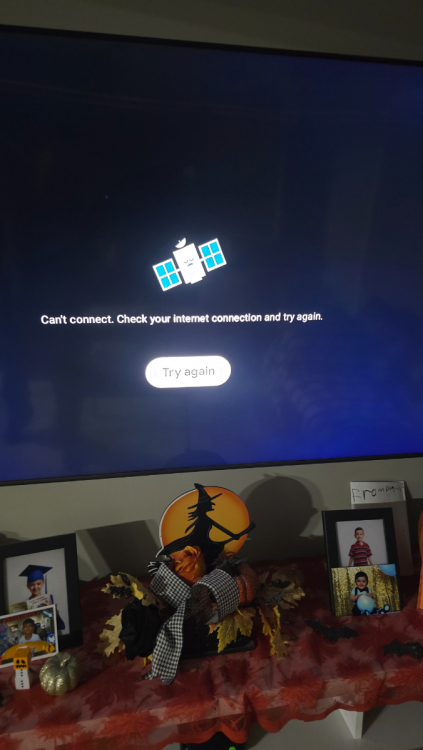
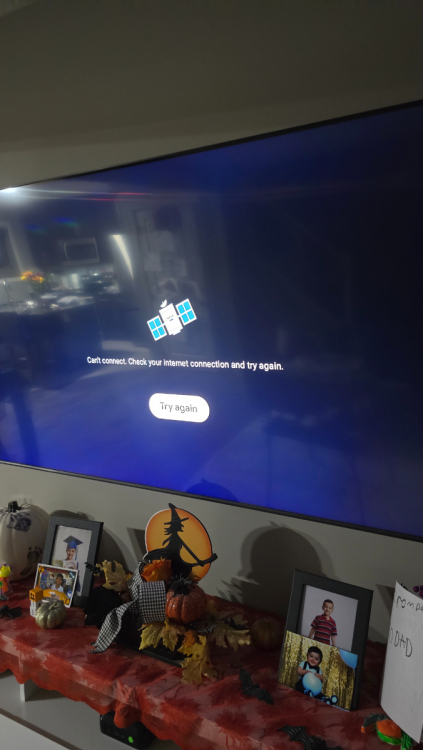
Im conected wire No wifi....ive rebooted again and still same message... soo weird....dont wana hard reset...yet Just in case...
-
Yes. Did it both procedures, first with remote with no result then i unplugged to see if would change anything and stayed the same.....not good 😞
-
Yes....no results.....:(
-
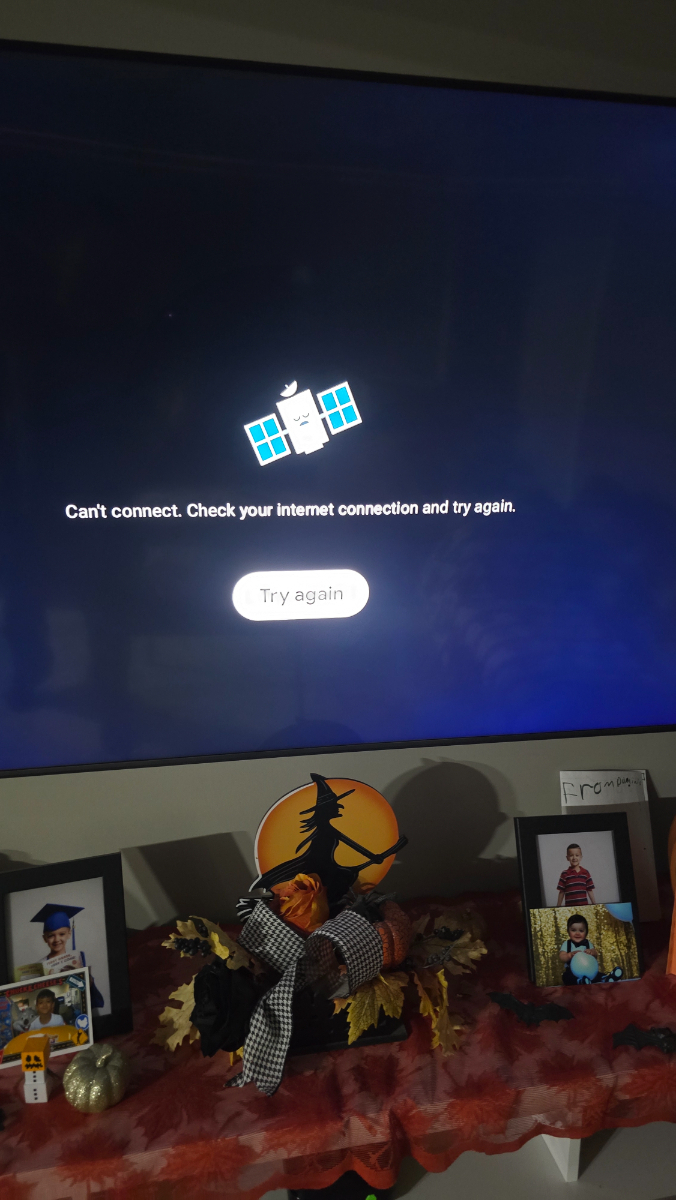
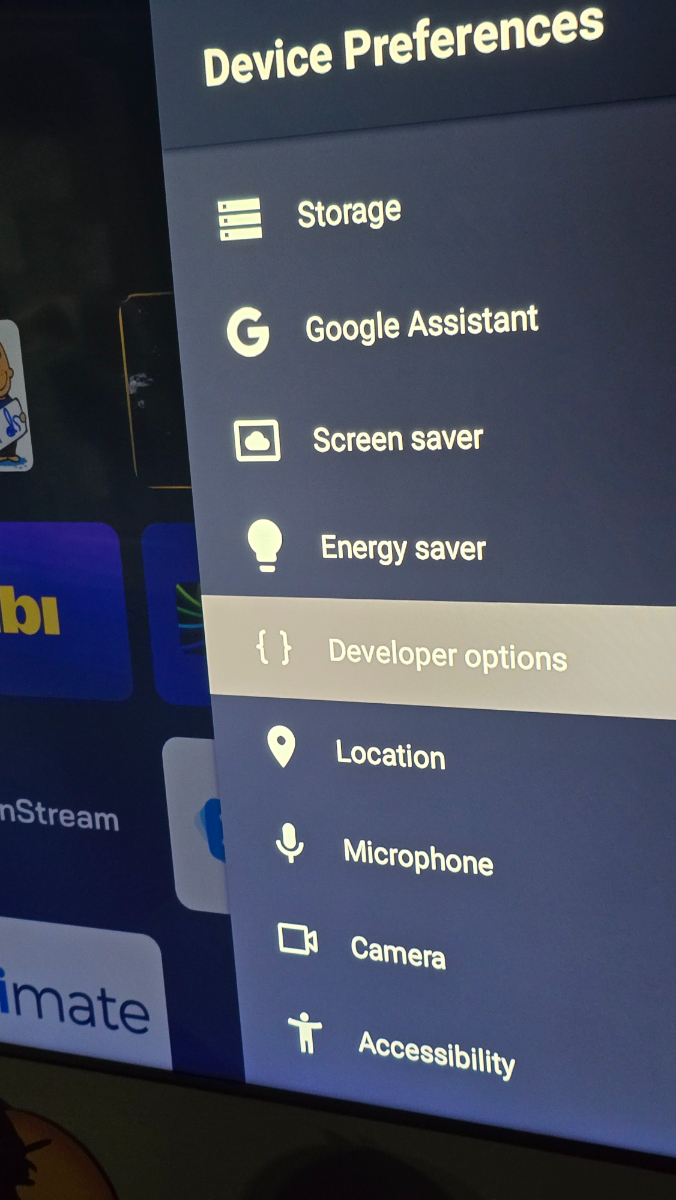
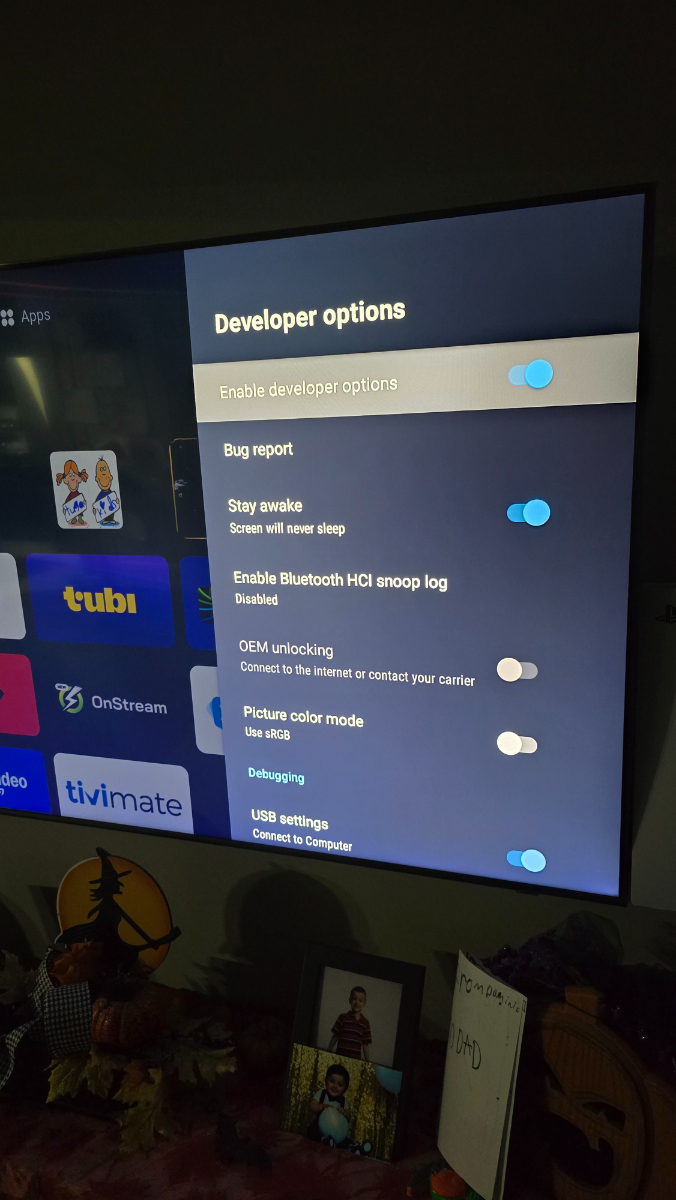
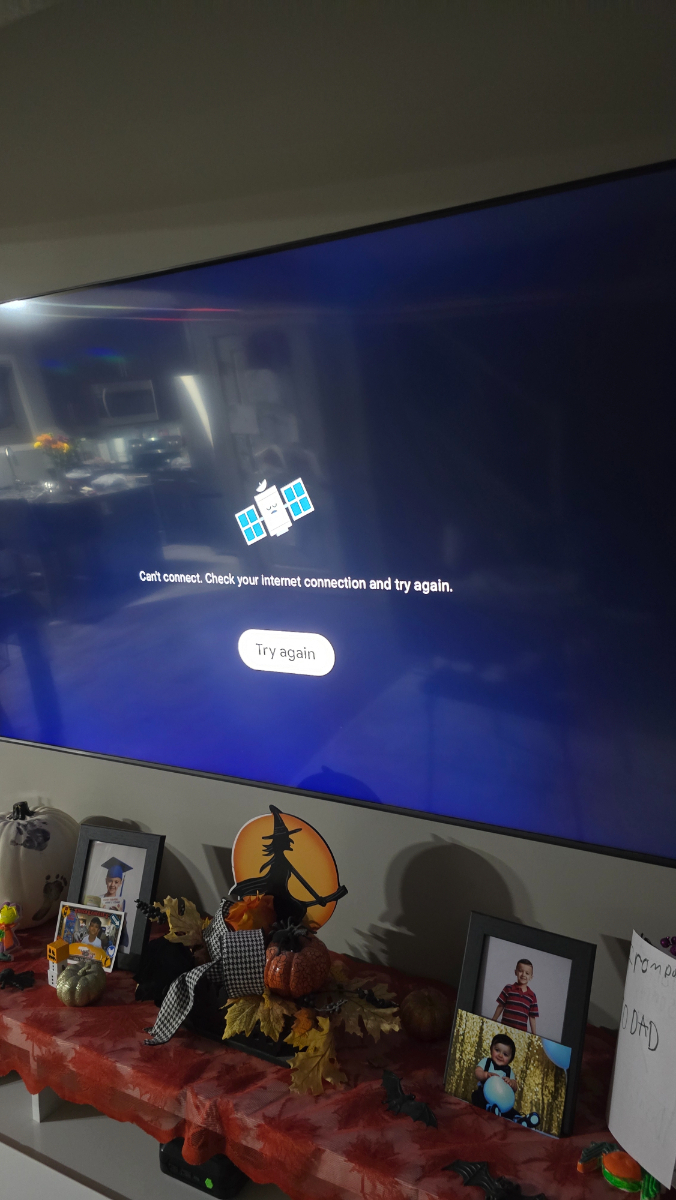
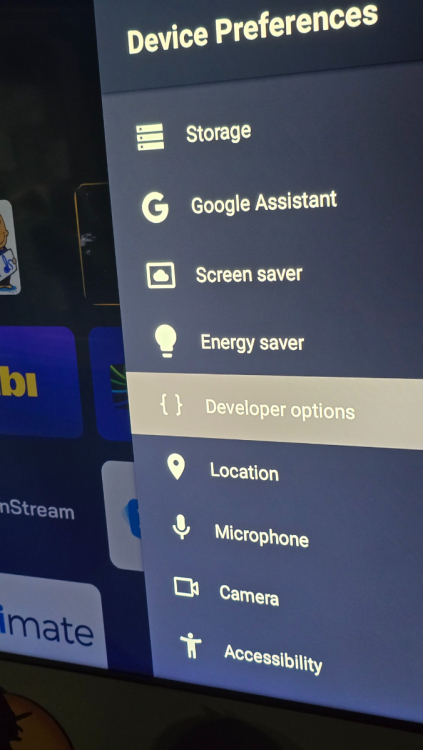
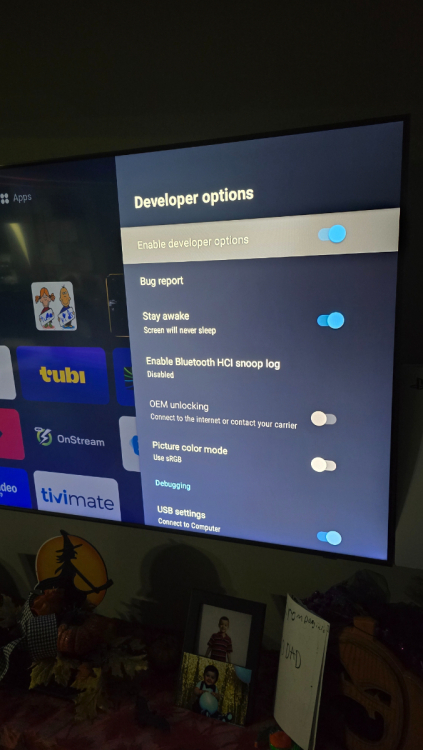
So as u said....i tried it todays and its there again, not good. Did as u said, still message didnt change... i am a developer is on and stay awake also on....
-
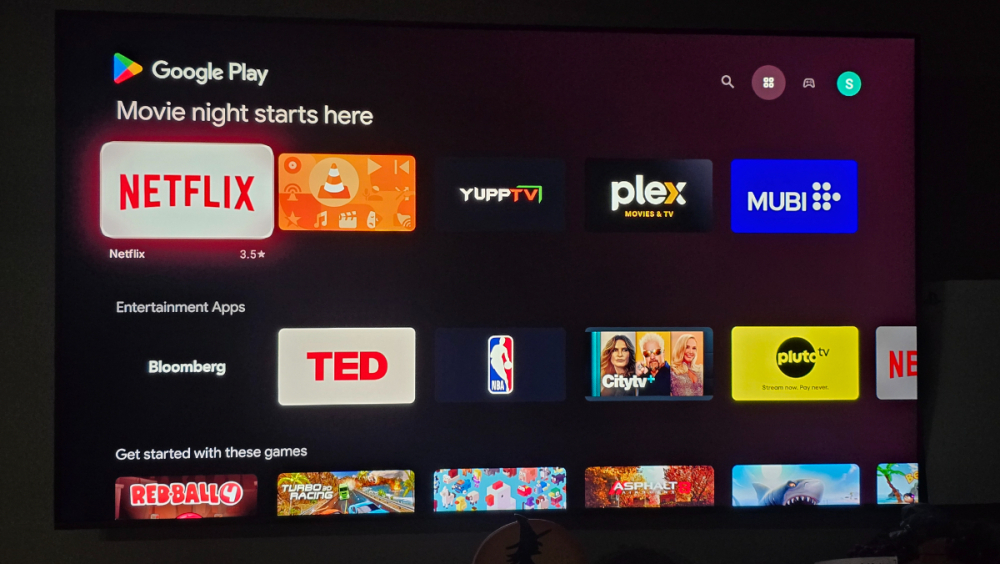
Last nite i didnt touch it caus my son was on it watchin a movie....so now in the morning i was going to try as you say....but somehow now google play store is available weird ....
-
Will try it out....thanks
-
I tried finding developer options as other member says to give it a try....cant find it...i tried clearing cache, force stop, what else u guys recomend ? Thanks
-
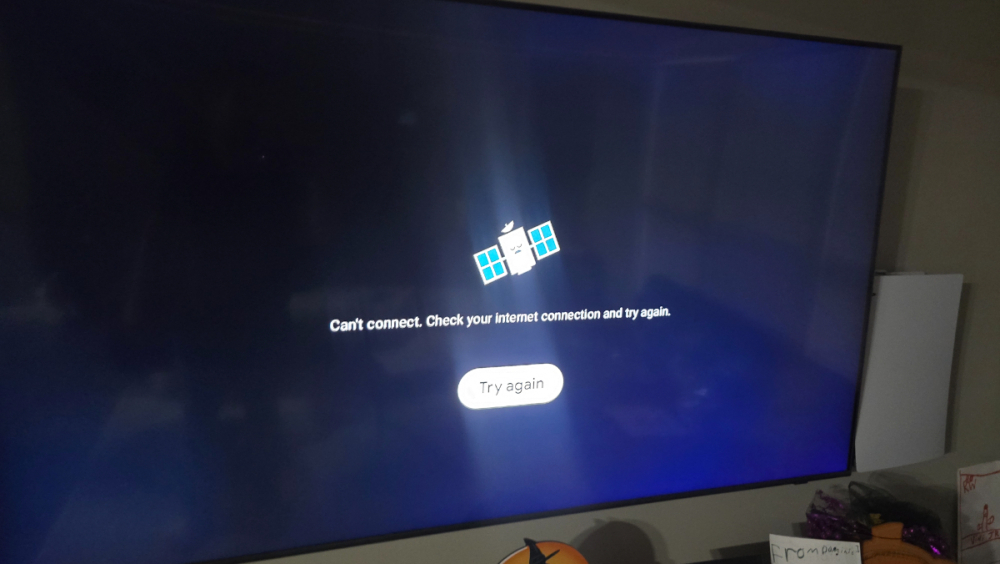
Can u elaborate what u did please I am having same issue Google store ....
-
Sorry...lack of sleep....
-
Guys it worked now....thank you BuzzTeam .....once again TOP
-
Will test soon....on my way home from work 👍
-
Yes ....was this morning Message poped for update....
-
Today my p6 asked if i wanted ti do the software update Said yes....went up to 16% error unknown 29.....how bad is this ? I tried again and "failed error 29"
-
Thanks ....enjoy the weekend !
-
Guys i dont know if was discussed yet but is there a way to make on buzz6 to liveTv to be save as when box reboots buzz6 starts by it self on live tv ? Same as on buzz5 ....
-
Buzz....takin it all to a diferent level
-
I did a soft reset already ...i contacted the big guy he recomended a reset....i tried the easier one....now reinstalling my stuff....will bring an update once box is set
-
Hey guys....today my p6 decided to do this, if i go to top right on home and hit updates jumps out of it...goin to home....if i hit file management hit main storage or download tells me Loading error, if i go app installer does nothing, doesnt respond.....i tried rebooting....stilll no go I would add the version of everything....cant Doesnt let me
-
Its was off...light bar Will keep an eye Thank you ....
-
I notice lately the green light on top of my P6 goes away....anyone else noticing this ?
-
Oh ok....i see
-
Guysi notice today another update for p6 buzz6.... When i go to firmware still shows V20241126 I hit check update and no gooo Jan18 todays update doesnt go on mine...something im missing ? I notice also on update im on ver1.0.76 Is this right ? Shouldnt i be on V1.0.98 ?