
Skip to content
View in the app

A better way to browse. Learn more.

BuzzTV Help

A full-screen app on your home screen with push notifications, badges and more.

To install this app on iOS and iPadOS
  1. Tap the Share icon in Safari
  2. Scroll the menu and tap Add to Home Screen.
  3. Tap Add in the top-right corner.
To install this app on Android
  1. Tap the 3-dot menu (⋮) in the top-right corner of the browser.
  2. Tap Add to Home screen or Install app.
  3. Confirm by tapping Install.

Oppugno

Members
  • Joined

  • Last visited

Everything posted by Oppugno

  1. Oppugno replied to Oppugno's topic in How To
    yes, it's the server the other one works well
  2. Oppugno replied to Oppugno's topic in How To
    I have tried on another one like it and I have all my series working
  3. Oppugno replied to Oppugno's topic in How To
    for the films yes, but not the series
  4. Oppugno replied to Oppugno's topic in How To
    nothing happens and I have the play button on the screen to start the film
  5. Oppugno replied to Oppugno's topic in How To
    yes -
  6. Oppugno replied to Oppugno's topic in How To
    I just have this
  7. Oppugno replied to Oppugno's topic in How To
    We don't see your picture
  8. Oppugno replied to Oppugno's topic in How To
    Current Firmware Version: V20221011 Current IPTV Version: 5.0.775 Decoder u5
  9. Oppugno replied to Oppugno's topic in How To
    I am not at home but this is the last updated u5
  10. Oppugno posted a topic in How To
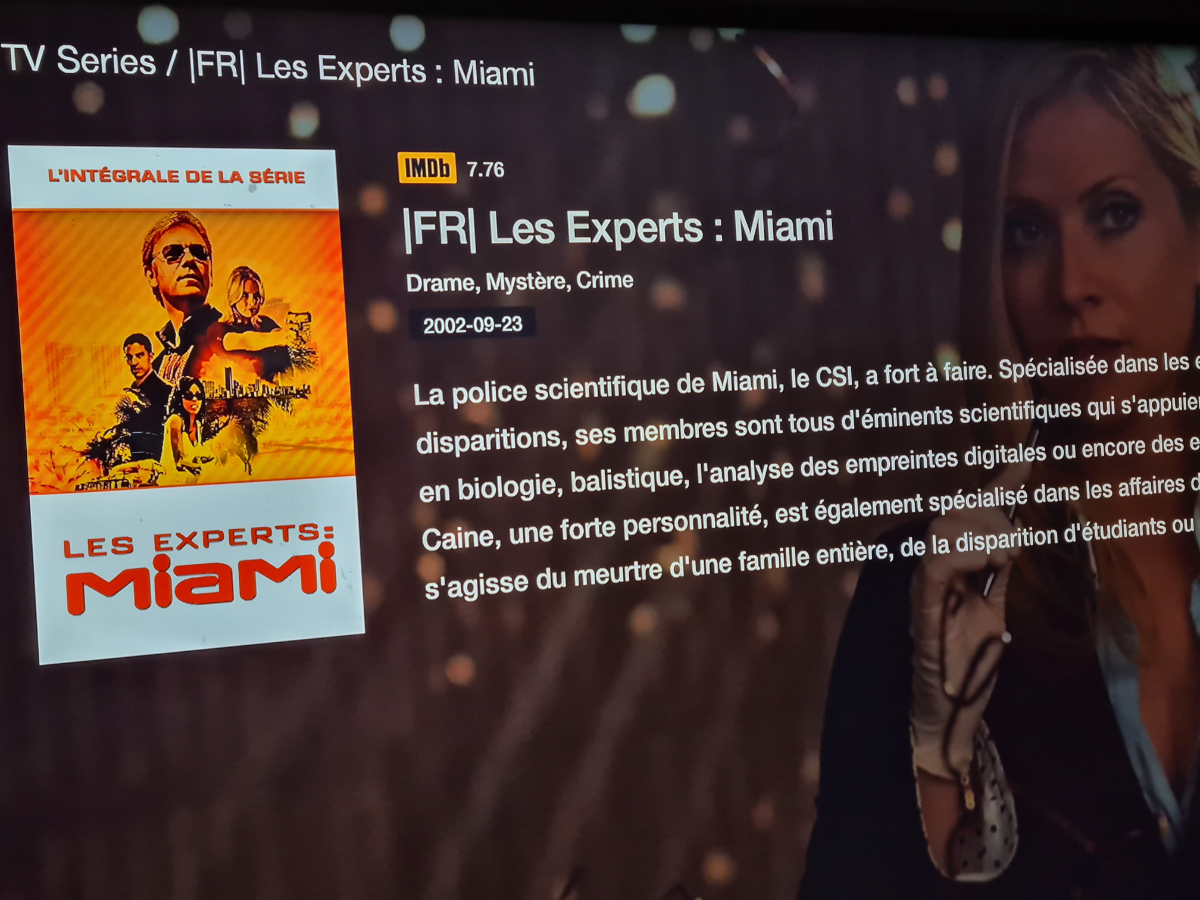
    Hello, when I click on my series there is no play button to start the series
  11. Oppugno replied to Oppugno's topic in BuzzTV 5
    I'm thinking of getting the u5
  12. Oppugno replied to Oppugno's topic in BuzzTV 5
    Thank you very much for the information, I'll have a look at it
  13. Oppugno replied to Oppugno's topic in BuzzTV 5
    and also it is available in French?
  14. Oppugno replied to Oppugno's topic in BuzzTV 5
    and you have some photos of the application and there is almost nothing on the internet and I hope it works well in europe
  15. Oppugno replied to Oppugno's topic in BuzzTV 5
    it's like being able to watch my 2 subscriptions without having to reconect each time to the other server
  16. Oppugno replied to Oppugno's topic in BuzzTV 5
    my english is poor sorry
  17. Oppugno replied to Oppugno's topic in BuzzTV 5
    tanks and we must connect each time to change server or where can they be mixed??
  18. Oppugno replied to Oppugno's topic in BuzzTV 5
    yes but it's to see if it's worth changing
  19. Oppugno replied to Oppugno's topic in BuzzTV 5
    Hello, I have the z11 and it was to see if there were the same things as 2iptv at the same time and research Universal thank you and good day
  20. Oppugno posted a topic in BuzzTV 5
    Bonjour, j'ai le z11 et c'était pour voir s'il y avait les mêmes choses que 2iptv en même temps et recherche Universal merci et bonne journée

Account

Navigation

Search

Search

Configure browser push notifications

Chrome (Android)
  1. Tap the lock icon next to the address bar.
  2. Tap Permissions → Notifications.
  3. Adjust your preference.
Chrome (Desktop)
  1. Click the padlock icon in the address bar.
  2. Select Site settings.
  3. Find Notifications and adjust your preference.