Skip to content
View in the app

A better way to browse. Learn more.

BuzzTV Help

A full-screen app on your home screen with push notifications, badges and more.

To install this app on iOS and iPadOS
  1. Tap the Share icon in Safari
  2. Scroll the menu and tap Add to Home Screen.
  3. Tap Add in the top-right corner.
To install this app on Android
  1. Tap the 3-dot menu (⋮) in the top-right corner of the browser.
  2. Tap Add to Home screen or Install app.
  3. Confirm by tapping Install.

semsem

Members
  • Joined

  • Last visited

  1. semsem started following allaboutbuzz
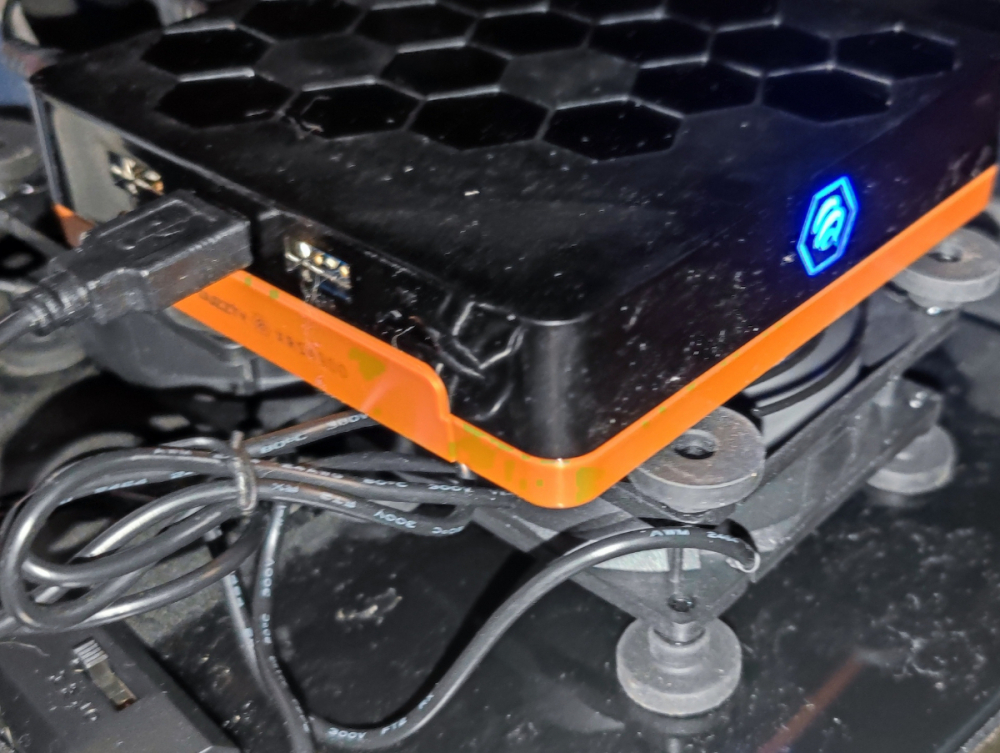
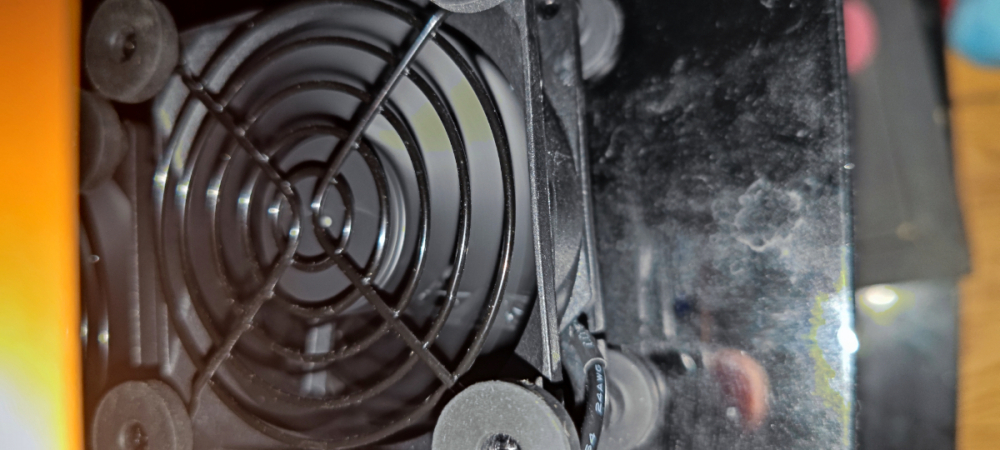
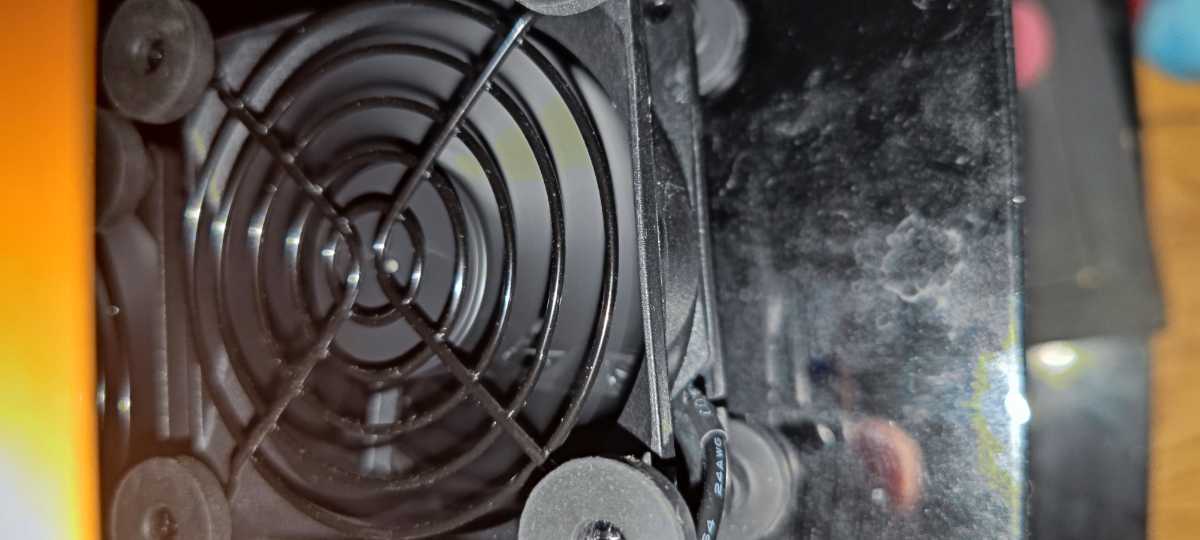
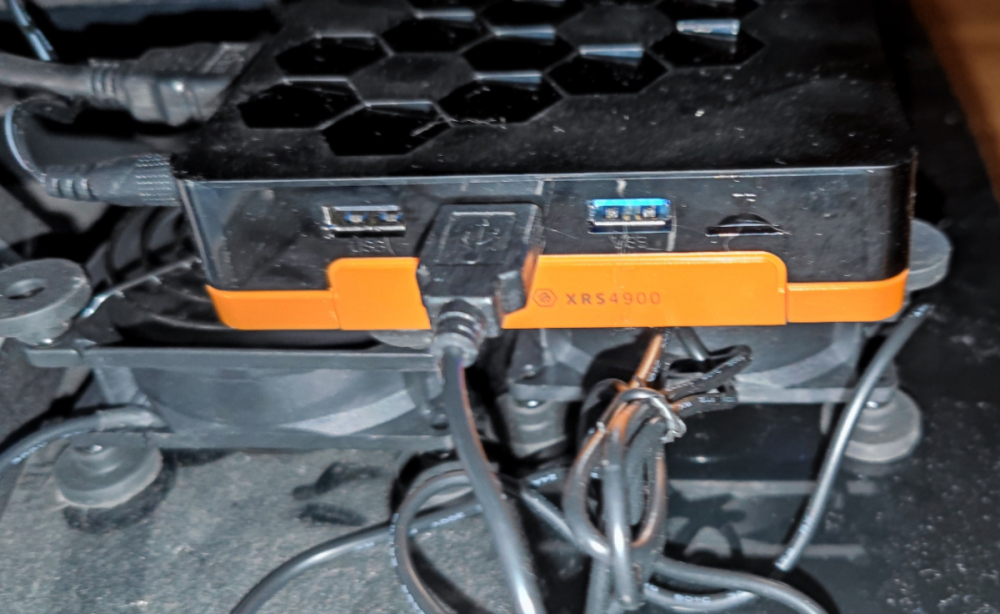
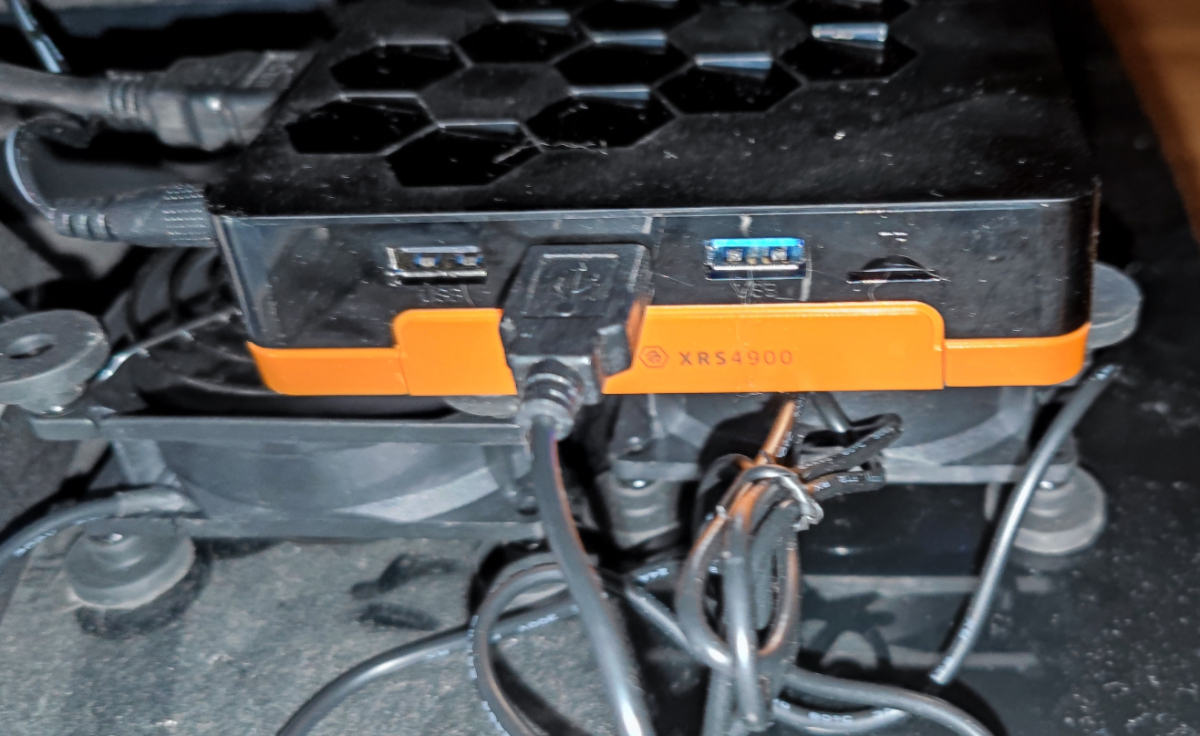
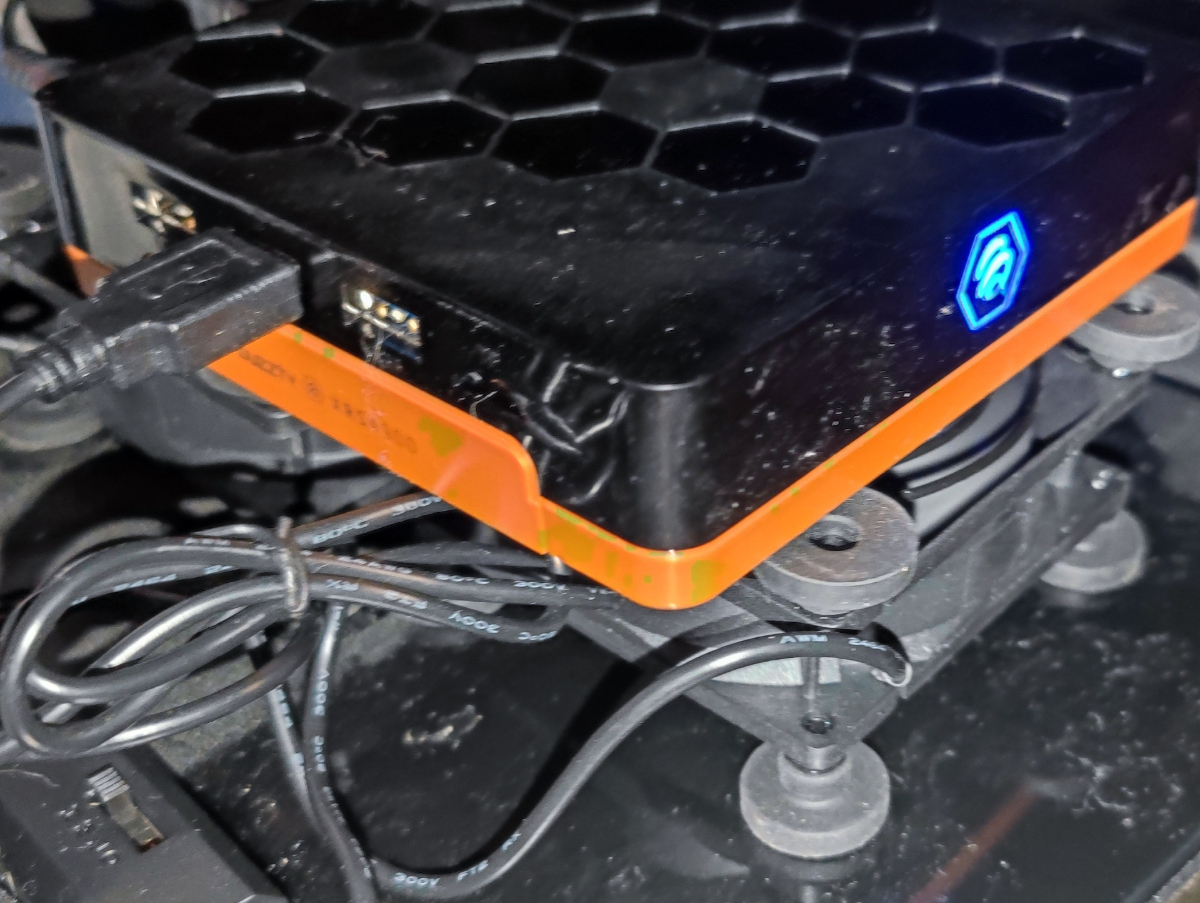
  2. I figured out a fix without changing my drive. $15 makes the box cool Better performance.
  3. Maybe time for better drive and see Any recommendation?
  4. my drive is sata seagate 120 GB 5400
  5. seems better without the drive, but if Buzztv made a box for $199 to be able to add a secondary drive but you can not use it since it makes the device unstable. they should think about improving. Thank you
  6. Yes I did install a drive
  7. Hello Just got XRS 4900 model today and notice it gets really hot I mean super hot I do Have a formular GTV box , and used other android boxes in the past The thing is sometimes it lag when scrolling or pressing the remote, and when i touch the box it is really hot also when turn back on from standby , it said system error, sometimes need reboot do you think i got a faulty box?
Account

Navigation

Search

Search

Configure browser push notifications

Chrome (Android)
  1. Tap the lock icon next to the address bar.
  2. Tap Permissions → Notifications.
  3. Adjust your preference.
Chrome (Desktop)
  1. Click the padlock icon in the address bar.
  2. Select Site settings.
  3. Find Notifications and adjust your preference.