waystland
Members
-
Joined
-
Last visited
-
Thank you for your help
-
Hello I think my epg time is off, I found the correct shows hours away, my time in the app is correct but don't see any way to change the epg time
-
All the TV shows are wrong, but in ever other iptv player it is fine, I'm using xterm codes. It was correct in buzz until today.
-
Hello the EPG in the buzz app is not correct but the exact same information in all other IPTV apps show the correct shows any thoughts?
-
Nothing. Unfortunately.
-
Got it! Thank you for your help!
-
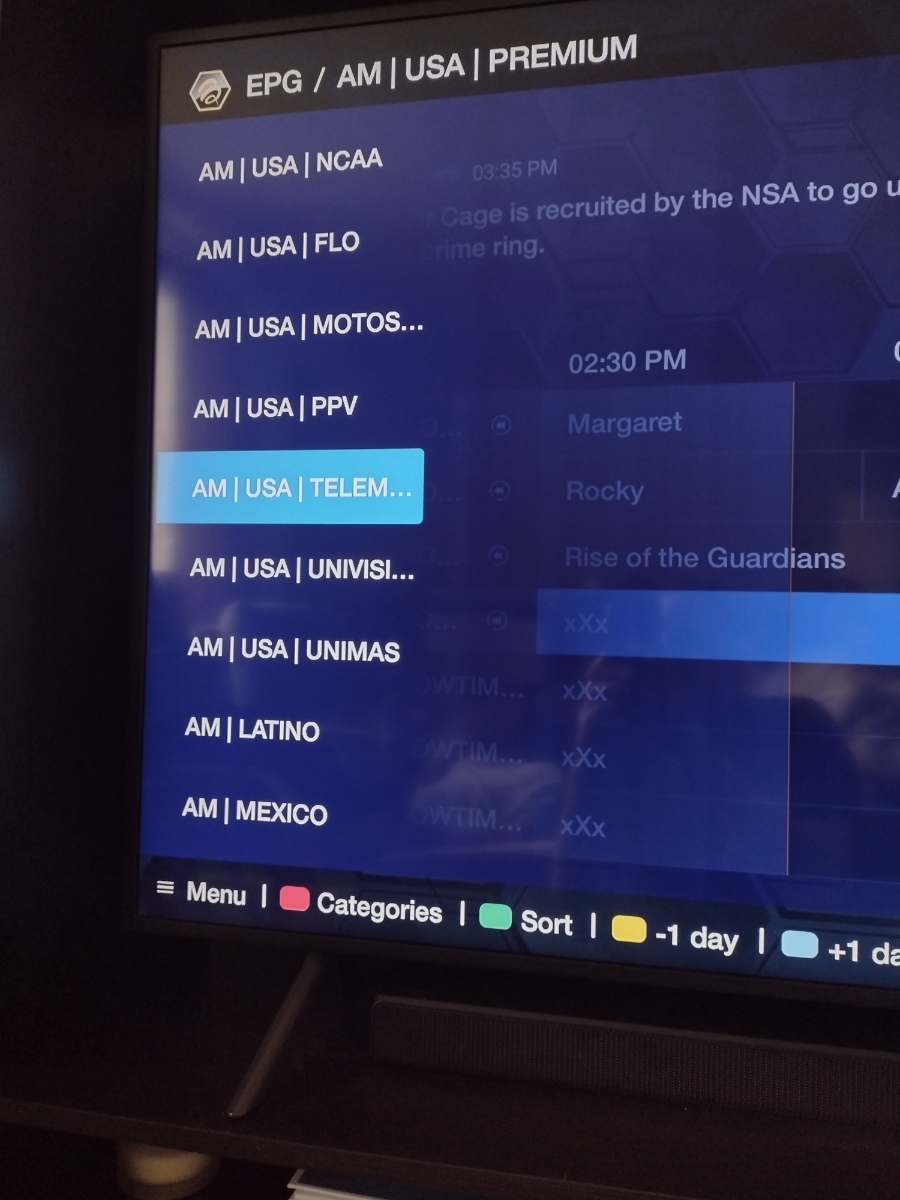
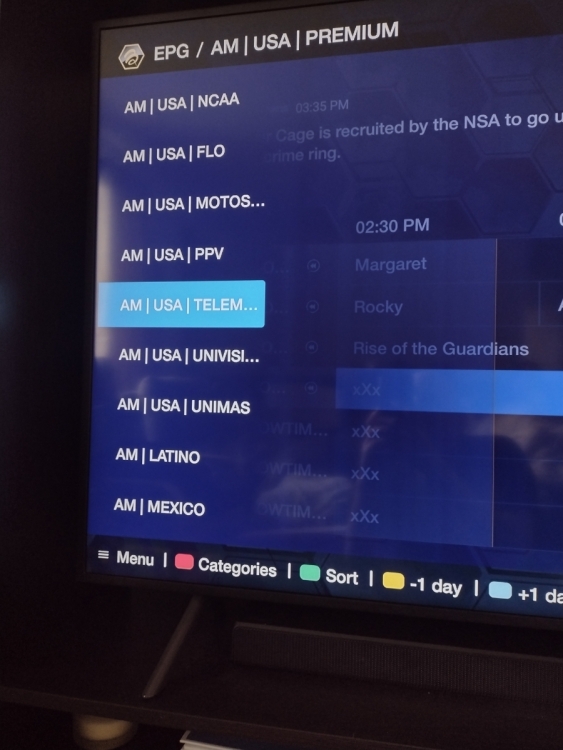
I don't have that set up. When I hit categories the red one it brings up all the categories from all over the world. No mater what I hit after I don't see organize options
-
I can't remove this thread Im trying The only option I see is report or share.. No delete
-
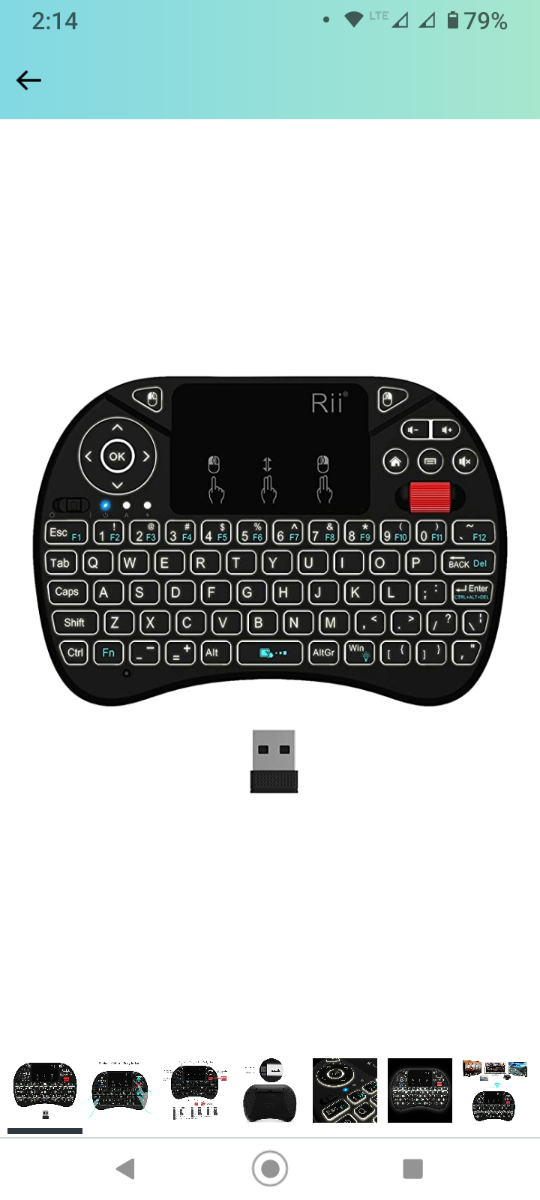
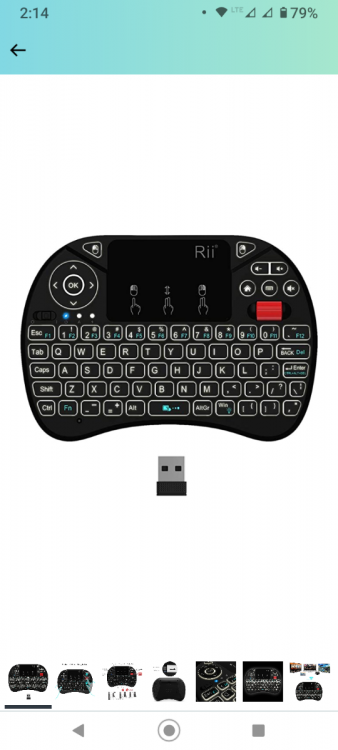
Hello, I have always had an Rii remote with every box and had no issues. I plugged it into my Buzztv box it "works" but I can't just one screen "back out" from any screen anymore. I have to hit the home button on the Rio and it takes me ALL the way out and I have to go find my channel again, or try and continue what I was doing before and hope I don't have to just "go back one screen Thank you for the help
-
Hello, how do I remove all the countries? I only want to see USA and Canada. But my epg is loaded with thousands of channels. I have tivimate and it is nice set up, but I don't know how to do it on the buzz app. Thank you
-
I see the categories, it all there what do I hit to hide them? Every button I try just opens the epg or channel. Ty
-
Ty will try when I get home
-
Hello, how do I remove all the countries? I only want to see USA and Canada. But my epg is loaded with thousands of channels. I have tivimate and it is nice set up, but I don't know how to do it on the buzz app. Thank you