Androidforsure
Members
-
Joined
-
Last visited
-
Thanks for your inputs. I ended up sending the box back for replacement.
-
-
Tried that....keeps coming back to the Recovery screen or freezing up
-
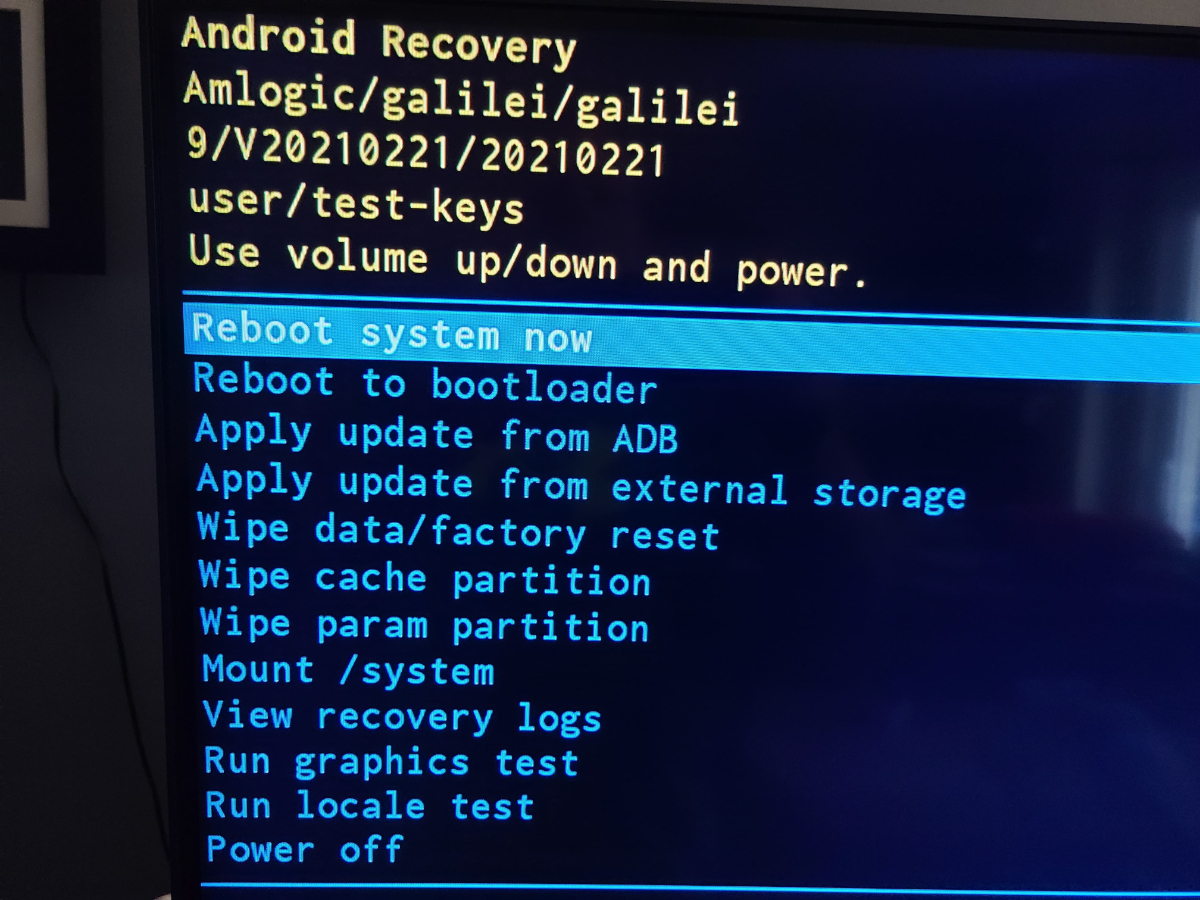
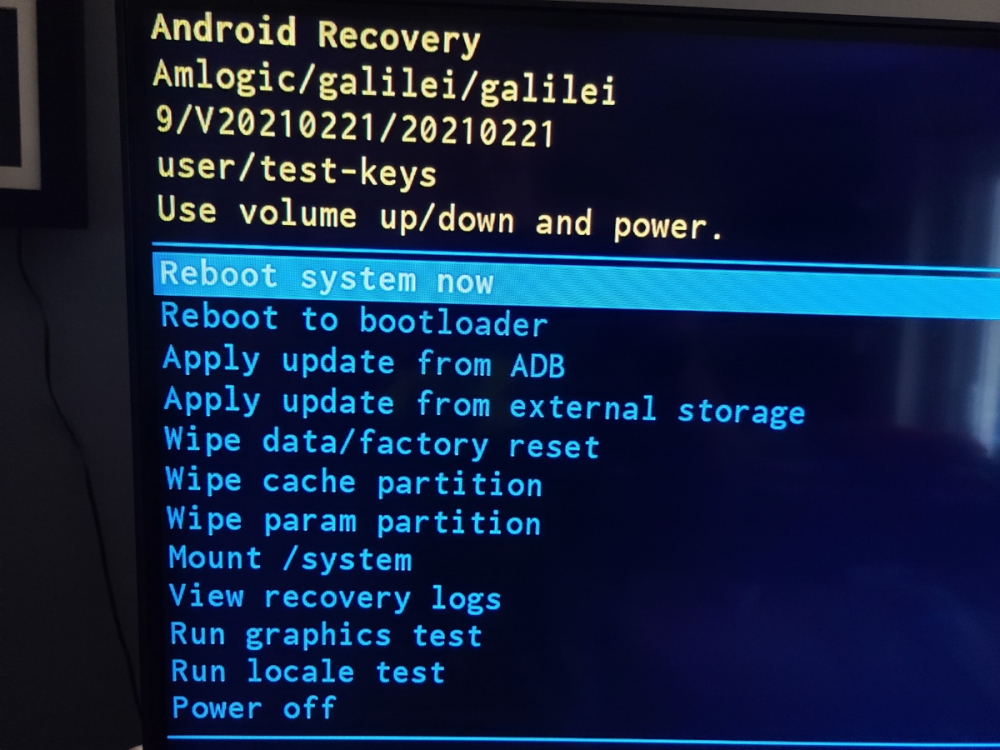
Has anyone had connection issues with ethernet connection? Just got my box and cannot get over 10 mbps on the gigabit lan. My provider is 1 gigabit. I also had issues connecting my wireless. It found my name but would not connect to it. It said no connection with that name. I then disconnected the Lan cable and the wireless connection worked fine with 450 mbps speed. I tried plugging the Lan cable back in and lost my wireless. Very strange!! And to top it off, I turned my box on this morning to get a recovery screen popup. Cannot do anything with my 4900 now.
-
I pre-ordered my 4900 a few weeks ago, was told I should receive it next week. Hopefully they got all the programming finalized!!
-
I pre-ordered a few weeks ago. Was told Friday I should receive it early next week!!! Can't wait