Jibs
Members
-
Joined
-
Last visited
-
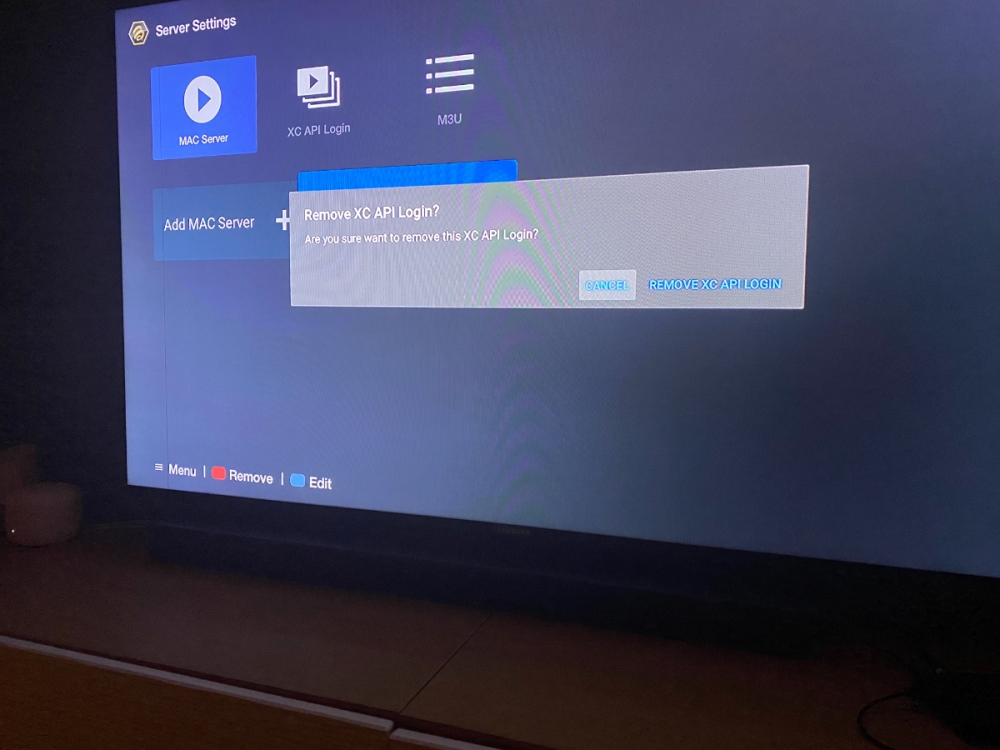
I’ve also noticed that when I remove the Mac server entry; the confirmation prompt says am I sure I want to delete and XC Api login. Not the MAC server login. I assume that’s just a UI error
-
I’ve grabbed my old box and changed the MAC address to be lower case letters and I can connect to the server. If I change the MAC alpha characters to uppercase letters, I got the same error ‘cannot load portal’. Again with the new xr4000 you can’t modify the MAC address so my assumption is the server has my info loaded as lower case which is why it won’t connect?
-
I think I figured it out. The seller entered my MAC address with lower case on their server. I tested my other two boxes with lower case letters and they both work fine. The new one doesn’t let me change to lower case so it doesn’t work. now will they make the changes? 😕
-
Folks. Thanks for the responses. I can assure you I know how to enter the server info and save it. I’ve got 3 boxes in the house. I’ve been running two off the same MAC address for years. This new one seems to be the only problematic one. The other two boxes with their capability to change their MAC address to this one have successfully logged into my server. The other two have been turned off and this third won’t connect at all. It’s almost like the MAC address in the interface is incorrect because I’ve done everything and it won’t connect
-
I’ve remove and readded the server info several times. At one point I saw a light blue highlight on the server info but never saw it again
-
I am. Again it’s working fine for me on the old box
-
I have an older 3000 box. No issues with that MaC on it.
-
Nope.
-
Jibs joined the community
-
Same boat here. Renewed subscription. I have it working on an older box which I changed to match the ‘server id’ on this one. But this one - it won’t connect.