putte nutte
Members
-
Joined
-
Last visited
Everything posted by putte nutte
-
Ok i see i maybe thought it was possible but im thought on my formuler maybe And there is it possible to pause the Catch up so buzz i would like this feature for sure
-
Hello i have an new problem after new firmware when in watching something In catch up i cant pause the program anymore that have been working before I think
-
Ok i see i have 2 boxes so i have changed on many channels now but now when i look It is what you said so nothing to do for you if you not choose to do it but it would have better With preferred sub so you dont have too change on all channels
-
Hello again i have an question is it possible to add preferred subtitles in the setup so if i want Swedish example it always choose it directly the player no i have to add the sub every time i choose an channel I hope you understand what i meant?
-
-
Great work thank you☺️
-
Ok thats fast thanks for that😉
-
Is it an easy fix or is it months away we talking about?
-
Ok sounds great yeah seems that we are little off here or the providers But i will be very happy if you can fix this😉☺️
-
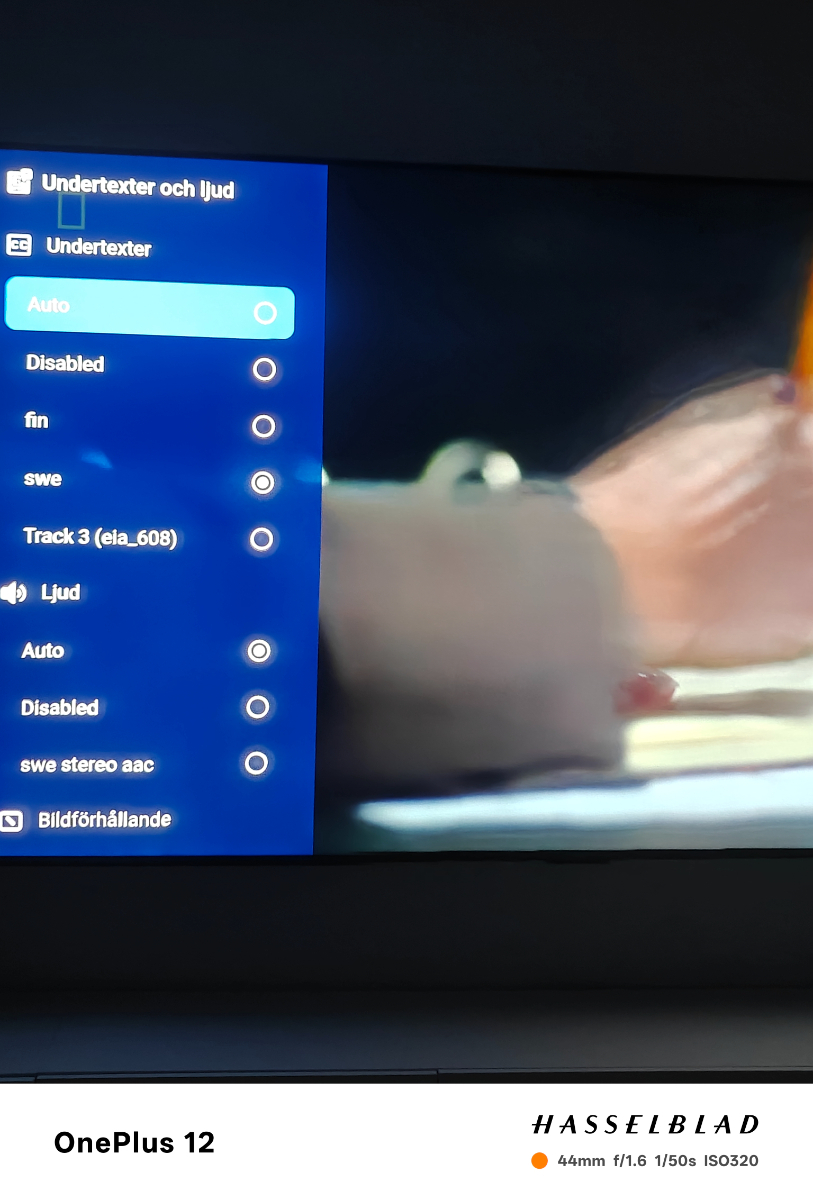
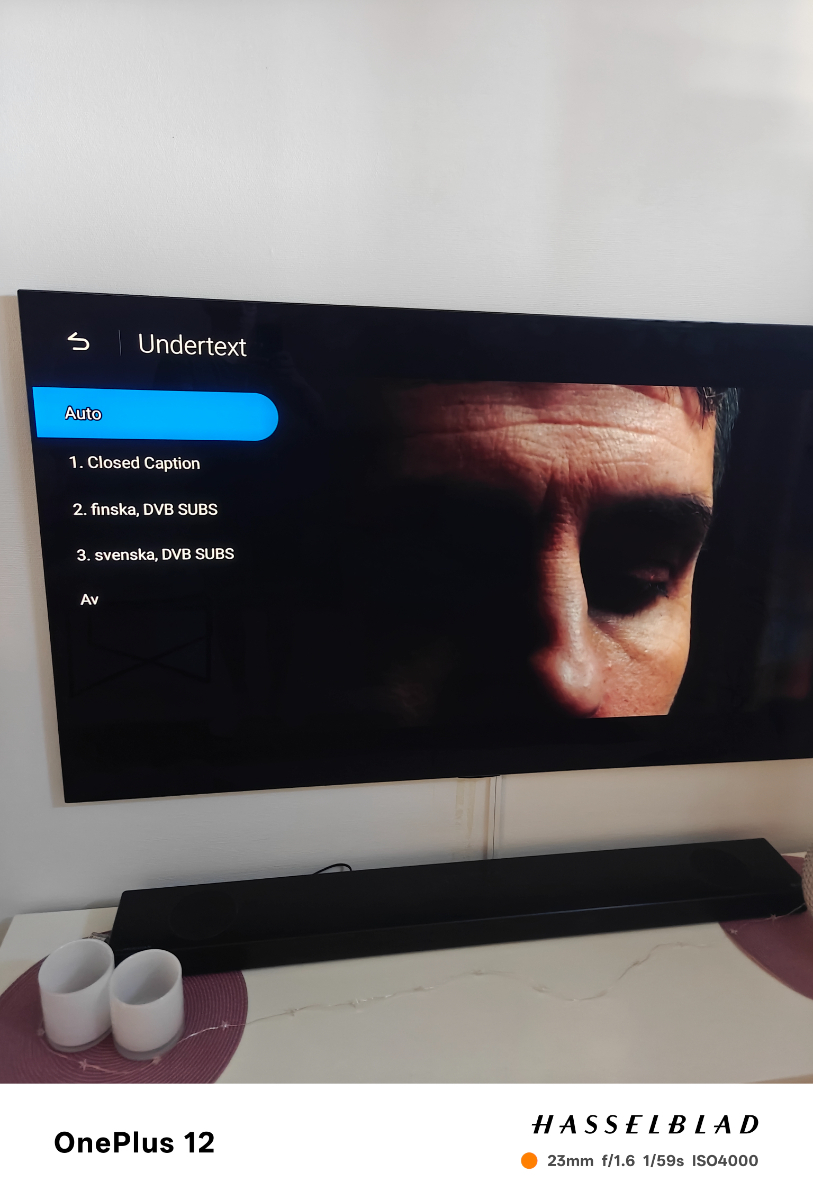
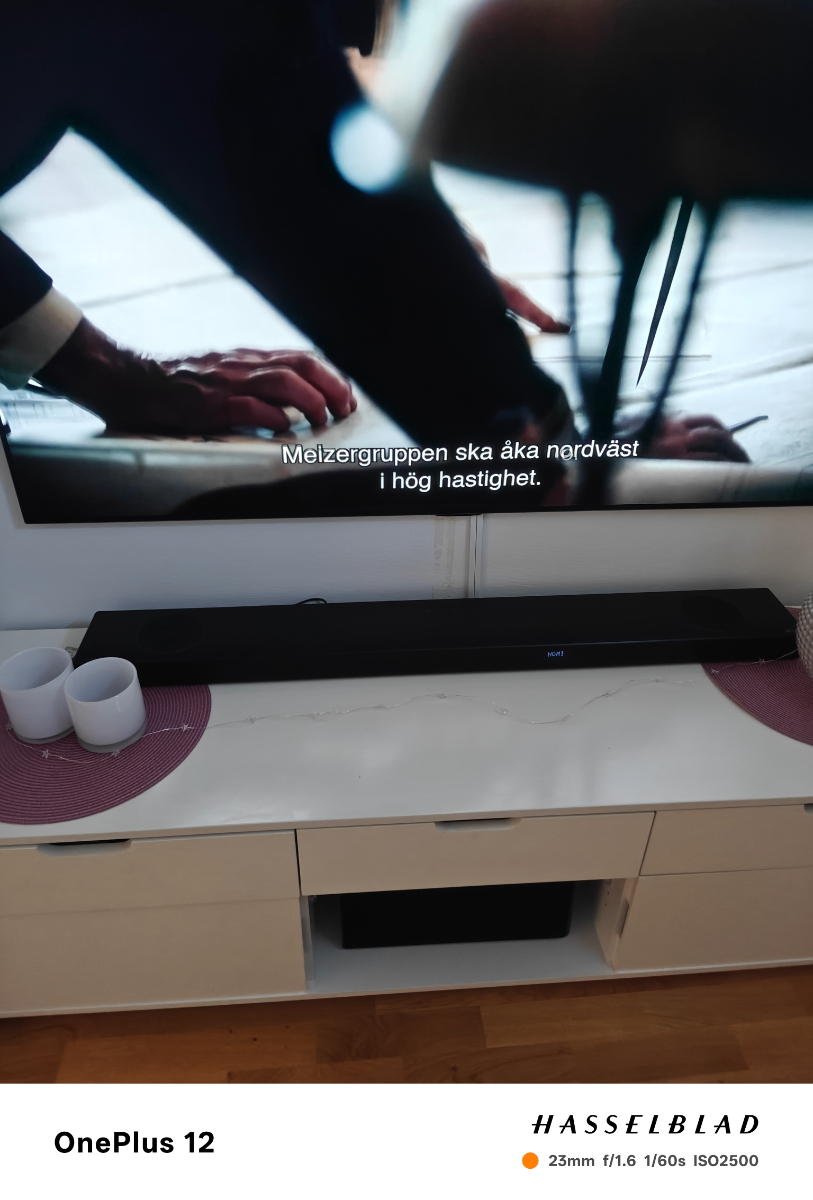
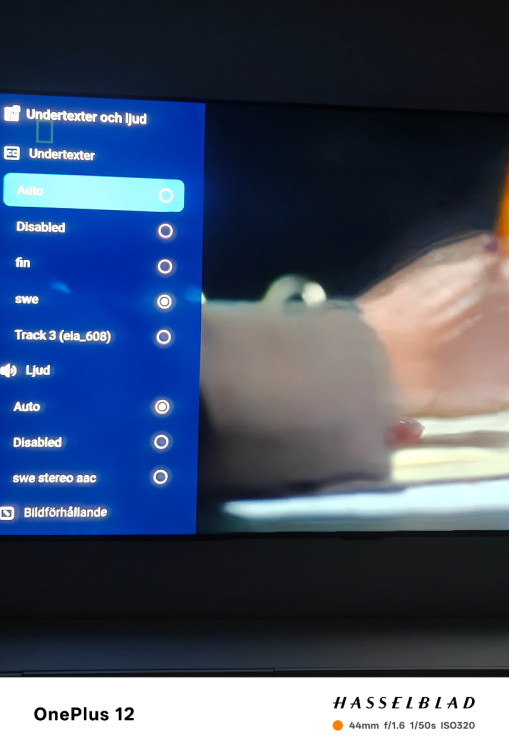
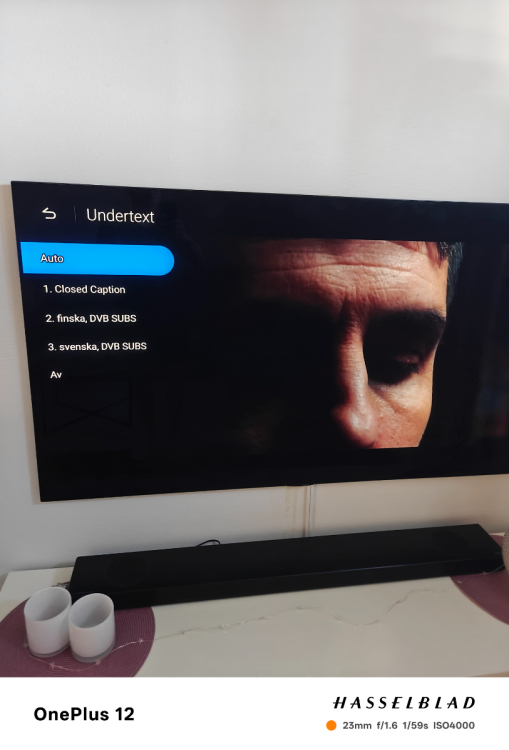
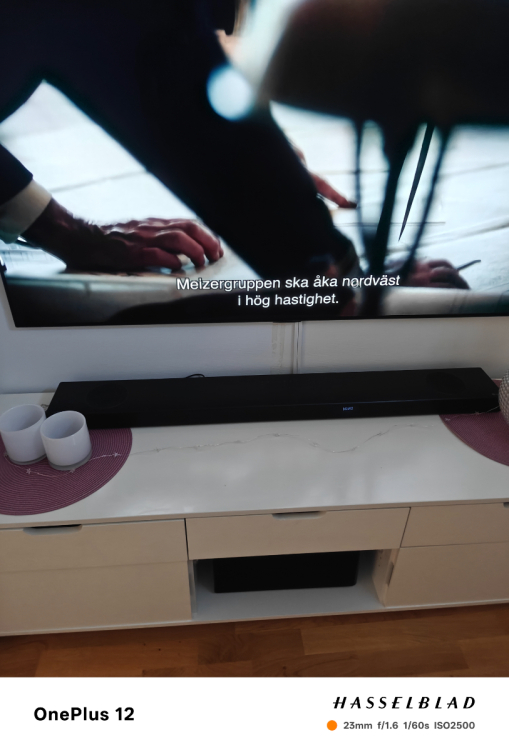
Yes it is options to choose subtitles but when i choose or have it on auto nothing comes up I show you how it looks on my old formuler same channels same provider so there are subtitle on the channel but i cant get it on my buzztv6 app weird
-
Yes it is the live tv the buzztv6 have problems with TTX and dvb subtitles its not coming when you press the subtitle but on my other devices its showing when i choose the subtitle with the same provider and same channels
-
Why is not dev saying something here??
-
Have the G-serie buzztv6 no support for dvb subtitles?.. Because when i choose the sub it dont come forward but on my other devices it comes with the same provider the box is useless without subtitle support
-
Hello i have one problem with subtitles on all my providers on my G-serie buzztv6 some channels have have subtitles and when i choose the subtitle i want it doesnt come up but i know the subtitle is there because on my formuler gtv device is showing up is this an bug or is it something wrong on the player and why can we not choose an another video Player for live tv just for vod and is it coming an update for subtitles?//Best Regards Alf
-
Hello i have one problem with subtitles on all my providers on my G-serie buzztv6 some channels have have subtitles and when i choose the subtitle i want it doesnt come up but i know the subtitle is there because on my formuler gtv device is showing up is this an bug or is it something wrong on the player and why can we not choose an another video Player for live just for vod and is it coming an update for subtitles?//Best Regards Alf