

BuzzPrespa
Members
-
Joined
-
Last visited
-
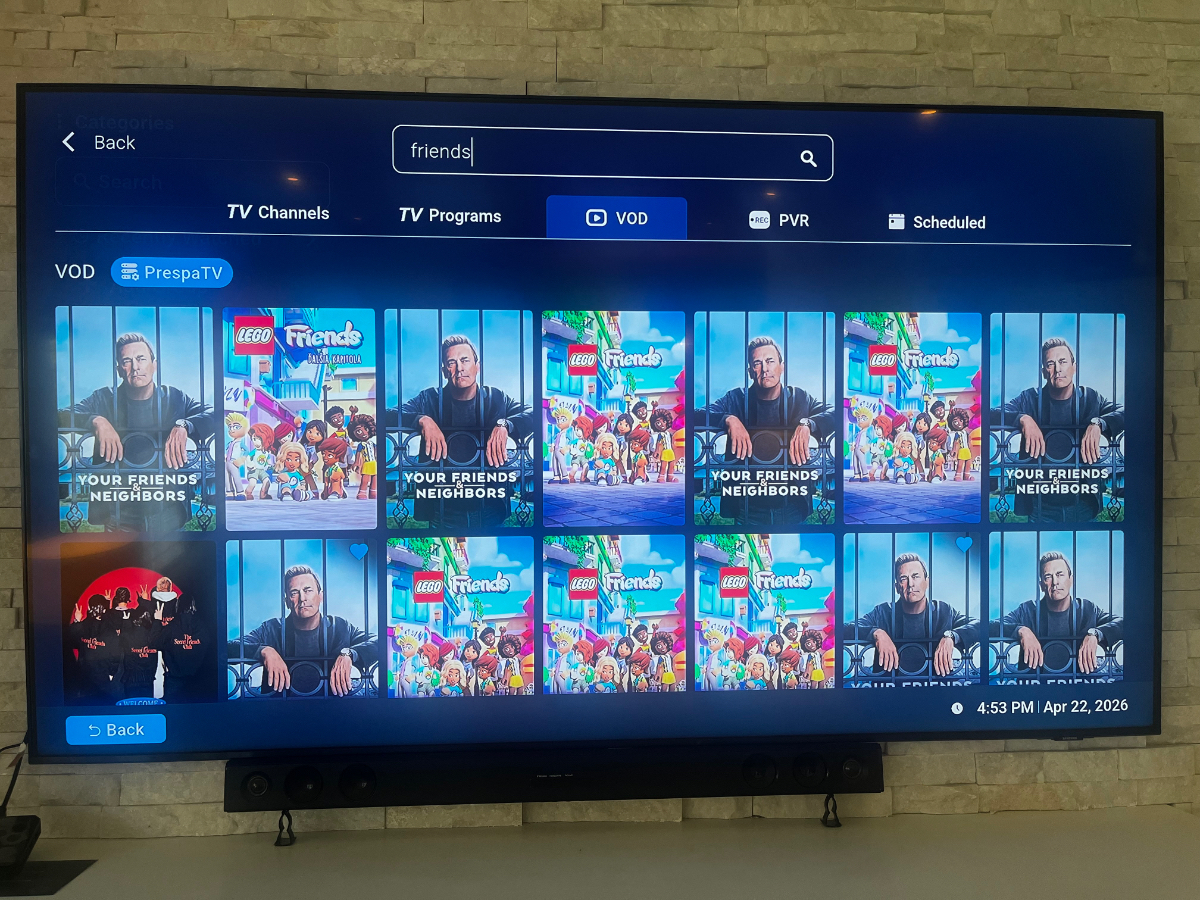
Yes for sure. Several Friends references but not the TV show
-
Same result as my screenshot. Friends doesn’t appear under VOD.
-
Sounds like it’s a provider issue. I’ve flagged it. Thanks all.
-
Thanks, I’ll give this a shot
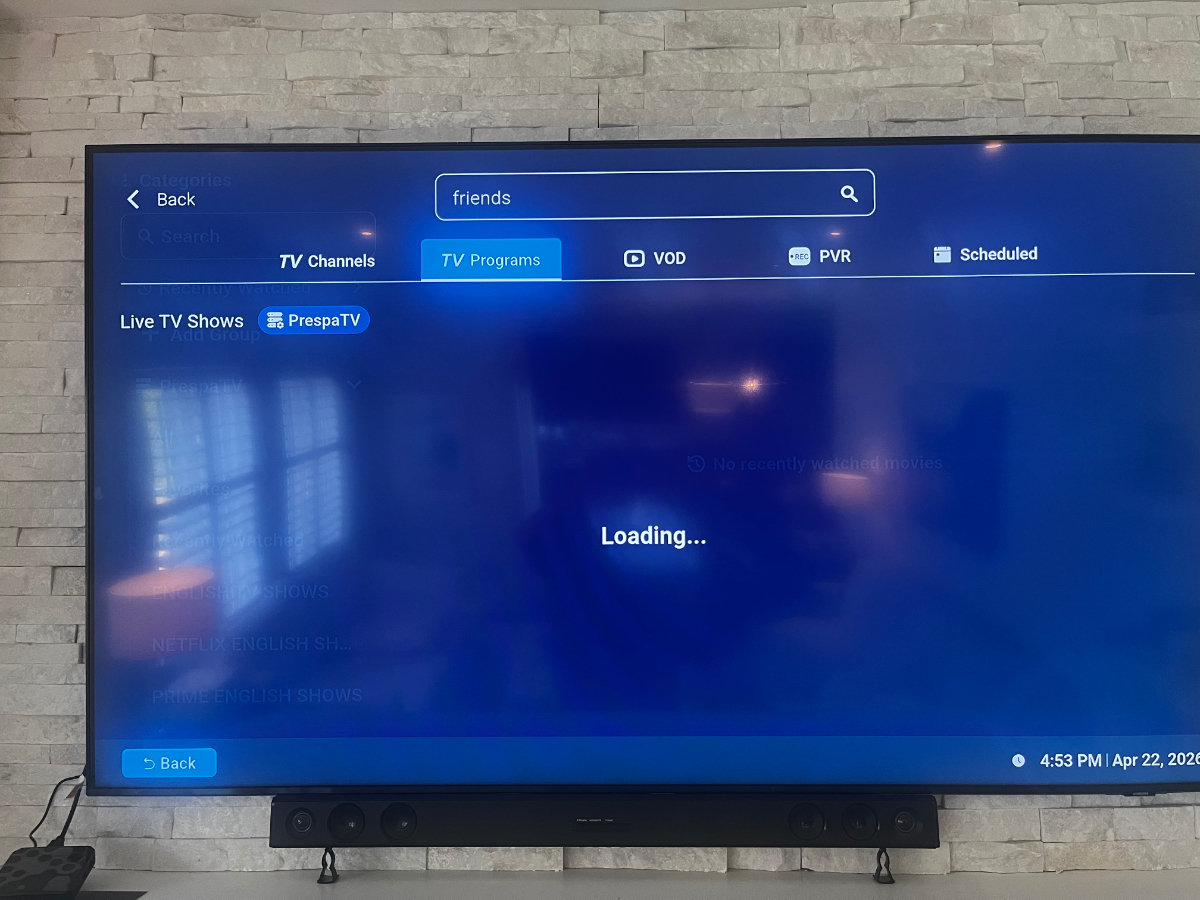
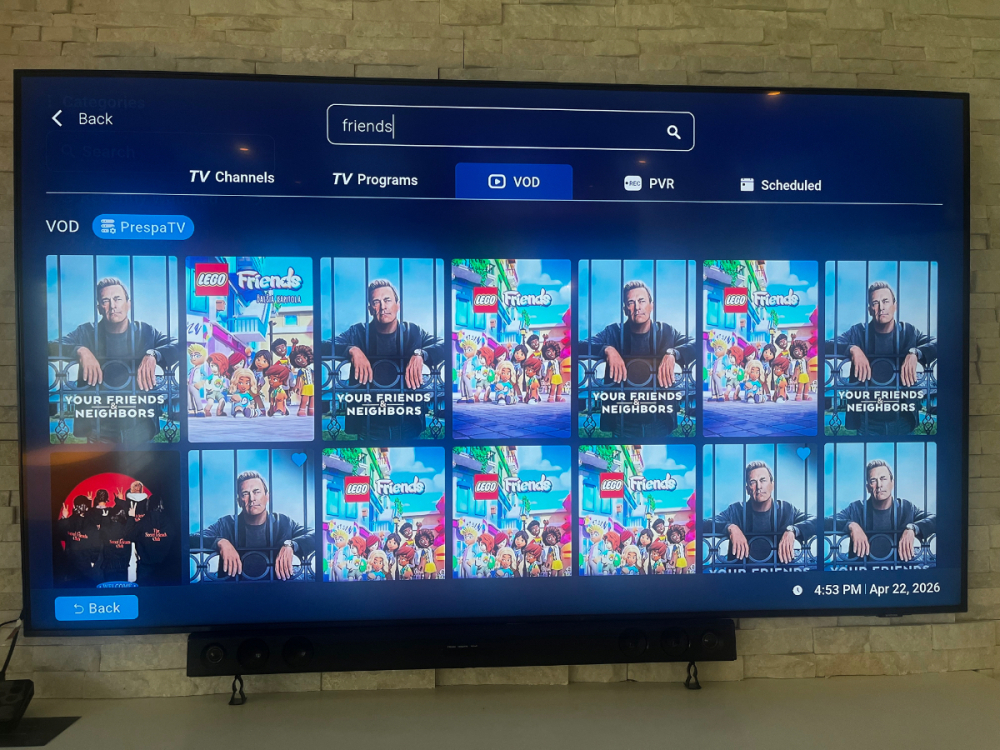 Nothing comes under me under TV Programs. provider links the together under VOD… moves and series together.
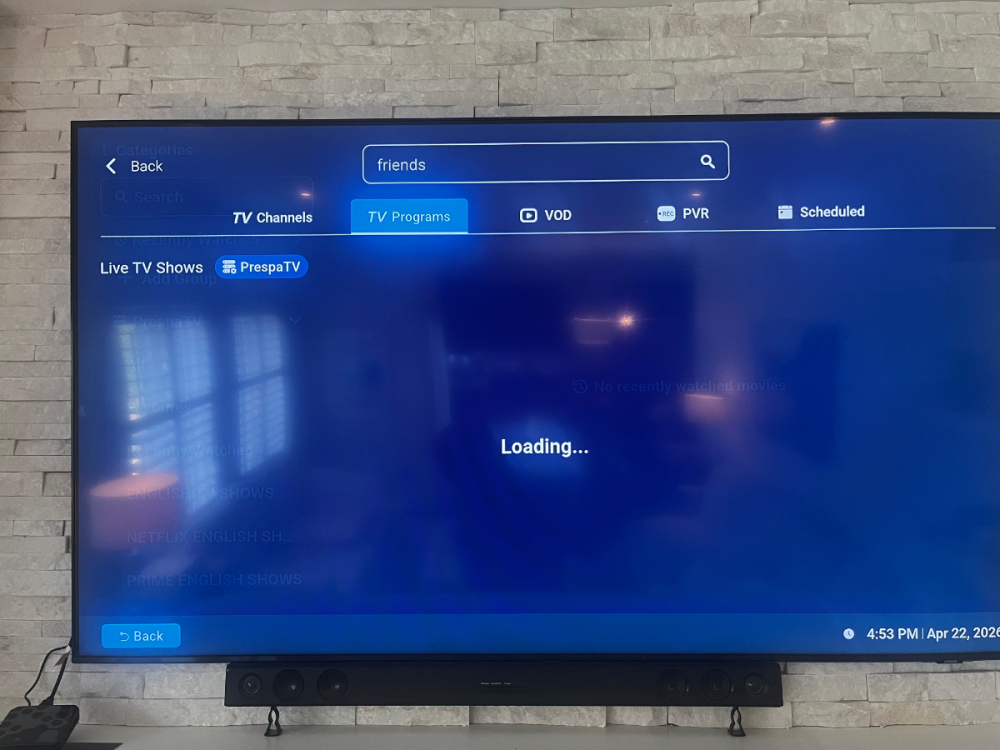 When I search for Friends, it doesn’t appear. I have to manually go look for it under Crave or Hulu.BuzzPrespa joined the communityWe put Friends the TV series on, from. crave or Hulu, and when one episode finishes, the previous series episode plays rather than the one after. So if you’re on episode 6, it will go to episode 5.

Account
Navigation
Search
Configure browser push notifications
Chrome (Android)
- Tap the lock icon next to the address bar.
- Tap Permissions → Notifications.
- Adjust your preference.
Chrome (Desktop)
- Click the padlock icon in the address bar.
- Select Site settings.
- Find Notifications and adjust your preference.
Safari (iOS 16.4+)
- Ensure the site is installed via Add to Home Screen.
- Open Settings App → Notifications.
- Find your app name and adjust your preference.
Safari (macOS)
- Go to Safari → Preferences.
- Click the Websites tab.
- Select Notifications in the sidebar.
- Find this website and adjust your preference.
Edge (Android)
- Tap the lock icon next to the address bar.
- Tap Permissions.
- Find Notifications and adjust your preference.
Edge (Desktop)
- Click the padlock icon in the address bar.
- Click Permissions for this site.
- Find Notifications and adjust your preference.
Firefox (Android)
- Go to Settings → Site permissions.
- Tap Notifications.
- Find this site in the list and adjust your preference.
Firefox (Desktop)
- Open Firefox Settings.
- Search for Notifications.
- Find this site in the list and adjust your preference.