backyardKrazy
Members
-
Joined
-
Last visited
Everything posted by backyardKrazy
-
Well I have to admit I was considerin the same thing. a month ago my home button stopped as well, both remotes so I know the box is glitched. Thanks for all the help!
-
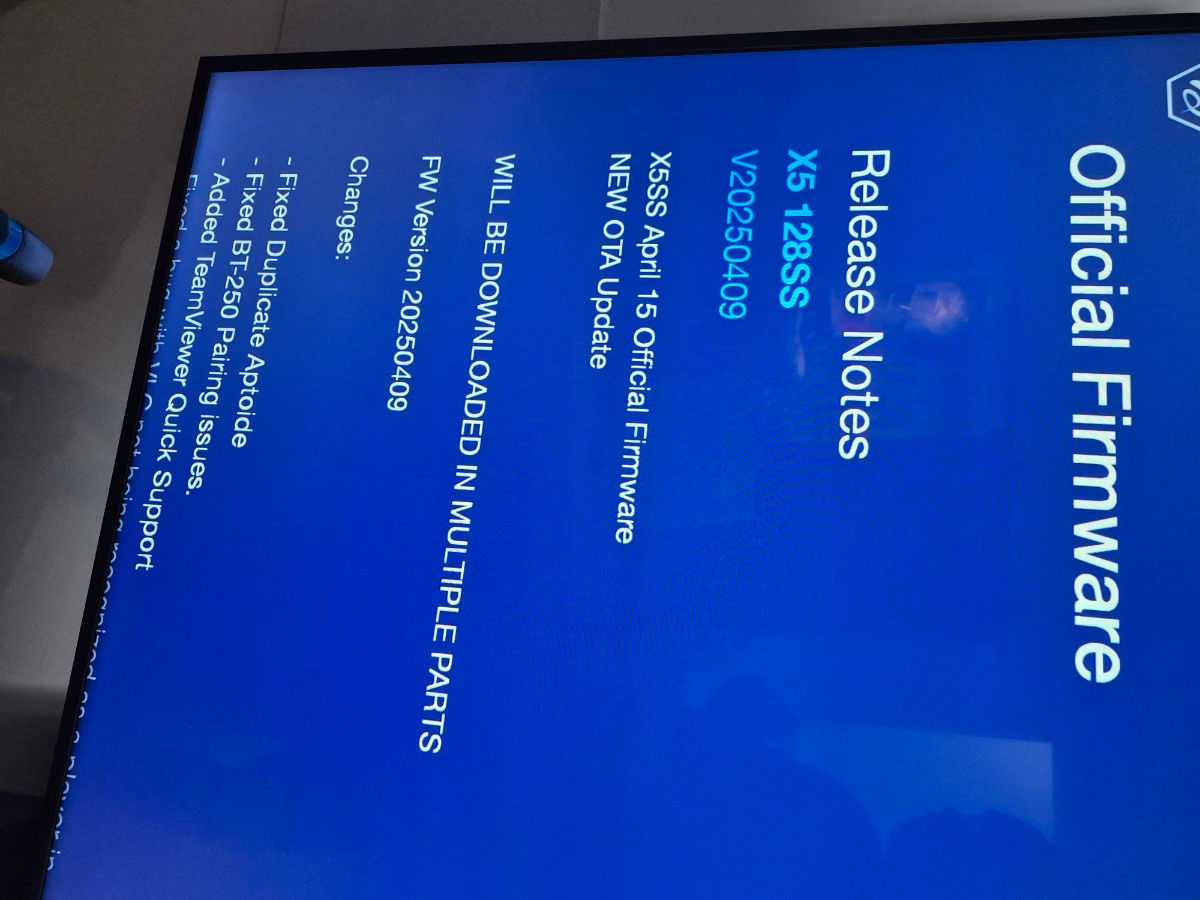
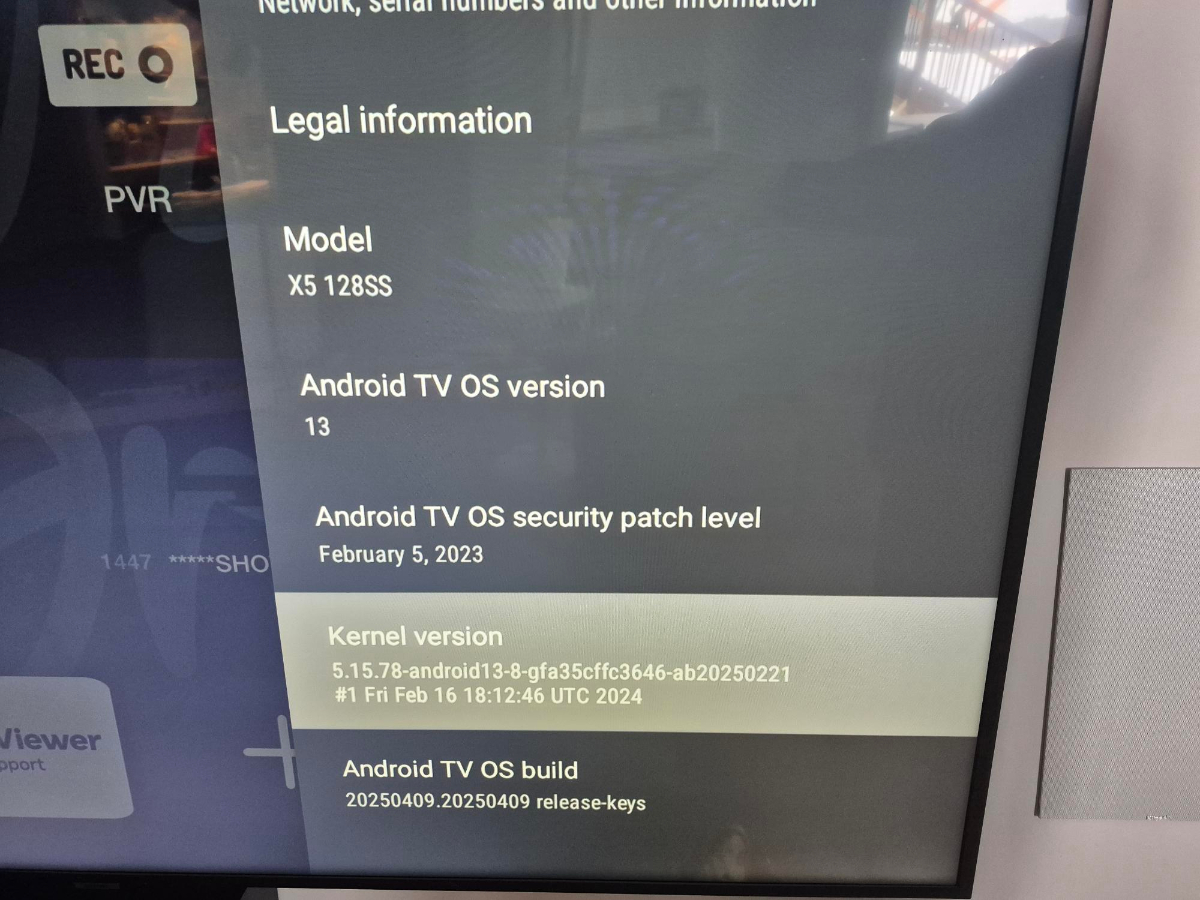
VERSION 5.0.947, UPDATED 01/10/2025
-
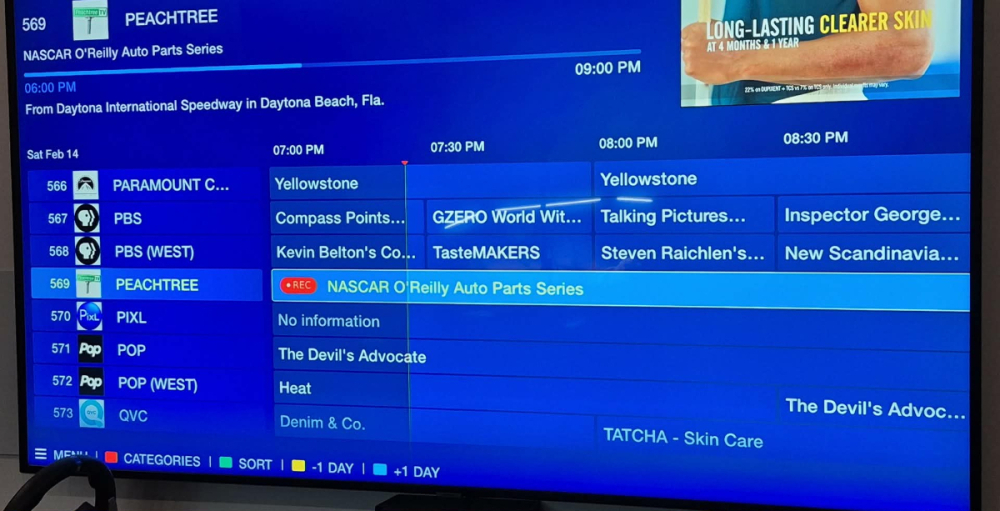
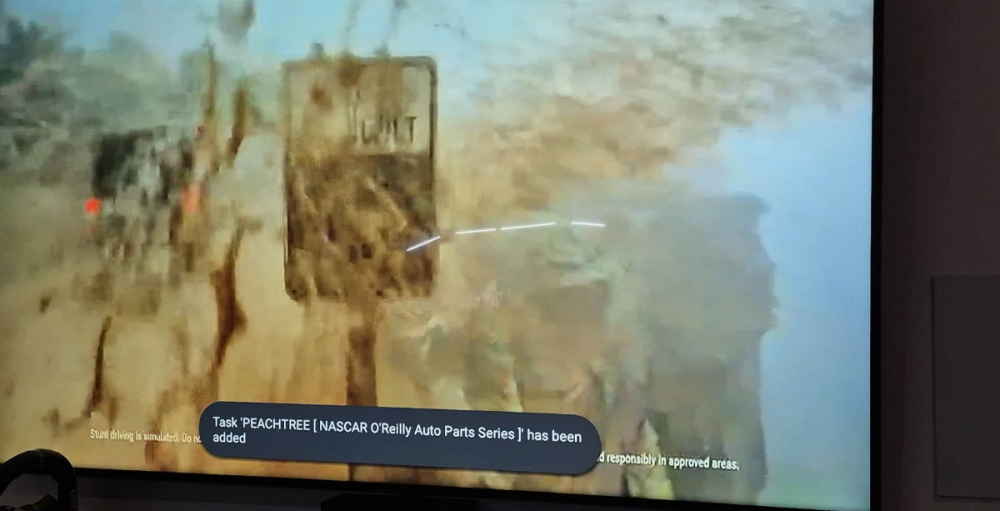
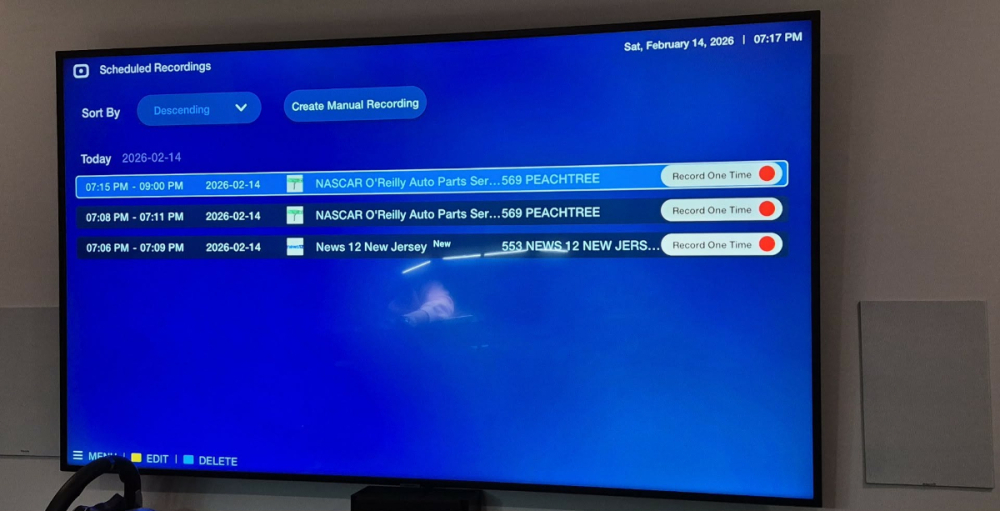
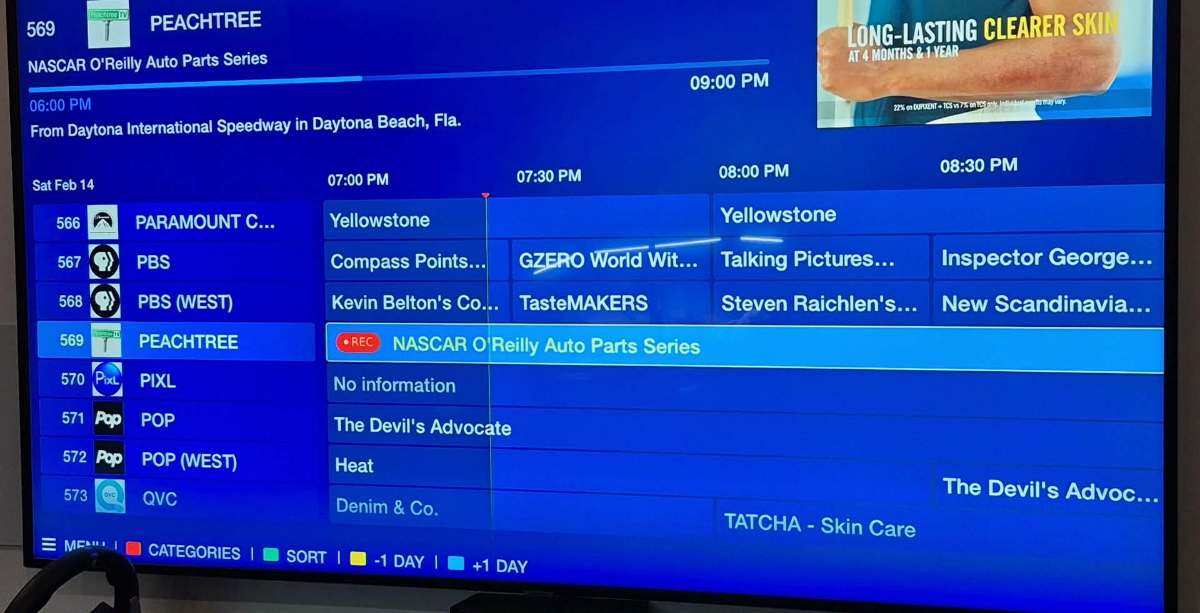
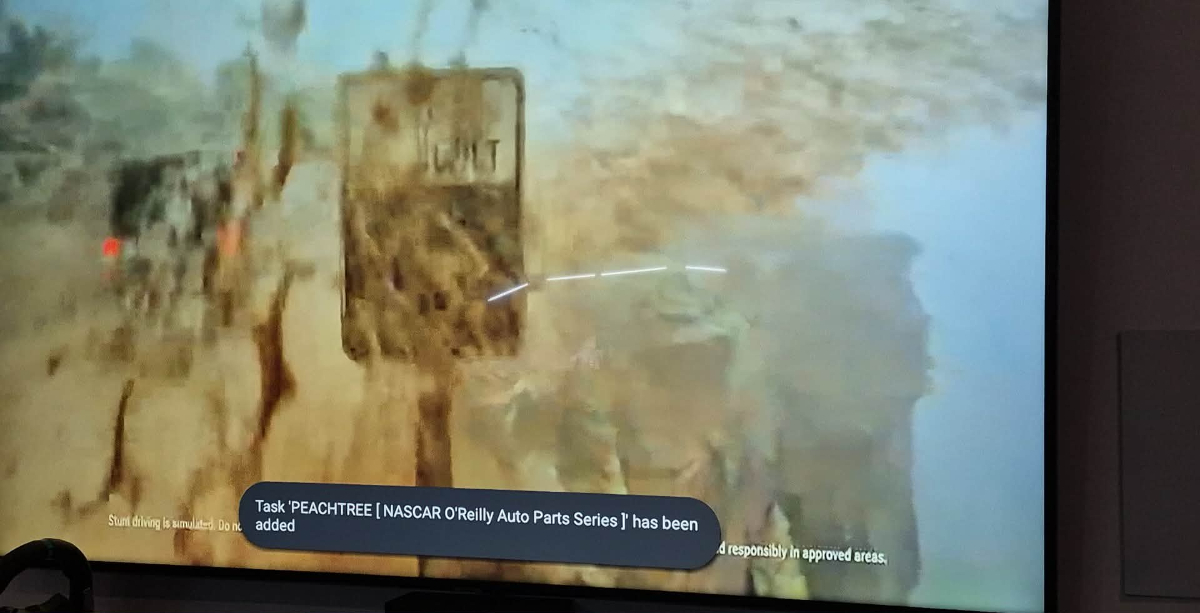
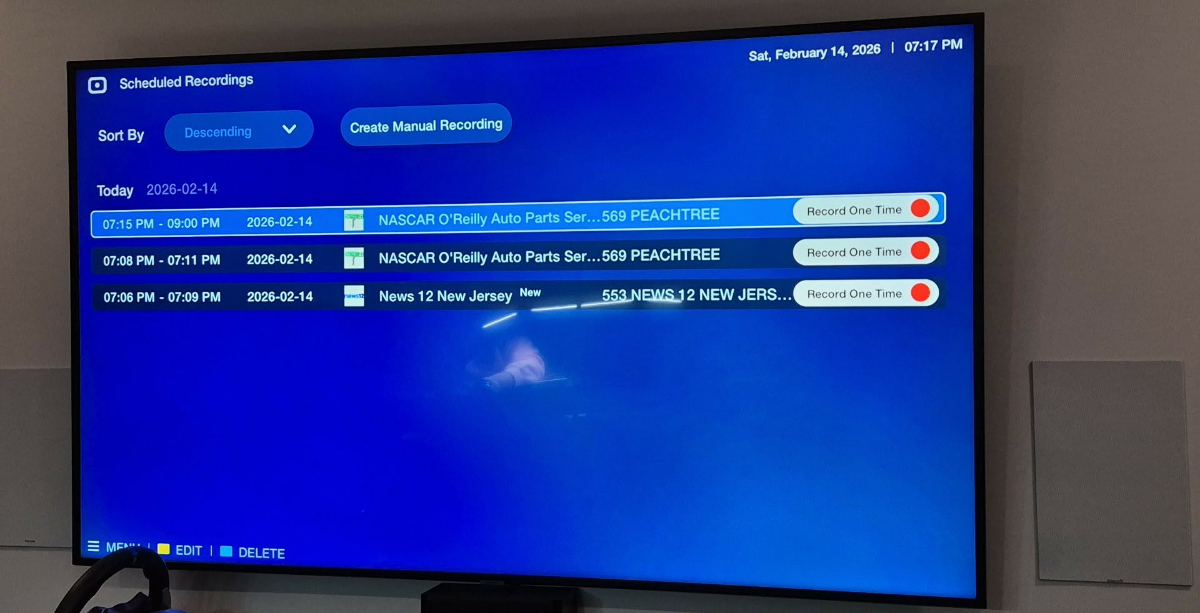
So I have tried that, and a red record icon does not show up. *** IT SAYS REC ON THE GUIDE BUT NOT AT THE TOP RIGHT CORNER if I press the red button (i have confirmed the red button is still set up default and not reassigned to anything else) I have pressed the red button, with One button record active, and it displays the grey banner above about adding a task. with One button record disabled, it opens the recording settings menu, and I save it but it reacts the same, sets a task but no recording. **this is with current live shows, as well as set up a future recording and still no recorded shows in the PVR menu. Just tasks
-
I just assumed that way theres no errors and all info requested is there instead of going back and forth
-
time and date is all correct
-
I have tried letting it go, it never transfers from scheduled to my recordingsAdditional info: -no red REC on top right corner -I have a 64gb usb and its set to record to that in all storage settings -I am not changing the channel, or turning anything offOK, so I found one button record was on, turned that off now I get the recording settings menu pop up. however, when i save, it still just generates a task, doesnt start recordingHi everyone I dont record much, but later today I want to. I select the channel, and put the show on, hit the red button and a grey message appears Task 'CHANNEL' [SHOW] has been added it shows up in my scheduled menu under PVR, but not recordings. I have tried setting a manual recording as well, nothing happens. A red symbol shows up in the guide that I am recording- I think? I have searched high and low for a similar thread, but nothing. Theres a setting somewhere I need to change.... Please help!