Mohsin Bemat
Members
-
Joined
-
Last visited
-
Yeah set to 4K on both
-
Software Version 5.0.946, Firmware Version V20220106 and yeah I tried switching the player I use primary. But when I try to switch to backup the streams don’t work.
-
Yeah, also tried it on an older tv I had and same thing only on the 4K channels. Rest of the channels are fine and don’t have that static.
-
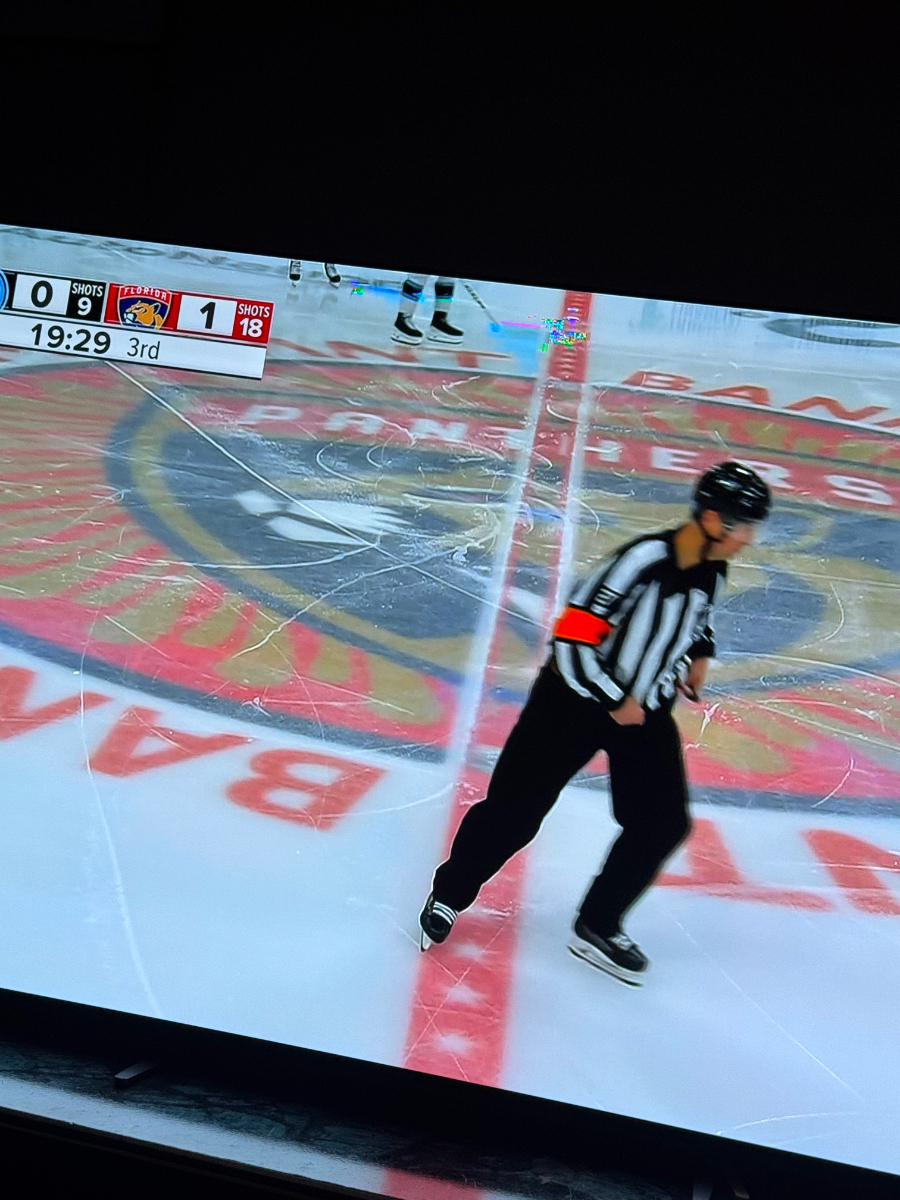
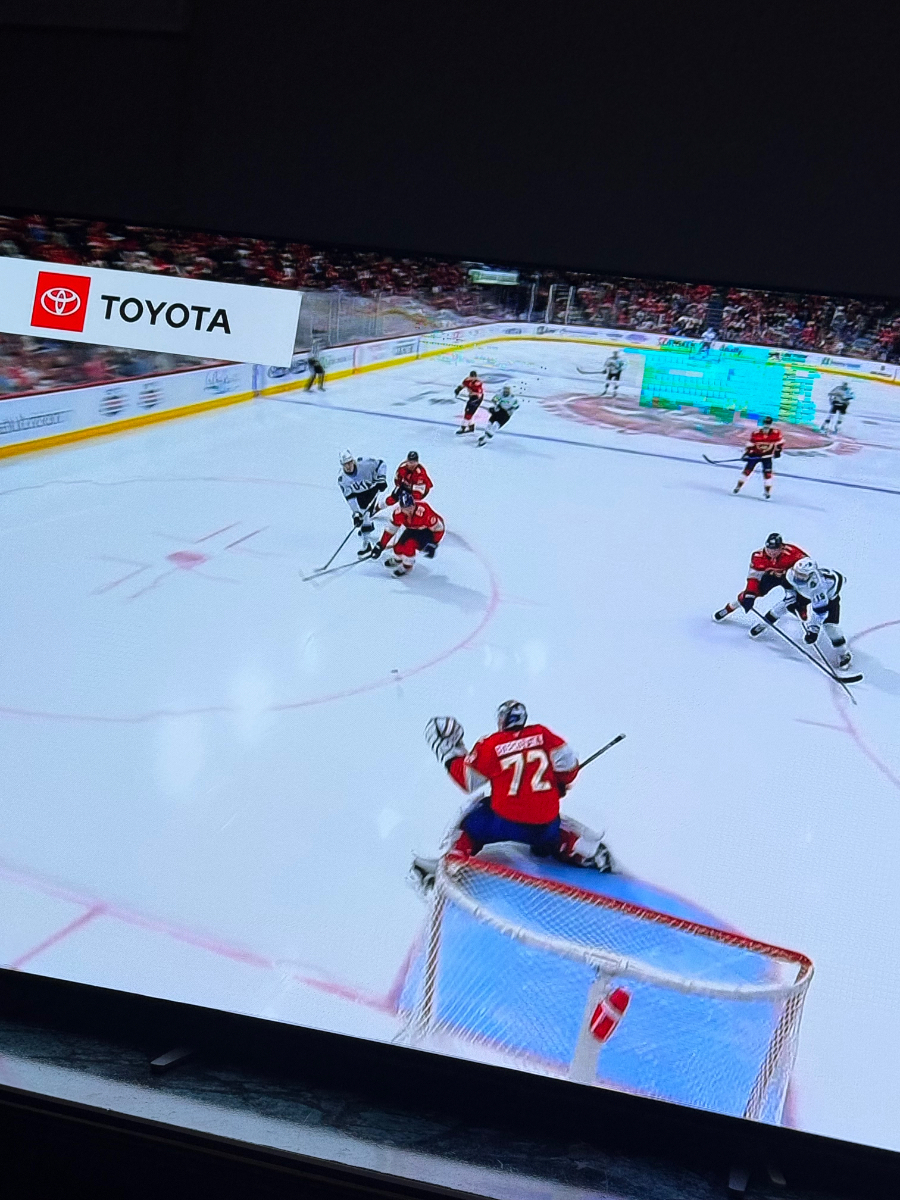
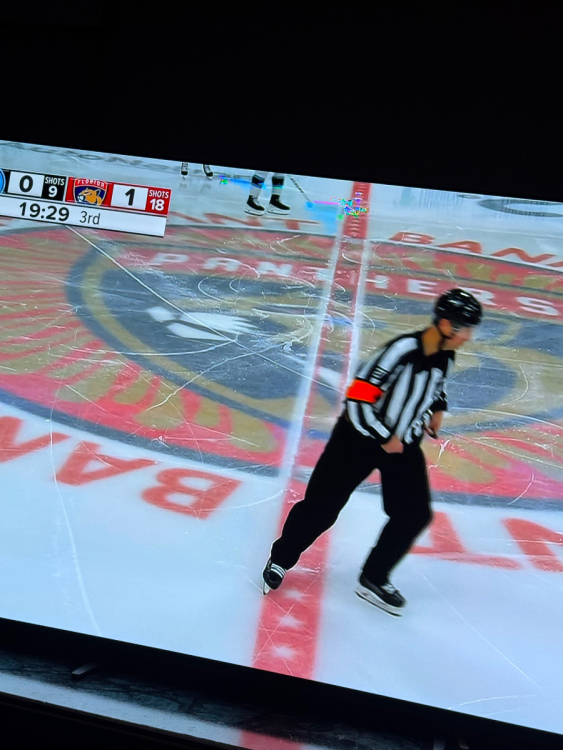
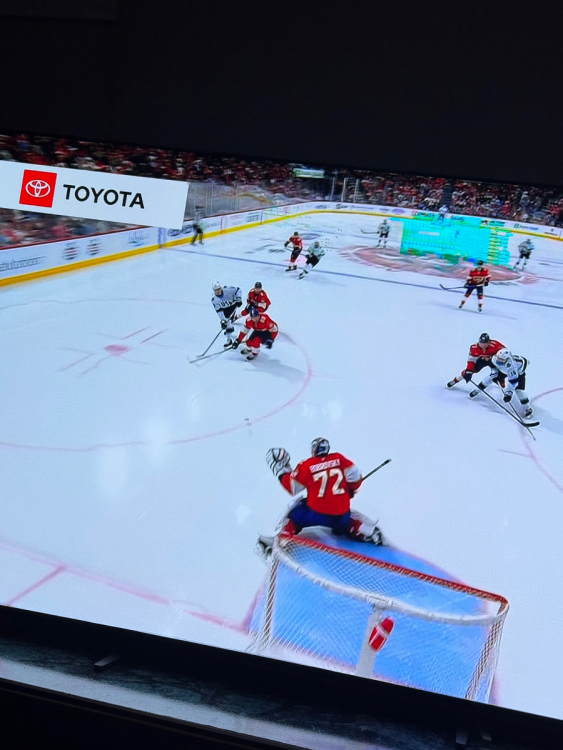
Hi I’m on the buzz xrs4500 and a 4K oled tv and I need some help. On 4k channels whenever I watch they usually have this thing on the screen I don’t know what it’s called but I’ll attach a picture to show you it’s like a green static. I’ve tried wired and wireless connections to see if it was a network issue but the issue is still there anyway. I tried watching these same 4K channels on my phone and no problem it runs perfectly. Any help or do you think this might just be the age of the box getting the degraded performance.
-
Thanks I’ve done it. So far so good, hopefully stays like that. Thanks.
-
Okay yeah I’ll do that. Might be a stupid question but how exactly do I factory reset the box?
-
Software Version 5.0.946 Firmware Version V20220106
-
Yeah always the first thing I do.
-
Hi I have had a Buzz XRS 4500 since May of 2021. For like the last year the box has been really glitchy/buggy. But recently it’s gotten a lot worse, like when I open live tv sometimes it’ll just keep crashing and sometimes say something like “Buzz TV 5 is not responding”. It’ll keep crashing like this for at least like 15 minutes so I just give up and turn the box off after. Also sometimes if I’m on the vod or tv series section and searching something up it’ll crash over there too. I’m wondering does anyone know a fix to this and if anyone else has encountered this issue as well.