Jim3531
Members
-
Joined
-
Last visited
-
Dam, he is gone unavailable, so basically are you telling me that it’s done un use able?
-
I was told all I had to do was update it. Who could I talk too about getting it going again?
-
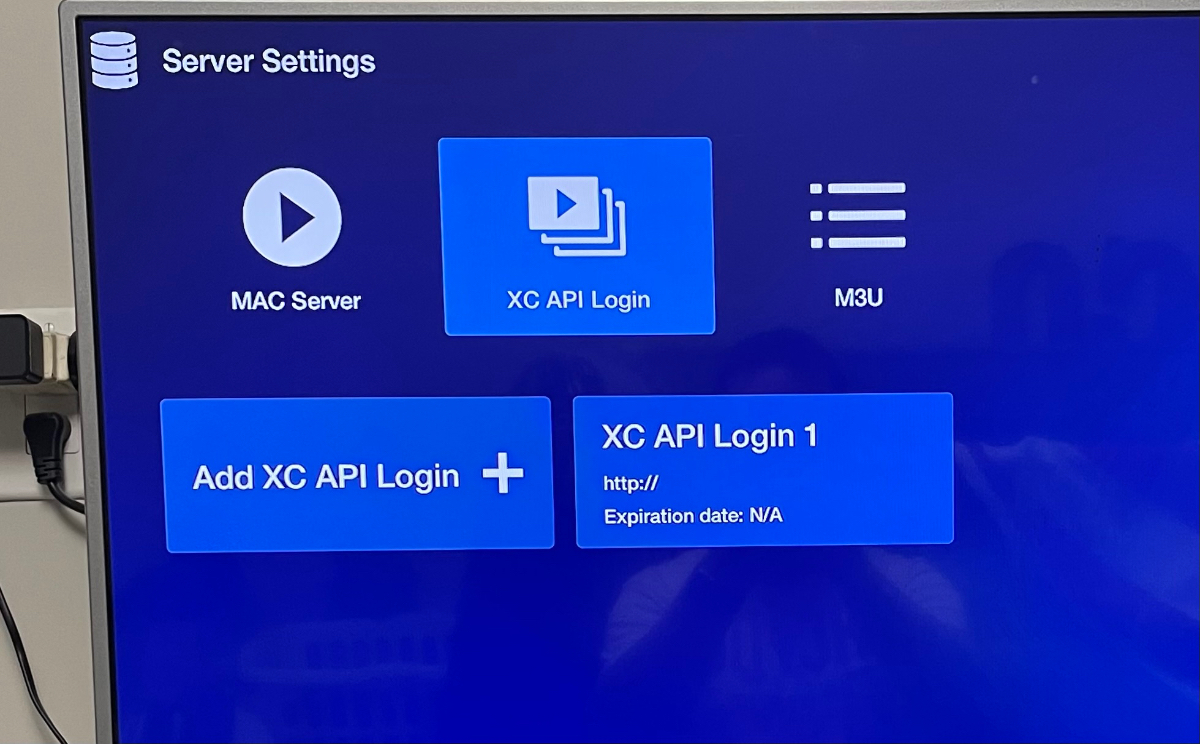
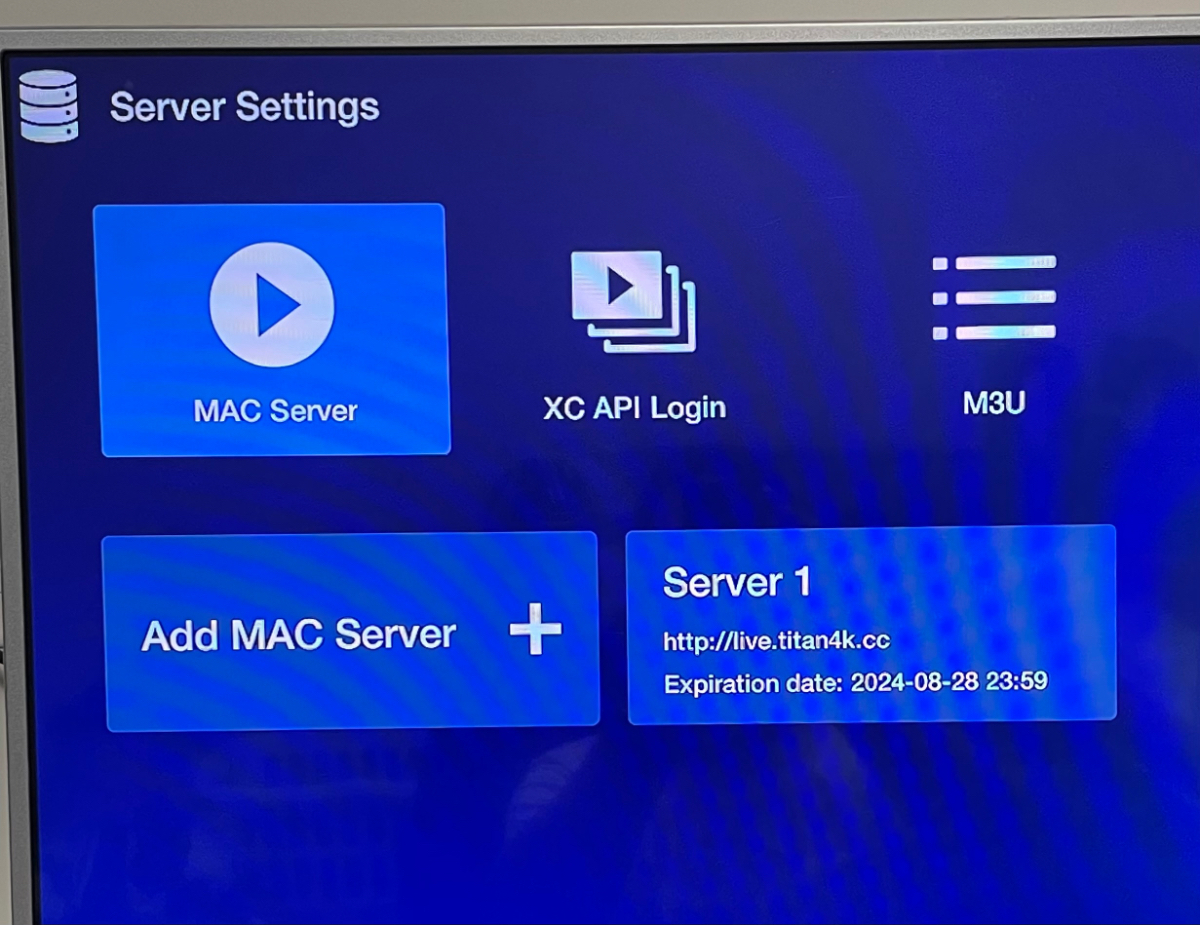
Sorry under server settings I have Mac server and xc api login tab for each
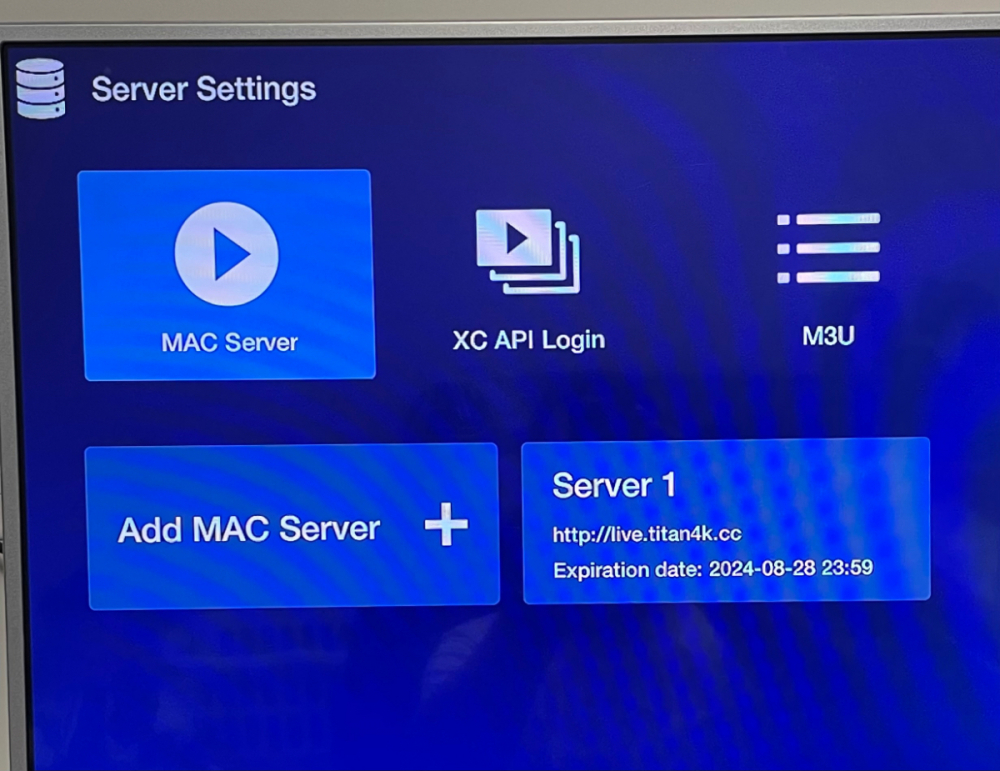 Sorry Xc apiHi, sorry I been so consumed with this I forgot to leave important info out. I have the buzz tv HD xrs 4000. I purchased it a little under a year ago. I have not watched it for a few months. So I had to update to the current settings. Beta 5 settings. I was confused as to why I had to as I was told it came out in 2022-23 time frame. Anyways I updated everything. still has the original server1 with the link and a expiration date. I was told all I had to do was update it and boom should work again. So when I goto VOD it tells me can not load portal the portal is not found. Or if I click tv it says invalid webpage and or passcode. I was tolD all I had to to was update the system and should work. The fellow I purchased it from is no longer around so I can’t ask him.Jim3531 joined the communityHi I downloaded the new program but it keeps telling me incorrect username and password how do I fix this I don’t even know what to do