
Skip to content
View in the app

A better way to browse. Learn more.

BuzzTV Help

A full-screen app on your home screen with push notifications, badges and more.

To install this app on iOS and iPadOS
  1. Tap the Share icon in Safari
  2. Scroll the menu and tap Add to Home Screen.
  3. Tap Add in the top-right corner.
To install this app on Android
  1. Tap the 3-dot menu (⋮) in the top-right corner of the browser.
  2. Tap Add to Home screen or Install app.
  3. Confirm by tapping Install.

Rhian

Members
  • Joined

  • Last visited

Everything posted by Rhian

  1. Rhian replied to Rhian's topic in BuzzTV 5
    Nm, it was a tv issue
  2. Rhian posted a topic in BuzzTV 5
    All of a sudden the sound is not working in the box. Not for any app. I’ve unplugged, restarted, check volume levels on tv and kn the box. It was working fine a just an hour ago.
  3. Rhian replied to Rhian's topic in BuzzTV 5
    They were monitoring how many connections were happening while using the app. The worry was that there was that I'd been hacked, but it doesn't seem like that is the case, he watched the connections after the factory reset, and it didn't happen again after that.
  4. Rhian replied to Rhian's topic in BuzzTV 5
    I’m pleased to report that everything seems to be back to normal. The factory reset seems to have done the trick. My iptv guy is telling me he only sees one connection while the buzztv app is running. Thanks for all the help!!
  5. Rhian replied to Rhian's topic in BuzzTV 5
    Ok! Getting somewhere. I managed to do that….setting up again. Will keep you posted on what happens. Thanks!
  6. Rhian replied to Rhian's topic in BuzzTV 5
    The recovery screen never comes up, I’ve tried this over and over again.
  7. Rhian replied to Rhian's topic in BuzzTV 5
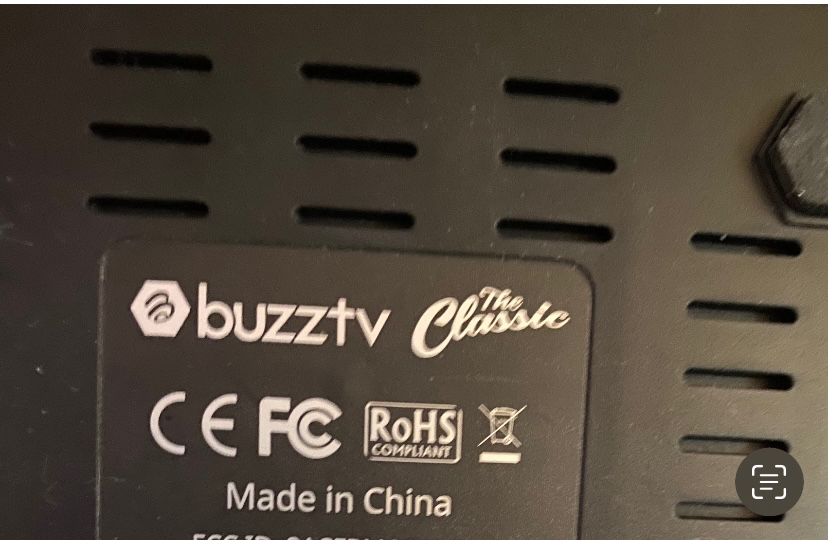
    I’ve tried both ways, it just reboots itself. Yeah it’s a classic
  8. Rhian replied to Rhian's topic in BuzzTV 5
    Any idea why I can’t it get it to factory reset?
  9. Rhian replied to Rhian's topic in BuzzTV 5
    Is there any way to remove the app?
  10. Rhian replied to Rhian's topic in BuzzTV 5
    I tried doing a factory reset, with a toothpick and everything, and it just reboots and I never see the reset page
  11. Rhian replied to Rhian's topic in BuzzTV 5
    It only started doing this 2 days ago. It's been working perfectly for at least a year.
  12. Rhian replied to Rhian's topic in BuzzTV 5
    I have, new user name and password.
  13. Rhian replied to Rhian's topic in BuzzTV 5
    If i go to apps in settings, and click on buzztv 5, it’s mentioning buzztvxr4000. Maybe that doesnt mean anything.
  14. Rhian replied to Rhian's topic in BuzzTV 5
    It says xr4000 and I see it being called classic in the settings
  15. Rhian replied to Rhian's topic in BuzzTV 5
    V20240927
  16. Rhian replied to Rhian's topic in BuzzTV 5
    It’s the xr4000 (classic?) buzz tv 5, version 5.0.940
  17. Rhian posted a topic in BuzzTV 5
    The buzztv app is opening multiple connections to my iptv server (like 7 at a time), and I’m being kicked out of my iptv server because I cannot have more than 2 connections at a time. Everything says I’m updated to latest updates on the box. Anyone know it’s opening multiple instances of itself in the background?

Account

Navigation

Search

Search

Configure browser push notifications

Chrome (Android)
  1. Tap the lock icon next to the address bar.
  2. Tap Permissions → Notifications.
  3. Adjust your preference.
Chrome (Desktop)
  1. Click the padlock icon in the address bar.
  2. Select Site settings.
  3. Find Notifications and adjust your preference.