
Skip to content
View in the app

A better way to browse. Learn more.

BuzzTV Help

A full-screen app on your home screen with push notifications, badges and more.

To install this app on iOS and iPadOS
  1. Tap the Share icon in Safari
  2. Scroll the menu and tap Add to Home Screen.
  3. Tap Add in the top-right corner.
To install this app on Android
  1. Tap the 3-dot menu (⋮) in the top-right corner of the browser.
  2. Tap Add to Home screen or Install app.
  3. Confirm by tapping Install.

Corey Skipper

Members
  • Joined

  • Last visited

  1. I followed all 3 steps. Nothing worked, still having the same problem. I even put it in classic mode and buzztv 5 still same issue
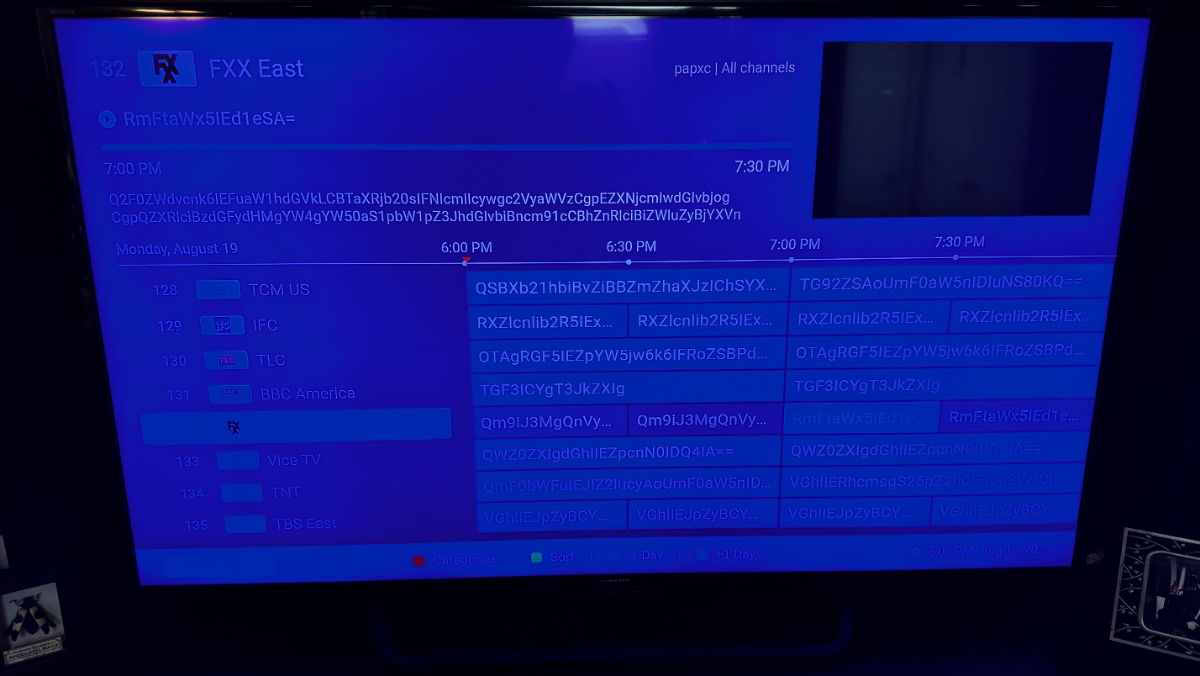
  2. just installed and my guide is completely scrambled. you can not make anything out.
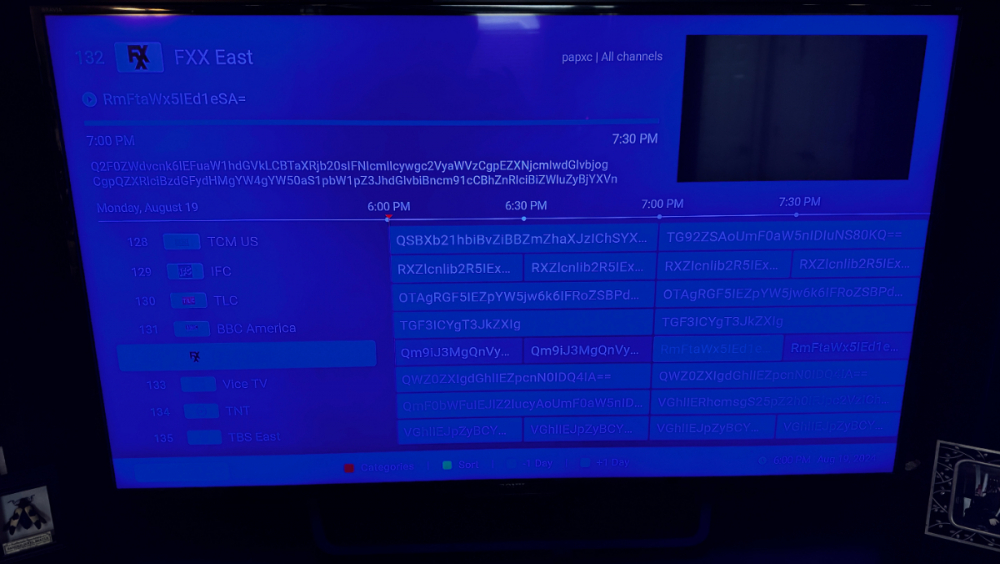
  3. Yes same network. I tried 4 different devices.
  4. add server by qr code does not work. It says route not found Its says route not found on the screen unless im doing something wrong.

Account

Navigation

Search

Search

Configure browser push notifications

Chrome (Android)
  1. Tap the lock icon next to the address bar.
  2. Tap Permissions → Notifications.
  3. Adjust your preference.
Chrome (Desktop)
  1. Click the padlock icon in the address bar.
  2. Select Site settings.
  3. Find Notifications and adjust your preference.
