m2radio
Members
-
Joined
-
Last visited
Everything posted by m2radio
-
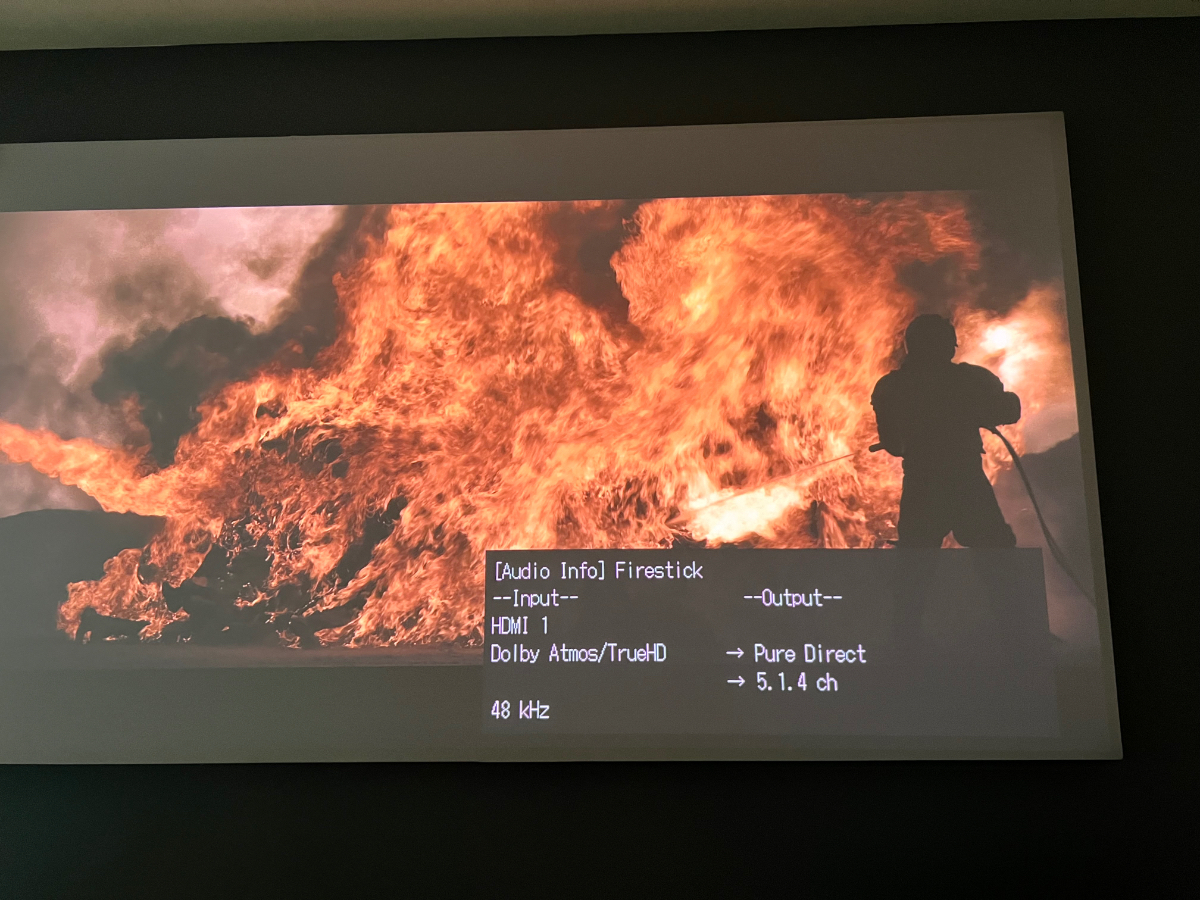
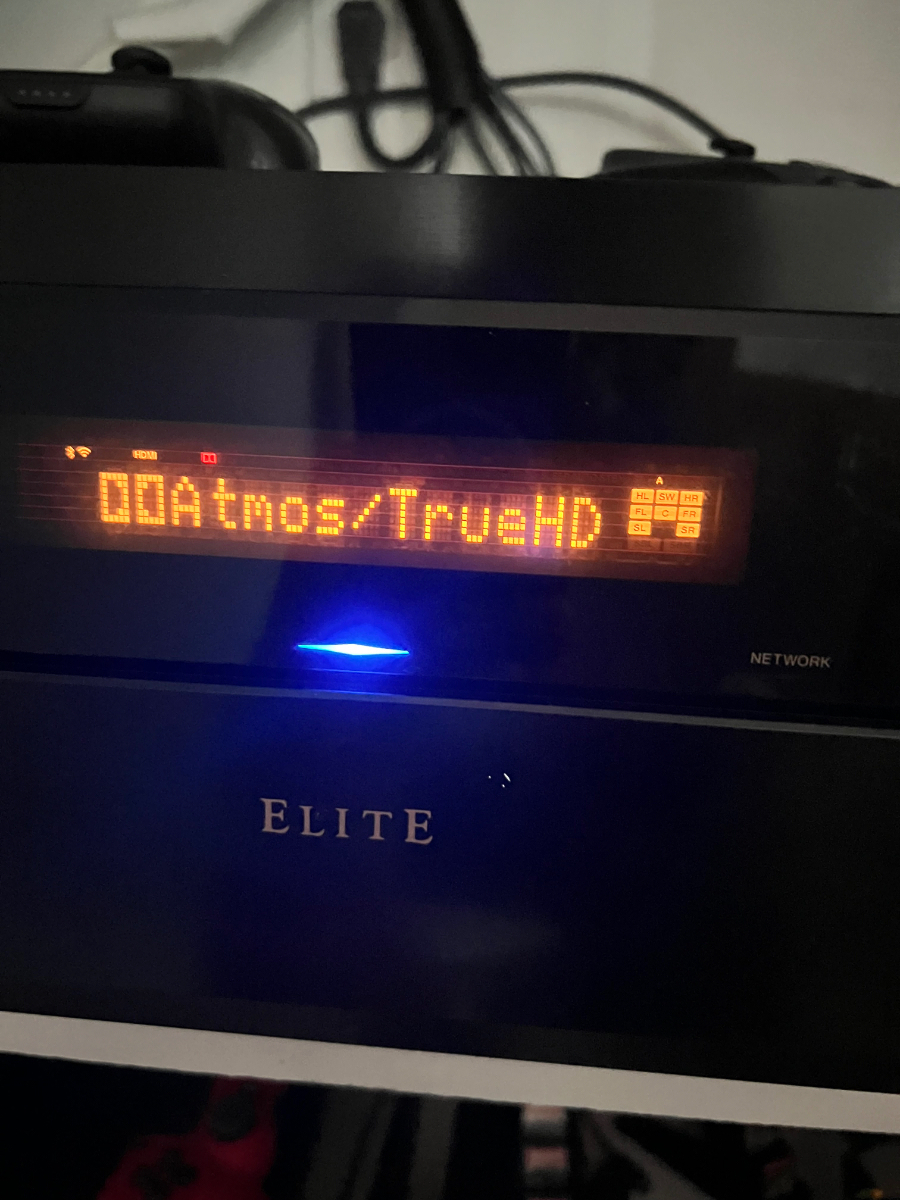
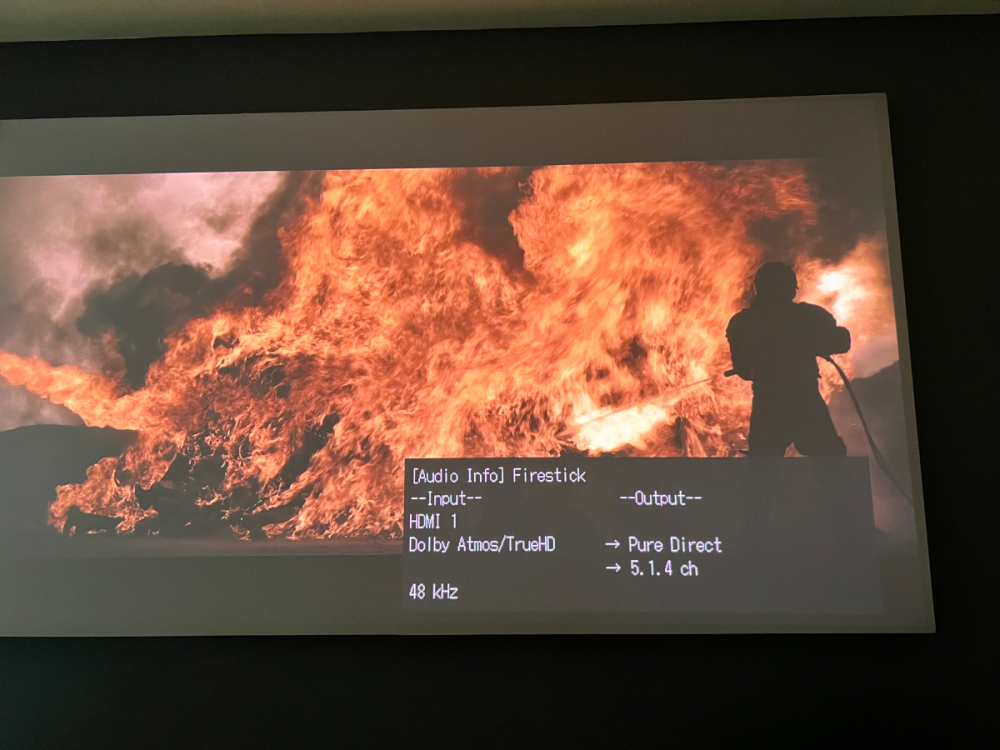
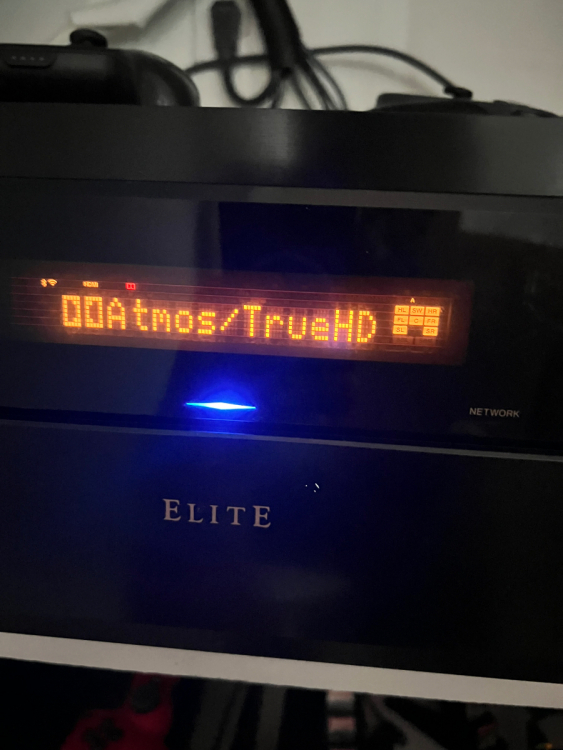
True but through bitstream or passthrough truehd will still be truehd and my amp pics it up as such. Like I mentioned earlier, I’m using the 4900 different than most. But, good for education purposes. With the fire cube and a truehd source. I was just hoping to ditch some devices.
-
Thank you for the response. The fire cube and shield both pass through truehd. Just for knowledge. I do appreciate the response.
-
Thanks for that insight. Yea. I’m particular and wanted something different than a shield. I’m kinda an audio snob. I’m wondering if the other newer boxes are actually passing through truehd as advertised or kinda doing the same thing.
-
So it has been a little and still no update on a fix for Dolby Atmos truehd. Can any light be shared at all? I’m looking at picking up a couple more boxes and I was hoping to go with buzz. Hard to so without an explanation or solution. I enjoy Dolby truehd using Jodi to stream high hd movies with the box. Shield and Amazon fire cube have no issue. Hope some one higher up can chime in.
-
Ok. Thanks. Just hoping that it gets some attention being an older box and all. I know most discussion centers around iptv, but it does have the juice to run within a home media network. I will be patient and hope 🙂
-
-
So awesome to hear! I’ll keep checking back. Please let me know if there is anything else I can provide on my end.
-
Thanks! I will. Also not working in Plex. That’s why I leading the way I am. Curious, do some have a setup they can share where they are getting truehd with buzz? As mentioned Atmos with DD+ and dts hd is all good.
-
Well. Switched out cube for buzz. Tried buzz with settings set for both Plex and kodi. Nothing but pcm 2.0 with all my truehd files. Dts and dd+ Atmos both work and switch over on amp, but notta for truehd. Keep all the cables the way they are and switch back to cube and all works. Nearest I can see is it is not letting truehd pass through.
-
Hmmm. So you are getting truehd pass through? Are you using kodi? I’m asking because this is such a stump for me. Tonight I’m going to try to switch spots with the cube. Maybe it is a handshake issue or hdmi issue.
-
Hey group. New to forum, but have been lurking for awhile. Running hdmi to everything and also running the fire cube 3rd gen. I have kodi running on both. Set things up on kodi and have the box sending audio through hdmi to my amp (same as the cube). The 4900 will play the dd+ Atmos fine. Truehd however is not passing through (settings are set correct on kodi). My amp reads 2 channel pcm. Is there a setting somewhere to enable pass through? In the audio settings I have set it to manual and turned on all formats. Trying to compare apples to apples to see if I even need the cube.