chillenandy321
Members
-
Joined
-
Last visited
Everything posted by chillenandy321
-
Anyway to permanently delete the demo server on the g-series buzz6 app ? Thanks
-
Thanks for the reply. I did a few tests this morning and it came down to is a scheduled recording for later time when the box is standby (off) will not wake up to record. It stays offline. The onn boxes for example always stay online and scheduled recordings work perfect. The buzz box will record if powered on and will stay recording when powered off if the movie is still playing.
-
Is it possible to remove the demo server in the g series ? I did remove it until the app reopens again the demo loads back. Thanks
-
How come my onn boxes and TVs always stay connected to the network when not in use though? Do things need to process in the background? I use Sparkle and Tivimate to record shows and movies when the tv is off sometimes.
-
I turned my box off (standby) and it shows offline right away in the eero app. Ethernet connected now. It will also show offline on WiFi when I turn the box off.

-
Will do thanks
-
Not sure how to do this with Metronet isp on eero gateway. I’ll try the “stay awake” feature in developer options 🙂 first
-
This is my first streamer box to do it this way. It should stay connected. Things need to process. Is there a way to keep it connected all the time? “Stay awake” in developer options? Thanks
-
What if you wanted to record a show or a movie when the box is in standby ? Using Tivimate or Sparkle apps Apps being updated from Google play store also
-
Also WiFi disconnects when in standby / sleep
-
When the G-Series is in sleep / standby the Ethernet disconnects from my Network. Any settings I need to change to keep it always connected? Thanks 🙂
-
Why did you need an adapter ? The flash drive didn’t work in the 2.0 usb slot ?
-
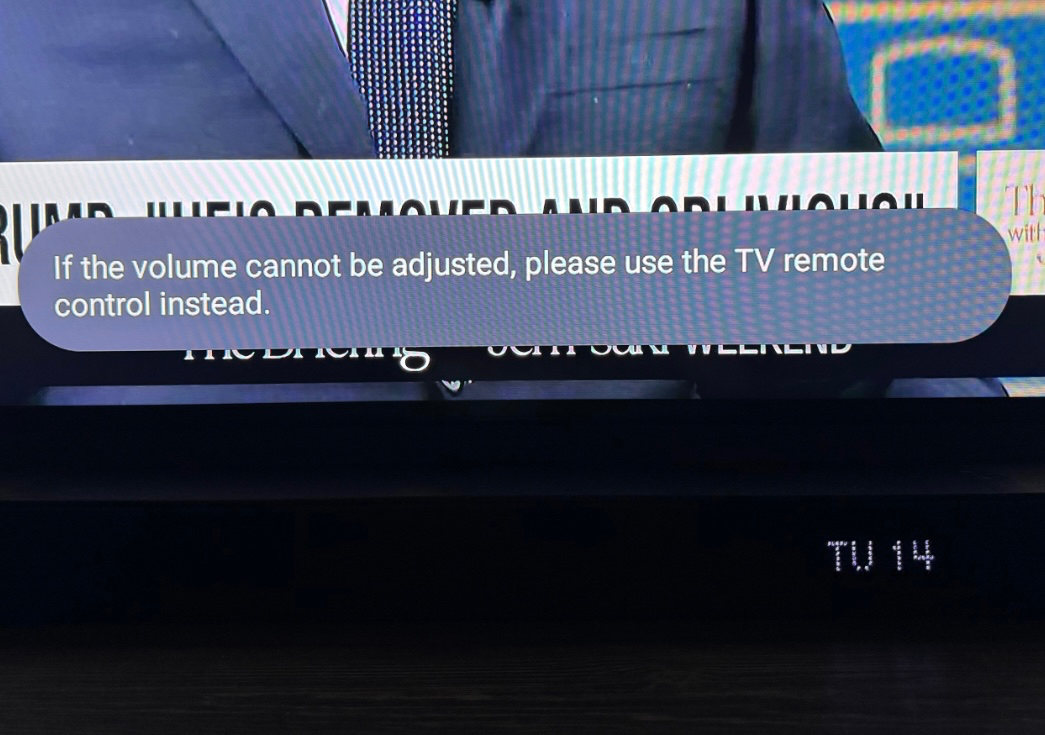
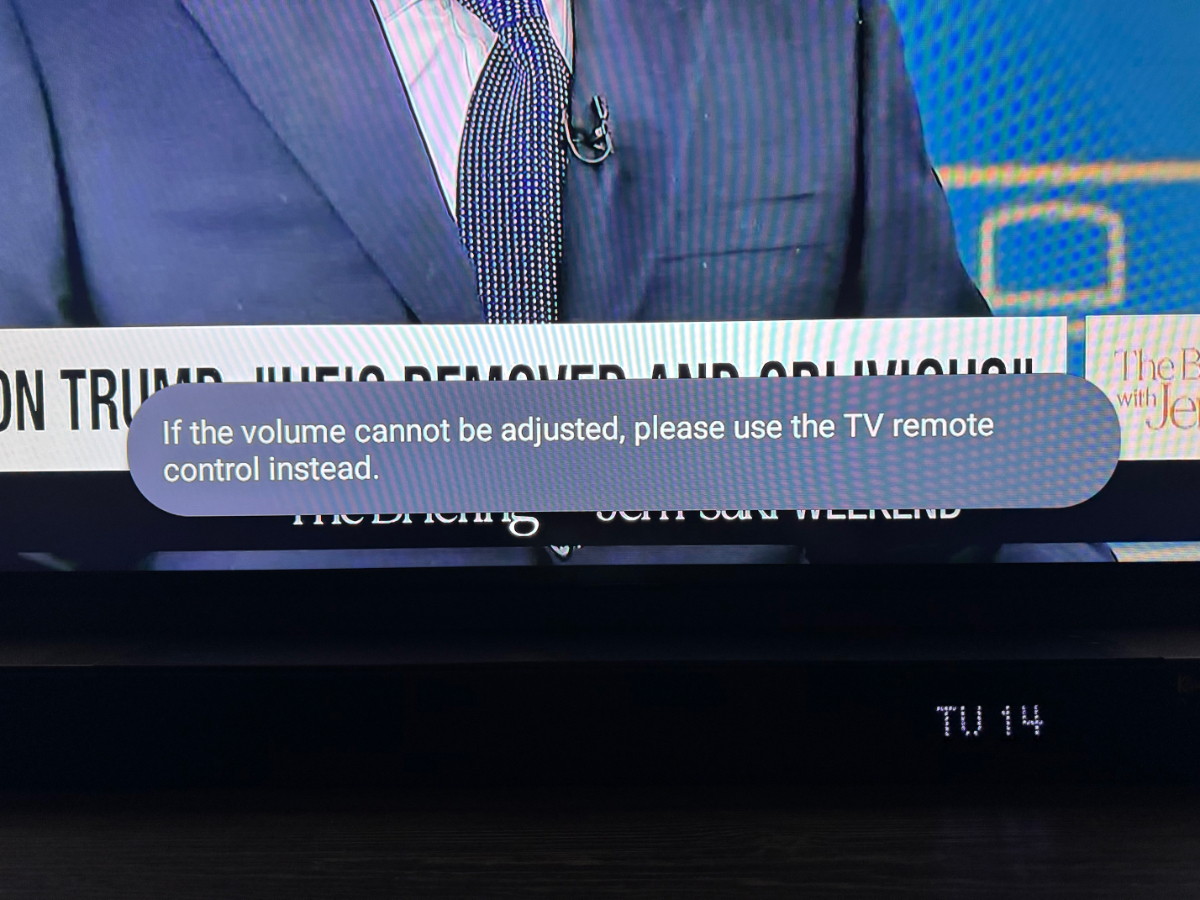
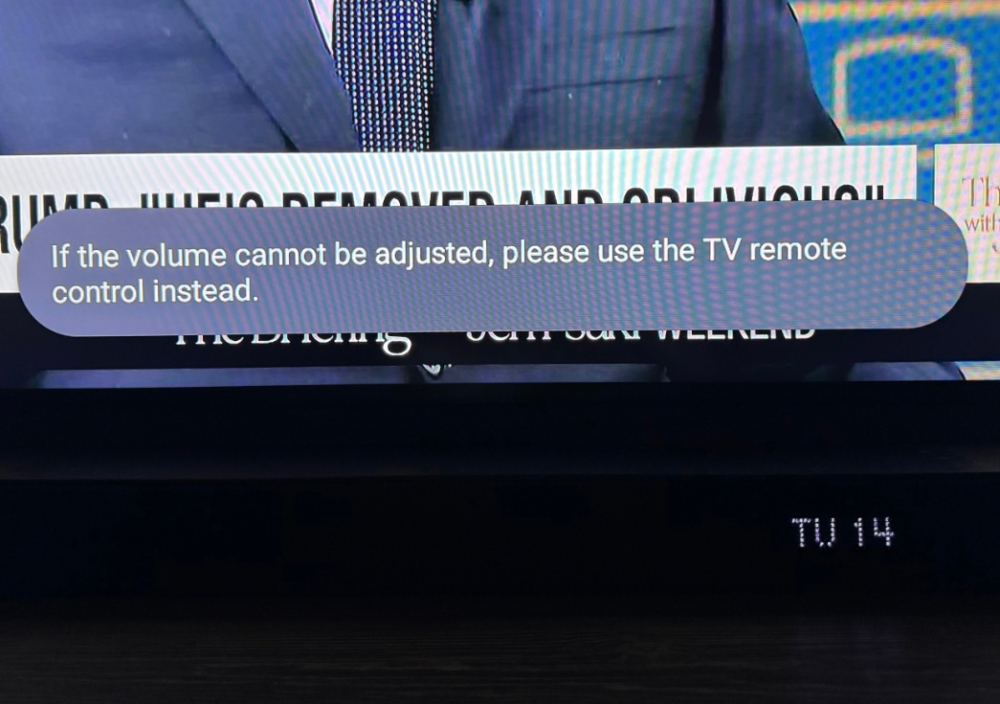
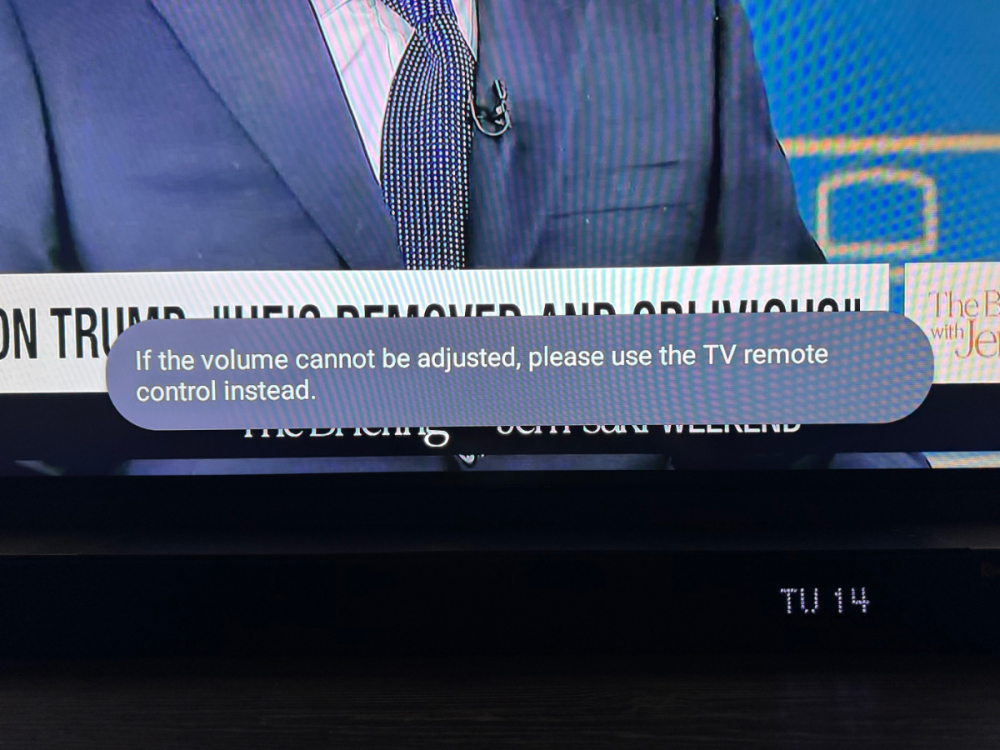
I get this popup when turning volume up or down using passthrough. Sony X90L TV with Klipsch Flexus 200 sound bar. And when changing channels on tv I get an audio delay for a few seconds. These issues don’t happen using a simple onn Google box.
-
Will the Classic Ai get Dolby Vision ? Thanks
-
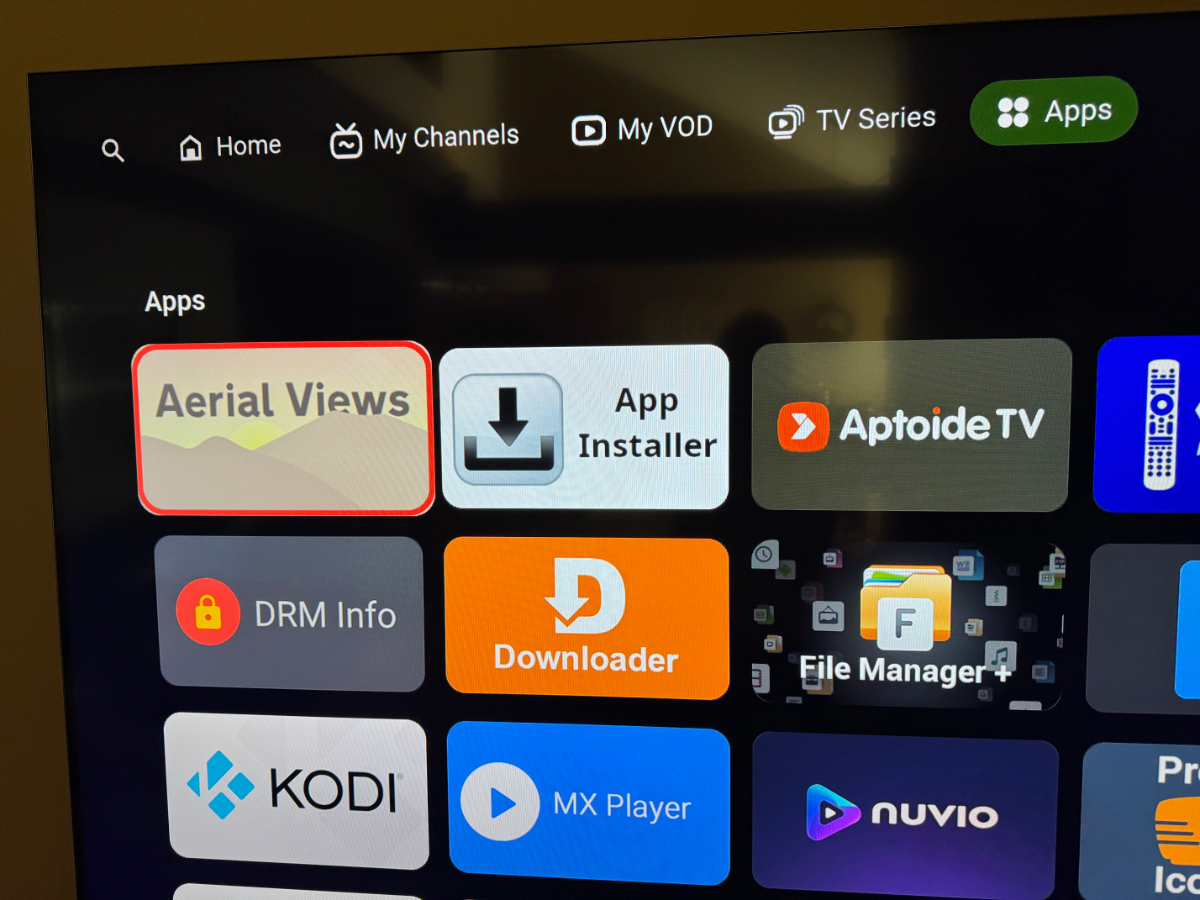
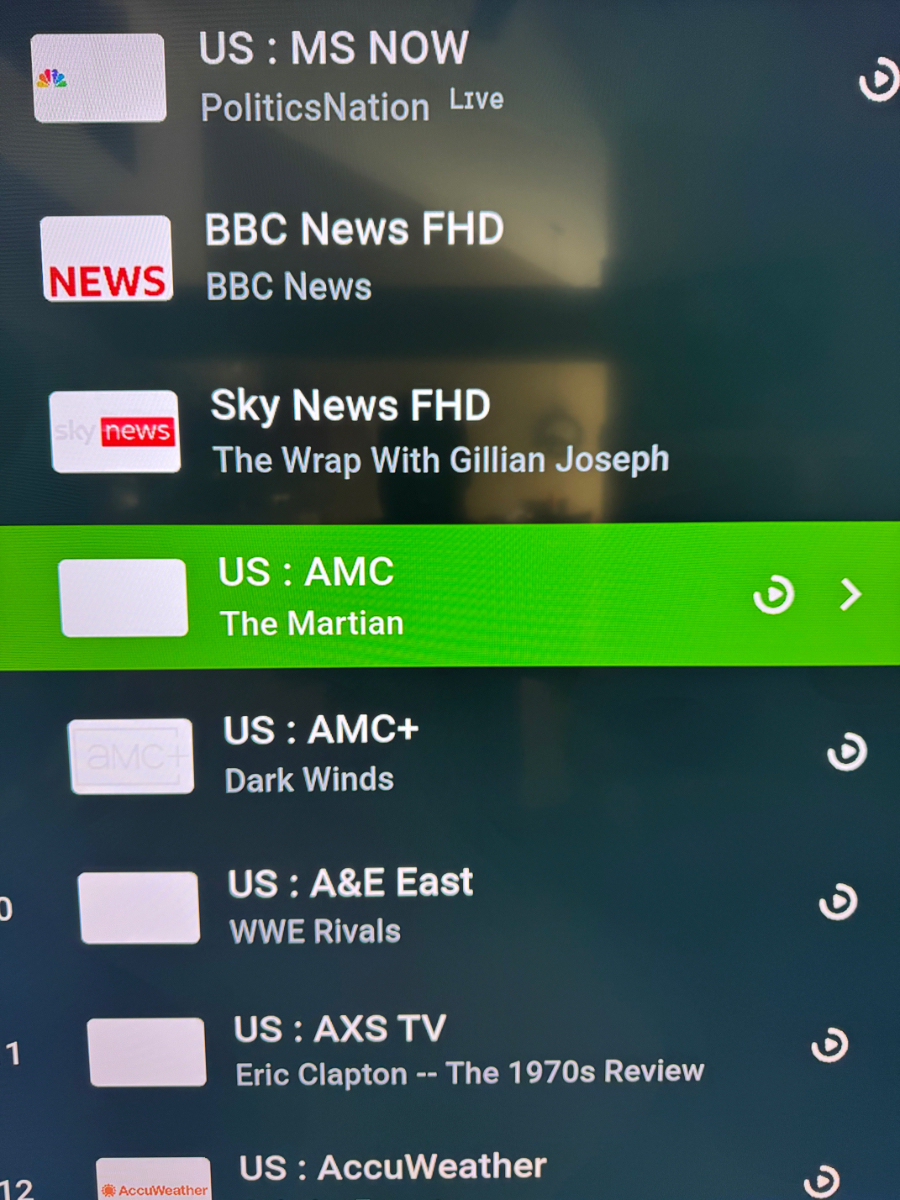
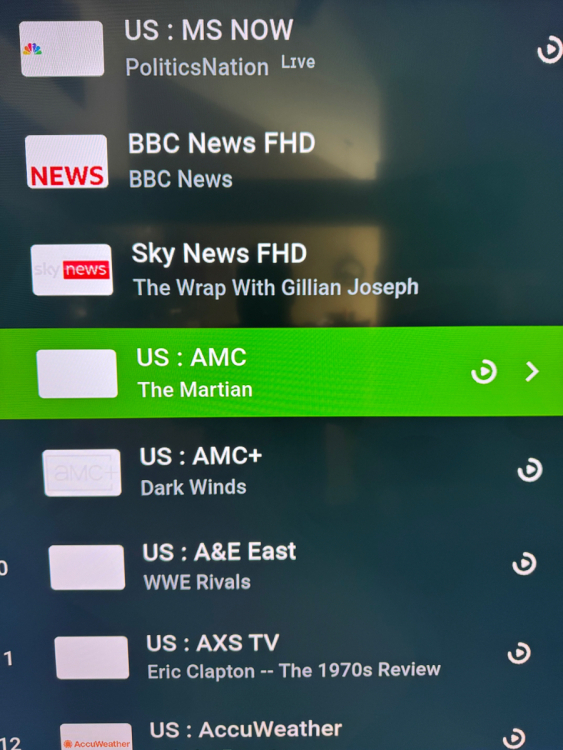
Please please give options for the BG of the icons. I just received the brand new Classic Ai model and a ton of my icons are not showing on white background. Transparent , Black or white for options. Thank you so much
-
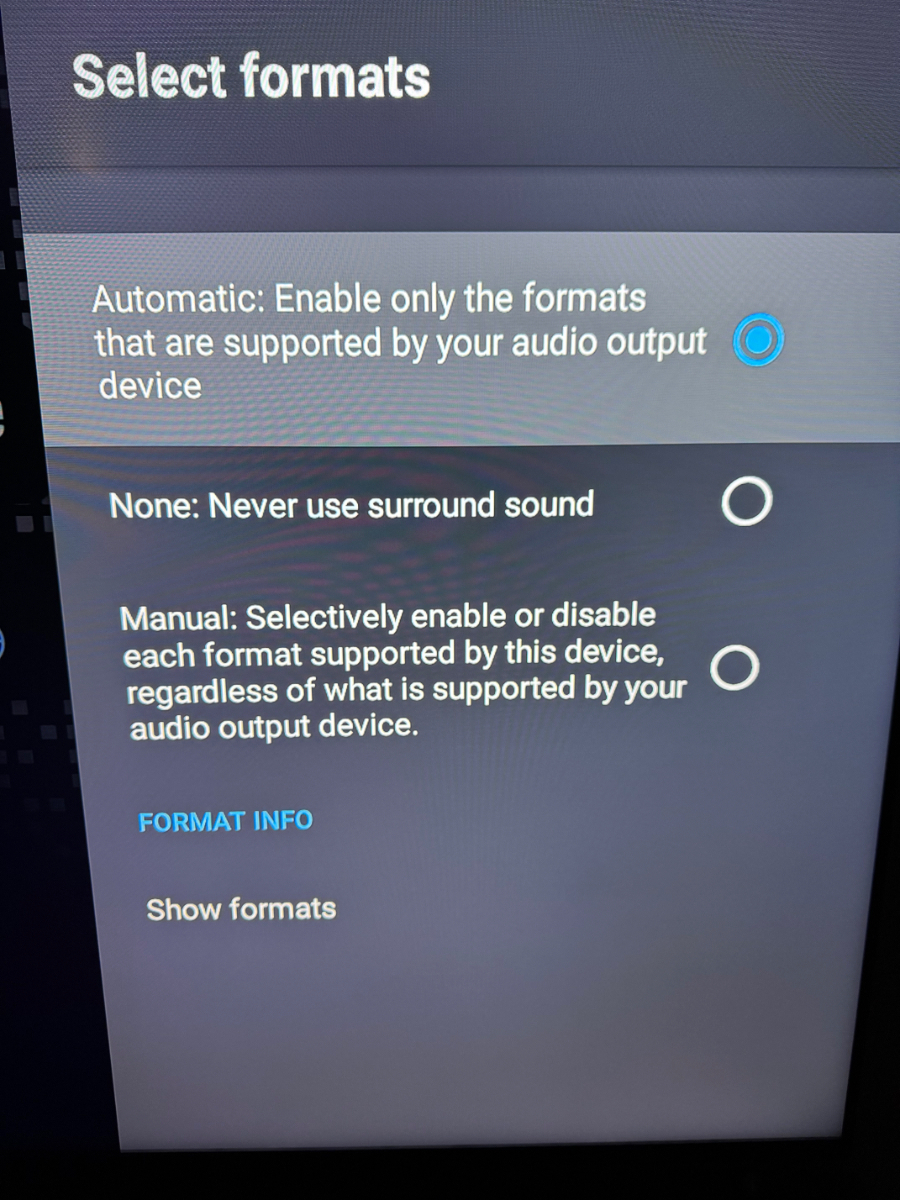
Yes it happens on automatic and using a Klipsch soundbar. It only does it on certain channels with Sparkle or using Stremio , Nuvio it will do it. Using pass through from my Sony X90L TV. If I set max volume on the Buzz box the volume from Buzz remote will not work at all. Do you know why when restarting the box the automatic changes to none in advanced audio? I have Onn box on the same TV and have zero issues with audio. Thanks so much for the help 🙂
-
I also get this popup when changing volume. Volume works just annoying popup..
-
Whenever the box turns off or restarted the advanced audio setting changes to “none” . It won’t stay on automatic unless I change it on every reboot or when I turn the box on.
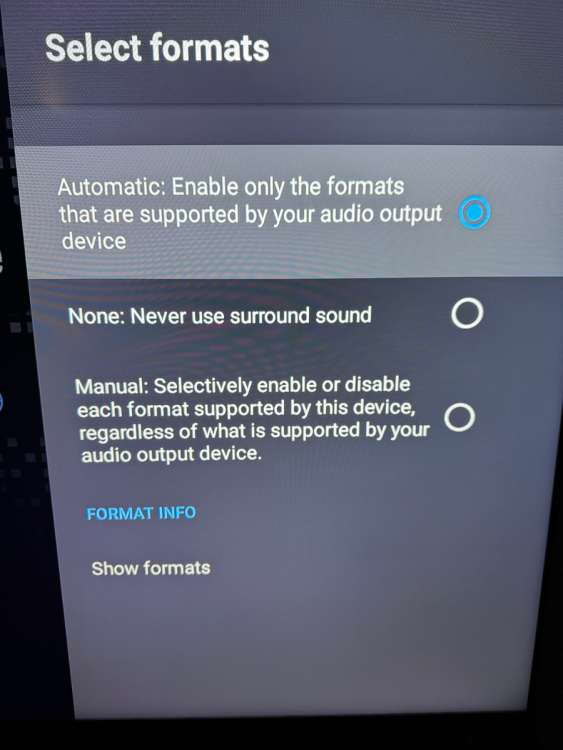
-
On the Buzz TV Home Screen when trying to reorder apps they don’t reorder and app locks up.
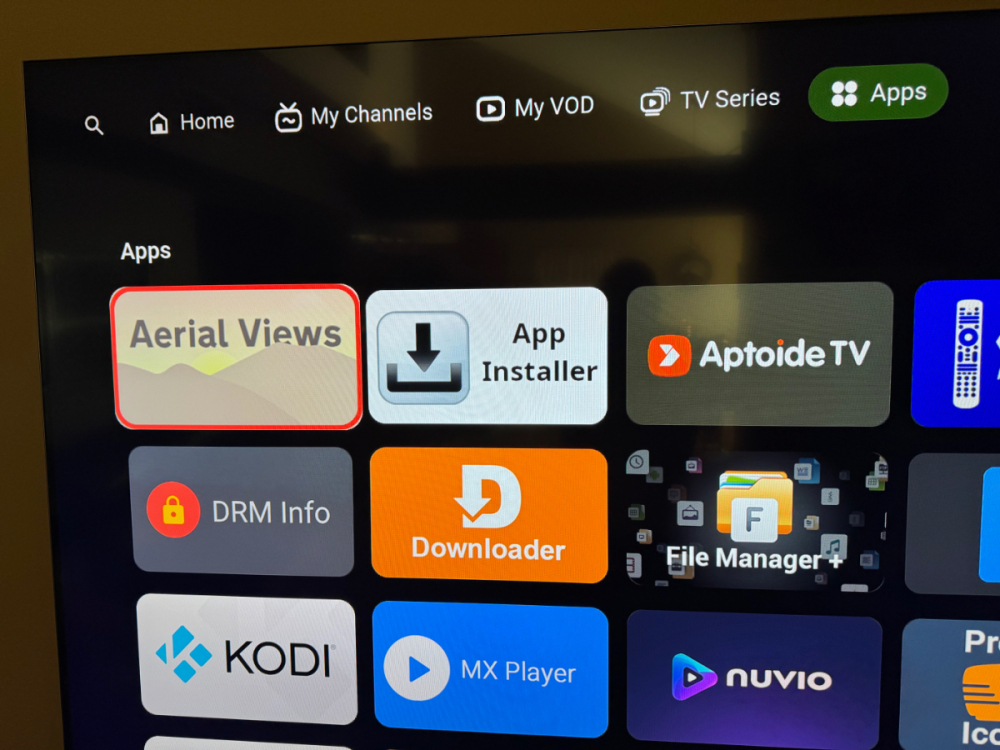
-
Please please give options for the BG of the icons. I just received the brand new Classic Ai model and a ton of my icons are not showing on white background. Transparent , Black or white for options. Thank you so much 🙂
-
Any other remotes work on Buzz Boxes? Tried Shield Pro and ONN remotes. They pair fine just volume doesn't work. Any ideas ? Thanks
-
I only see the Buzz remotes. You can't add another remote to Buzz boxes? Thanks Edit: Found remote thread
-
I can get the remotes to pair fine. Everything works just not volume. Any reason why? Hate the current remote. Any other remotes work? Thanks