Rob Brz
Members
-
Joined
-
Last visited
Everything posted by Rob Brz
-
It doesn't give me that option after pressing external. It just goes to media format not supported
-
Anyway of using my own downloaded player to watch movies ?
-
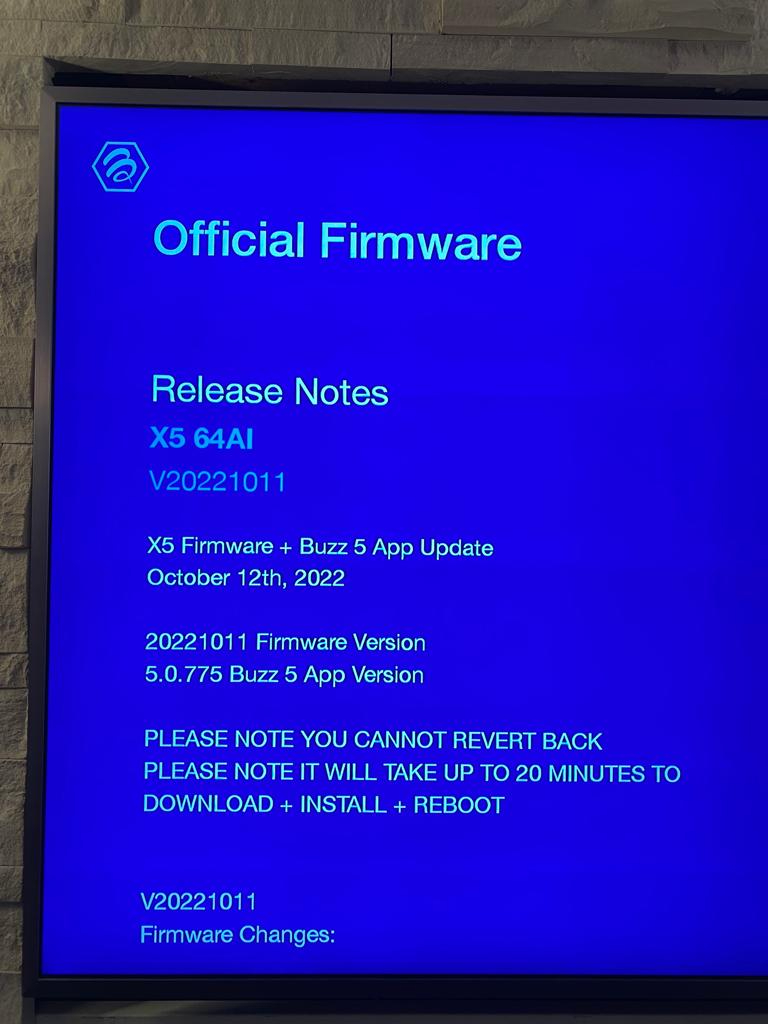
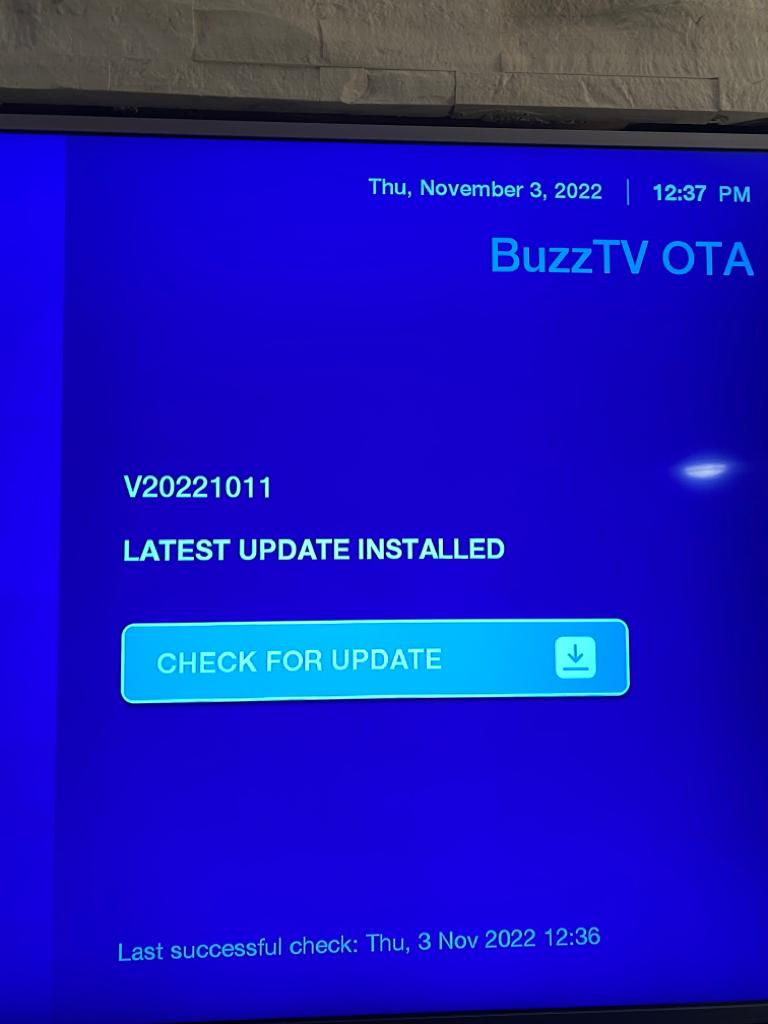
Firmware V20230815 Software 5.0.893
-
I tried external and it doesn't work. What I meant is can I change the player in external and how
-
How to I change the player for external?
-
I'm using Mac
-
I'm using Mac
-
If someone can help me with this issue on the x5 box. I changed different players in the configuration mode and still the same problem. Some movies work and some don't. Thanks in advance
-
-
Haven't had any luck finding a good mag several with good vod. Any suggestions?
-
What about using a specific video player ? Any ideas
-
Hi i tried different servers and same problem where my vod does not play properly. Either it won't play or it starts and than freezes. I tried secondary primary and external players and it does the same thing. It's a buzztv x5 box. Live TV works perfectly