Opazzno_NooB
Members
-
Joined
-
Last visited
Everything posted by Opazzno_NooB
-
but how to do it? I don't know, tell me.
-
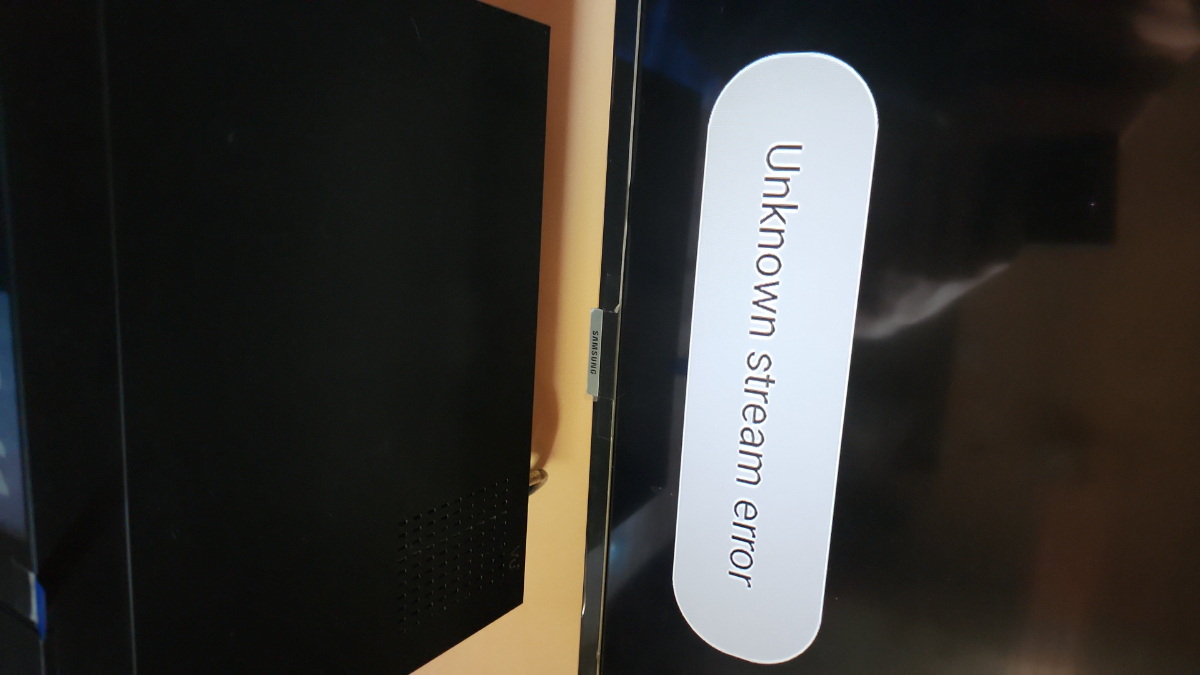
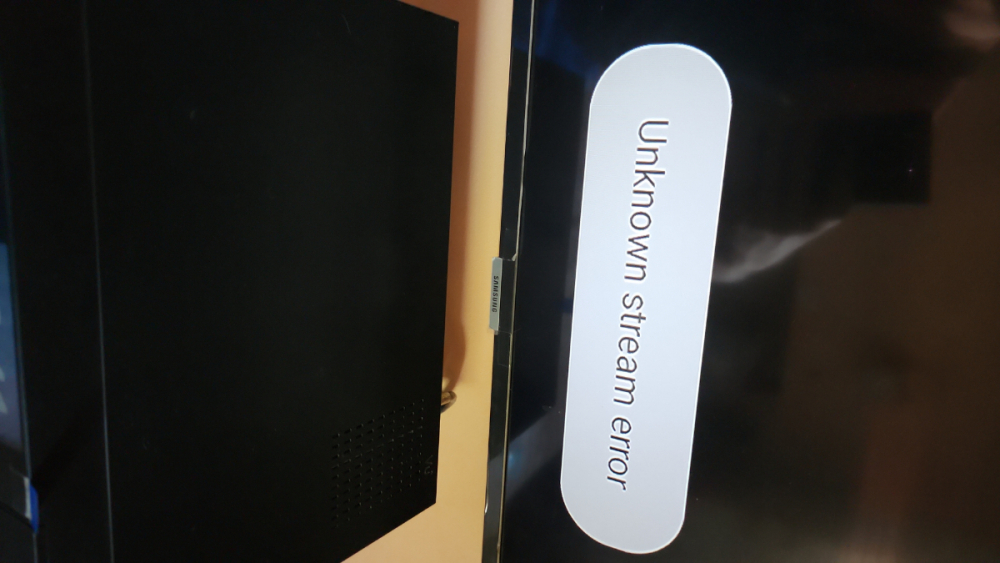
After updating to the latest firmware, half of the channels show half no, it gives an Unknown stream error, why did it happen?
-
Please add in the new update when you put a reminder in the program program that would switch when the reminder is on this channel and not a message that your program has started, click OK and switch. Fix 5.1 surround sound still doesn't work! In general, everything is OK!
-
Greetings. It turns out this is still software restrictions? Will there be support for 5.1 surround sound in the future?
-
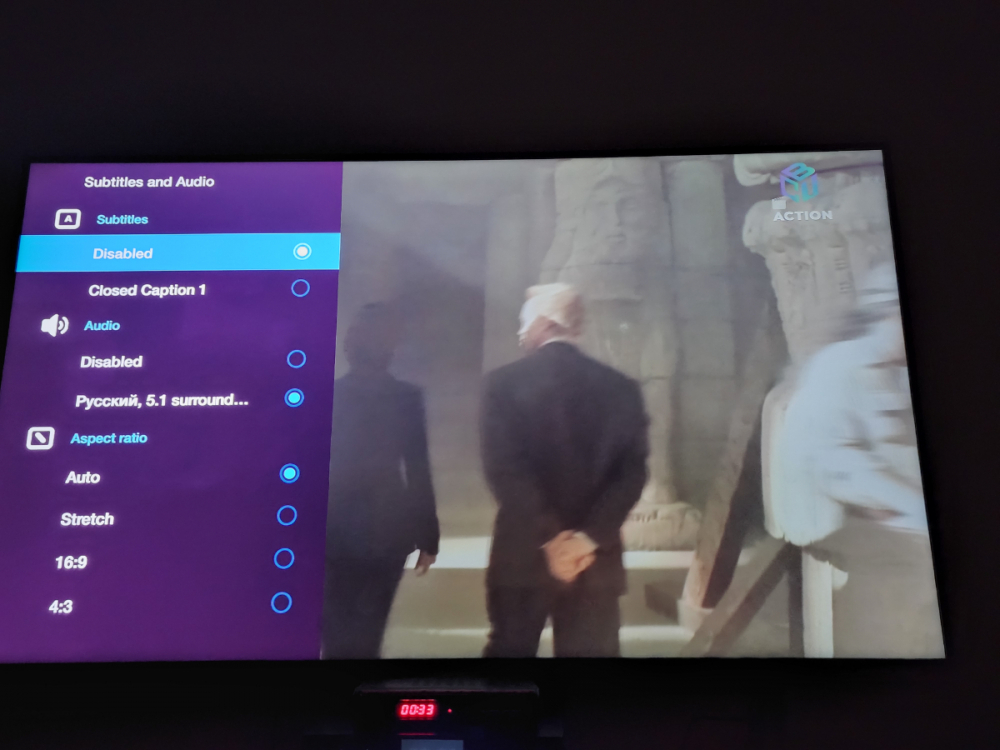
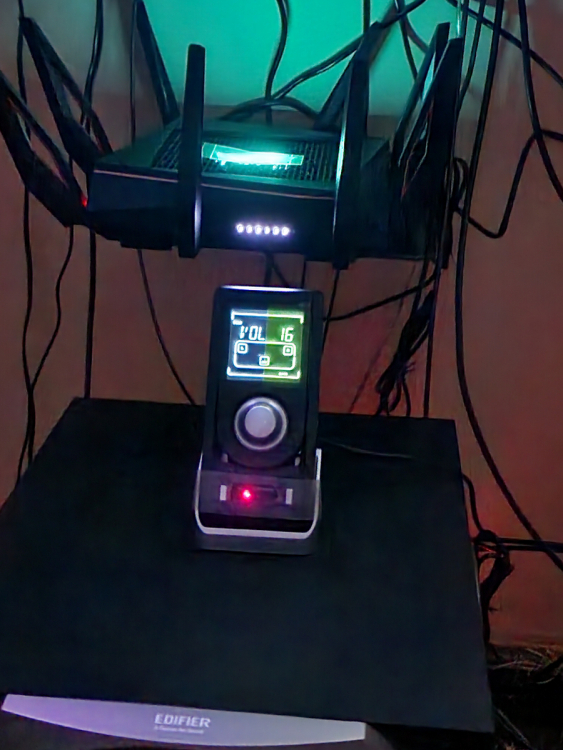
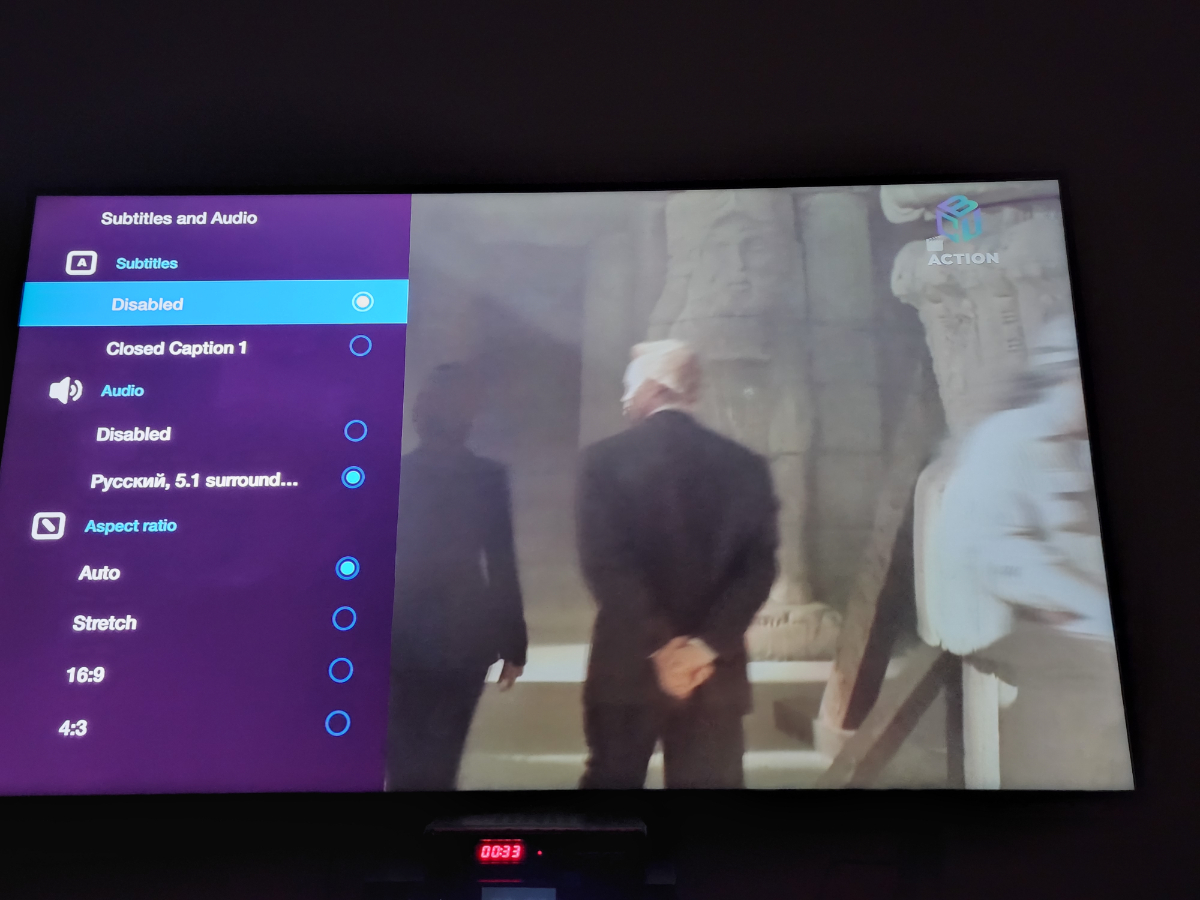
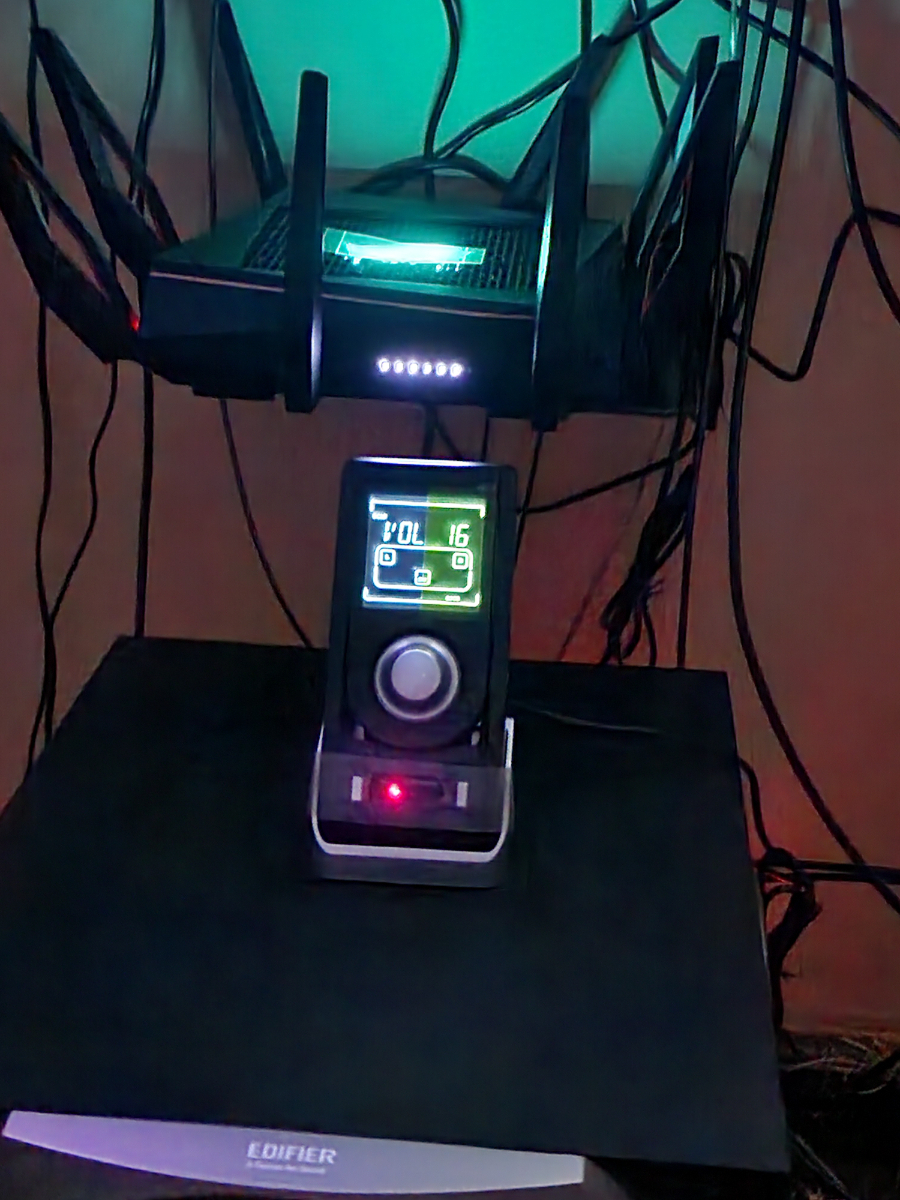
Hello, tell me why the 5.1 surround sound does not turn on. The set-top box is connected via optics to the edifier s760d, the sound track comes with 5.1 sound, but in fact it is a normal stereo. Why don't you tell me?