Jonas
Members
-
Joined
-
Last visited
Everything posted by Jonas
-
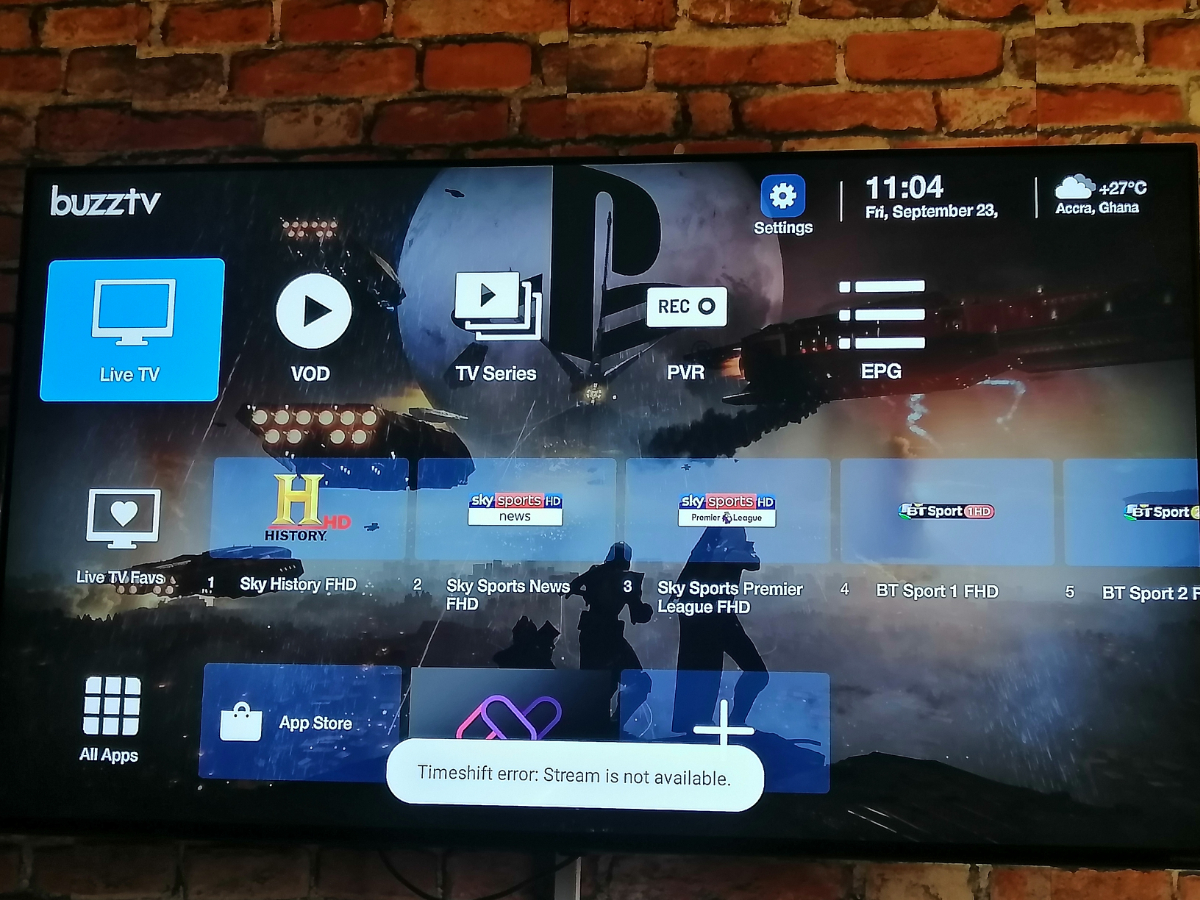
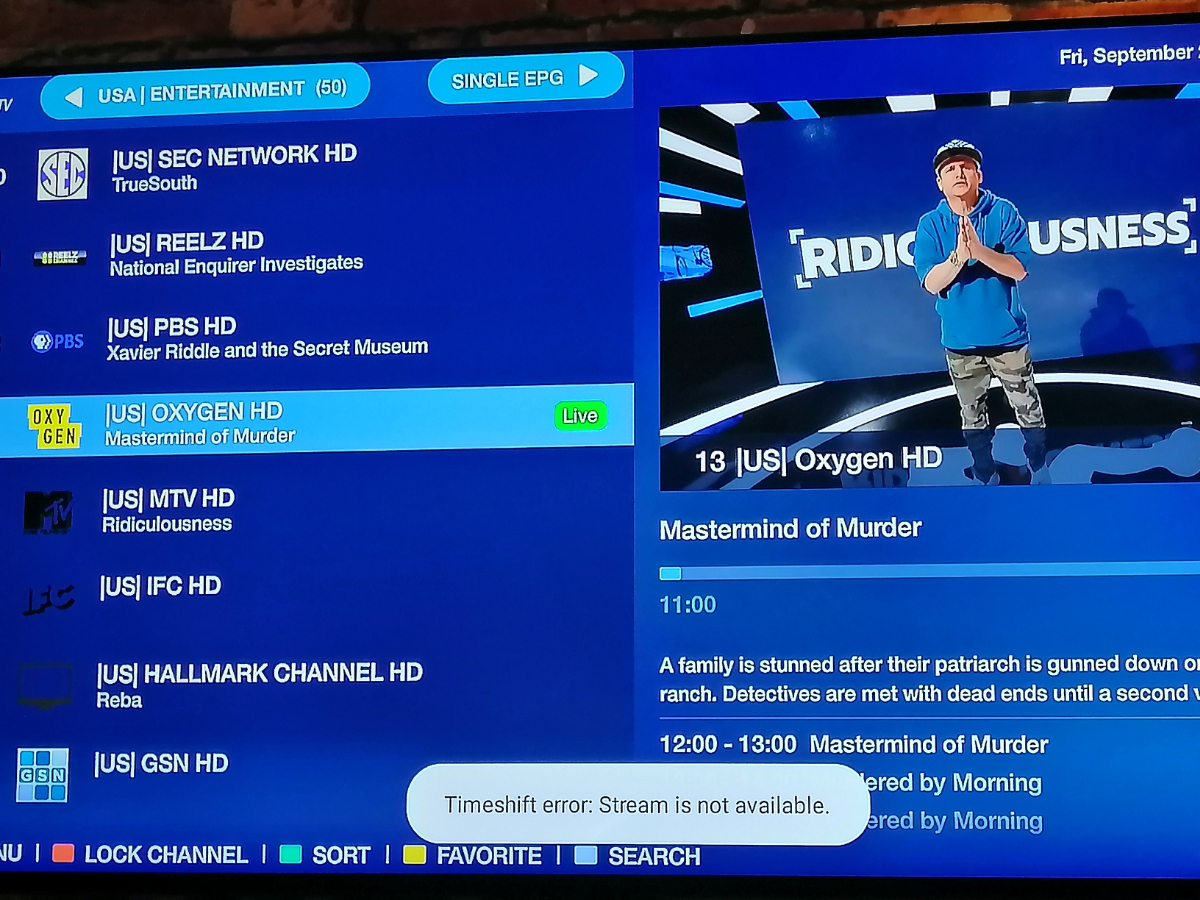
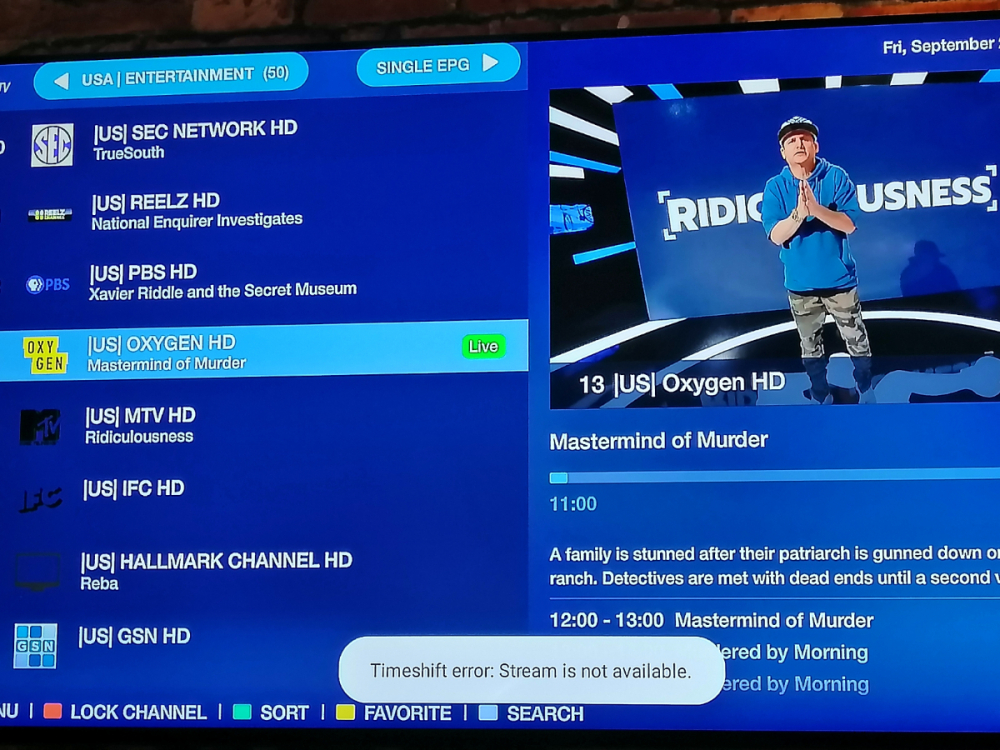
You can see that even after exiting live TV the message stays on for a long time. Sometimes I wait several minutes for it to disappear or I have to restart the box for it to go off
-
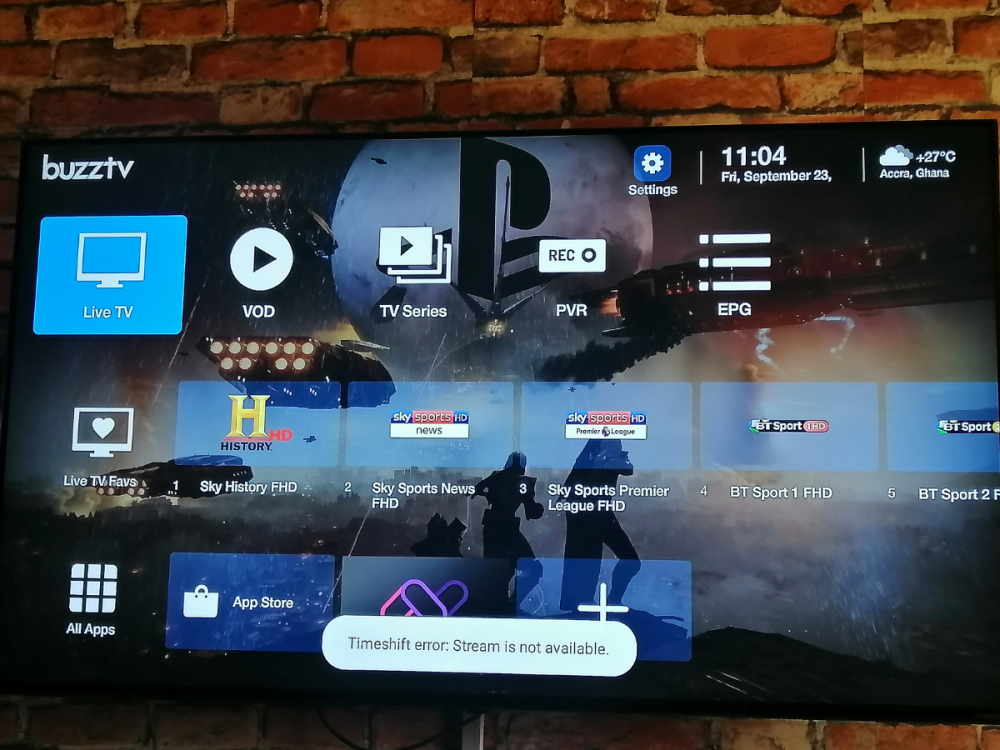
Time shift error message appears and never goes off until I restart the box. That is something I have noticed after the new update. I'm still observing other issues I have noticed. Will share soon
-
Agreed mate. It's been buggy using it since I got it the last few weeks. Hopefully firmware updates fix the bugs fast as it's frustrating and also I feel I lost since I invested so much in the box after it's hype. Hope in the end developers are up to task and will sort it all out.
-
I guess an update will fix the issue later in the future where we can have either Wi-Fi or Ethernet connected and still connect accessories via Bluetooth.
-
WiFi and Ethernet disconnected and now I can search and add accessories
-
VID_20220721_161634.mp4
-
Let me try that now and revert.
-
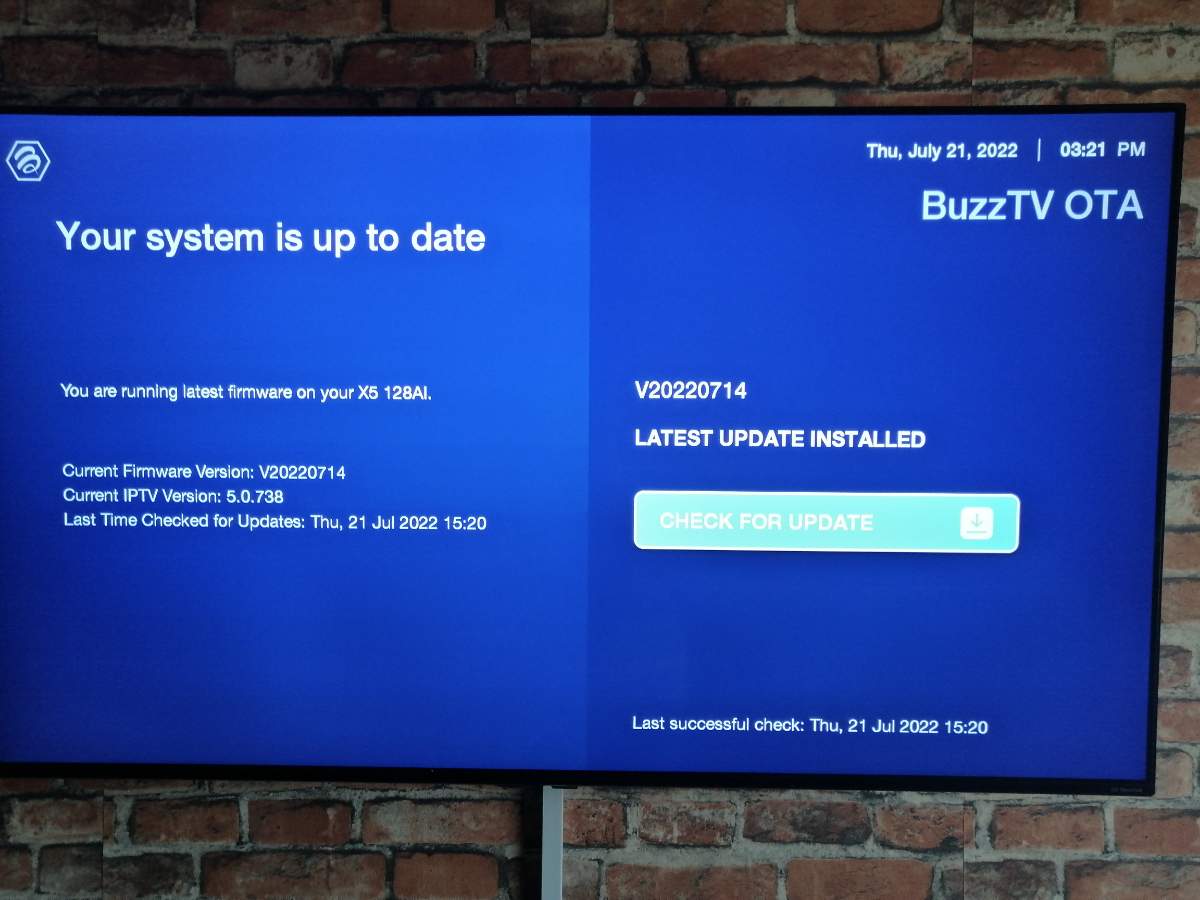
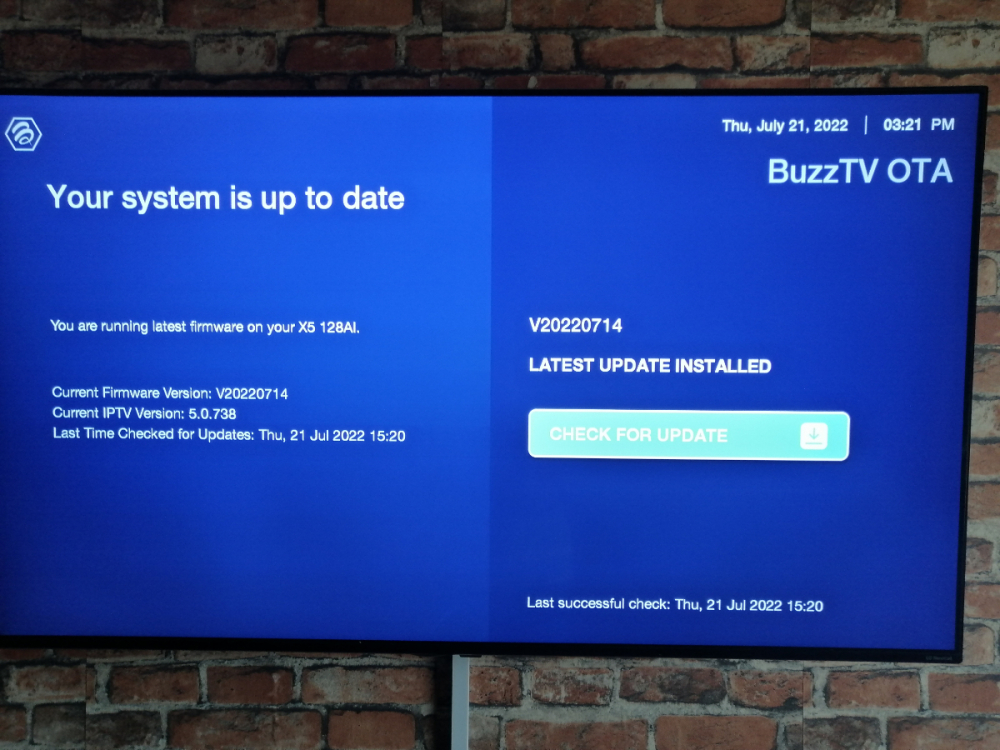
Sent an image sir. It's the very latest firmware.
-
Latest firmware sir.
-
I wanted to pair my game pad using the Bluetooth. I go to settings, then I choose remote and accessories. I click on add accessory, then what happens next is the setop box reboots. Got my X5 last 2 weeks and it's the first time I am trying to pair an accessory. Nb: Under Remote and accessories Buzz TV BT-400 shows or displays as connected. Thank you. VID_20220721_103912.mp4
-
Thank you Buzz team for the quick response. God bless
-
Also does the micro SD card slot support up to 1TB or 128GB? Let me know so I know exactly what size of Micro SD card to purchase for my Buzz TV X5. Thank you.
-
Thank you so much. Very much appreciated. Happy to also be on the forum to get such wonderful support
-
I want to find out if we can set reminder for upcoming events on Live TV like we have on MOL2?