
Skip to content
View in the app

A better way to browse. Learn more.

BuzzTV Help

A full-screen app on your home screen with push notifications, badges and more.

To install this app on iOS and iPadOS
  1. Tap the Share icon in Safari
  2. Scroll the menu and tap Add to Home Screen.
  3. Tap Add in the top-right corner.
To install this app on Android
  1. Tap the 3-dot menu (⋮) in the top-right corner of the browser.
  2. Tap Add to Home screen or Install app.
  3. Confirm by tapping Install.

nitronist

Members
  • Joined

Everything posted by nitronist

  1. Already tried it but nothing happens 😢
  2. Where can I download this version?
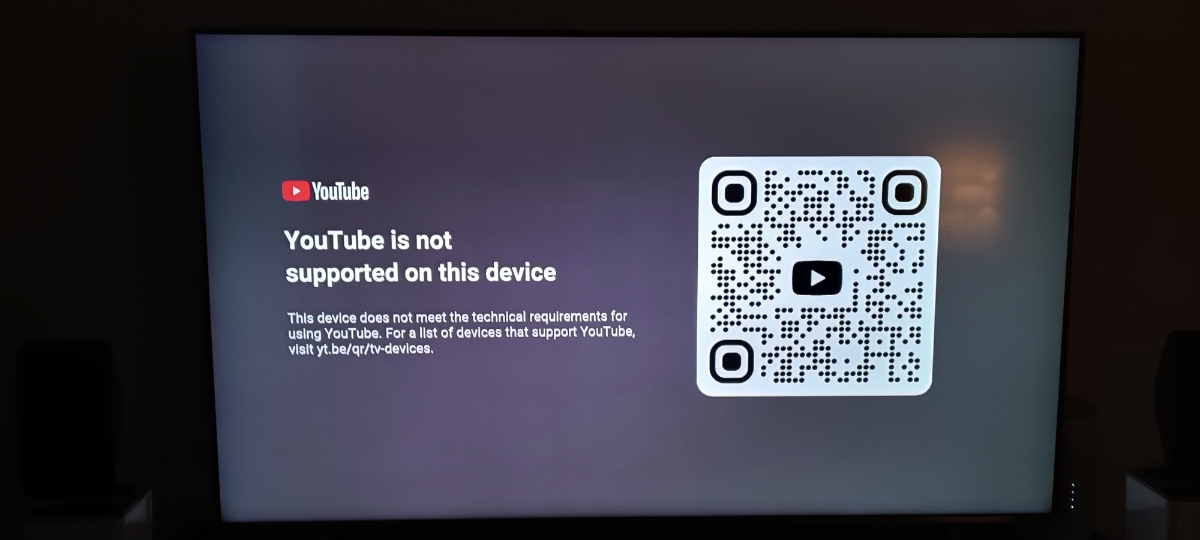
  3. So why am I getting the message that the YouTube app is not supported on my xrs4900 after I've updated the Buzztv to the latest FW: V20220923 and the latest S/W: 5.0.953 ?
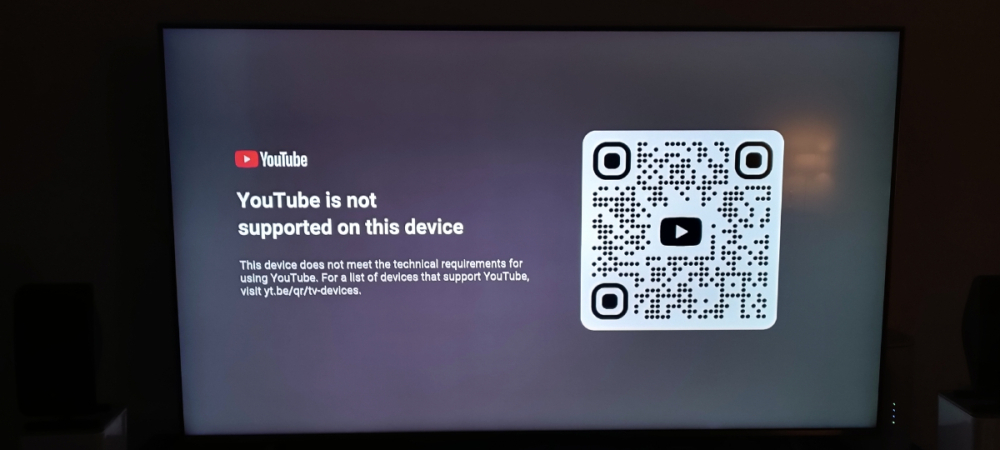
  4. I wiped data and reset from my buzztv xrs 4900. Now where can I side download Version 5.0.954, FW 20240927 ?
  5. I tried fresh batteries just now and it worked 👌 thanks!
  6. Is there a way to factory reset the BT-200 Remote Controller? I tried to pair the remote but the whole remote is flashing after clicking the OK button and Volume - at the same time. The Red LED remote should be flashing 3 times but is doesn't do that.

Account

Navigation

Search

Search

Configure browser push notifications

Chrome (Android)
  1. Tap the lock icon next to the address bar.
  2. Tap Permissions → Notifications.
  3. Adjust your preference.
Chrome (Desktop)
  1. Click the padlock icon in the address bar.
  2. Select Site settings.
  3. Find Notifications and adjust your preference.