Nelutz
Beta Group
-
Joined
-
Last visited
Everything posted by Nelutz
-
Thanks for the advice ,I will try that when I get home ,it might be that👍
-
Did that 😒 still it shows me "Stream is not available" ,I can tell you which server I use in pm I use 😒

-
You could send me a private,just curios, plus even with the default player I'm loosing the sound on some channels ,I have to change the channel and come back to get the sound 😕
-
I don't know what server you use but I use 3 different servers and the secondary player doesn't work for me,Im curios what server you use 😕.

-
The default player still plays with microfreezing and lower frames 😒,I miss secondary player 😒, well maybe the next update 😕
-
I did the update ,yes those mentioned are fixed ,but the problem with the secondary player that gives the error stream not available is still there 😒, secondary player is useless for now😒
-
And again this problem was post it on some threads around here ,plus the CC problem😕
-
I've tried 5 servers already all the same problem with the secondary player ,I had to call all my customers that they got the buzztv from me that they installed the beta to no use the secondary player, plus the primary player has some microfreezing when changing channels,at this time if it was an option to move back to buzztv 4 I will move but ,,that's the risk I take when i installed the beta😕
-
I get the same with the beta update ,is a known issue,this problem is with the secondary player😌
-
What about the ones that they run the beta version, will get the update?
-
Any ETA for the new beta or the new release? The default player is so annoying with this microfreezing frames every few min ,slow to load the picture sometimes looses sound ,I like that on the vod section I can choose an external player 👍, why we don't have that option on the live tv section.
-
Yes they are😁, I hope they will release another beta soon to iron the bugs like they usually do👍
-
It was a confusion here 😌👍
-
I think .642 is the latest beta but still problems with the secondary player ,I hope a better one will be released
-
???wow how can I get it
-
Not all of them just some they figure it out that, and the last ones that I sold came with the latest update🙂👍, I was surprised too because I don't have the latest one and one of my clients did a factory reset because the box was giving him problems, and the latest update start downloading in the box 😁,anyway Im testing it and I like it so far minus the secondary player 👍
-
👍 I know ,is just an add up with some pictures 🙂
-
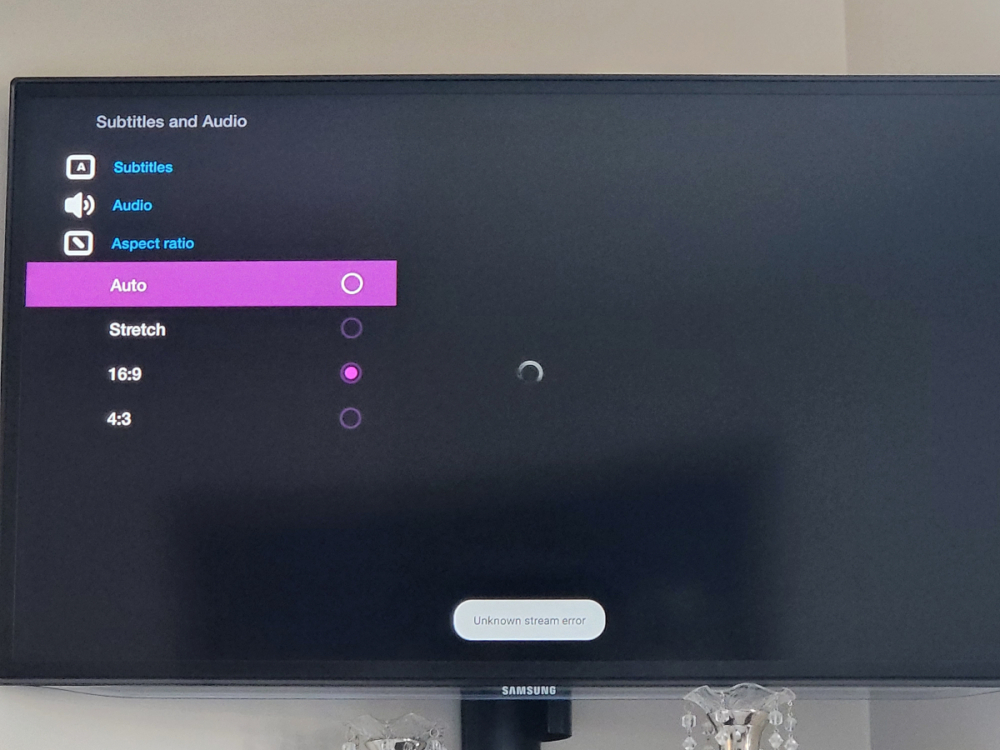
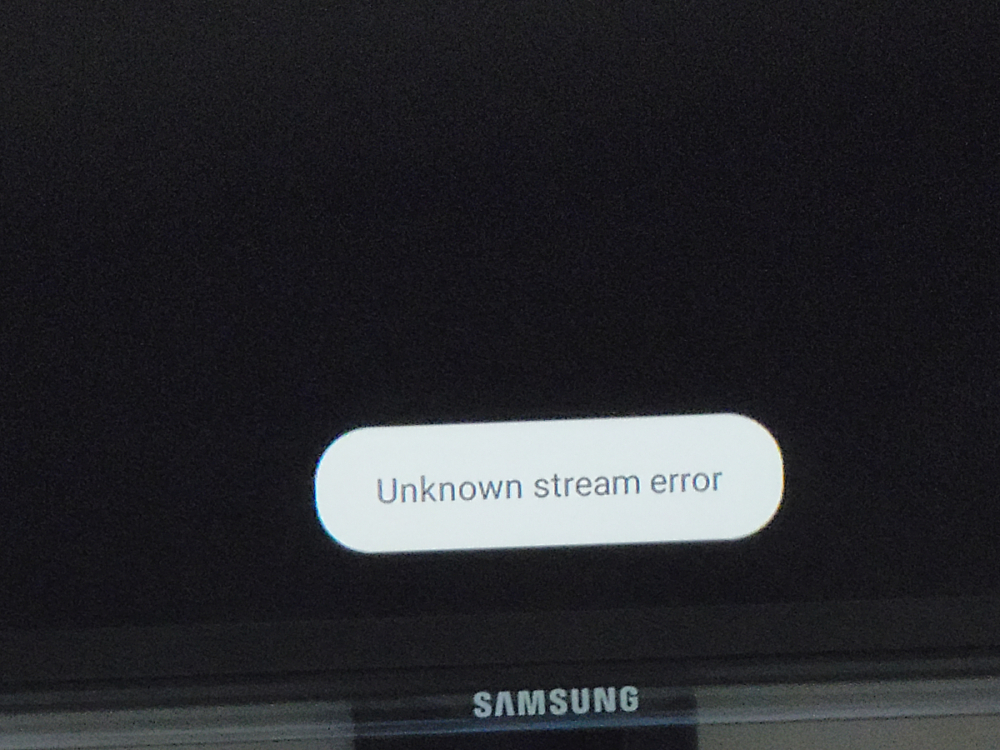
So with buzztv5 the secondary player shows "Unknown stream error" on most of the channels,with the default player works like before,I hope with an update all will be fixed,since is not available widely only if the box is reset it.
-
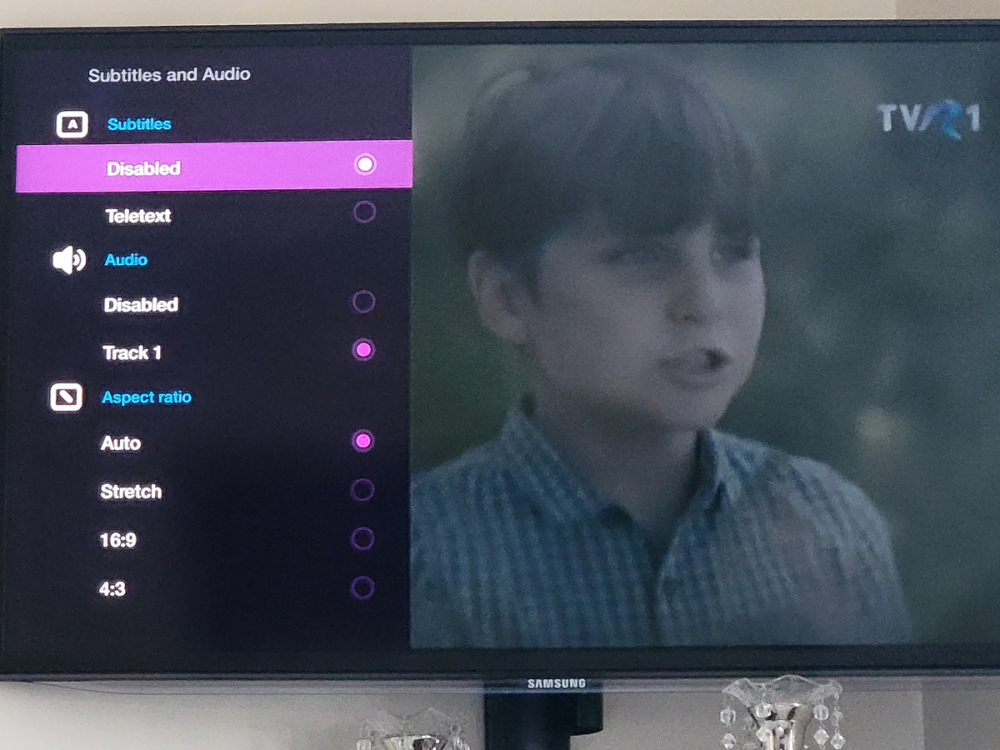
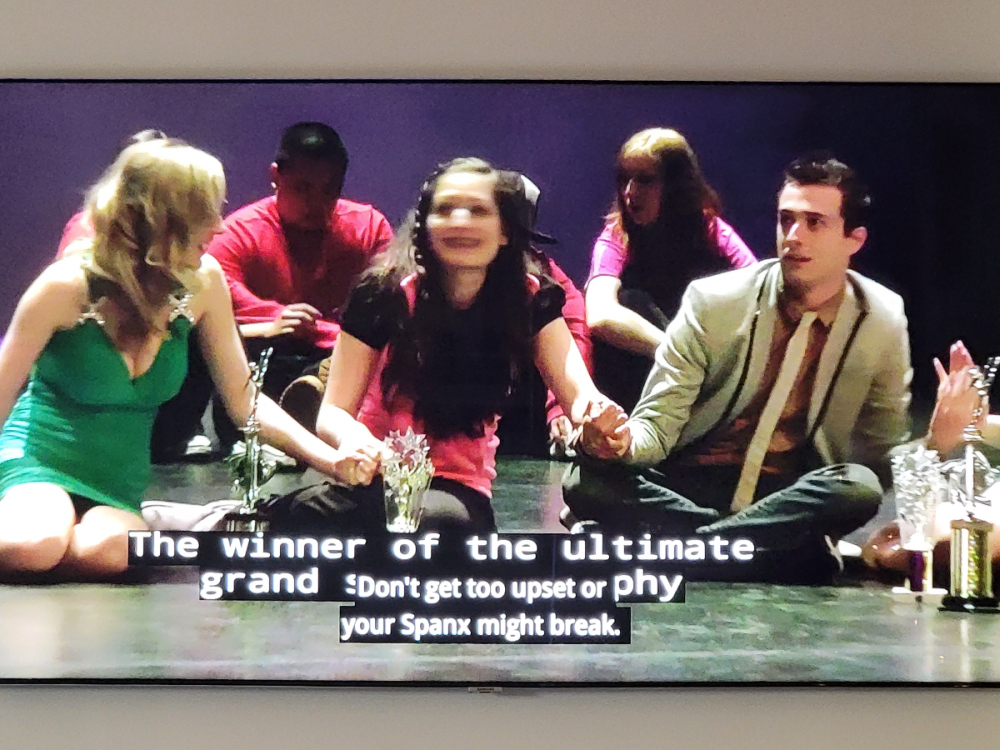
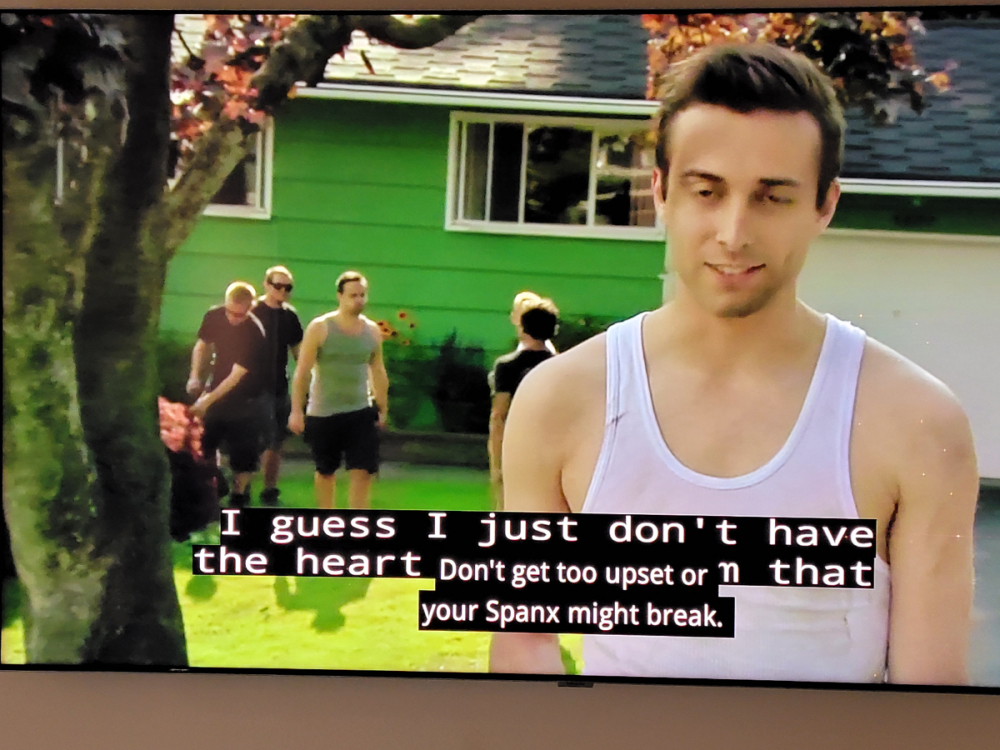
Is just a notice and a feedback from my clients about the CC that they prefer the secondary player CC than the default player, and that the new buzztv5 app the secondary player doesn't work or it looses the sound on most of the channels, and I manage to snap a picture right with the big fonts on the default player CC and the small ones are from the secondary player.
-
The issue is that in the new buzztv 5 the secondary player stop working or gives the error like no sound on most of the channels,than from that I was point it that the CC on secondary player has smaller fonts than the primary one,the issue with no sound on the secondary player was on the buzztv 4 too, but was fixed with the latest update.
-
Don't get me wrong ,but is just the way I see it 😁👍, and is not only me ,most of my clients that I sold the xr,xrs they told me that ,and is weird I thought ppl doesn't use CC but most they use it ,specialy at night when they don't want the volume up🙂
-
Just my opinion and I will prove it with some pictures , I know @nbs. maybe for you is not a problem like always 😁 but the way of seeing it is higher and bigger fonts than the secondary player🙂👍
-
The cc on the default player is somehow almost to the middle of the screen is like the font is somehow bigger than the secondary player CC ,I will take pictures and compare it ,is just my opinion the way i see it on my 65 inch tv 🙂
-
I understand,there are works around it ,but still I like the second player CC and the way was handling the video.👍
-
For me is a microfreezing everytime when I change the channel on the default player.