Soren
Members
-
Joined
-
Last visited
-
Yeah. It worked! 👏 It's really great to get the equipment to work as expected, when you buy top-of-the-line gear. Thank you SO much for your great help today. 🙏
-
The CEC Control settings are: CEC Switch ON One key play ON Device auto power off OFF Auto change language OFF
-
Not to abuse you, but am I doing something wrong here: To turn TV and XRS4900 off I hit the TV Power button, and they both shut down - sweet. But a few seconds later they come back on again. A workaround (sometimes) seems to be to hit the Home button before shutting down. But is there a better way? Also, i need to hit LIVETV a couple of times to make that button execute. Is that a known issue, or am I messing up again?
-
Thx Maestro701! Sneaky little hidden feature. I LOVE this box, but boy could I use some documentation or improved discoverability, so I don't have to bother you all with all my stupid beginner questions. ;(
-
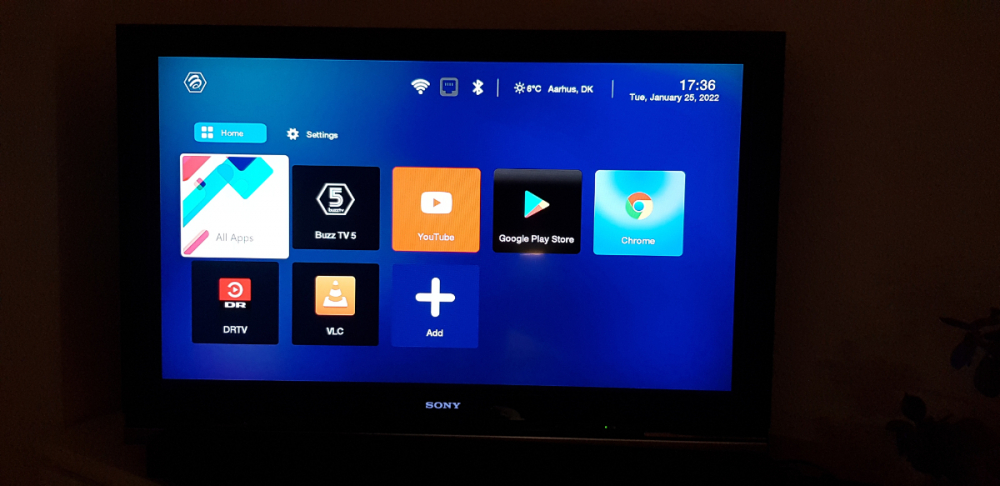
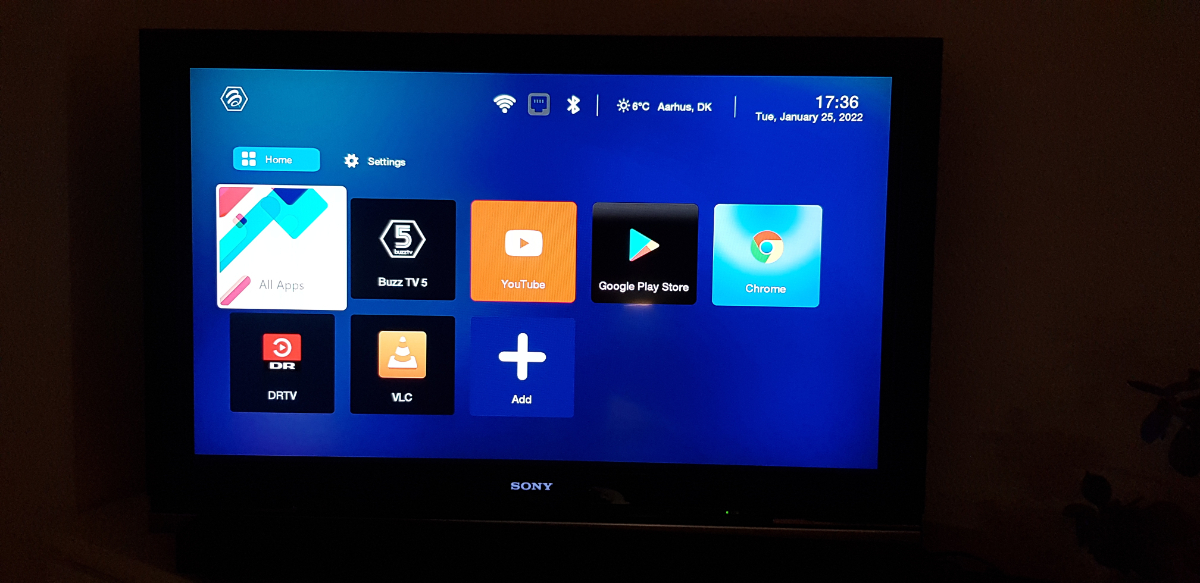
Hi all. Just joined today! I am stuck on the enclosed home screen, but I can't get into the settings. Any suggestions? Thanks in advance - Soren, Denmark