Skip to content
View in the app

A better way to browse. Learn more.

BuzzTV Help

A full-screen app on your home screen with push notifications, badges and more.

To install this app on iOS and iPadOS
  1. Tap the Share icon in Safari
  2. Scroll the menu and tap Add to Home Screen.
  3. Tap Add in the top-right corner.
To install this app on Android
  1. Tap the 3-dot menu (⋮) in the top-right corner of the browser.
  2. Tap Add to Home screen or Install app.
  3. Confirm by tapping Install.

Mark7

Members
  • Joined

  • Last visited

Everything posted by Mark7

  1. Mark7 replied to Mark7's topic in XRS4900
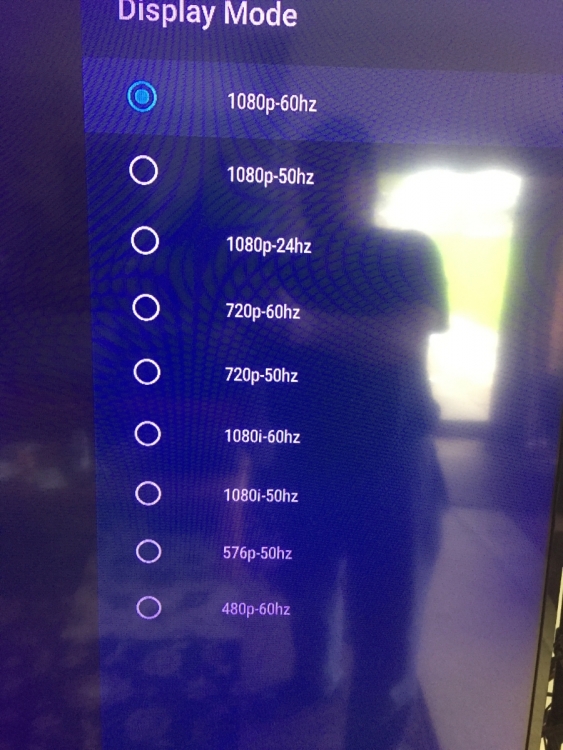
    Same internet, same cables, same channel, same provider. 4500 is in 4k, 4900 is in 1080p??? Thank you, Mark7
  2. Mark7 replied to Mark7's topic in XRS4900
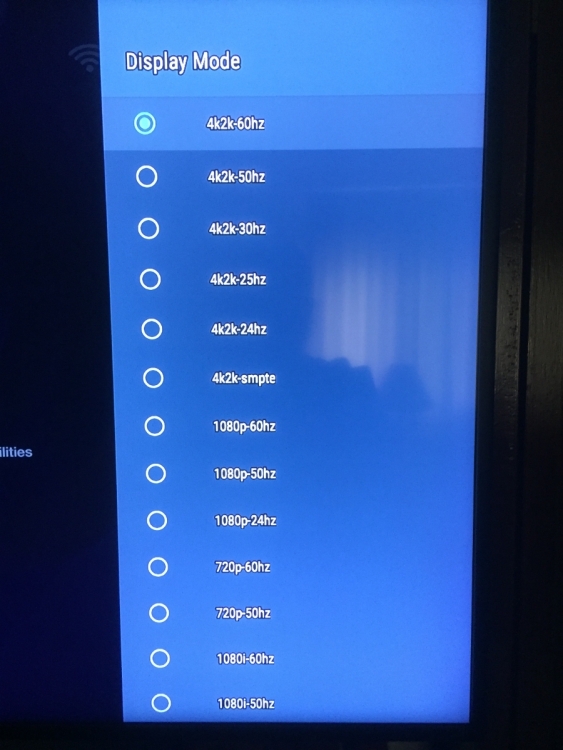
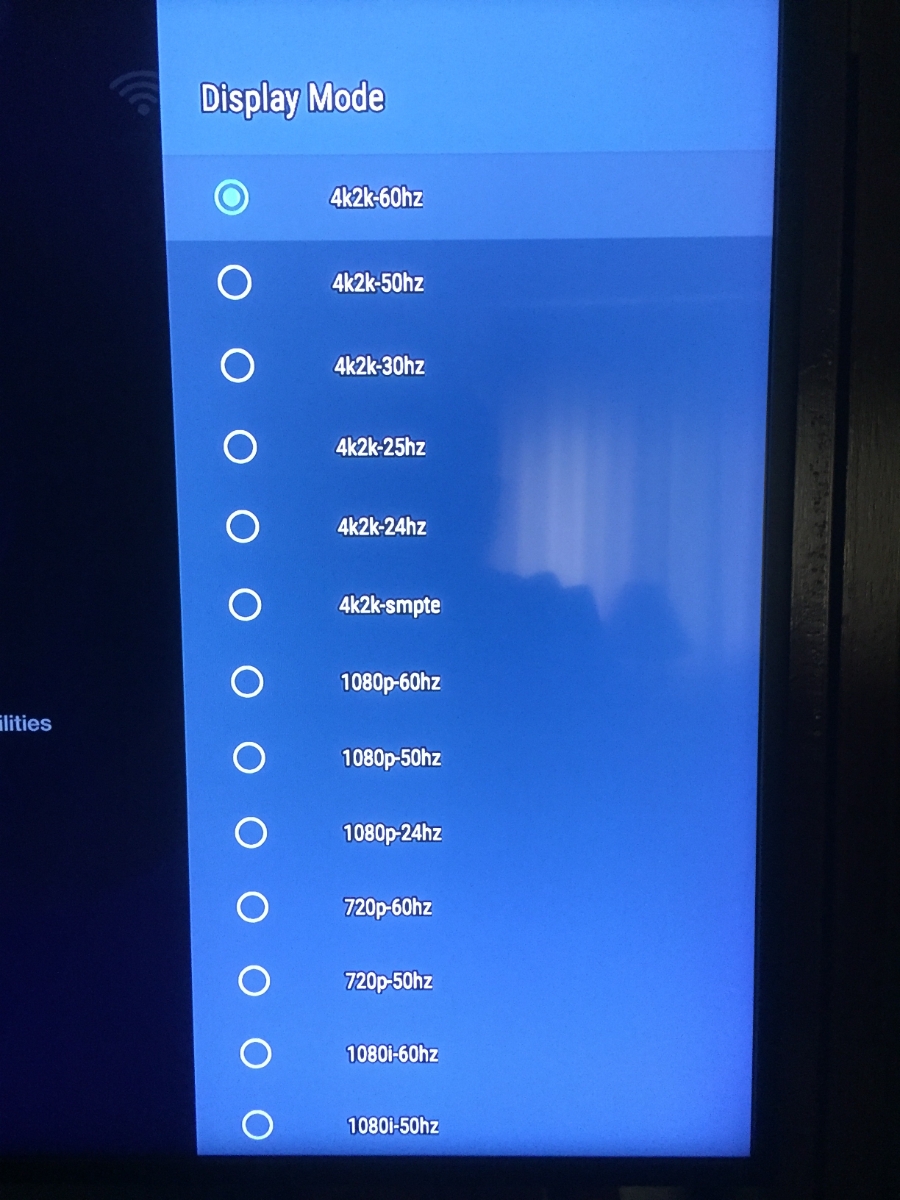
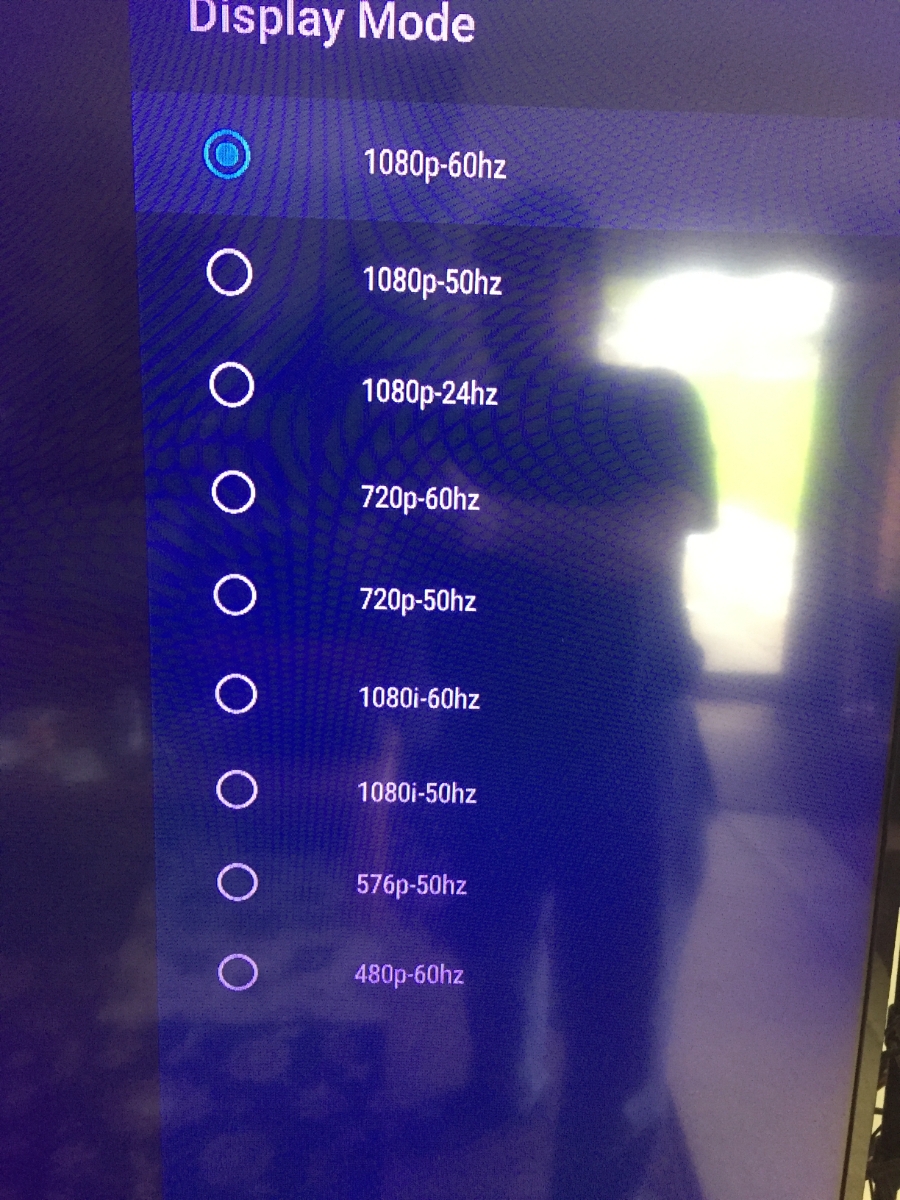
    It's not even listed in the Display mode. Only goes up to 1080P 60hz Both are in Auto Switch mode
  3. Mark7 posted a topic in XRS4900
    Hi guys, great site!!! I have a XRS4500Max and a XRS4900, The 4500 has auto selectable 4K video output in the Settings, but the 4900 does not? Just wondering why that would be? Thank you, Mark7
  4. Thank you, looks like the Disney app, or the Terabit drive was recognized. Thank you, Mark7
  5. Now I have Alarm Received when I first go to Live Tv, for a few seconds. Thank you, Mark7
  6. Hi guys, just did the recent update, and I am getting a "Android Setup keeps stopping " alert. I cannot clear this. Help, please? Thank you, Mark7
Account

Navigation

Search

Search

Configure browser push notifications

Chrome (Android)
  1. Tap the lock icon next to the address bar.
  2. Tap Permissions → Notifications.
  3. Adjust your preference.
Chrome (Desktop)
  1. Click the padlock icon in the address bar.
  2. Select Site settings.
  3. Find Notifications and adjust your preference.