Skip to content
View in the app

A better way to browse. Learn more.

BuzzTV Help

A full-screen app on your home screen with push notifications, badges and more.

To install this app on iOS and iPadOS
  1. Tap the Share icon in Safari
  2. Scroll the menu and tap Add to Home Screen.
  3. Tap Add in the top-right corner.
To install this app on Android
  1. Tap the 3-dot menu (⋮) in the top-right corner of the browser.
  2. Tap Add to Home screen or Install app.
  3. Confirm by tapping Install.

ncsocial

Beta Group
  • Joined

  • Last visited

Everything posted by ncsocial

  1. What is the most recent beta update
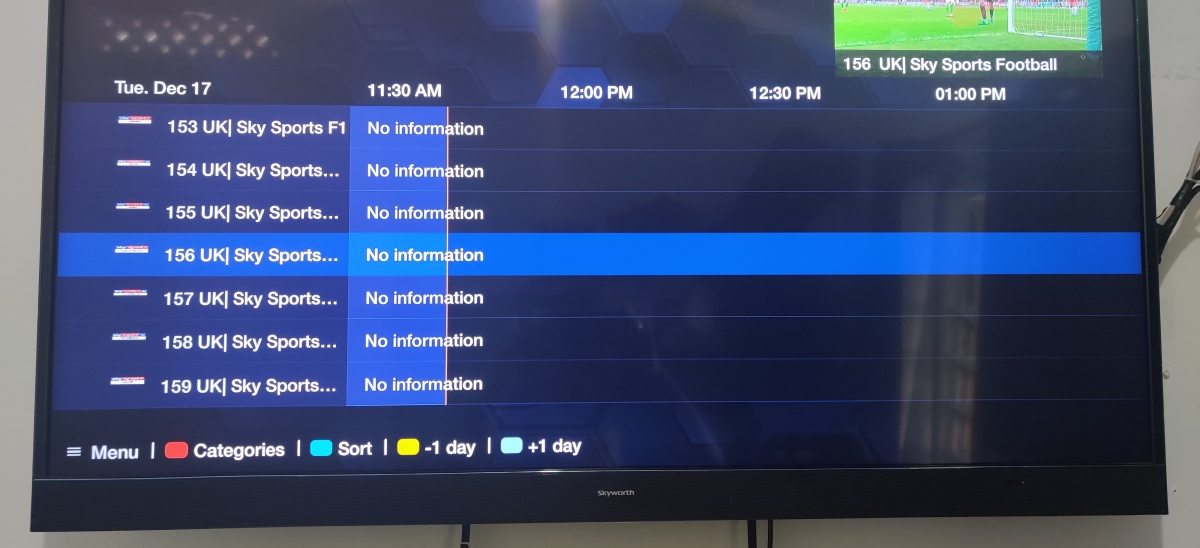
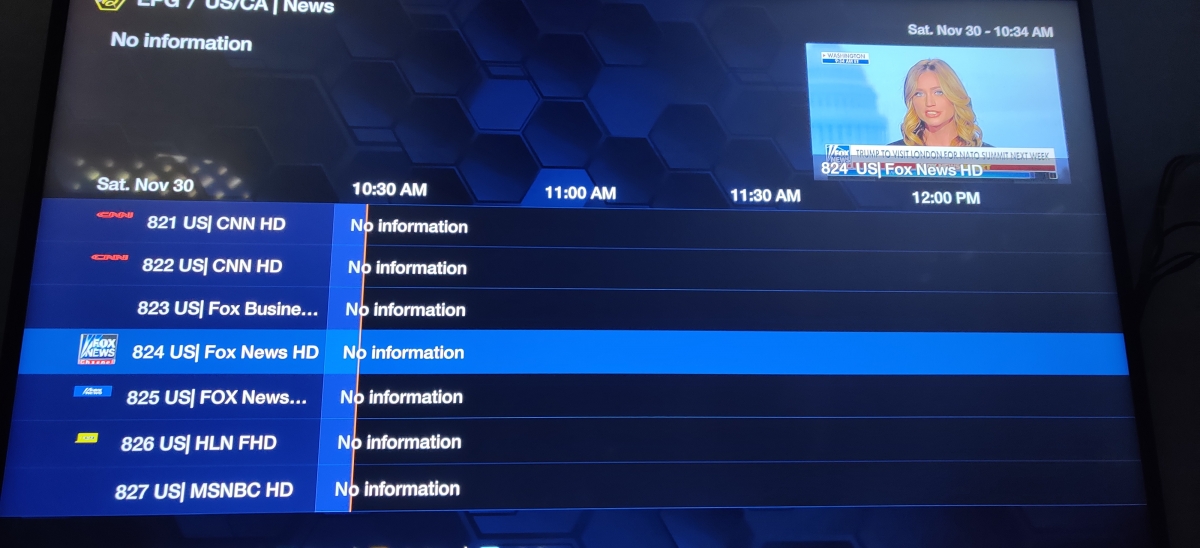
  2. The EPG came up but there is a new issue where the channel that's showing blanks out and then comes back every few seconds
  3. Im in the beta group but not sure where to access the chat
  4. By chance any update with regards to the EPG DATA not populating
  5. When will the next update be
  6. Portal URL Username Password
  7. I am using streaming line
  8. I'm using the same server on my formuler z8, my Android TV , my phone and other players and they all have EPG Data
  9. I added a server in the buzztv xr 4000 and no EPG DATA populates

Account

Navigation

Search

Search

Configure browser push notifications

Chrome (Android)
  1. Tap the lock icon next to the address bar.
  2. Tap Permissions → Notifications.
  3. Adjust your preference.
Chrome (Desktop)
  1. Click the padlock icon in the address bar.
  2. Select Site settings.
  3. Find Notifications and adjust your preference.