Minimeben
Members
-
Joined
-
Last visited
Everything posted by Minimeben
-
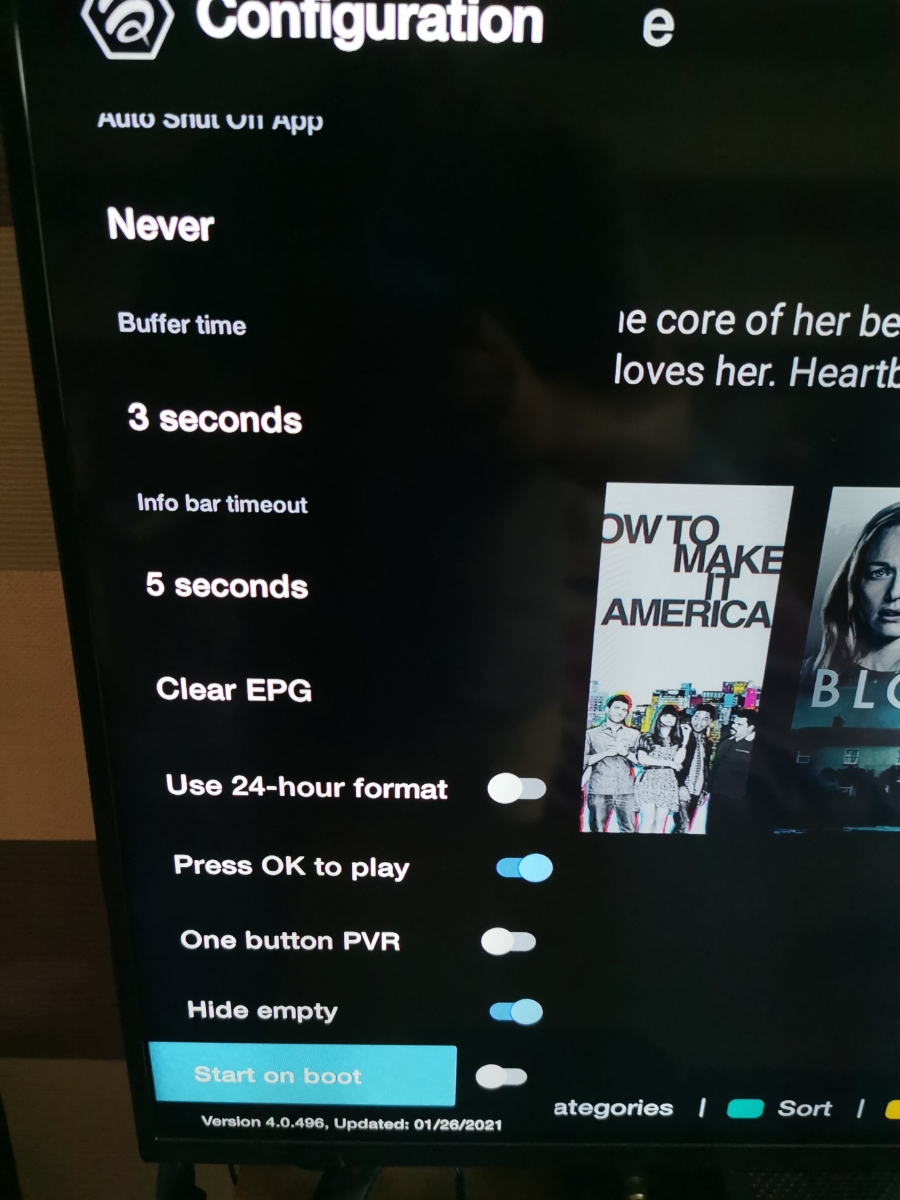
Does anyone have fast EPG on the Vidstick Max in settings, configuration?

-
Not there pal. Start on boot is the last option in configuration.
-
I don't have the fast epg option and I've checked to make sure I'm on the latest version which it says I am (4.0.496 last update 26th Jan 21) Not emailed buzz yet, obviously asked on here 1st 5 x different services and the same on them all as it was on my previous Vidstick. I get that once it's populated it stays populated, it's just a pain to have to manually scroll through each channel in each category individually to get the EPG to populate
-
The problem is though that it doesn't load unless you manually go through all the categories and hover over each channel individually for a couple of seconds. I just don't get why this can't be fixed as other apps have full EPG for every channel group within 30 seconds of the app opening
-
Well after returning my last Vidstick because of this issue, I took the plunge and bought a Vidstick Max in the hope that it being more powerful and nearly a full year passing that the EPG Loading issue would have been resolved, which to my surprise I've found it's exactly the same and EPG only loads as you scroll down. I just can't get my head around why it doesn't automatically load like it does on other apps. Just glad I got this one for a decent price
-
Pm sent
-
Hi All, Had this buzz stick for a couple of months now and have to say I have a love / hate relationship with the Buzz 4 element of it. Major frustration for me is the EPG never loads up fully and as I scroll through EPG loading always appear against the channels out of view and takes 3 to 4 seconds to populate. I've selected fast loading EPG and this for me makes no difference. So my question is can this be fixed or is it just a flaw in this version? I just find it frustrating as EPG loads without issue on Tivimate, ImPlayer or MyTv Online 2, but with buzz TV it loads a bit at a time.