
Skip to content
View in the app

A better way to browse. Learn more.

BuzzTV Help

A full-screen app on your home screen with push notifications, badges and more.

To install this app on iOS and iPadOS
  1. Tap the Share icon in Safari
  2. Scroll the menu and tap Add to Home Screen.
  3. Tap Add in the top-right corner.
To install this app on Android
  1. Tap the 3-dot menu (⋮) in the top-right corner of the browser.
  2. Tap Add to Home screen or Install app.
  3. Confirm by tapping Install.

Amedeo

Members
  • Joined

  • Last visited

  1. Thank you for your time That might be the reason I'll give it a try
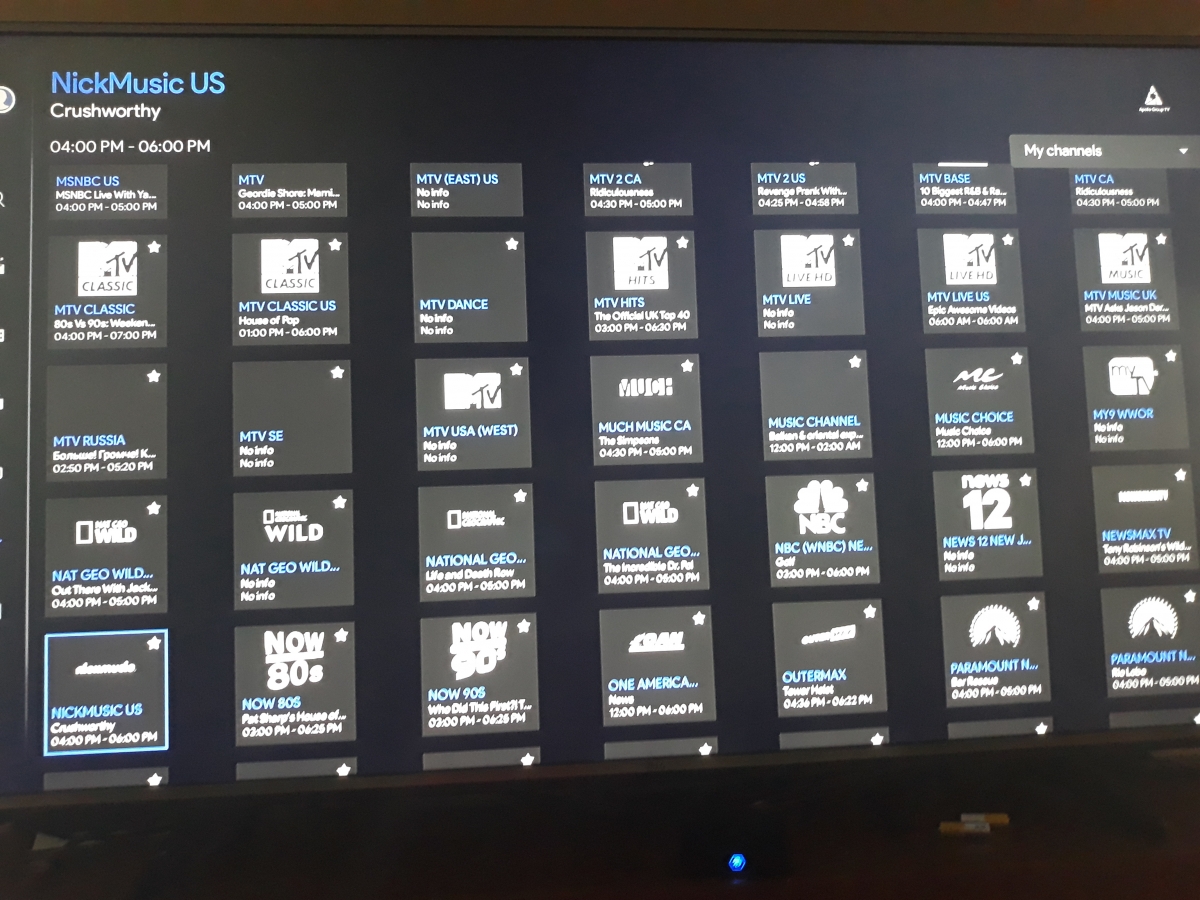
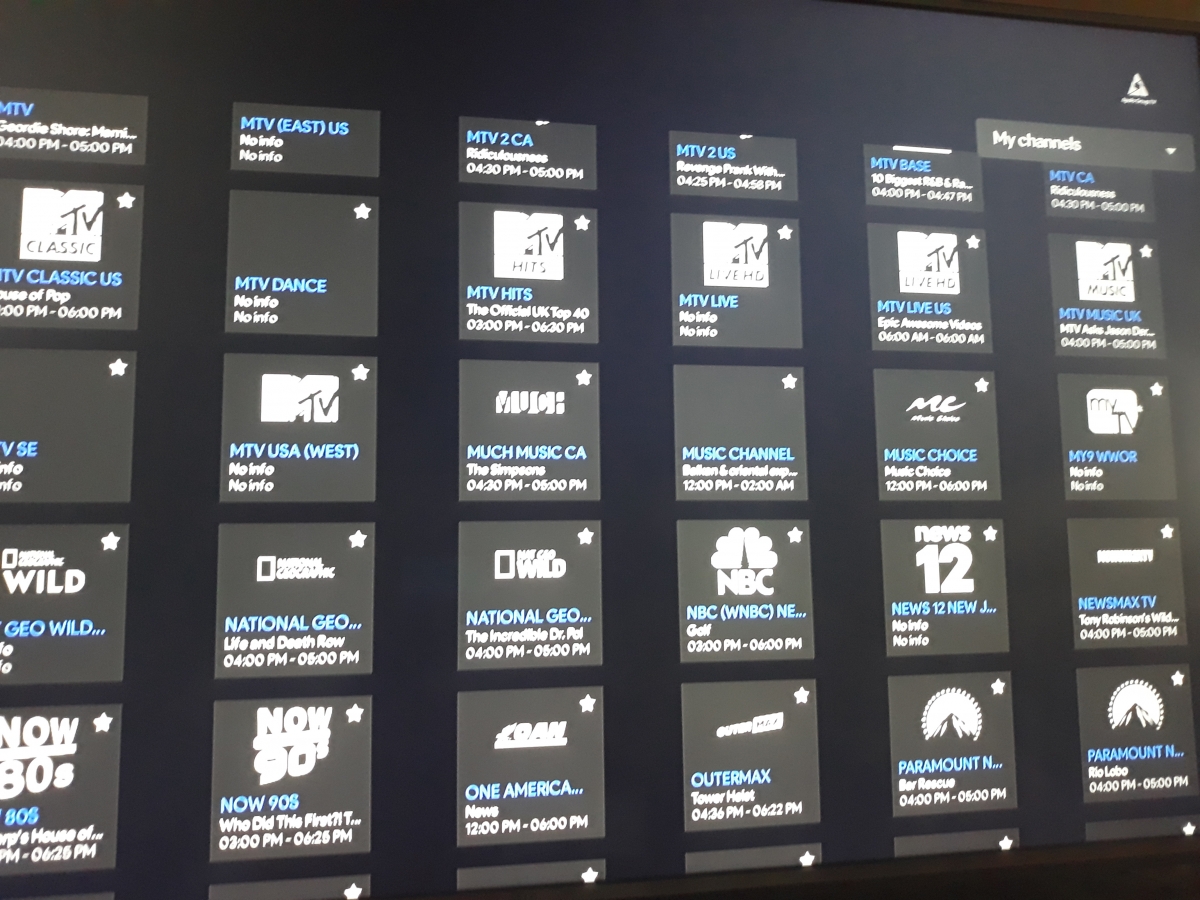
  2. As you can see the NFL redzone is not under my channels even tho is marked as a favorite
  3. I never had this problem before where my saved favorite channels have been cut in half. Out of 80 channels which I had under my favorite, ended up being 40. Everytime I eliminate channels from my list of saved channels I cant not add them back. It shows that it has been marked as favorite but it does not go to the list. I'm not sure what is going on? So once again I cant add favorite channels to my list. If I chose a channel as my favorite it marks as favorite channel but it does not add to my list. Any solution to my problem? Thank you
Account

Navigation

Search

Search

Configure browser push notifications

Chrome (Android)
  1. Tap the lock icon next to the address bar.
  2. Tap Permissions → Notifications.
  3. Adjust your preference.
Chrome (Desktop)
  1. Click the padlock icon in the address bar.
  2. Select Site settings.
  3. Find Notifications and adjust your preference.