glingan
Members
-
Joined
-
Last visited
Everything posted by glingan
-
Hi, When I plug in my box and begin to watch a live TV, there is no issue with the quality and stream speed. However, after about an hour or so, sometimes shorter - the live tv slows down and i need to unplug and plug in the power, and then the picture returns to normal. If I leave my box on for a couple of days, the picture is frozen when i get back to it and i need to reboot the box as above. Can anyone advise on what the issue is? And how to resolve this? Thanks Lingan
-
Thanks - I have done this
-
I tried 1080P 60HZ And the issue continued
-
Thanks - I switched this over last night and will see if there is a difference tonight when I am back at home.
-
I will try with a different tv and see if the same happens. The display settings were on auto, so i switched to manual, and tried 1080p-50hz. Same issue. I then tried 1080p-24hz, same issue but after a longer period of time. Will try 1080p-50hz and see again. Should i look to change the colour space&deep colour settings? Or the hdr to sdr/sdr to hdr settings? Thanks
-
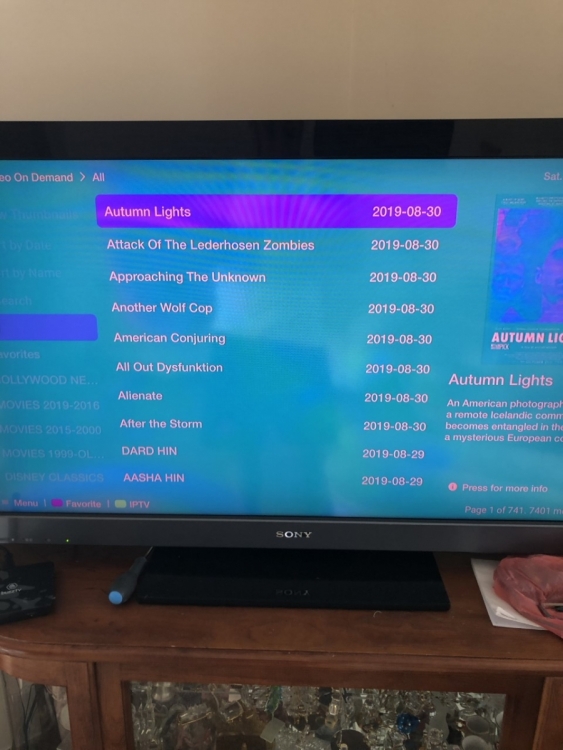
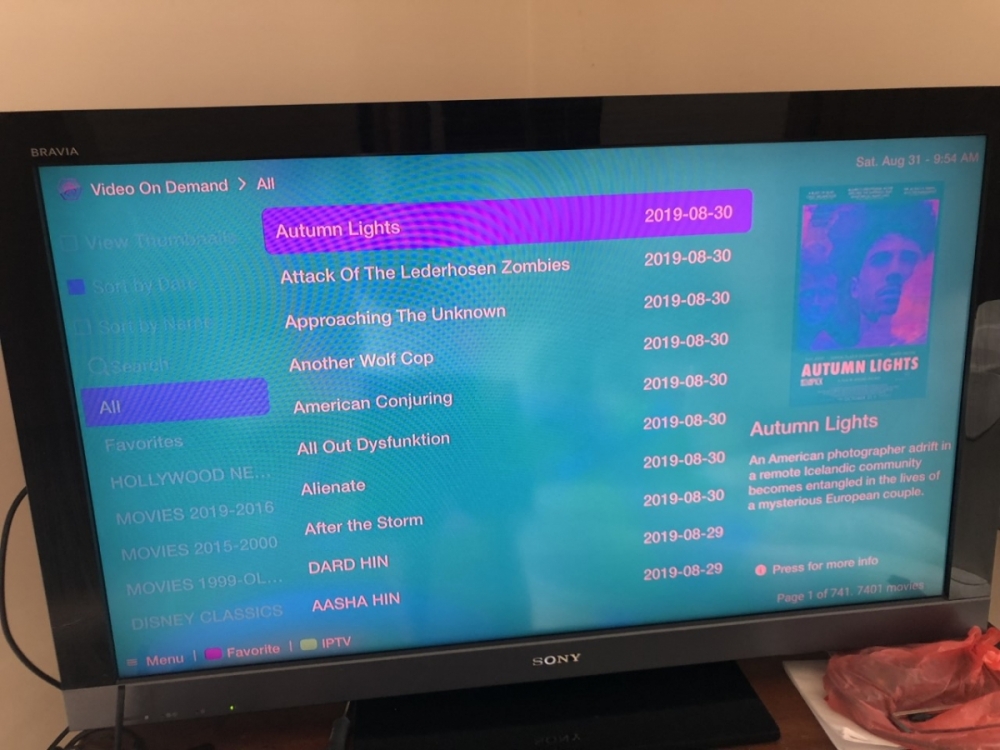
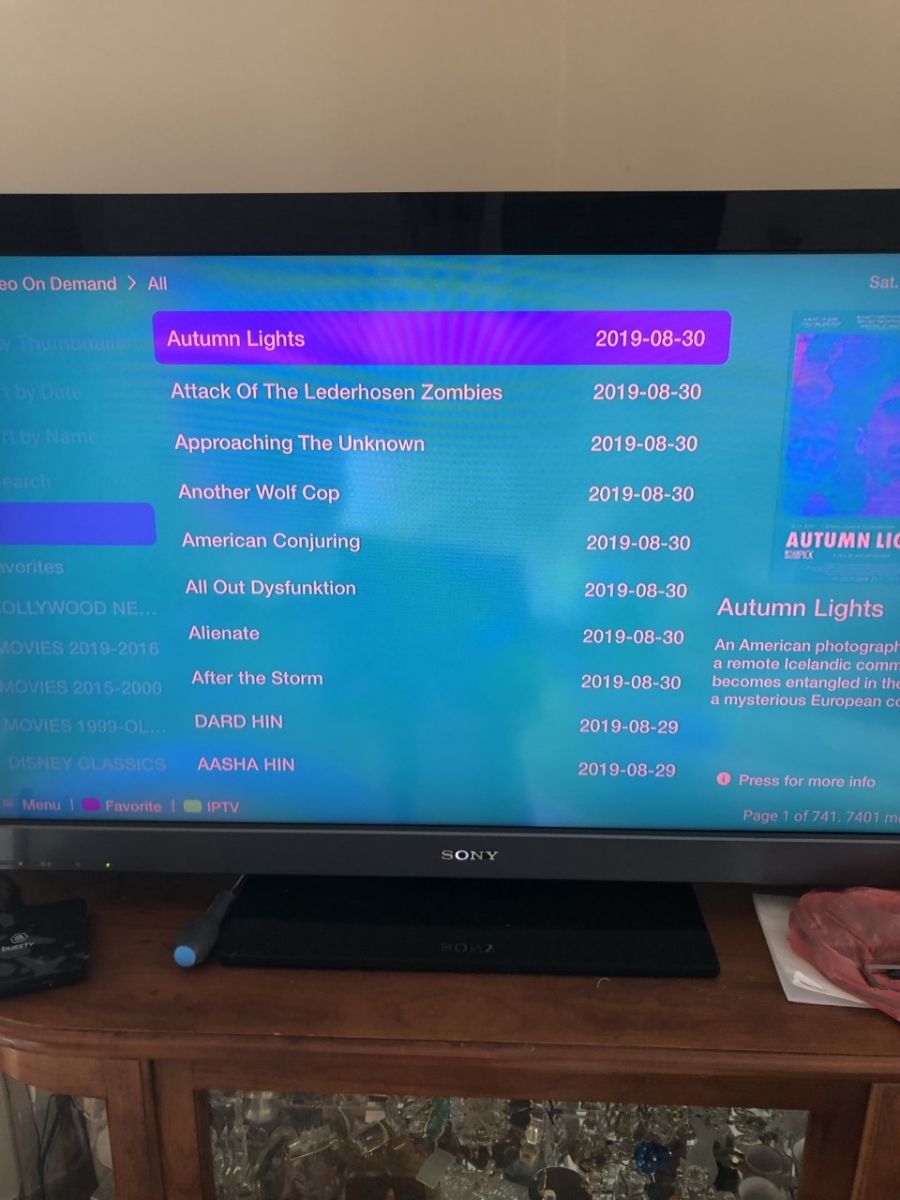
Hi Guys, I bought a BuzzTV XPL3000 UHD 4K Black - Dual Band WiFi 8GB eMMC & 2GB RAM Android 7.1 Nougat IPTV Media Player from KUUL.co.uk I have been getting image issue. When i connect the hdmi cable to the tv, it is fine for about 5 minutes and then the screen colour changes (attached pictures). This lasts about 30sec-1min and then it goes back to normal. Then about another 10mins later the same thing happens. It happens when using the menu and watching something. I tried three different hdmi cables and different hdmi sockets on my tv but all give me the same issue. previously had a sky box and never had the issue so am not sure whether there is an issue with the box or a setting i can change. Any help please? Lingan