D L
Members
-
Joined
-
Last visited
Everything posted by D L
-
-
-
-
And it was for recording IPTV so thought speed to read / write would help. Worked well using another player I use as don't think it's available yet on the early release buzz TV 6 app for g series on playstore
-
Would like to be a tester for the buzz TV 6 app if possible for g series
-
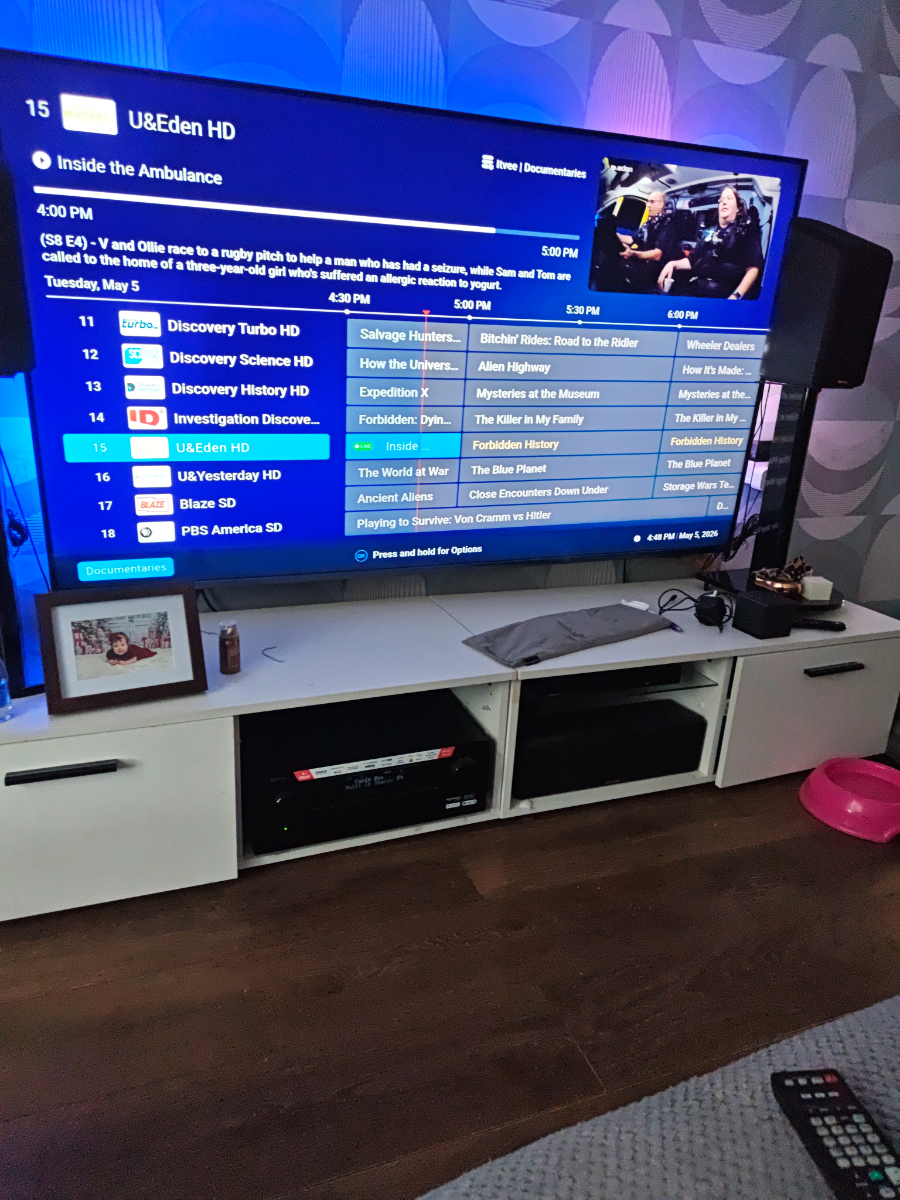
Also grid layout looks terrible looks like STB emu from years ago.When you get to grid layout and want to change category it reverts back simple layout. Pvr function is not shown or I can't find it. I fine it awkward to switch from live TV to vod etc as well. App is quite quick to be fair. But really needs polished the UI.
-
Buzz TV 6 app Will not hold grid layout No settings to merge playlists No just for speed usb 3.0 Is faster
-
Update usb needed formatted to exFat and now works perfectly as external storage using usb 3.0 128gb flash drive and a usb c to usb A adapter. Was able to record using another IPTV app and playback was fine.
-
I bought the box and I am in the UK I like the box it's snappy etc. Buzz TV 6 app is an early release on playstore and has a long way to go by the looks of it. The remote recently got an update and I haven't had many problems once I configured the buttons in the menu and I use a denon x4700h avr. I can confirm that most codecs / passthrough works fine in Kodi but only Dolby digital or Dolby mat is available in the menu with no full passthrough option for the moment. AISR does seem to work fine and requires no configuration.. Hopefully full passthrough will come and the buzz TV 6 app update gets released soon as I wouldn't use it in its current state. I am having issues with usb external storage though just keeps rejecting it in either the C port with an adapter or in the USB A port. I may need to format it in a pc first. But it's early days and hopefully as a premium device the passthrough will be fixed but I believe it's the same issue across all s905x5 m boxes at the minute.