
Skip to content
View in the app

A better way to browse. Learn more.

BuzzTV Help

A full-screen app on your home screen with push notifications, badges and more.

To install this app on iOS and iPadOS
  1. Tap the Share icon in Safari
  2. Scroll the menu and tap Add to Home Screen.
  3. Tap Add in the top-right corner.
To install this app on Android
  1. Tap the 3-dot menu (⋮) in the top-right corner of the browser.
  2. Tap Add to Home screen or Install app.
  3. Confirm by tapping Install.

GAM

Members
  • Joined

  • Last visited

Everything posted by GAM

  1. I'm not sure? My buddy downloaded the Hive app for me and it works fine but I am not able to record. In order to record I think I need to go in through LiveTv on the buzz box but when I click on LiveTv it takes me to the server screen. And now I am lost!
  2. Hello, Can I record more than 1 program in advance on the U5 Buzz Box. I need to be able to watch a program while recording others!
  3. GAM replied to GAM's topic in How To
    Okay, Thanks
  4. GAM posted a topic in How To
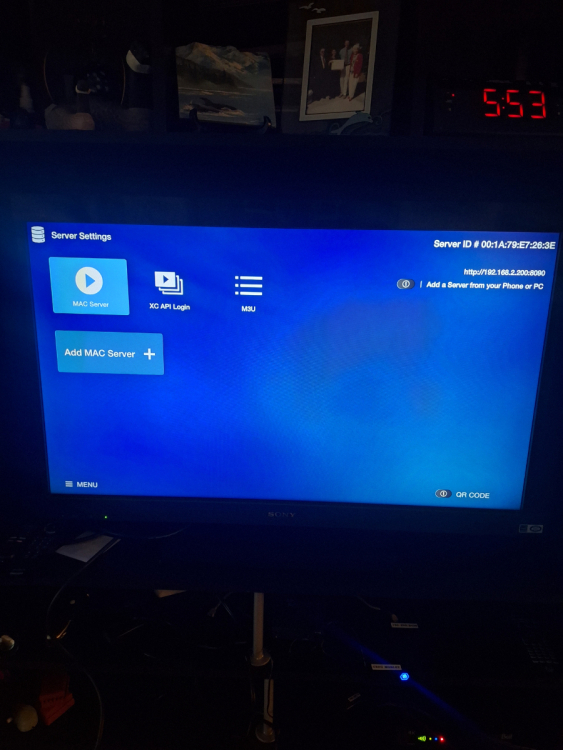
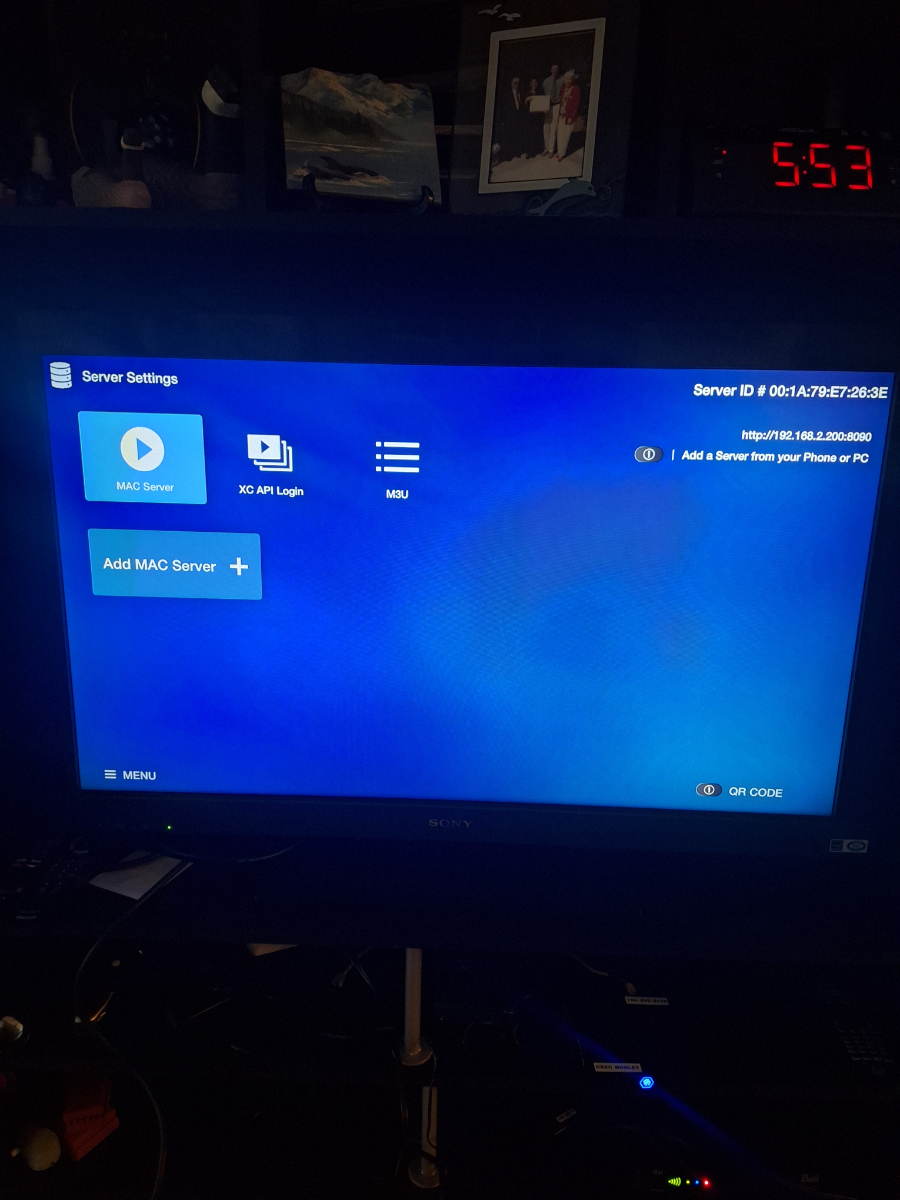
    I click on live tv app and it takes me to MAC Server on server settings screen! I can not open anything except Add M3U playlist. The screen says Portal Name is Server 1 and Portal URL http:// I do not know what to do!? Please help if you can as I am a bit frustrated with this BuzzTV box.
Account

Navigation

Search

Search

Configure browser push notifications

Chrome (Android)
  1. Tap the lock icon next to the address bar.
  2. Tap Permissions → Notifications.
  3. Adjust your preference.
Chrome (Desktop)
  1. Click the padlock icon in the address bar.
  2. Select Site settings.
  3. Find Notifications and adjust your preference.