iserna
Members
-
Joined
-
Last visited
Everything posted by iserna
-
Yes. It worked.
-
I thought so. I changed the cable to the one used in the AppleTV and the problem persists. Thanks
-
Thanks. I ordered it. It will take a while for me to get it but I’ll let you know when I do. Thanks!
-
Yes. It’s absolutely pressed
-
I tried that. All I get is the BuzzTv fix logo (no animation). No restore menu. Am I doing something wrong? I unplugged the unit, used the toothpick, plugged the unit while keeping the toothpick pressing the button. Nothing happens. The led is red and after about 90 seconds turns blue. When it goes blue, the HDMI signal is lost. Thanks
-
Thank you. I did what you suggested. Checked the cable and it’s the original one. Changed HDMI cables and ports. Also used the toothpick on the back and got a message saying restart or power off. I selected restart and same thing happens. Any more help will be greatly appreciated. Thanks!
-
Hello. I’ve had no problems with my U5 since I bought it. I went out for vacation and since returning, the U5 had a black screen. Unplugged and waited for 5 mins and when plugging it back, it loads the BuzzTV animated screen logo and then goes back to black. After about 4 minutes it restarts and does the same thing again. Any suggestions regarding what I should do? Thanks!
-
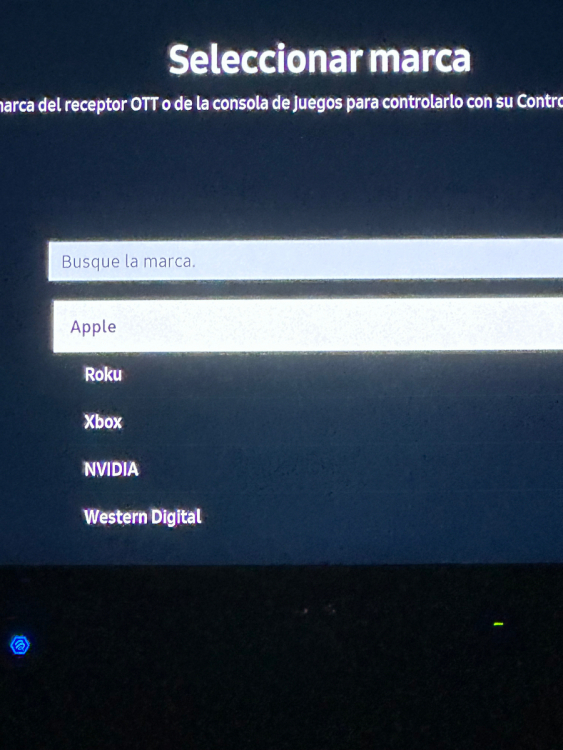
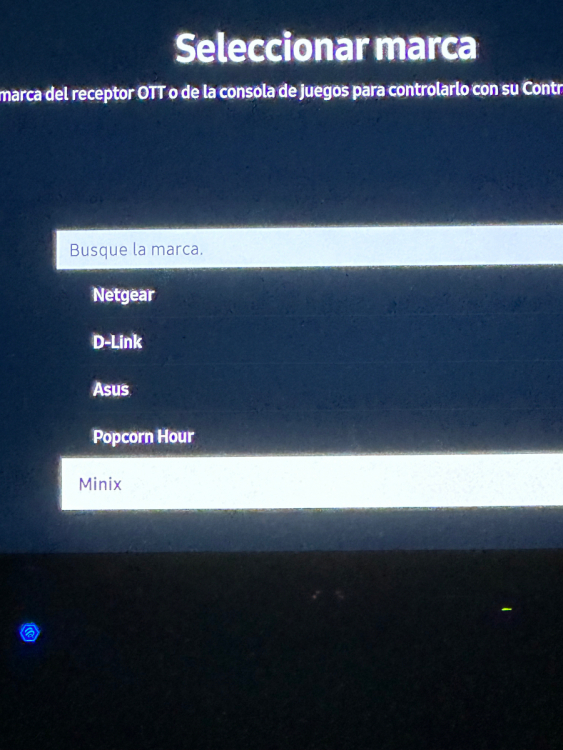
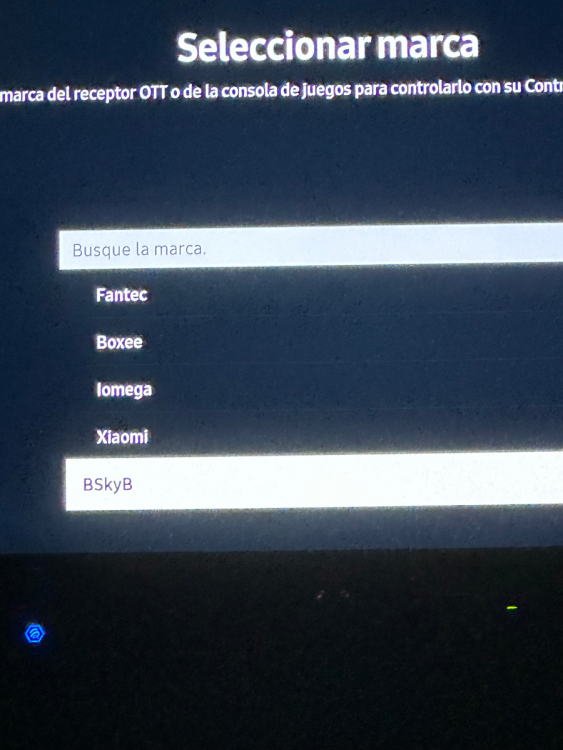
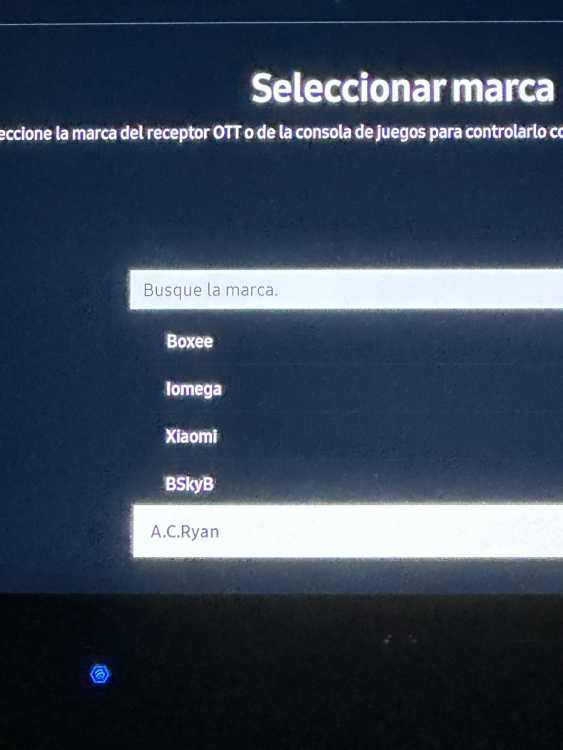
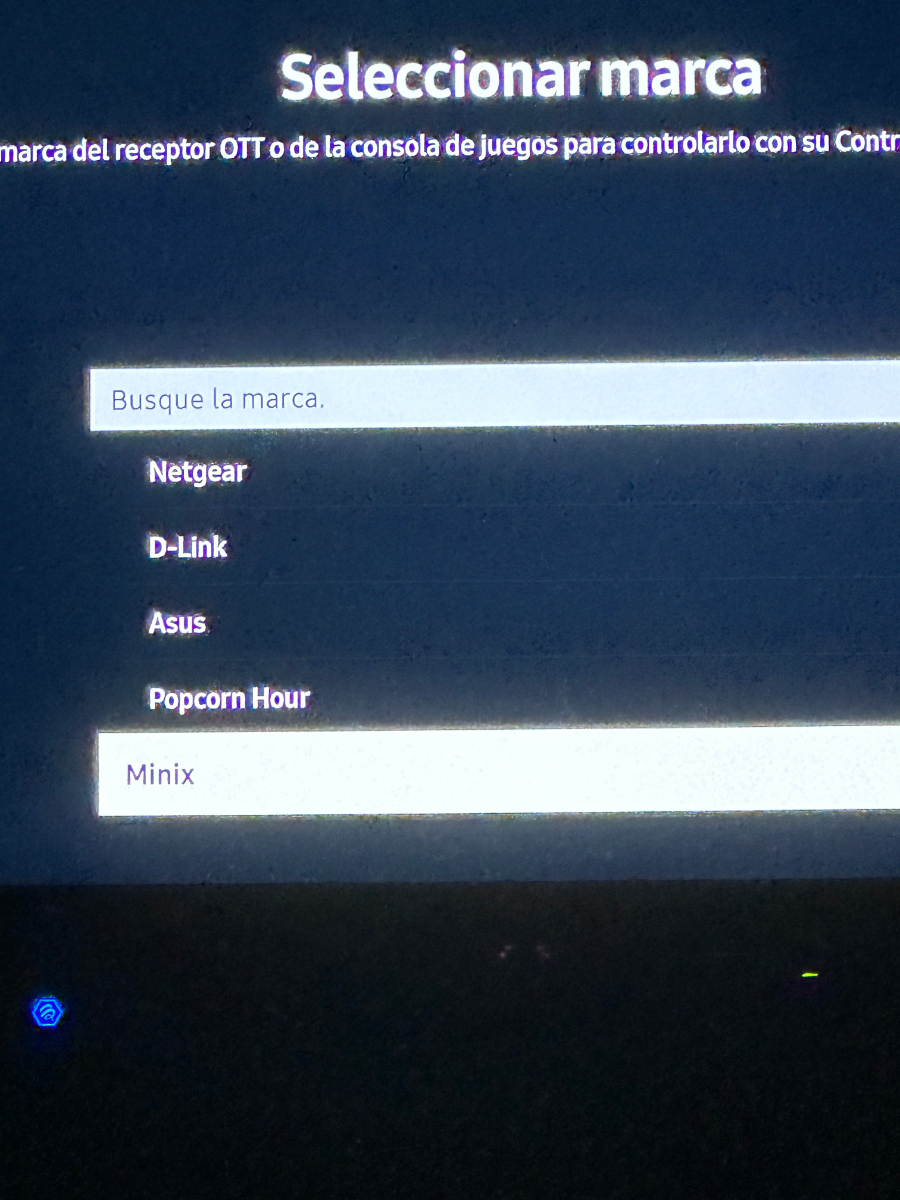
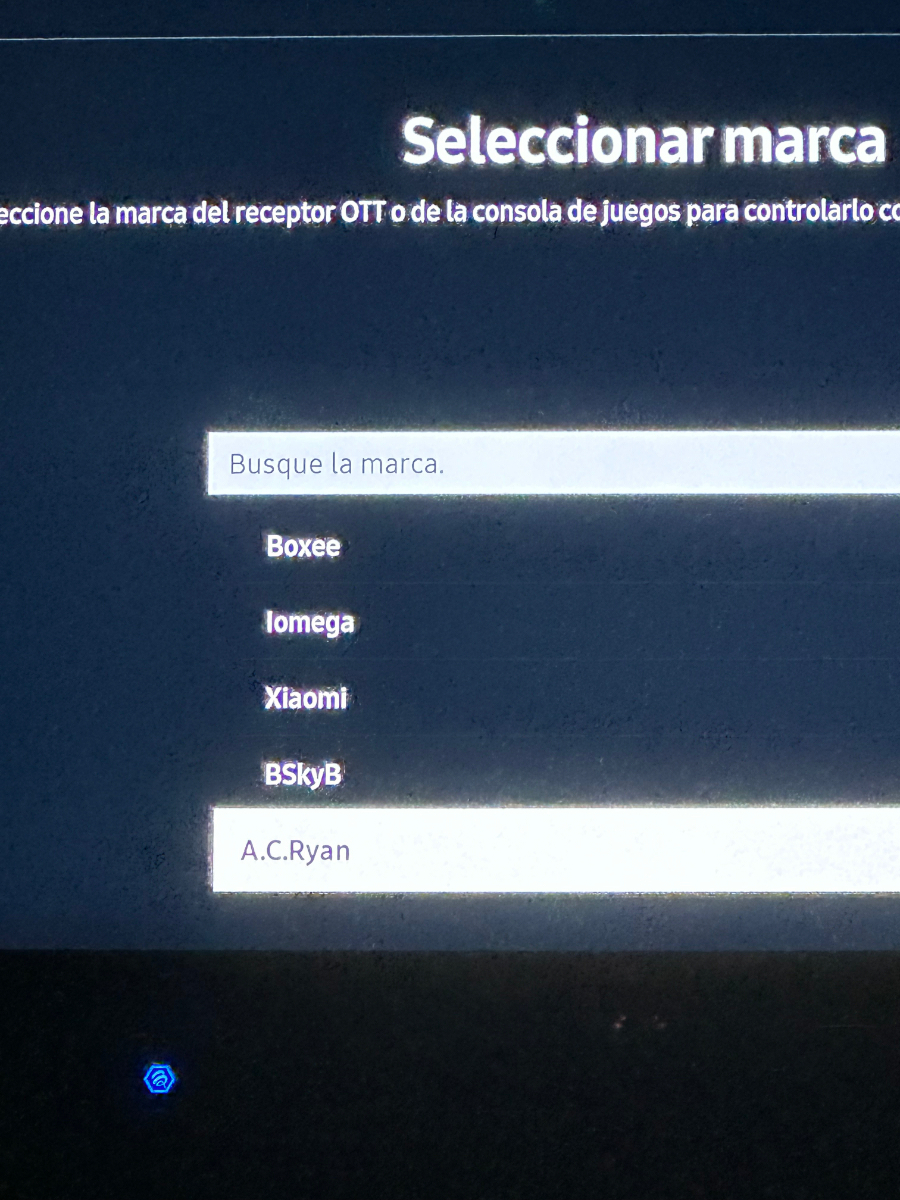
Hello. I have a U5 and a Samsun TU8000 Samsung TV (Tizen). I can control the TV (volume and power) with the BT-400 remote. I want to control the U5 with the Samsung Remote. When I try to do it, the TV shows only some brands of OTT receivers. Any workaround or any of these brands I should select? Thanks!