Kray
Members
-
Joined
-
Last visited
Everything posted by Kray
-
Thank you for checking…….. Guess I will have to watch Live, until the provider chooses to support subtitles. I actually prefer VOD to Live….but no choice for now.
-
I should clarify the issue of not having any subtitles occurs using VOD. Live is fine
-
This is very frustrating, I am hard of hearing and not having subtitles diminishes the viewing experience. Feel like a ping pong. The tech guy says the server offers subtitles provided BUZZ software has the ability to display them My unit is xrs4500 max. what a shame.
-
Will do thank you!
-
Will do thank you!
-
Will do thank you!
-
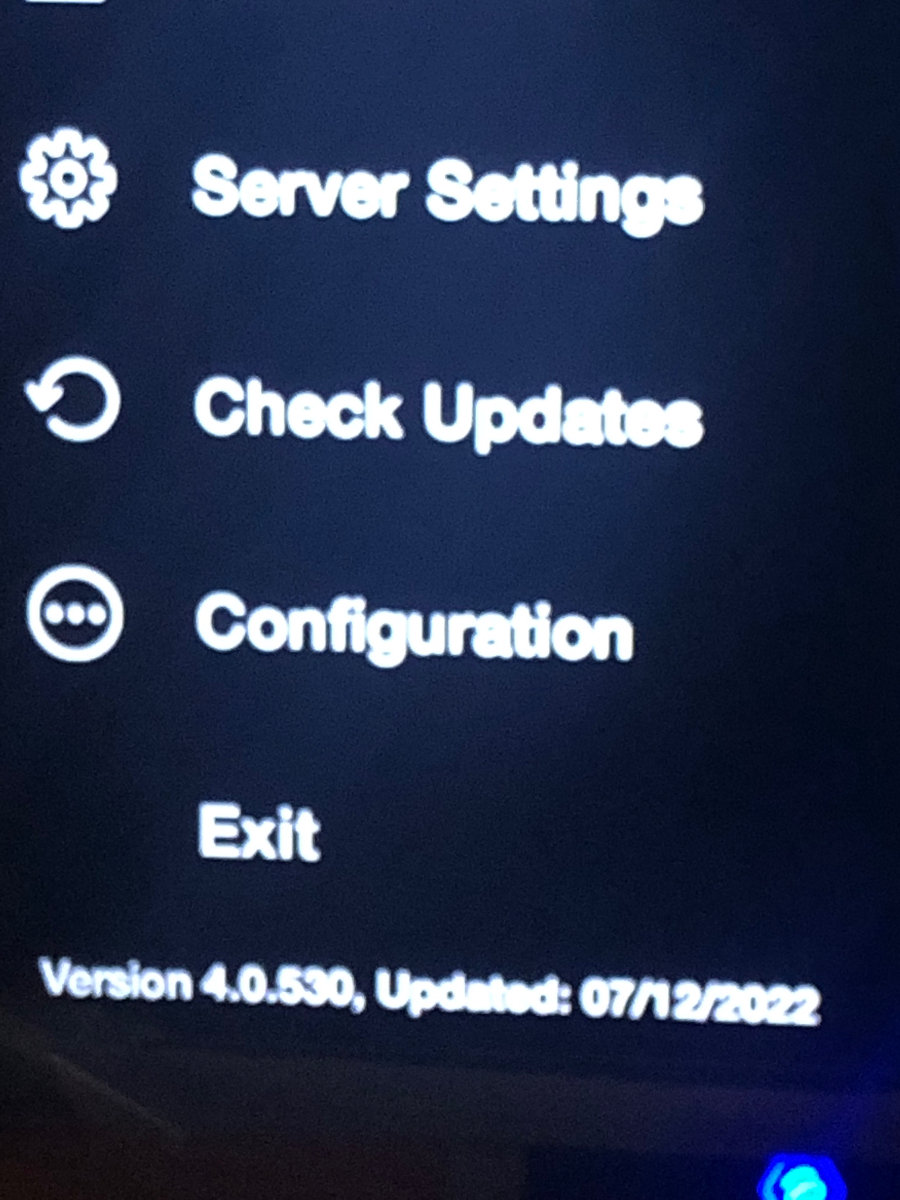
from Home Screen Current Firmware version: V20211108 current IPTV Version: 4.0.530 when I click Check Update…..nothing happens I entered 2015 and got message “there is no beta update available on your XRS4500 Max .
-
I clicked on Menu - Check Updates Got a screen message “No updates Available” I then entered 2015 on the remote and clicked OK but nothing happened.
-
Version:4.0.530. Updated 7/12/2022
-
Hello everyone, I just tried to record my first program and have a run into an issue. The PVR shows that the program was recorded. However when I try to play it nothing happens not quite sure what is going on My buzz box has the latest update. Any help appreciated. Thanks.....Now.....if only there was more time in the night to watch everything..... will have to be extra nice to the wife 🙂Ok thanks guys. Off to buy the Max. Your advice was very useful. Cheers! 😊Hi guys, This is my first venture into the IPTV realm. I would like to purchase a box but am confused with the offerings and differences. I am looking at the following: XRS4500 XRS4500 2022 XRS4500 MAX Any help and insight would be much appreciated. Thanks.