Ajs007
Members
-
Joined
-
Last visited
Everything posted by Ajs007
-
We need remote pairing instructions for this remote to program it for tv.
-
All I did was select update. and there was no more V20220718 available to download . I am currently running V20220506 with iptv version 5.0.769 and it is running perfectly.
-
Problems are now solved. The XRS4900 now reads firmware version: 2022-0506 and iptv version: 5.0.768. All is good and the box is up to date. Buzz is the BEST!
-
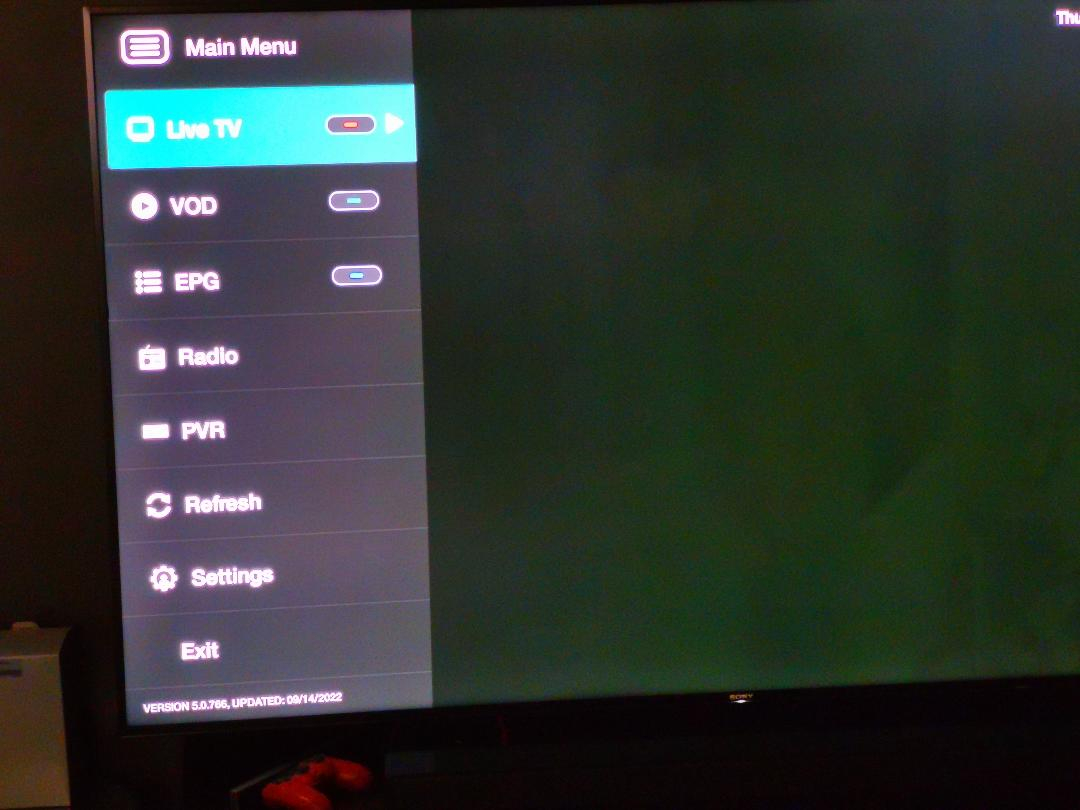
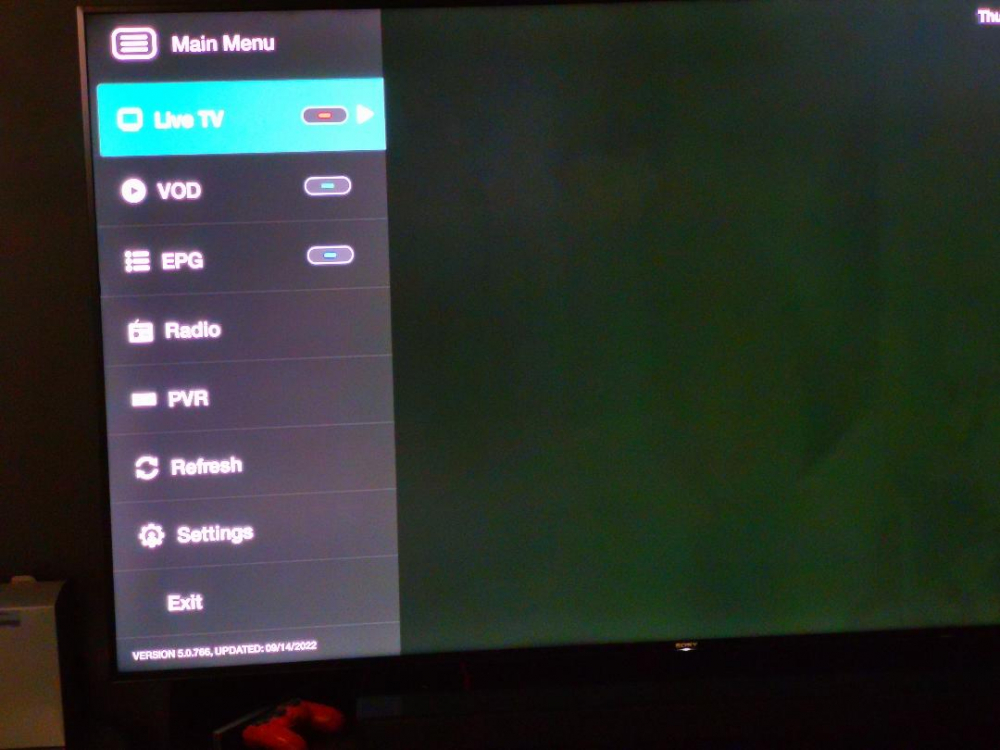
Seems that I may have to take it to manufacturer. Perhaps a glitch somehow? With the current version being (5.0.765) and current loaded firmware 20220506, I get the coloured menu buttons to show up that I have only seem on the X5 and HD5 series. No sign of the Buzz remote app though, so new remotes only work as BT300. Funny, now the yellow is missing.
-
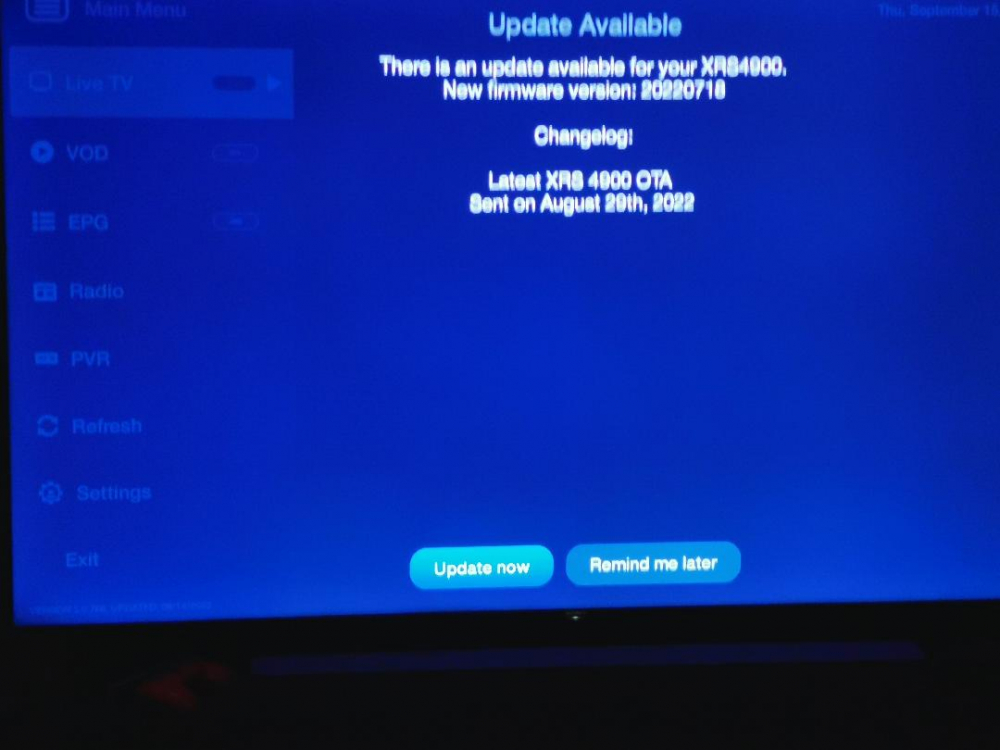
No problem with internal storage space. A hard reboot never fixed the problem either. 20220718 firmware downloads and when it installs it gets to about 20% then error. Could the problem be firmware version 20220718? Does anyone have this version installed?
-
Update not upoate. I should learn to spell check.
-
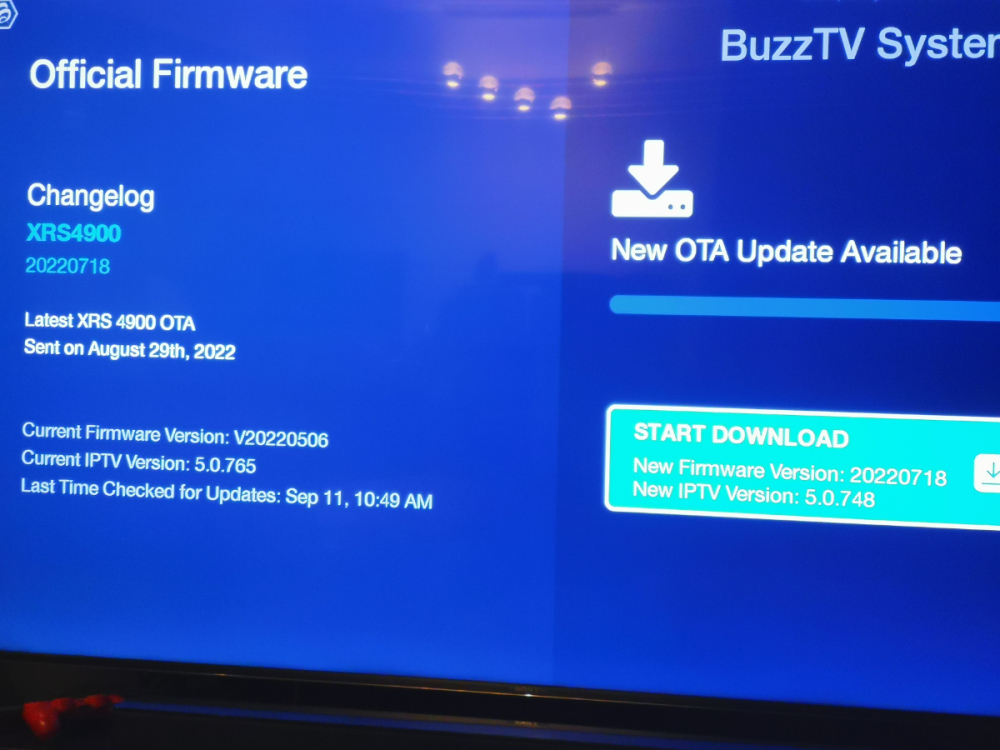
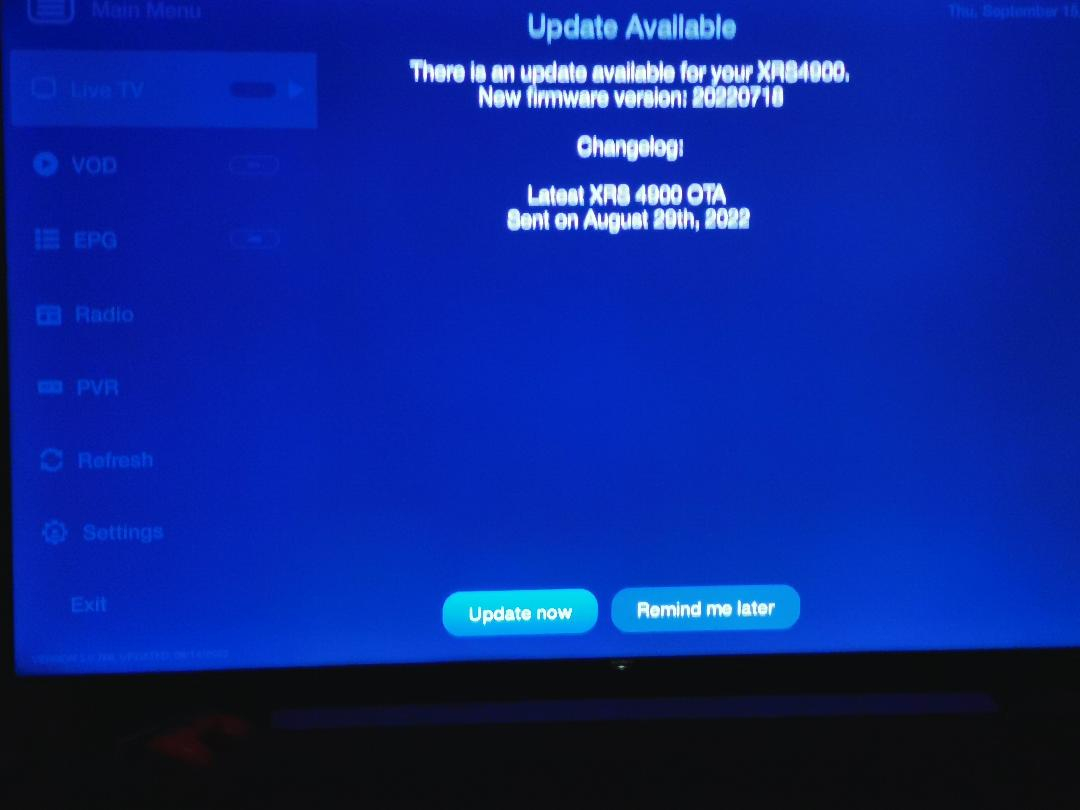
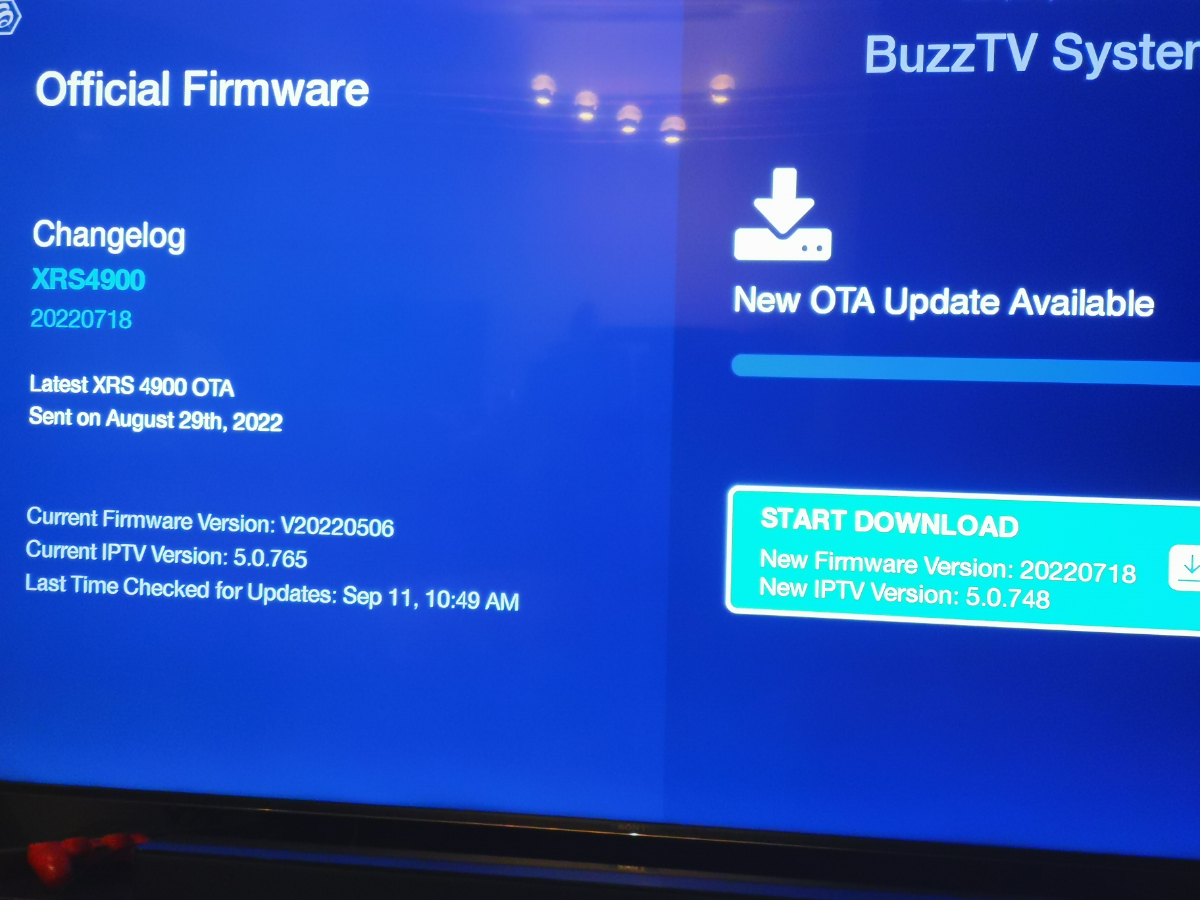
XRS4900 keeps notifying of available update , version 20220718 , OTA update sent on August 29, 2022. After download this version does not load do to error. I notice that the iptv version (5.0.748) in 20220718 is most likely older than the iptv version (5.0.765) in current loaded firmware 20220506, which may be creating the error. Can this be fixed or do we just live with the notifications until a future update? Anyone else have similar problem?