Mark M
Members
-
Joined
-
Last visited
Everything posted by Mark M
-
No he/she didn't. They said "...option to make sure that it’s the USB or SD card that is being used". They wrote nothing about the SD card being removed as an option.
-
That's exactly what it was referring to, as clearly evidenced by the pasted quote from June in my post above you.
-
Does this look familiar? allaboutbuzz Moderators 786 Posted June 6 Using Internal Storage for timeshift is a bug on Android actually It requires a lot of space to use it. We will be removing it as an option in a future update If you want to use Timeshift its best to use a USB or SD Card.
-
-
If it is, I'd like the answer, because this box is going back ASAP
-
Sorry for the delay getting back to you...I'm in the process of packing to move. It only seems to happen with TS on.
-
-
-
I think I may have spoken too soon...another issue has popped up. Watching live TV, the vid keeps skipping a fraction of a second, slowly at first, then the frequency seems to pick up the longer I'm watching. Any ideas how to fix this? Thanks again!
-
Worked like a charm. Thanks so much for your help!!
-
Ok...I'll give that a shot. Thanks!
-
Ok...I just plugged in a 2TB WD drive, formatted it, clicked "move later" when it asked about moving files to the new drive. I then went to PVR options to switch the destination, but the new drive is not listed as an option, though the box does recognize and list the drive when I go to the storage tab in the settings menu. What am I doing wrong? Thanks again!
-
Oops...that should have read 2TB, not GB
-
Perfect. I have a 2gb drive looking for something to do 🙂 Thanks again!
-
Will do. Is there a limit to the size of the external storage? Thanks for the info.
-
I didn't say you did...I was asking. Timeshift is on, and storage location is internal shared storage, which has 115GB free space
-
Are you telling me that if I don't attach a USB, this message will continue to show up?
-
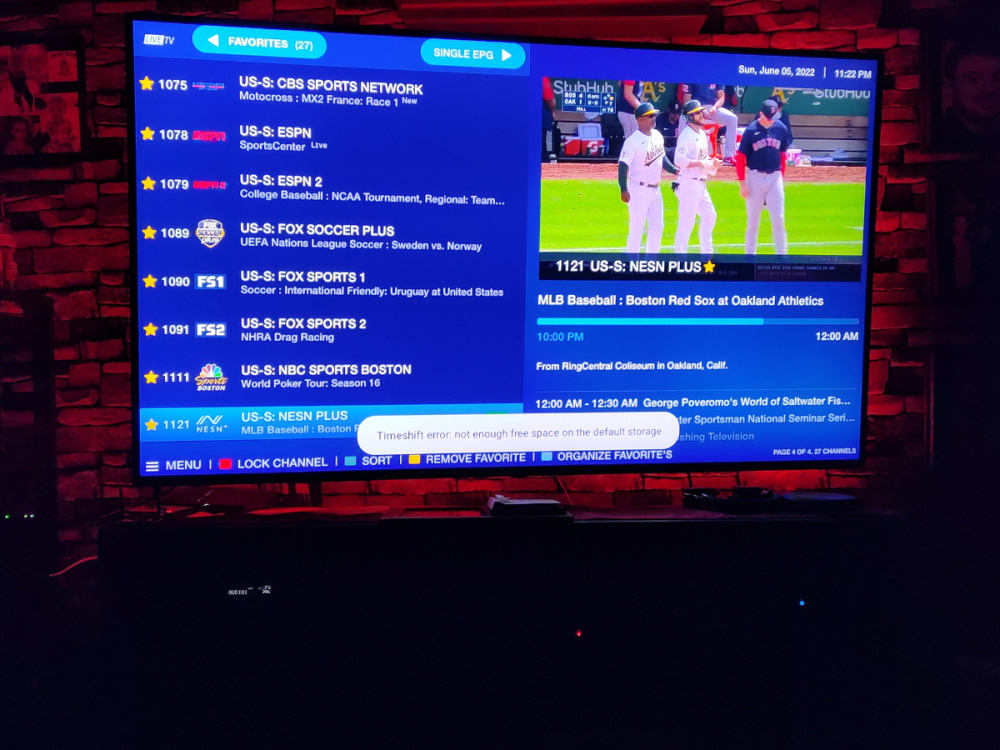
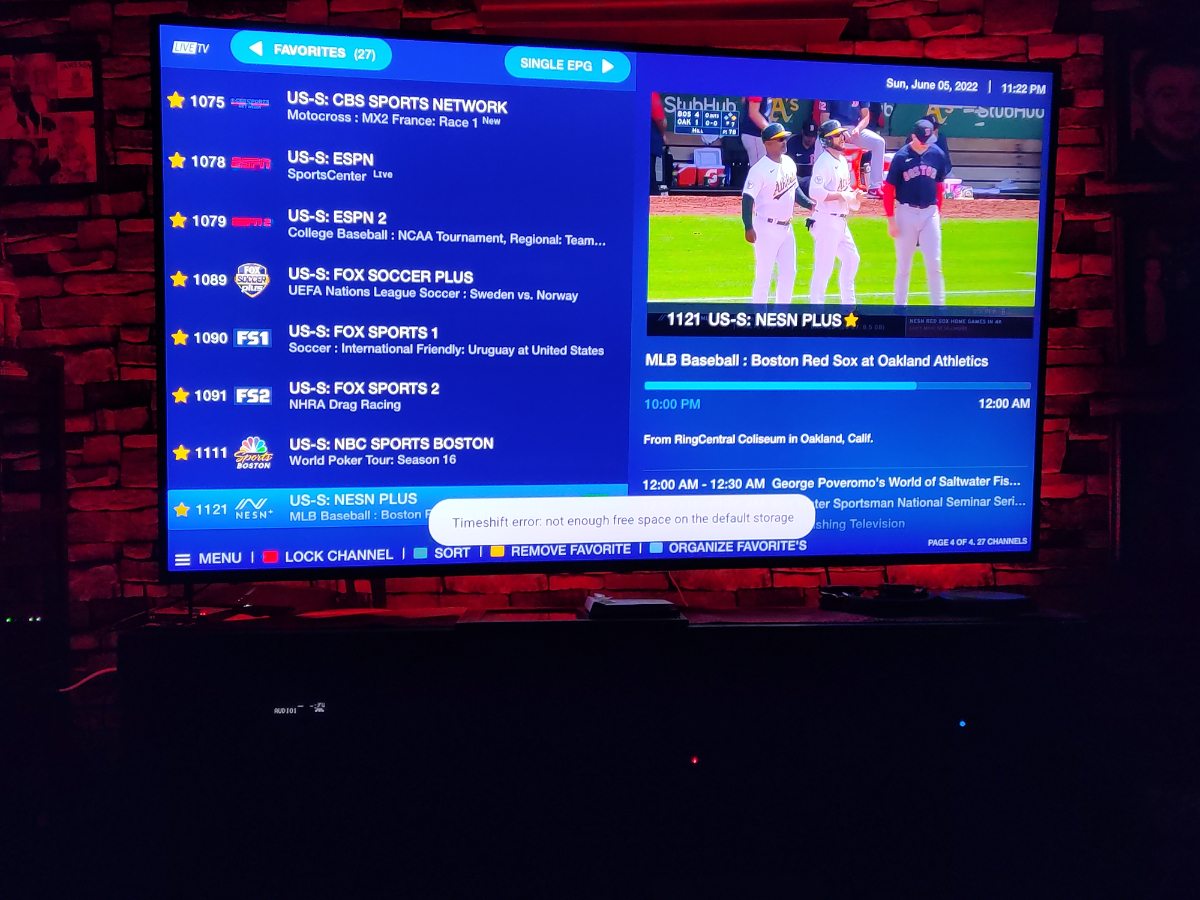
Every time I change stations using the BuzzTV 5 app I get this message : Timeshift error: not enough storage space on the default storage. I have the 128GB model, which has 115 GB free, so storage space shouldn't be an issue. What's up with this, and how do I make this warning go away? Thanks!