Skip to content
View in the app

A better way to browse. Learn more.

BuzzTV Help

A full-screen app on your home screen with push notifications, badges and more.

To install this app on iOS and iPadOS
  1. Tap the Share icon in Safari
  2. Scroll the menu and tap Add to Home Screen.
  3. Tap Add in the top-right corner.
To install this app on Android
  1. Tap the 3-dot menu (⋮) in the top-right corner of the browser.
  2. Tap Add to Home screen or Install app.
  3. Confirm by tapping Install.

Cathou23

Members
  • Joined

  • Last visited

Everything posted by Cathou23

  1. Ceci ne fonctionnait pas non plus. Oups, oublié de vous dire. Mon chum a fait sa fameuse méthode newbie… débrancher et rebrancher. Et ça a fonctionné. Et j adooooore ma machine en fait. Après les avoir tout essayé, je crois avoir enfin trouver! Merci beaucoup pour la réponse 💐
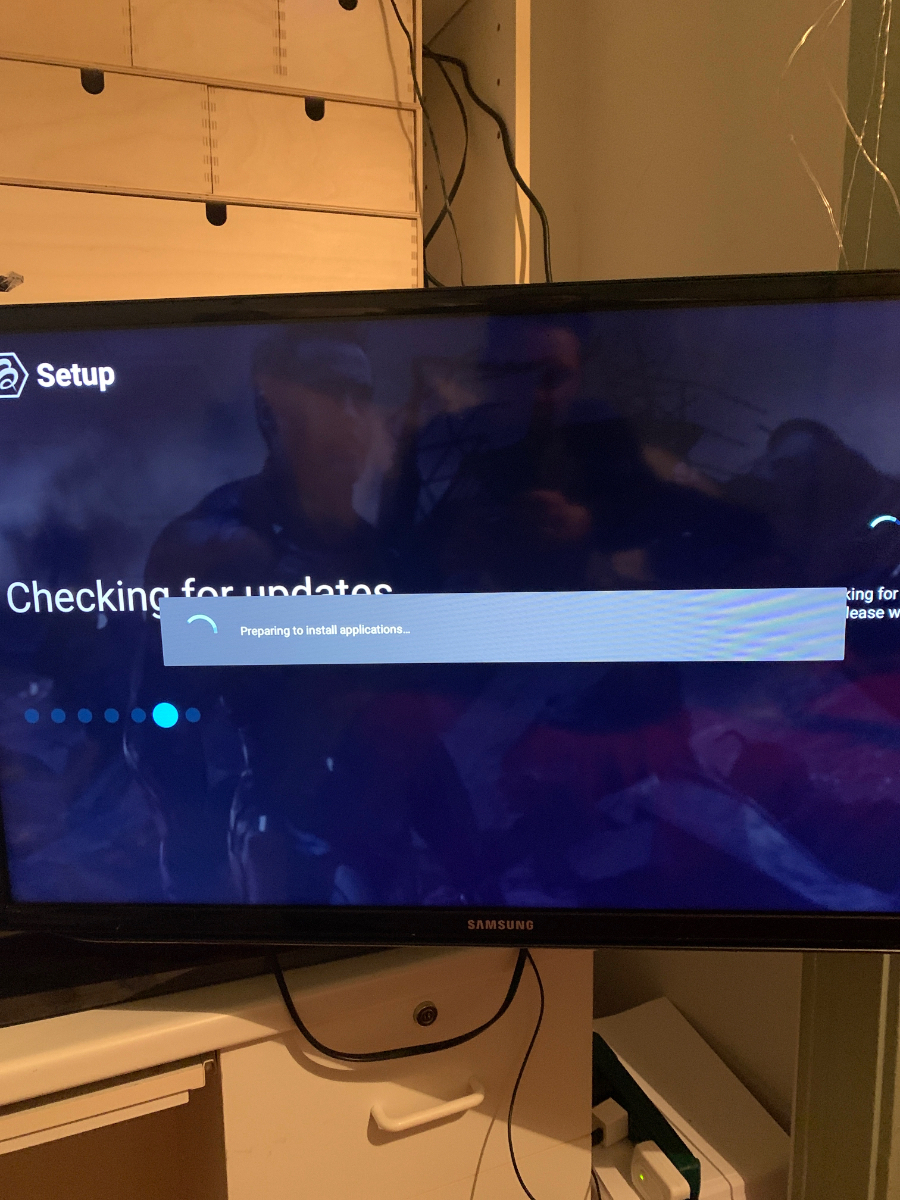
  2. Je viens de recevoir ma xrs4000 et mon service iptv fonctionne mais…. Y a t il un écran de accueil? des apk, paramètres? Cheking for uptades vire en rond sans cesser. J ai mis la mise à jour sur USB mais elle ne se déploie pas car je n ai pas le menu des paramètres pour y accéder. Donc, je suis sur iptv seulement et j aimerais accéder au contenu et paramètres de la buzztv. merci beaucoup

Account

Navigation

Search

Search

Configure browser push notifications

Chrome (Android)
  1. Tap the lock icon next to the address bar.
  2. Tap Permissions → Notifications.
  3. Adjust your preference.
Chrome (Desktop)
  1. Click the padlock icon in the address bar.
  2. Select Site settings.
  3. Find Notifications and adjust your preference.