Blackmagic
Members
-
Joined
-
Last visited
Everything posted by Blackmagic
-
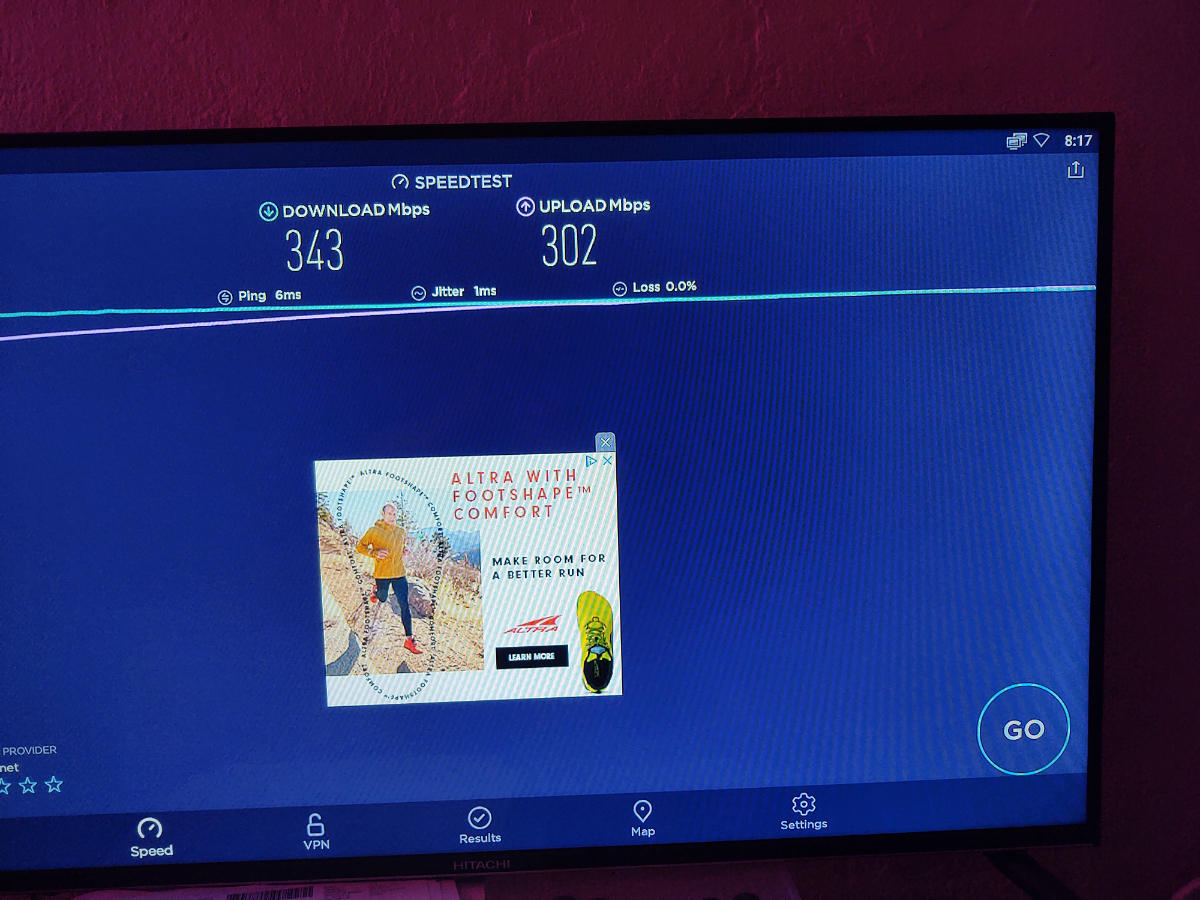
Video showing WiFi On and Ethernet connected and testing speed and it shows it is using Ethernet NIC card of over 100MB
-
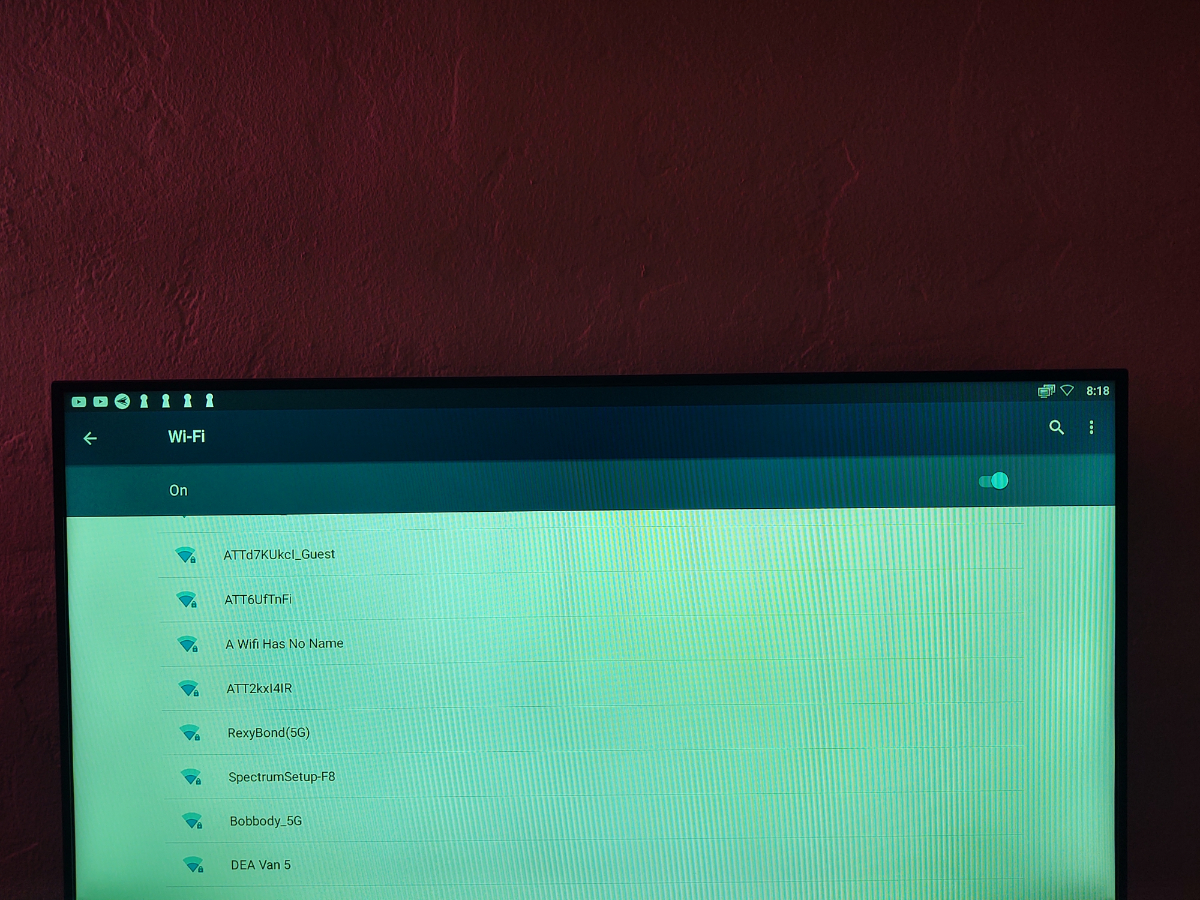
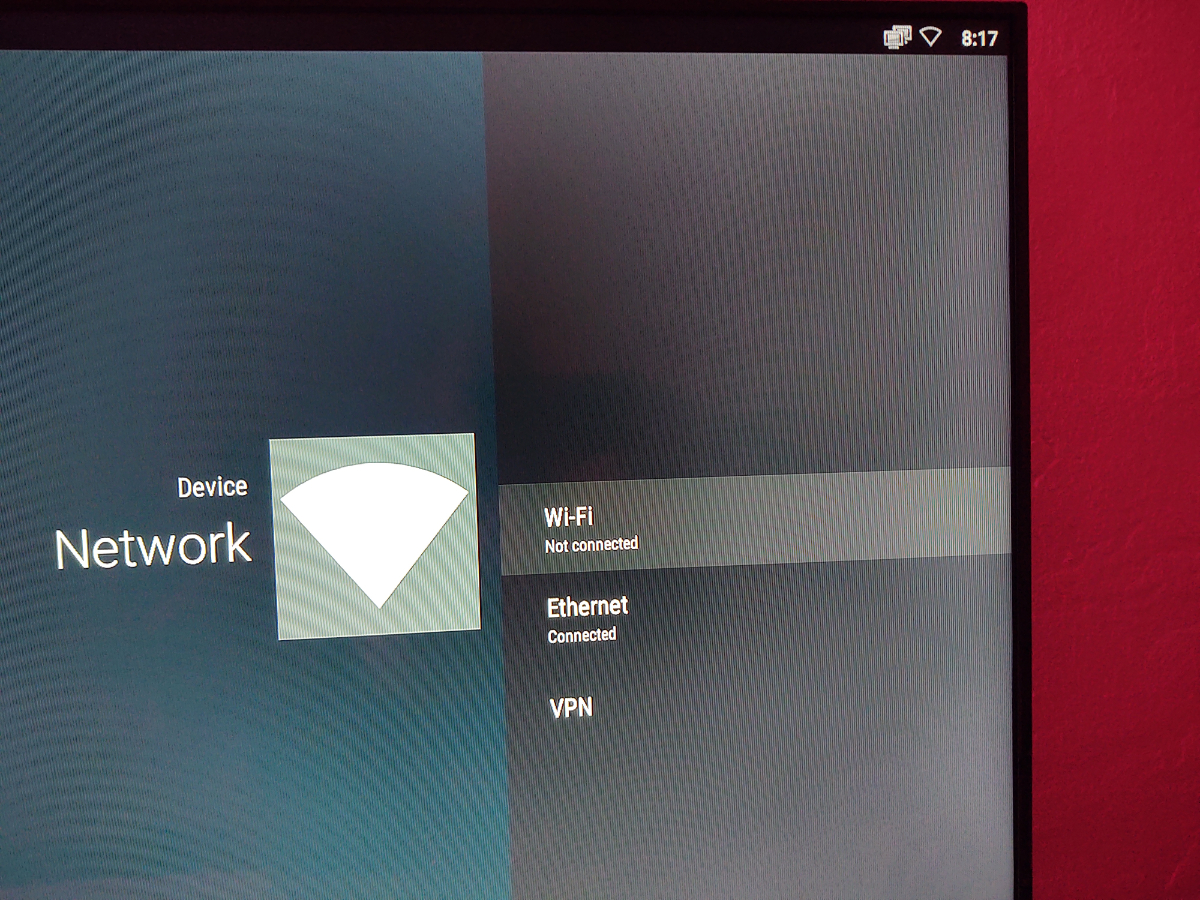
Look at the pictures WiFi is On but not connected and Ethernet is connected
-
Here is a video showing on WiFi On in a Android Box and Ethernet connected and getting the Ethernet Wired speed. Are yoy able to fix on XRS4900 VID_20210320_200738283.mp4Post a Video I don't believe you!!! I will post a video showing my computer connecting to the Internet through Ethernet while WiFi is in!All devices when Ethernet is connected disables WiFi unless initiated manually. Look at your computer what happens when you connect a Ethernet cable it uses the speeds of the NIC card not the WiFi adapter.When I connect a Ethernet cable and the WiFi is on and Not connected I only get Max 100MB and Not 1GB speeds. If I turn WiFi off then I get 1GB Ethernet speeds. Can that be fixed with a update?After I install Peacock and try to play it just has a message device is not secure enough