Skip to content
View in the app

A better way to browse. Learn more.

BuzzTV Help

A full-screen app on your home screen with push notifications, badges and more.

To install this app on iOS and iPadOS
  1. Tap the Share icon in Safari
  2. Scroll the menu and tap Add to Home Screen.
  3. Tap Add in the top-right corner.
To install this app on Android
  1. Tap the 3-dot menu (⋮) in the top-right corner of the browser.
  2. Tap Add to Home screen or Install app.
  3. Confirm by tapping Install.

CapoLini

Members
  • Joined

  • Last visited

Everything posted by CapoLini

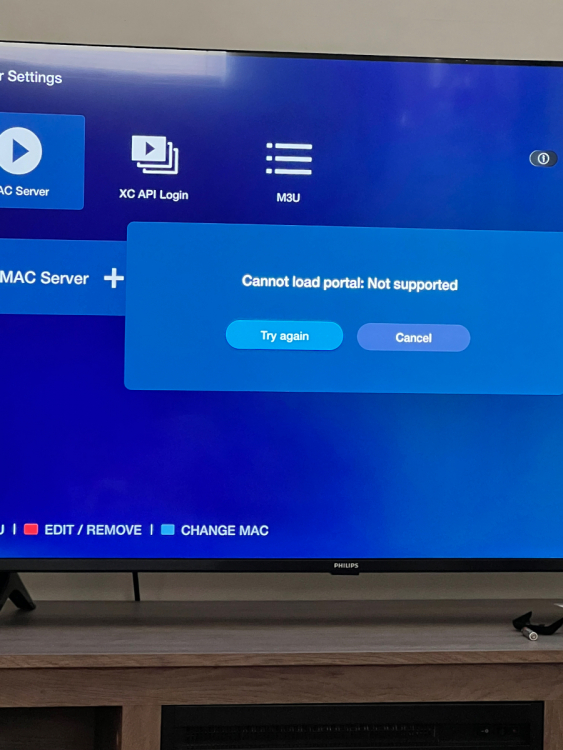
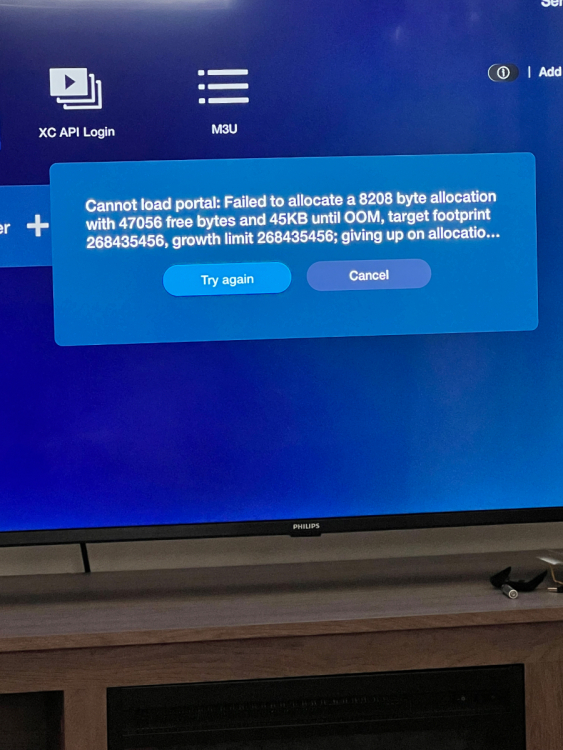
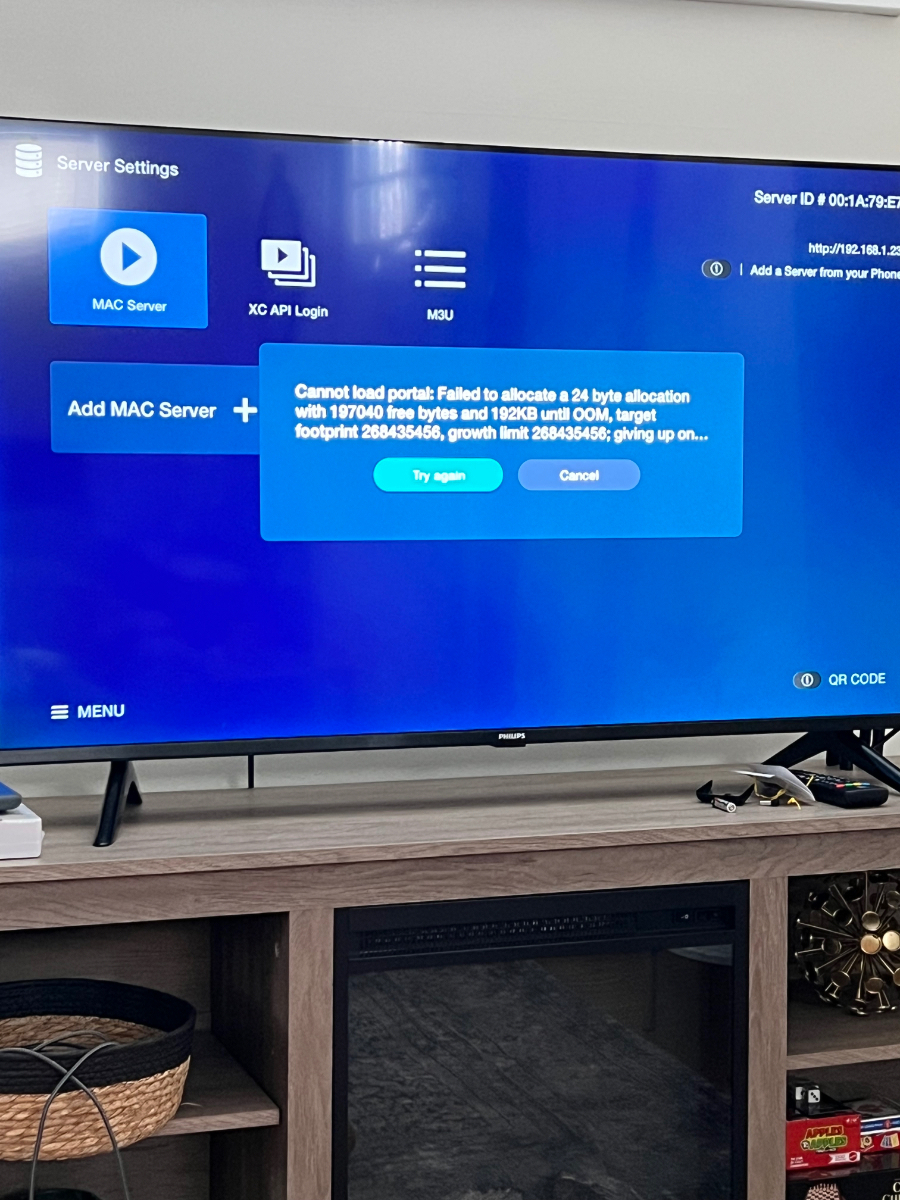
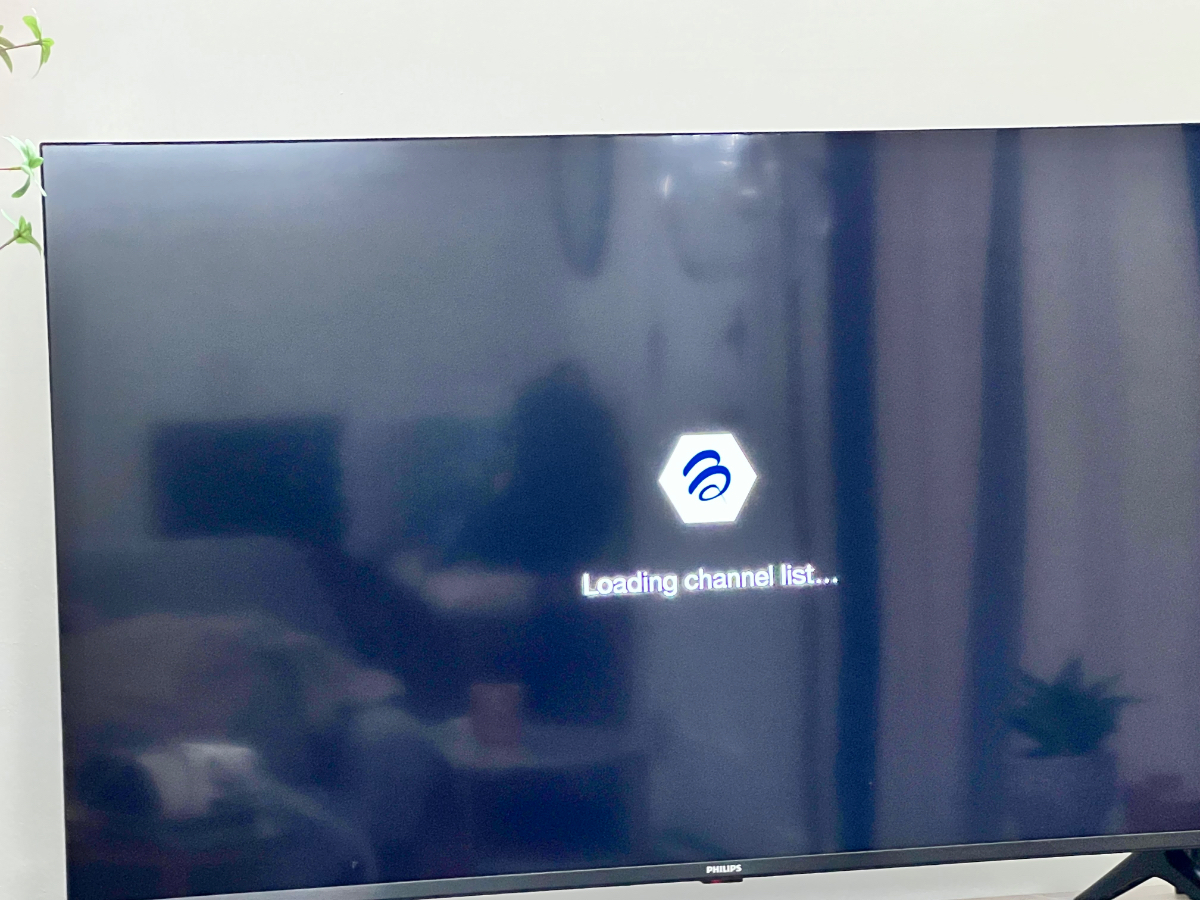
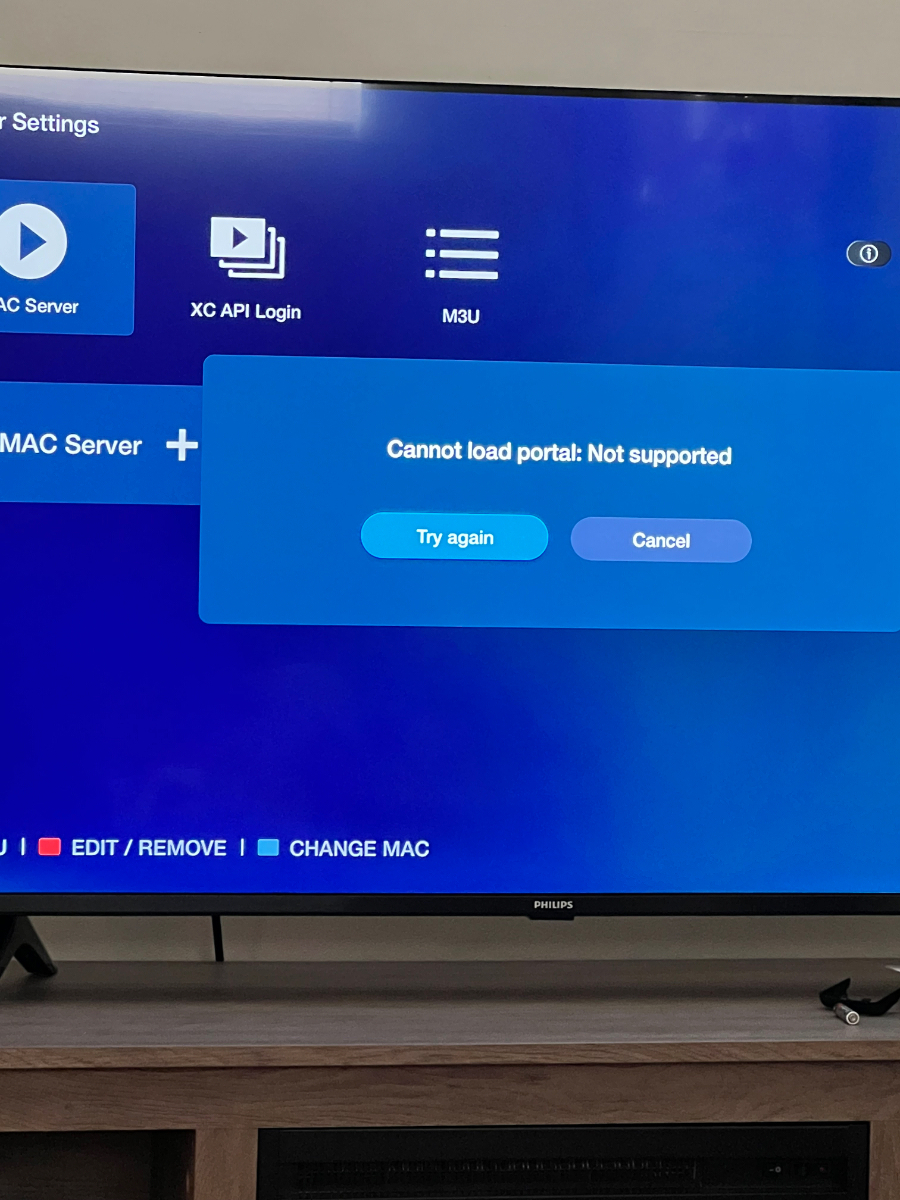
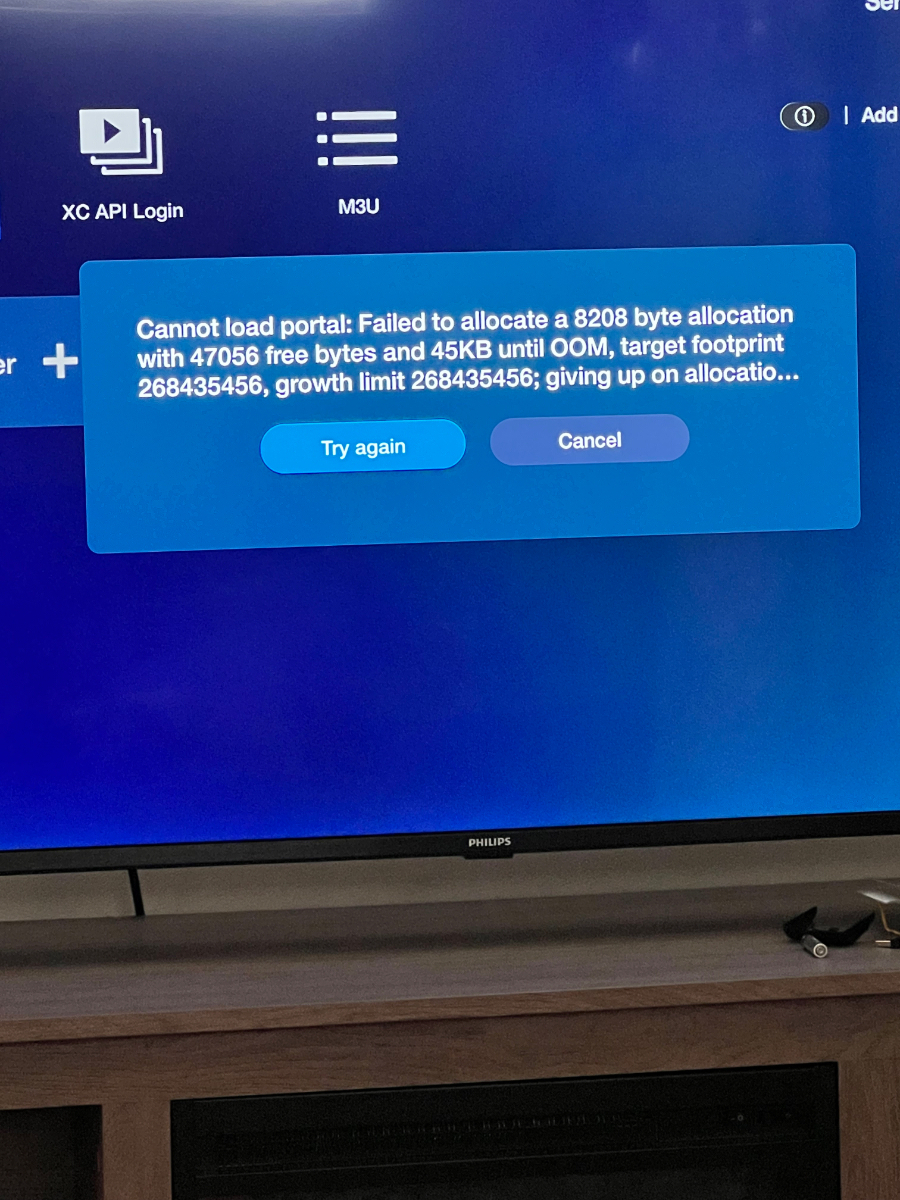
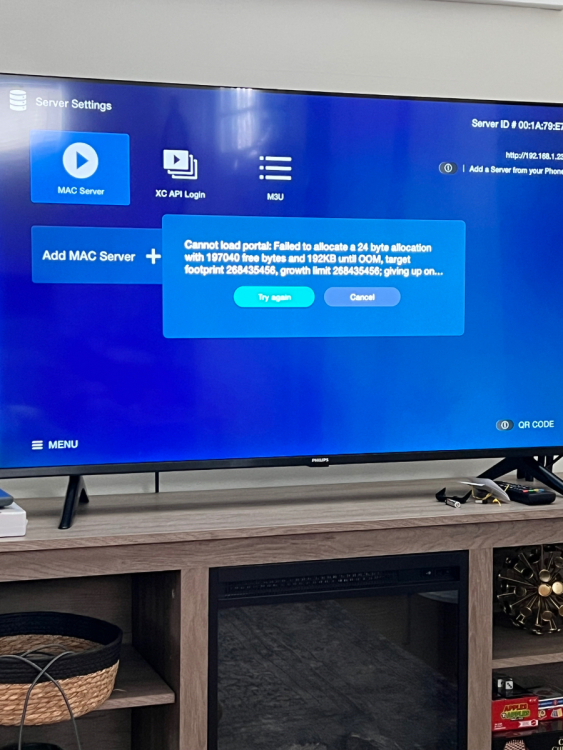
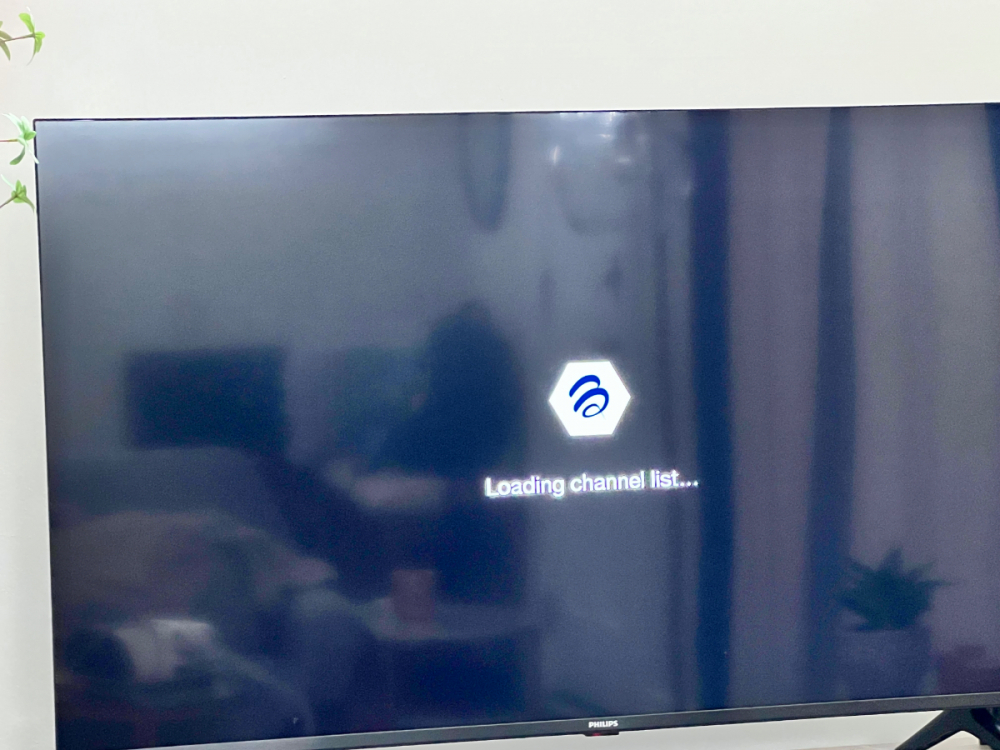
  1. When I try to add M3U, It says logging into portal, then gets to “loading channel list..” it actually like it’s loading for about 5 minutes and then just stops and goes back to the buzztv Home Screen. It will say I’m connected to the server, but will repeat the “loading channel list…” screen for another 5 minutes and repeat the same issue. Never actually loads the channels/VOD/ etc. when I try to connect through the MAC server or Xc login in just says error messages about portal not supported (see photos) I’ve used a shorter subscription with this iptv recently and their support staff is saying that the portal is working fine on their end (loops IPTV). PLEASE HELP!
Account

Navigation

Search

Search

Configure browser push notifications

Chrome (Android)
  1. Tap the lock icon next to the address bar.
  2. Tap Permissions → Notifications.
  3. Adjust your preference.
Chrome (Desktop)
  1. Click the padlock icon in the address bar.
  2. Select Site settings.
  3. Find Notifications and adjust your preference.