
Skip to content
View in the app

A better way to browse. Learn more.

BuzzTV Help

A full-screen app on your home screen with push notifications, badges and more.

To install this app on iOS and iPadOS
  1. Tap the Share icon in Safari
  2. Scroll the menu and tap Add to Home Screen.
  3. Tap Add in the top-right corner.
To install this app on Android
  1. Tap the 3-dot menu (⋮) in the top-right corner of the browser.
  2. Tap Add to Home screen or Install app.
  3. Confirm by tapping Install.

Michelb

Members
  • Joined

  • Last visited

  1. Y- a-t-il une solution à l'incompatibilité de l'apps ici tou.tv et la box 4000 xr
  2. Ces fonction ne répondent pas la plupart du temps avec la manette sur live tv mais fonctionne sur you tube et pas sur Netflix! est-ce normal!
  3. Si c'est réellement ce qui se passe , ce PVR est plutôt minimaliste pour ne pas dire inutile.! La fonction :pause/avance rapide/ recul rapide ne fonctionne à peu près jamais avec la manette !! est-ce un problème de manette , de fournisseur de signal ou de box ?
  4. I have the same problem nd the function ^pause^ did'nt work while looking live tv?
  5. Michelb replied to Michelb's topic in XR4000 / XRS4000
    Thanks, the version of Netflix 6.25.1 works well. The icone of Market is not on the * desk* of the xr4000 .
  6. I have the same problem, some time with the up/down/ right/left button , some time with ok button !!!!! I am not shure its normal we to buy another remote……..
  7. Michelb replied to Michelb's topic in XR4000 / XRS4000
    Je ne connais pas l'application Market! ! Où vas t on la chercher ??
  8. Michelb replied to Michelb's topic in XR4000 / XRS4000
    J'ai utiliser app store et aucune des trois version de Netflix n'est compatible!
  9. Michelb posted a topic in XR4000 / XRS4000
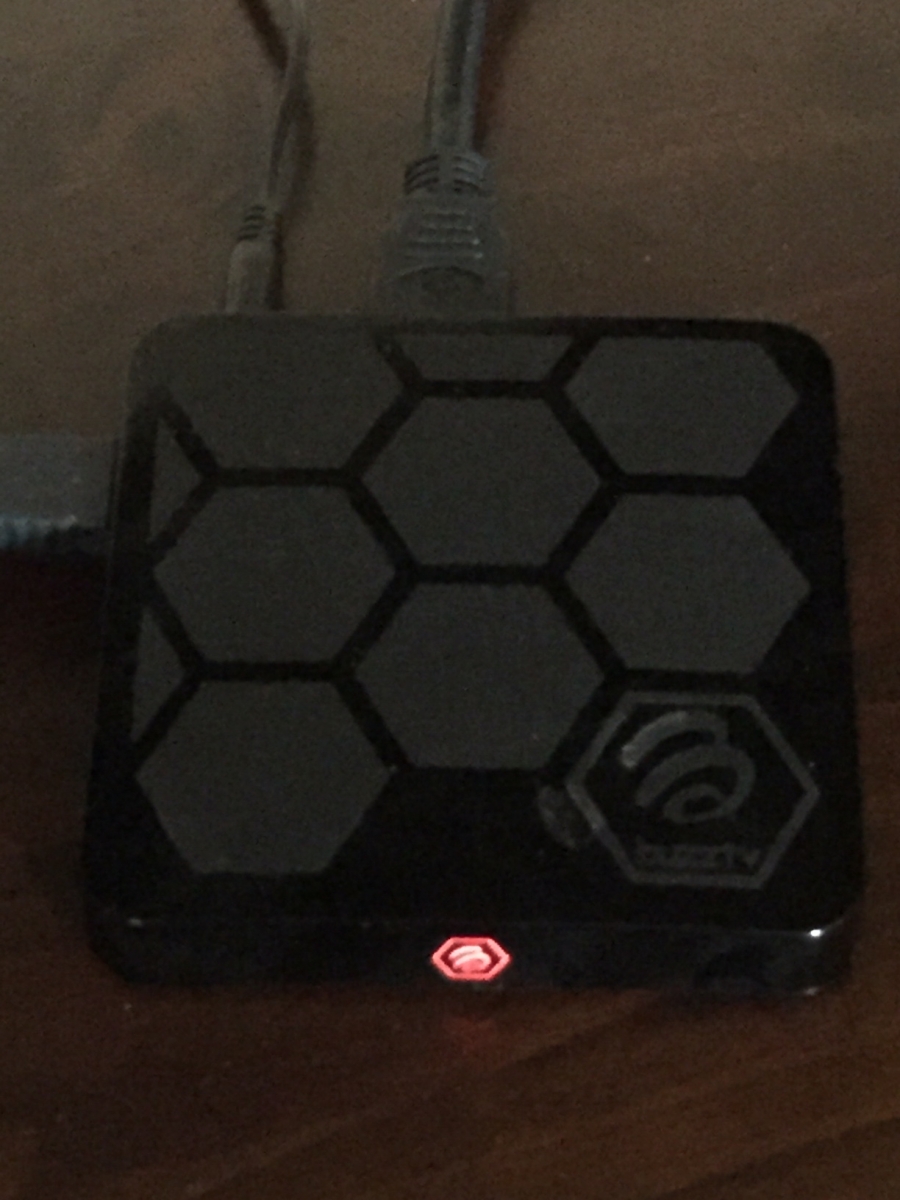
    Est ce normal que la box 4000 refuse d'installer l'app. Netflix?
Account

Navigation

Search

Search

Configure browser push notifications

Chrome (Android)
  1. Tap the lock icon next to the address bar.
  2. Tap Permissions → Notifications.
  3. Adjust your preference.
Chrome (Desktop)
  1. Click the padlock icon in the address bar.
  2. Select Site settings.
  3. Find Notifications and adjust your preference.