Skip to content
View in the app

A better way to browse. Learn more.

BuzzTV Help

A full-screen app on your home screen with push notifications, badges and more.

To install this app on iOS and iPadOS
  1. Tap the Share icon in Safari
  2. Scroll the menu and tap Add to Home Screen.
  3. Tap Add in the top-right corner.
To install this app on Android
  1. Tap the 3-dot menu (⋮) in the top-right corner of the browser.
  2. Tap Add to Home screen or Install app.
  3. Confirm by tapping Install.

Inkdogg

Members
  • Joined

  • Last visited

Everything posted by Inkdogg

  1. Inkdogg replied to Inkdogg's topic in X5 AI / AX-C
    Finally managed to fix the issue ..my tv aspect ratio was on zoom 🤭
  2. Inkdogg replied to Inkdogg's topic in X5 AI / AX-C
    I tried it on my Sony 85 inch and it's working perfectly there... I did a reset and tried it on LG 65 inch and the screen position doesn't line up.
  3. Inkdogg replied to Inkdogg's topic in X5 AI / AX-C
    I tried another hdmi cable but no luck .
  4. Inkdogg replied to Inkdogg's topic in X5 AI / AX-C
    Aspect ratio is at auto..Screen display mode is 4k2k-59.9hz. % is 80 ...if I scale higher then the top part goes out
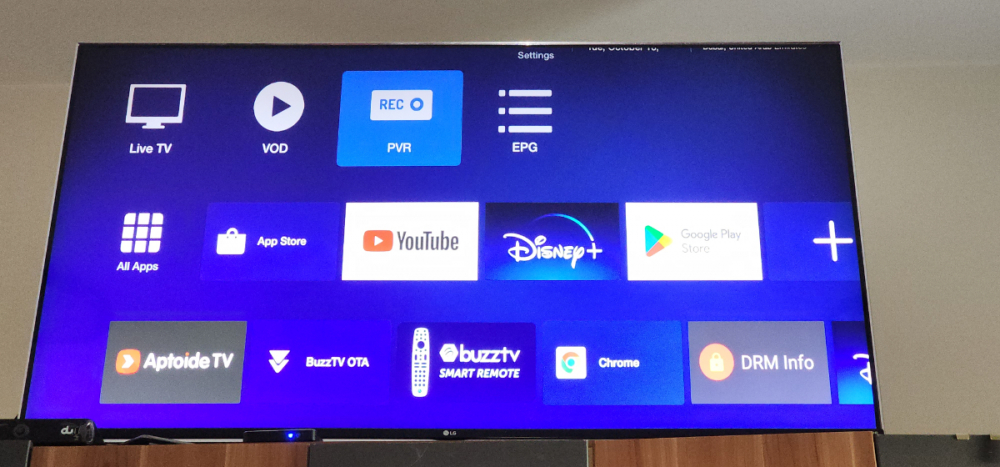
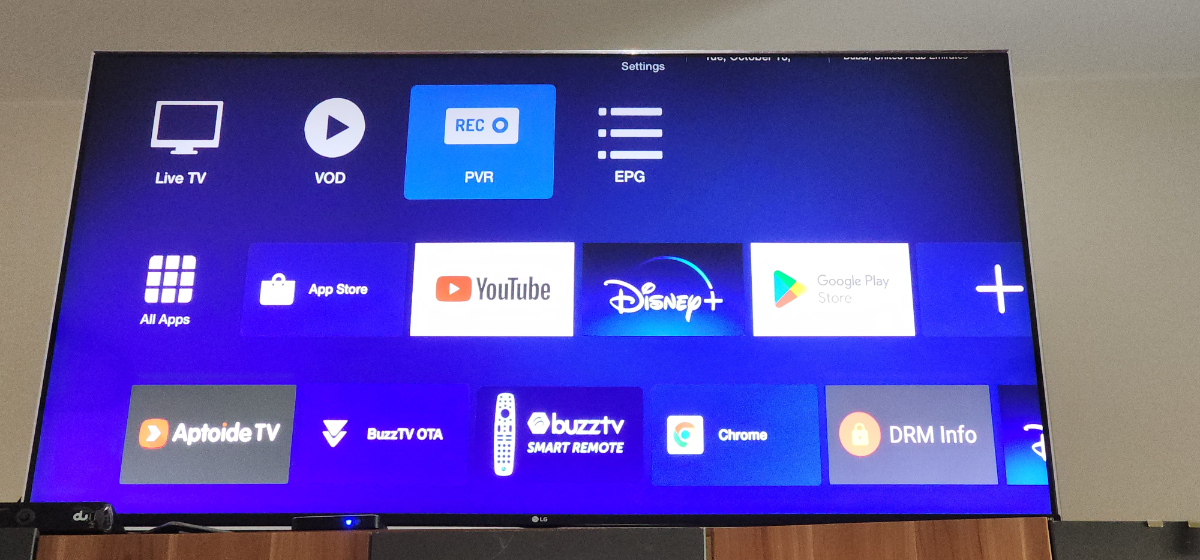
  5. Inkdogg posted a topic in X5 AI / AX-C
    Not able to get the zoom to work properly there are black bars on the side of the screen .LG 65 inch TV. The zoom works only vertical.

Account

Navigation

Search

Search

Configure browser push notifications

Chrome (Android)
  1. Tap the lock icon next to the address bar.
  2. Tap Permissions → Notifications.
  3. Adjust your preference.
Chrome (Desktop)
  1. Click the padlock icon in the address bar.
  2. Select Site settings.
  3. Find Notifications and adjust your preference.