Skip to content
View in the app

A better way to browse. Learn more.

BuzzTV Help

A full-screen app on your home screen with push notifications, badges and more.

To install this app on iOS and iPadOS
  1. Tap the Share icon in Safari
  2. Scroll the menu and tap Add to Home Screen.
  3. Tap Add in the top-right corner.
To install this app on Android
  1. Tap the 3-dot menu (⋮) in the top-right corner of the browser.
  2. Tap Add to Home screen or Install app.
  3. Confirm by tapping Install.

Nate Rodriguez

Members
  • Joined

  • Last visited

  1. Nate Rodriguez changed their profile photo
  2. Ok but it will be later today since I am not near the box for that info.
  3. I'm not near the box at the moment to provide you the MAC or Serial#. Will you still need this information? My issue has been resolved.
  4. Powering off the 2nd time brought the reboot process back to the Home screen. Thanks for your assistance.
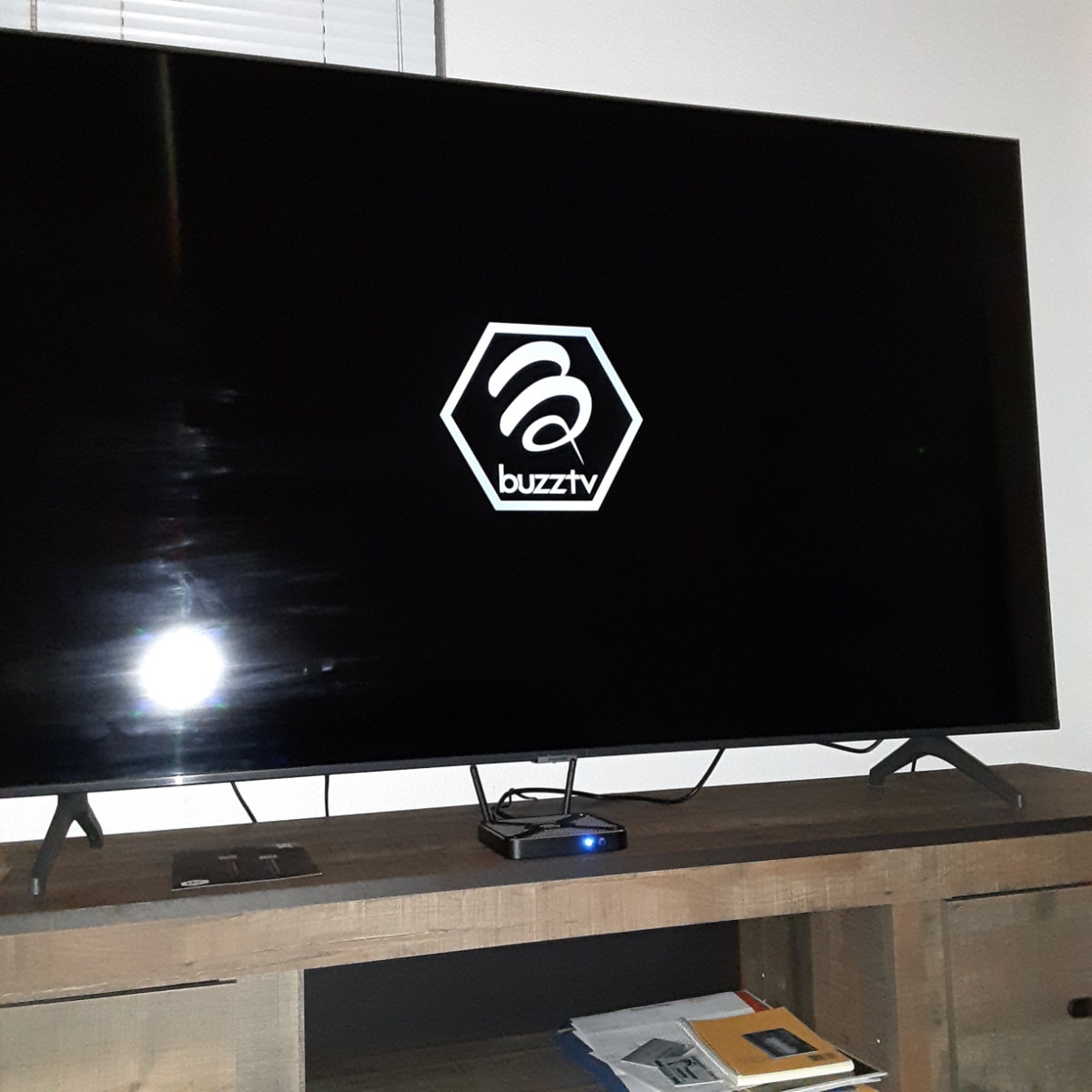
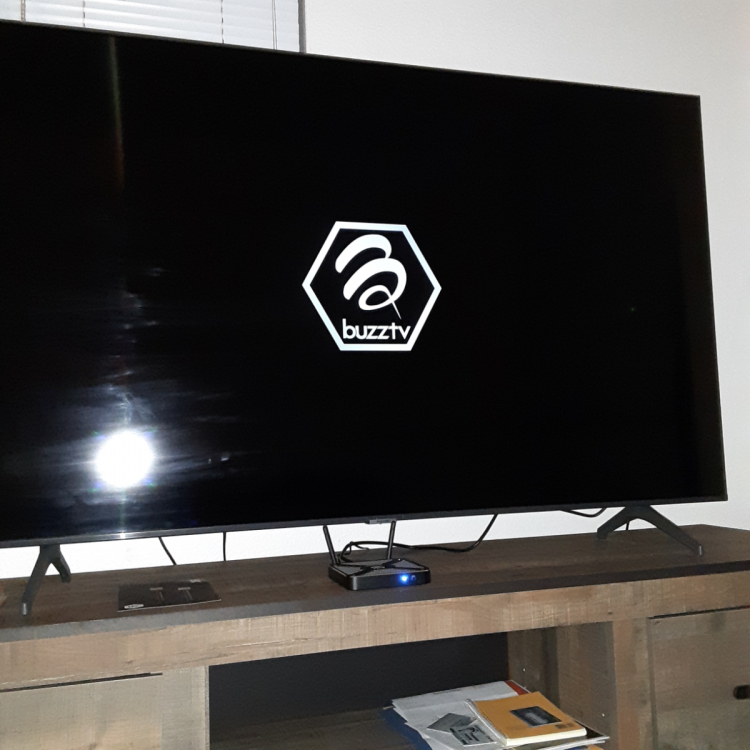
  5. Option to update on 7/14/22. I chose the update and after reboot the screen is stuck on buzztv logo. I unplugged power from the wall to the box after 10 minutes and issue persists when powering back.
Account

Navigation

Search

Search

Configure browser push notifications

Chrome (Android)
  1. Tap the lock icon next to the address bar.
  2. Tap Permissions → Notifications.
  3. Adjust your preference.
Chrome (Desktop)
  1. Click the padlock icon in the address bar.
  2. Select Site settings.
  3. Find Notifications and adjust your preference.